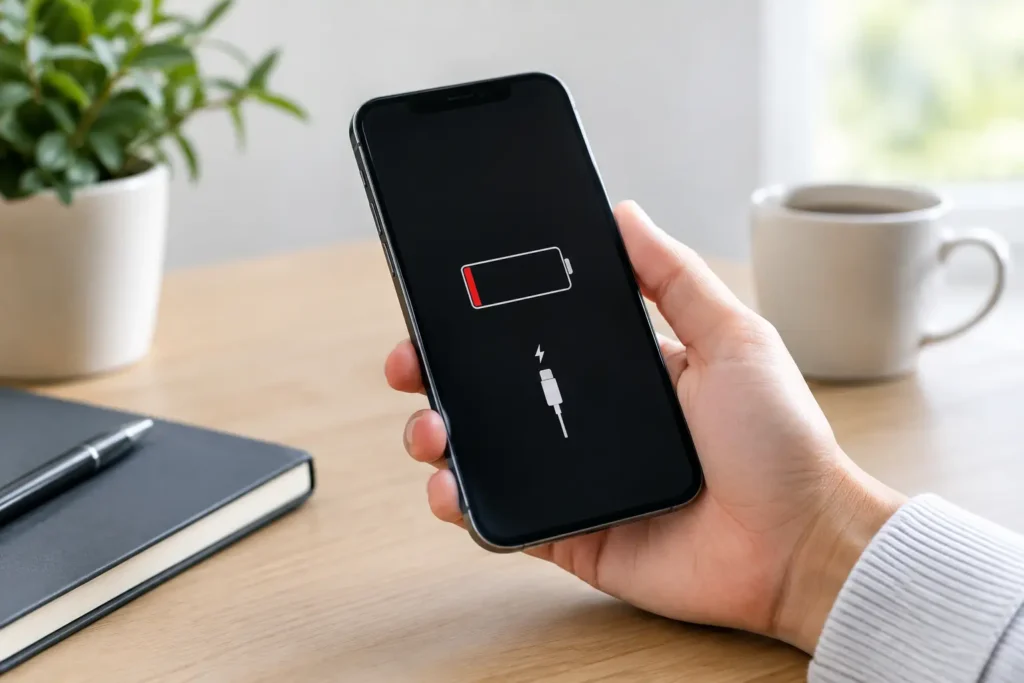
A phone that switches itself off and starts again can turn a quick message, payment or school run into a real headache. If you are wondering why phone keeps restarting, the cause may be as simple as a troublesome app or as serious as a worn battery, charging fault or damaged internal component. The key is not to keep guessing – the pattern of the restarts often points towards the right fix.
Why Your Phone Keeps Restarting Without Warning
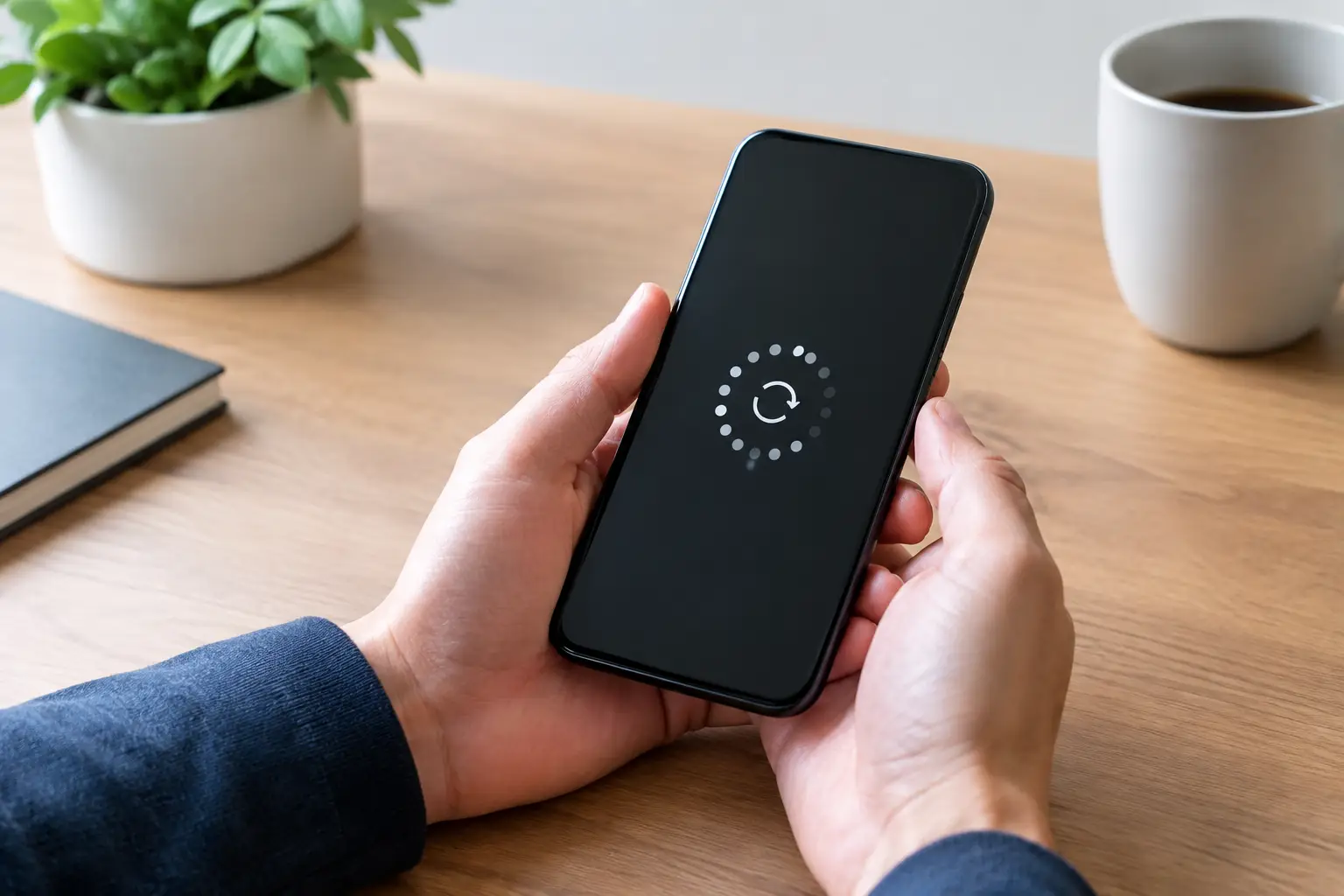
A restart is not always a bad sign. Phones occasionally reboot after an update, when they have become too warm, or when the system needs to clear a temporary error. What is not normal is repeated restarting, restarting at the same battery percentage, or getting stuck on the Apple, Samsung or manufacturer logo.
This is often called a reboot loop. It may happen while the phone is in your pocket, only when you open a certain app, when it is connected to a charger, or after it has been dropped. Those details matter. A device that restarts only while charging needs a different diagnosis from one that restarts even when sitting untouched on a table.
Software problems and failed updates
An incomplete system update, corrupted operating system file or app conflict can make a handset unstable. This is particularly common if the problem began immediately after an update, after restoring data to a new phone, or after installing an unfamiliar app.
Start with the straightforward checks. Make sure the phone has enough free storage, as an almost-full device can struggle with updates and normal background tasks. Remove any app installed shortly before the issue appeared, then update the remaining apps and the operating system if the phone stays on long enough.
For Android phones, Safe Mode can help identify whether a downloaded app is involved. Safe Mode temporarily prevents third-party apps from running. If the restarting stops in Safe Mode, an app is the likely culprit rather than the handset itself. On an iPhone, deleting recently added apps and checking for an available iOS update are sensible first steps.
Do not rush into a factory reset. It can solve software corruption, but it removes personal data unless you have a current backup. If the phone remains on long enough, back up photos, messages and essential files first. If it will not stay powered on, a repair diagnosis may be the safer route before attempting a reset.
A failing battery or power fault
Batteries do not last forever. As they age, their capacity falls and their ability to deliver steady power weakens. When a phone suddenly needs more power – perhaps opening the camera, playing a game, using maps or making a video call – a weak battery can cause the voltage to drop. The phone then restarts to protect itself.
A battery fault is especially likely if your phone restarts around the same percentage each time, loses charge unusually quickly, becomes hot during ordinary use, or works better when plugged in. An iPhone may also show a battery health warning in Settings. Samsung and other Android devices may show rapid percentage changes or unexpected shutdowns before the problem becomes constant.
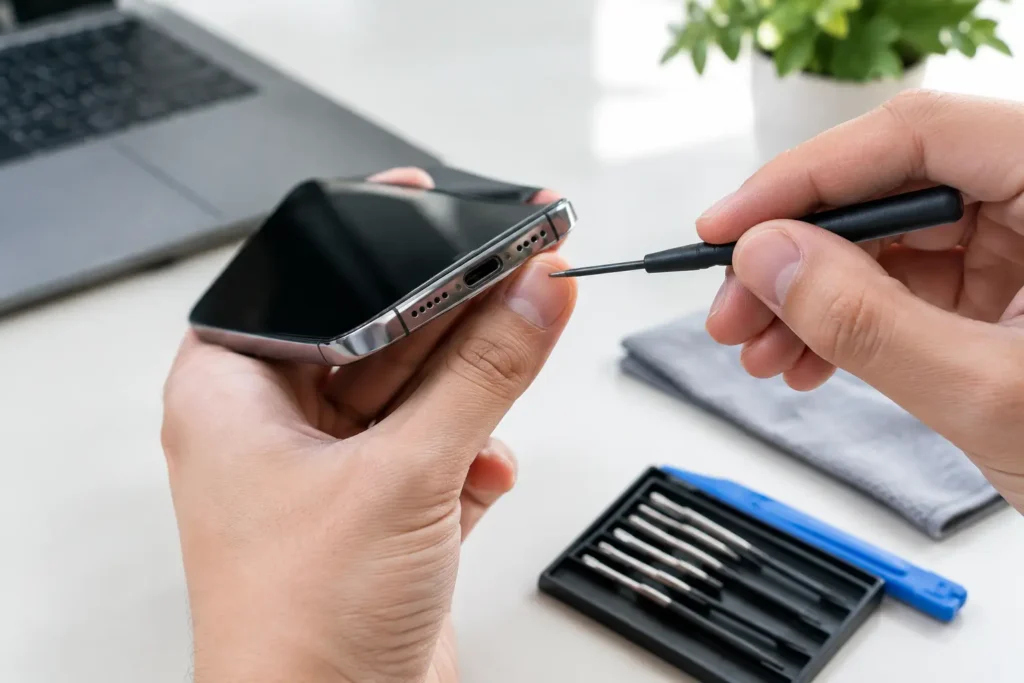
The charging set-up can also be responsible. Test with a known-good cable and plug, ideally one designed for your device. Check the charging port for compacted lint, corrosion or physical damage. Avoid poking metal objects into the port, as this can bend the pins and turn a simple clean into a bigger repair.
If the battery is swollen, the screen is lifting away from the frame, or the device is very hot, stop charging and using it. A swollen battery needs prompt professional attention. Do not press the screen back down or attempt to puncture the battery.
When Restarting Points to Hardware Damage
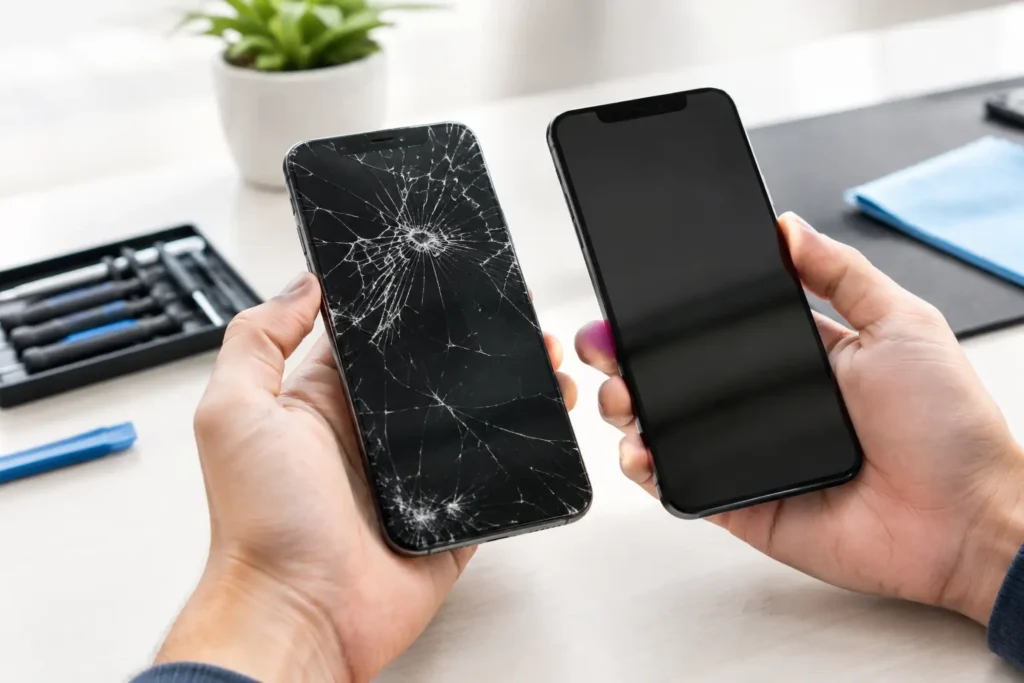
A drop, liquid spill or previous poor-quality repair can affect more than the screen. Modern phones have tightly packed connectors, power-management components and logic board circuits. A knock that seems minor can loosen a connection, while moisture can create corrosion that develops over days or weeks.
If the restarts started after the phone was dropped, exposed to rain or splashed near a sink, hardware diagnosis is usually the sensible next move. Liquid damage is not always obvious from the outside. The phone may appear fine at first, then start rebooting as corrosion affects the charging circuit, battery connection or main board.
The same applies if the phone restarts when it is moved, squeezed slightly, or connected to accessories. These symptoms can indicate a damaged battery connector, charging port, side-button flex cable or internal board fault. Replacing parts at random is rarely cost-effective. A proper inspection helps identify whether a battery replacement, charging port repair or board-level repair is needed.
Overheating and environmental triggers
Phones can restart when they overheat. Leaving one on a dashboard in direct sun, gaming while fast charging, or using intensive navigation in a warm car can push temperatures too high. Remove the case, disconnect the charger and let the phone cool naturally in a shaded, dry place.
Do not put an overheated phone in a fridge or freezer. Sudden temperature changes can cause condensation inside the device and create a second problem. If overheating happens during light use, or the phone feels hot even when idle, it may be a battery or internal power issue rather than normal heavy use.
Safe Fixes to Try Before Booking a Repair
First, force restart the device using the correct button combination for its model. This is different from repeatedly turning it off and on, and it can clear a temporary system freeze.
Next, remove the case and any non-essential accessories, then test the phone with a different cable and mains plug. Check whether it restarts on battery power, while charging, or in both situations. Note the battery percentage and what you were doing when it restarted. This gives a technician useful evidence and can reduce diagnostic time.
If the phone can remain on, free up storage, update the system, delete recently installed apps and back up your data. Check for visible signs of damage around the screen, back glass and charging port. For a phone with possible water exposure, switch it off and avoid charging it. Rice is not a repair method – it does not remove corrosion or moisture trapped beneath shields and connectors.
Avoid repeated factory resets, unofficial software tools and cheap replacement batteries when the symptoms suggest a power fault. They can complicate the diagnosis, risk data loss and, in some cases, make a repair more expensive.
When to Get Your Phone Checked
Arrange a professional diagnosis if the restarts continue after basic software checks, the phone is trapped on a logo screen, it has been dropped or wet, or it shows signs of battery swelling or excessive heat. This is also the right call when the device holds important work files, school information, photos or business accounts that you cannot afford to lose.
At TechLab Repairs, devices can be assessed for battery health, charging faults, liquid damage and deeper board-level issues, with careful handling of the data already on your phone. A repair is often far more affordable than replacing a handset before you know what has actually failed.
Your phone should make daily life easier, not leave you waiting for it to switch back on. Keep it powered down if it is hot, swollen or water-damaged, protect any data you can still access, and get the underlying fault checked before a small intermittent restart becomes a complete no-power problem.