Your phone only charges when the cable is held at a certain angle. Your tablet has stopped recognising every lead in the house. Or your laptop shows power for a second, then nothing. Before writing the device off, you may be asking: can a broken charging port be repaired? In many cases, yes. The right repair depends on whether the port is blocked, worn, loose, damaged by liquid, or affected by a fault elsewhere in the device.
A charging problem is frustrating because it can quickly cut you off from work, school, banking, photos and the people you need to reach. The good news is that a failed charging port does not automatically mean a costly replacement device. A proper diagnosis can separate a simple clean from a component-level repair and help you spend money where it will actually solve the problem.
Can a broken charging port be repaired?
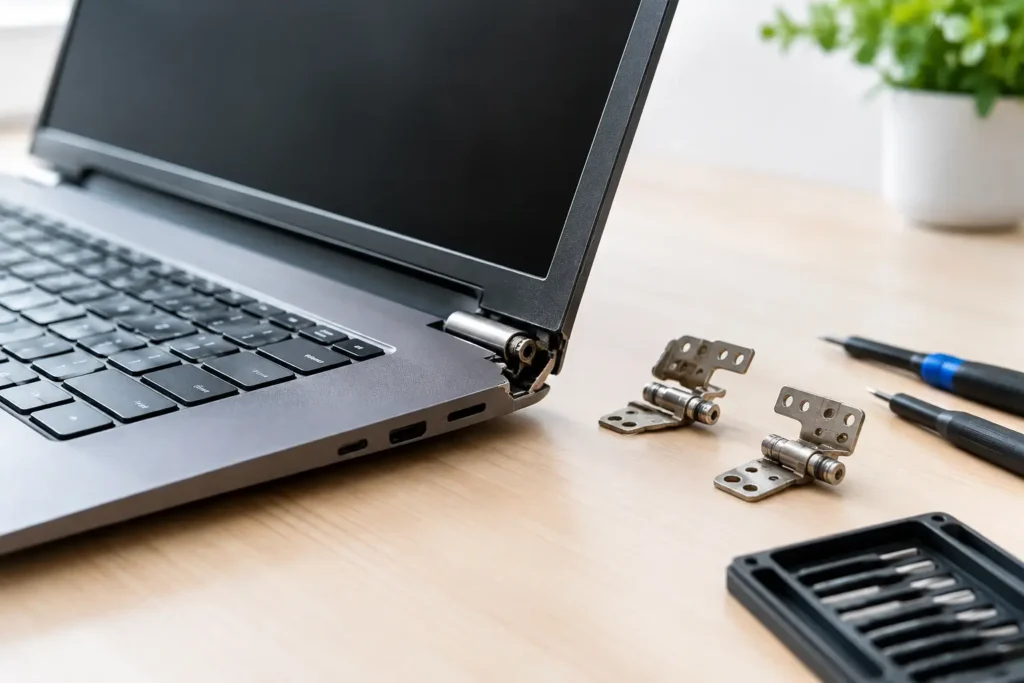
Most charging ports can be repaired or replaced. On many smartphones, tablets, games consoles and laptops, the port is a separate part connected by a small charging board or cable. In those cases, a technician can replace the worn or damaged assembly without replacing the whole device.
Some devices are more involved. On certain iPhones, Samsung handsets, iPads, MacBooks and modern laptops, the charging connector may be soldered directly to the main board. This calls for specialist microsoldering work, careful heat control and the right diagnostic equipment. It is still often repairable, but the cost and turnaround can vary according to the device model and the extent of the damage.
There is another possibility: the port may be completely healthy. A failed cable, weak plug, faulty charger, degraded battery, damaged power-management component or software issue can all look like a port failure. That is why a reliable repair starts with testing, not guessing.
What a damaged charging port looks like
A port rarely fails without giving a few clues. Intermittent charging is one of the most common signs. The cable may need to be moved or held in place, charging may cut in and out, or the connection may feel unusually loose.
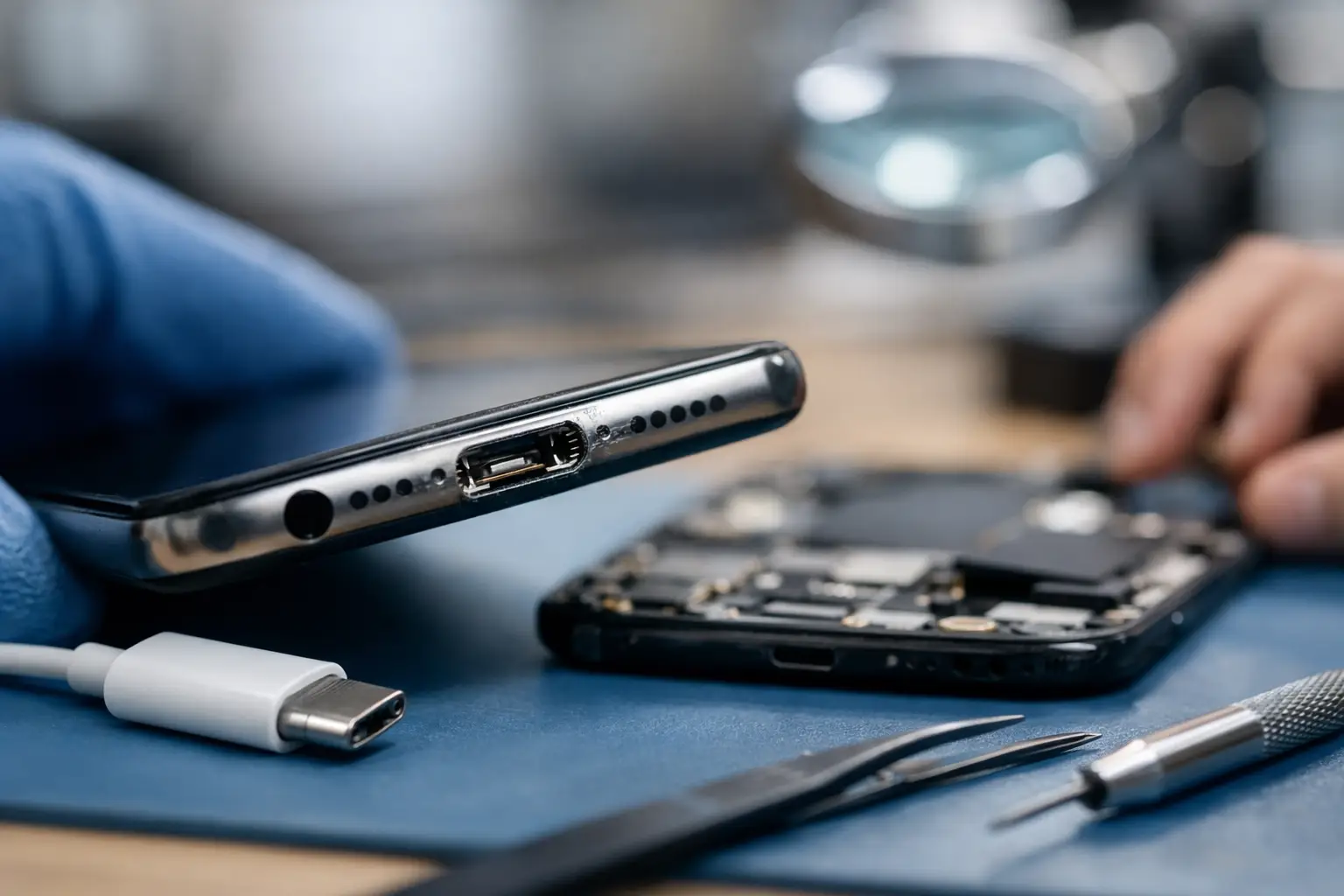
You may also notice that the plug will not click fully into place. This is especially common with Lightning and USB-C phones that spend a lot of time in pockets, bags or dusty work environments. Compressed pocket lint can build up at the back of the port, stopping the connector from seating properly. It can feel like the port is broken when it simply needs a professional clean.
Other warning signs point to more serious damage. These include a visibly bent centre pin, scorching around the port, a burning smell, green or white corrosion, repeated “accessory not supported” messages, or a device that gets hot when connected to power. If you see any of these, stop using the charger. Continuing to force power through a damaged connection can worsen the fault and, in rare cases, create a safety risk.
The common causes behind charging faults
Wear and tear is the usual culprit. Plugging and unplugging a cable several times a day gradually wears the connector and internal contacts. A cable yanked from the side, used while the device is charging, or bent sharply near the port can put extra strain on those tiny components.
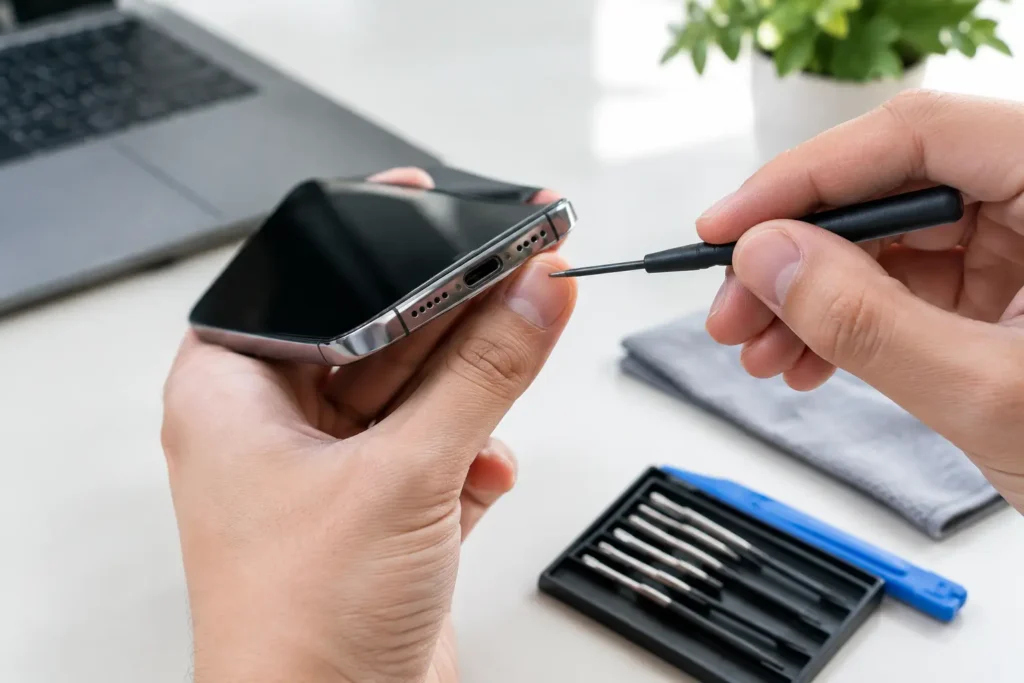
Dirt is another major cause. Lint becomes compressed over time and is not always visible from the outside. Trying to dig it out with a pin, paperclip or other metal object can damage the contacts or cause a short circuit, so it is not a good DIY fix.
Liquid exposure changes the picture. Even if a phone still works after being dropped in water or exposed to rain, moisture can start corrosion inside the charging port. The damage may appear days or weeks later. A device that was recently wet should be switched off where possible and assessed promptly, rather than repeatedly connected to a charger.
Cheap or damaged charging accessories can also cause trouble. A frayed lead, loose USB plug or poorly made adaptor may deliver inconsistent power and damage the port over time. For laptops and consoles, a damaged power supply can mimic a charging-port fault, so testing with a known-good compatible charger is useful.
Safe checks to make before booking a repair
Start with the simple things, but do not force anything. Try a known-good cable and compatible power adaptor, ideally one you know charges another device properly. Test a different wall socket too. If the device supports wireless charging and that works while the cable does not, the wired charging connection becomes a stronger suspect.
Take a careful look into the port under a bright light. Do not insert a metal tool, pour in cleaning fluid or use excessive compressed air. If the port looks packed with lint, has bent contacts, or the cable cannot sit flush, leave it for a technician to inspect.
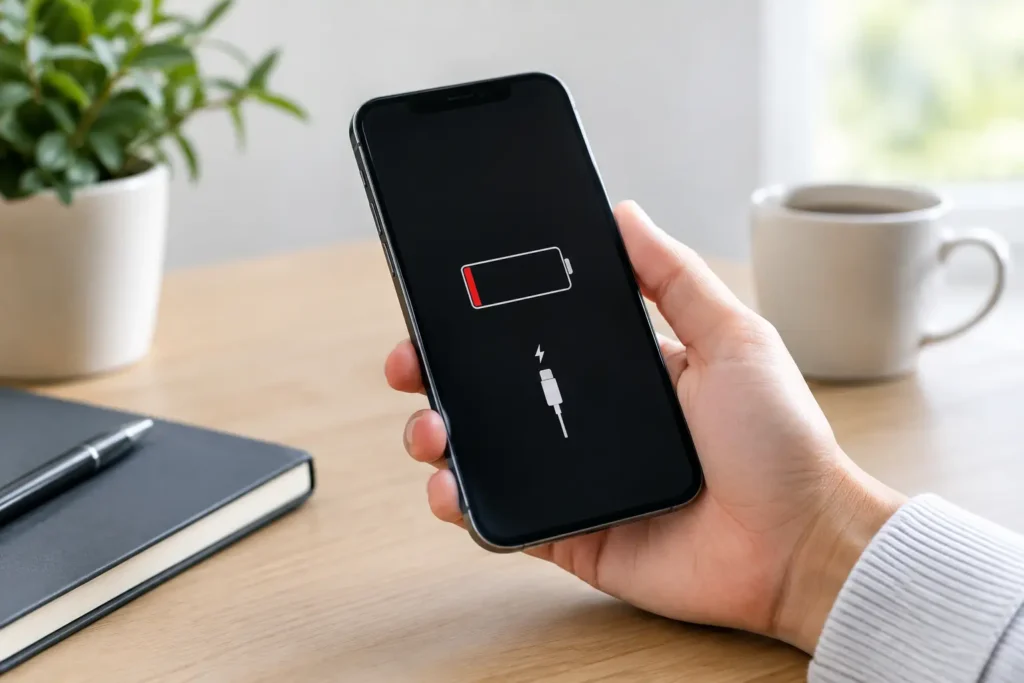
It is also worth checking whether the problem is power or battery related. A device with a fully depleted or failing battery may take several minutes to show any sign of charging. If it only charges to a low percentage, loses charge unusually quickly, restarts when connected, or becomes hot, the battery and charging circuit should be tested alongside the port.
For a laptop, avoid using a charger with a different voltage or an unknown third-party replacement just to see if it works. The wrong power supply can cause further damage. Use the manufacturer-approved specification or ask a repair specialist to test the device safely.
When a charging port needs professional repair
Professional help is the sensible next step when a cable is loose, the port is visibly damaged, charging is intermittent with multiple cables, or there has been liquid exposure. It is also the right call if the device will not power on at all, as the fault could sit deeper in the charging circuit.
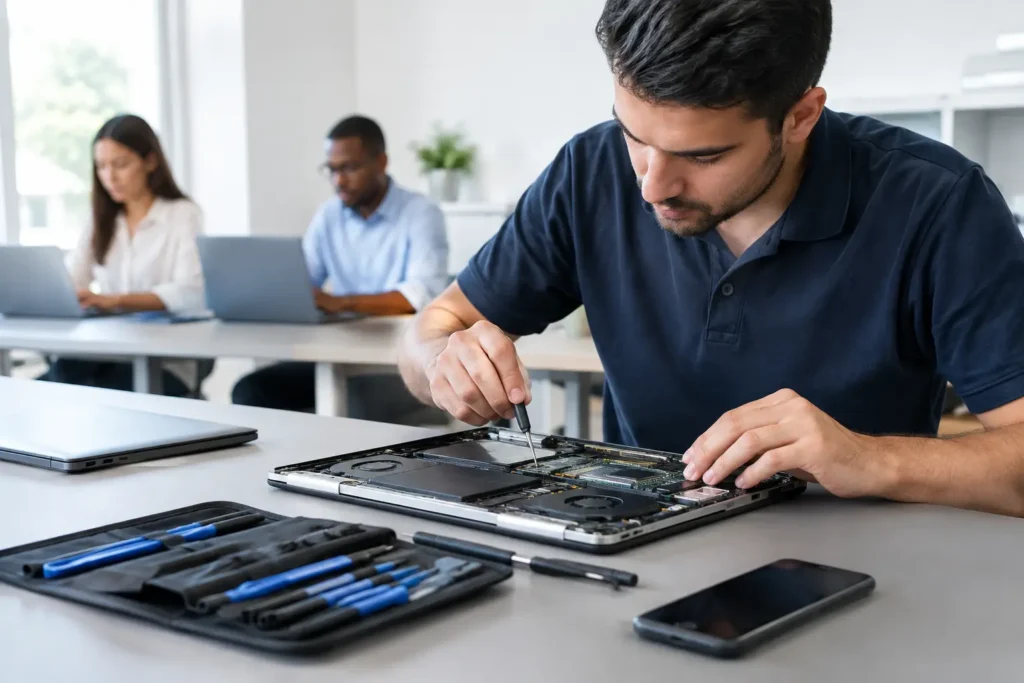
The repair process should begin with diagnosis. A technician checks the charging lead and adaptor, inspects the port under magnification, tests battery behaviour and measures whether power is reaching the correct areas of the board. That approach avoids paying for a port replacement when the real problem is a battery, charging board or logic board fault.
If the port itself is damaged, the technician may clean it, replace a charging flex assembly, fit a new USB-C or Lightning connector, or carry out board-level repair. The best option depends on the model. On a handset where the port is part of a lower charging assembly, replacement can be relatively straightforward. On a device with soldered connections, the work is more delicate but can still be worthwhile, particularly when the rest of the device is in good condition.
Is it worth repairing instead of replacing?
For a newer phone, tablet, laptop or console, charging-port repair is often far cheaper than replacement. It can also save the inconvenience of moving accounts, apps, files and settings to another device. If your device contains family photos, business documents or school work, repair may provide valuable time to back everything up properly too.
The decision is less clear for an older device with several faults. A worn battery, cracked screen and charging issue together may make replacement better value. Likewise, severe liquid damage can affect more than the port, even if the immediate charging problem is fixed. A transparent diagnosis should explain the condition of the device, the likely repair route and whether there is a risk of further faults.
Data matters as well. Charging-port work does not normally require access to your personal files, but any electronic repair carries a small risk where a device is already unstable or liquid-damaged. Back up the device if you can. If it will not charge long enough to do that, tell the repairer, as data protection and recovery options can be considered before work begins.
Protecting the repaired port
Once the device is charging reliably again, a few habits can extend the life of the port. Use a good-quality compatible cable, remove the plug by the connector rather than pulling the lead, and avoid leaving the cable under sideways tension while using the device in bed, on the sofa or in the car.
Keep phones out of lint-heavy pockets where possible and do not charge a device when the port is wet. For USB-C laptops and phones, inserting the plug gently and straight helps protect the internal contacts. If a connection starts feeling loose again, have it checked early rather than forcing the cable until it fails completely.
A charging fault does not have to bring your day to a halt. TechLab Repairs can assess phones, tablets, laptops, consoles and more, identify what has actually failed, and advise on a practical repair that suits your device. The sooner a damaged port is checked, the better the chance of getting dependable power back without a bigger repair bill.