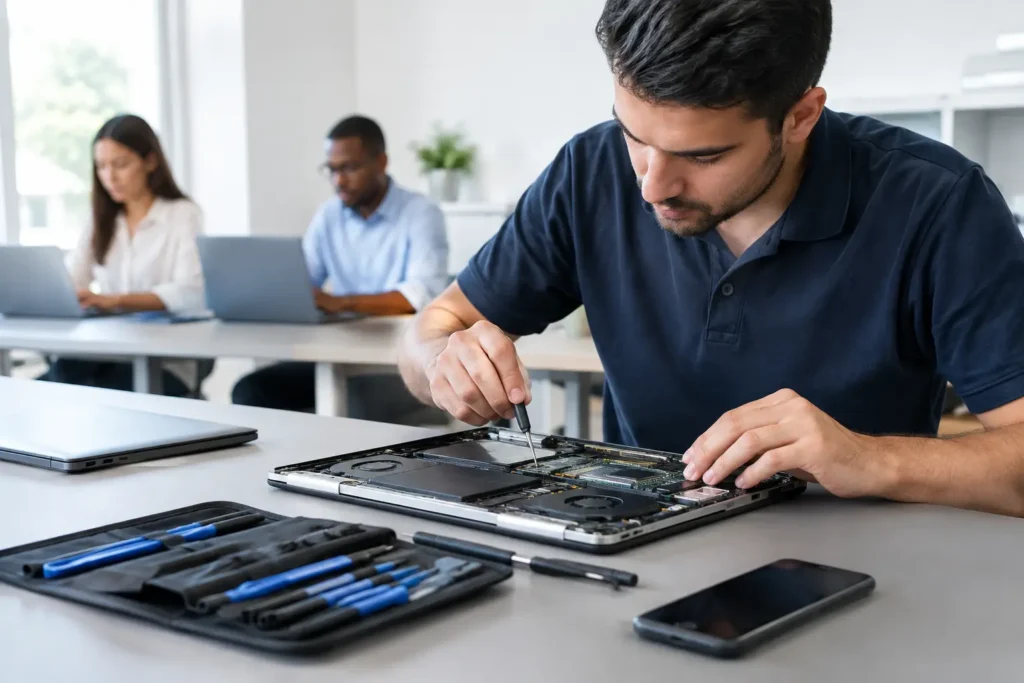
A laptop that will not charge the night before coursework is due, or a cracked screen just as you start a busy week, creates the same immediate question: what will this cost to fix? This laptop repair cost guide gives you realistic UK price ranges, explains why quotes vary, and helps you decide whether repair is the sensible option.
The short answer is that many common faults cost far less than replacing a laptop. A worn battery, failed storage drive or damaged charging socket can often be repaired for a fraction of the price of a comparable new machine. The final figure depends on the laptop model, the availability of parts and whether the fault is limited to one component or has affected the motherboard.
Typical laptop repair costs in the UK
These guide prices are useful starting points, not fixed quotes. A compact Windows laptop, a high-spec gaming machine and a MacBook may all need the same type of repair but require very different parts and labour.
Diagnosis and power faults
A proper diagnosis usually costs around £25 to £60, although many repair shops deduct this from the repair bill if you go ahead. Diagnosis matters because a laptop that appears dead may have a straightforward charging issue, a faulty battery, a damaged DC jack or a more complex board-level fault.
Basic power repairs can start at around £60 to £120. If the charging port needs replacing, expect roughly £80 to £200 for many standard laptops. USB-C charging faults may cost more, especially on slim models where the port is soldered directly to the motherboard rather than fitted on a separate cable or daughterboard.
Laptop screen replacement
Screen repairs commonly range from £100 to £350. The lower end usually applies to standard 13-inch to 15.6-inch LCD panels with a conventional resolution. Touchscreens, high-resolution displays, OLED panels and MacBook Retina screens can cost considerably more.
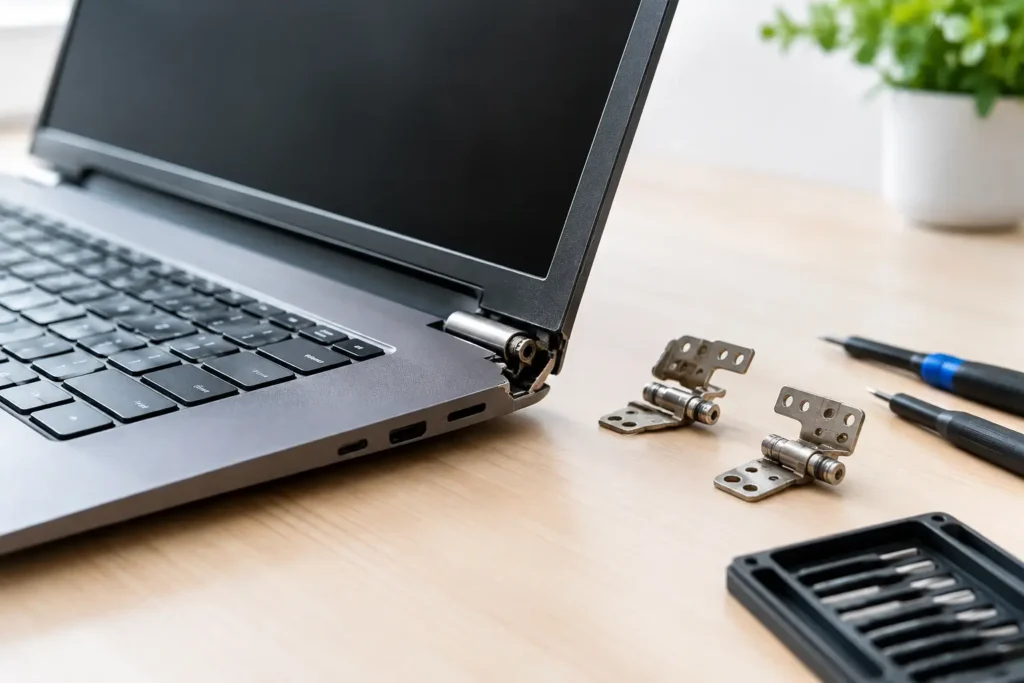
A screen quote should account for more than the panel itself. On some laptops, the screen can be replaced separately. On others, particularly newer premium models, the display is supplied as a complete assembly with the lid, webcam and hinges. That increases the part cost, but can provide a more reliable result where several parts have been damaged in the same drop.
Battery replacement
Most laptop battery replacements fall between £70 and £180, including fitting. Batteries for older or more common laptops are usually easier to source. Genuine or high-quality replacement batteries for MacBooks and thin-and-light models often sit at the higher end of the range because they are integrated into the chassis and take longer to remove safely.
If your laptop only lasts an hour off the charger, shuts down unexpectedly or reports that the battery needs service, replacement is often worthwhile. It is particularly good value when the rest of the machine still meets your needs.
Keyboard, trackpad and casing repairs
Keyboard replacement normally costs around £80 to £250. A standard keyboard on an older laptop may be a relatively simple part swap. On many modern machines, however, the keyboard is built into the top case. That can mean replacing the keyboard, palm rest and sometimes the trackpad assembly together.
Liquid damage, missing keys and a sticky keyboard all need checking before a quote is given. Spilled tea may only affect the keyboard, while a sugary drink can reach the battery, trackpad or motherboard. Early inspection gives the best chance of keeping the repair limited and affordable.
Storage upgrades and data recovery
Replacing a failed hard drive or upgrading to an SSD often costs £80 to £200, depending on capacity and whether data needs transferring. This is one of the best-value repairs for an ageing laptop. An SSD can make a machine feel dramatically quicker when opening files, starting Windows or loading applications.
Data recovery is more variable. If a drive is still readable, moving your documents and photos to a new drive may be straightforward. If the drive has failed electrically or mechanically, specialist recovery work can cost significantly more. Avoid repeatedly restarting a clicking or failing drive, as this can make recovery harder.
Motherboard and liquid damage repairs
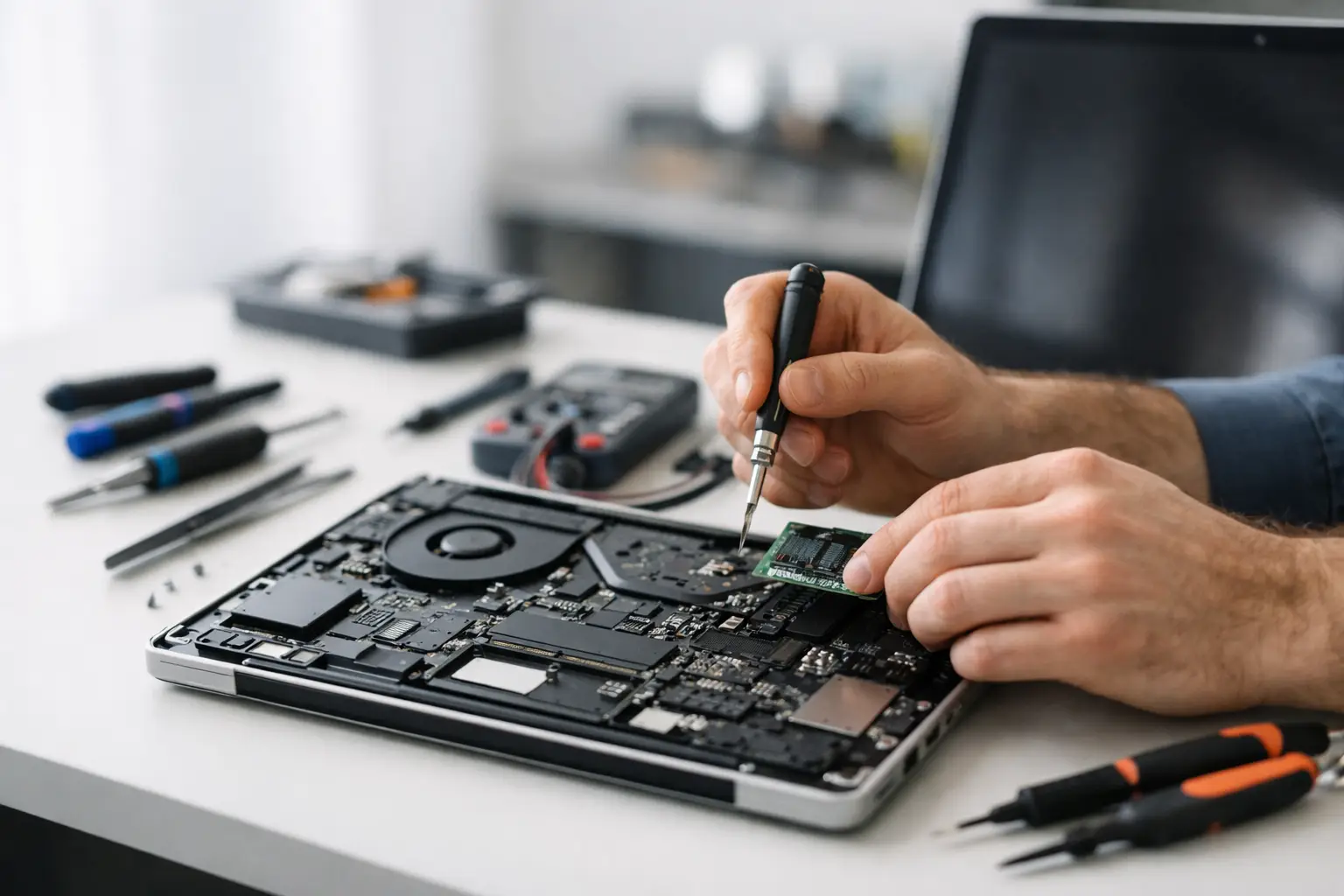
Motherboard repairs typically start from around £150 and can exceed £450 for complex faults. This is where experience matters. Replacing an entire board may be expensive or uneconomical, while component-level work can sometimes resolve a charging, backlight or power fault without replacing the full assembly.
Liquid damage assessments may start at £60 to £100, with the final cost based on corrosion and the components affected. Do not switch the laptop back on to test it after a spill. Turn it off, disconnect the charger and bring it in as soon as possible. Quick action can prevent corrosion spreading across the board.
What changes a laptop repair quote?
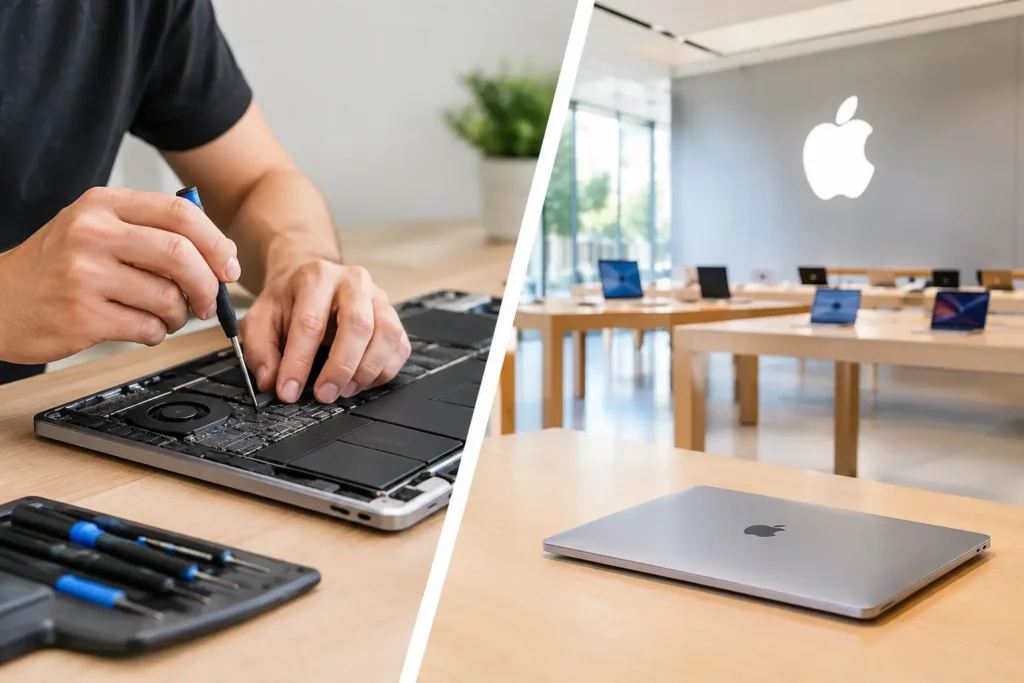
The make and model are the biggest factors. Parts for a popular Dell, HP, Lenovo or Acer laptop may be readily available, while a specialised gaming laptop or newer MacBook can use bespoke components. Screen type, processor generation and the way the laptop is built all affect labour time as well.
Part quality also matters. A reputable repairer should explain whether a part is genuine, original pull, or a quality compatible replacement. The cheapest available part is not always the best value if it compromises brightness, battery life, fit or long-term reliability.
The underlying cause is equally important. A replacement battery will not solve a charging problem caused by a damaged port. A new screen will not fix flickering created by a failing graphics chip. Accurate diagnosis protects you from paying for a repair that does not address the real fault.
When is laptop repair worth it?
As a practical rule, repair is usually worth considering when the cost is below around half the price of an equivalent replacement laptop, especially if the device is otherwise reliable. A £120 SSD and battery repair on a laptop that still handles work, study and browsing well is often a clear win.
It depends on your needs, though. A five-year-old laptop with a cracked screen may still be worth repairing if you mainly use email, office software and streaming. A similar-aged machine with a failed motherboard, poor battery life and limited memory may be better replaced, particularly if you need it for demanding creative work or modern games.
Do not forget the cost of changing devices. A replacement means transferring files, reinstalling software, setting up accounts and learning a new machine. For businesses and schools, downtime has a cost too. Repairing a familiar device quickly can be the more practical choice even when the price comparison is close.
How to avoid surprise repair costs
Before approving work, ask for a clear explanation of the fault, the parts required and whether the quote includes labour and VAT. It is also sensible to ask what happens if further damage is discovered during the repair. Most trustworthy repairers will contact you before carrying out additional chargeable work.
Back up your files whenever the laptop still switches on. Repairs involving storage, water damage or motherboard faults can carry data risk, even when the work is handled carefully. If sensitive personal, school or business information is stored on the device, choose a repair service that takes data security seriously and discusses your options clearly.
At TechLab Repairs, the aim is to give local customers a straightforward answer before they commit. Whether the issue is a tired battery, broken screen, charging fault or a laptop that refuses to start, a proper assessment helps separate a sensible repair from money better put towards a replacement.
A broken laptop does not automatically mean a costly new purchase. Get the fault checked early, ask the right questions and weigh the repair against what you genuinely need from the machine. In many cases, the right repair gets you back to work, study or gaming without letting a broken device slow you down.