
A Guide to Laptop Hinge Damage and Repair
Our guide to laptop hinge damage explains the warning signs, safe next steps and when a professional repair can protect your screen and data safely.

If your phone is struggling to last until lunchtime, it doesn’t necessarily mean you need to drop £800 on a new handset. Most battery issues are caused by a mix of aggressive software settings, poor signal, or simply a battery that has reached the end of its natural lifespan. Before you give up on your current device, try the software tweaks we’ve listed below. If those fail, a professional battery replacement is almost always the most cost-effective way to get another two years out of your phone.
We see it every day at Tech Lab Repairs: a customer walks in, frustrated that their two-year-old iPhone or Samsung is "dead" because the battery won't hold a charge. They’re often ready to buy a brand-new phone, but after a quick inspection, we find that a few simple changes: or a straightforward battery swap: could have saved them hundreds of pounds.
Your phone battery is a consumable part. Much like the tyres on your car, it wears down with use. However, "wearing down" and "completely broken" are two different things.
Here are the 10 most common reasons your phone battery isn't working properly and what you can do about it.
It sounds simple, but the display is usually the single biggest drain on your battery. If you keep your brightness at 100% all day, you are effectively asking your battery to run a marathon at a sprint.
The Fix: Use "Auto-Brightness" or "Adaptive Brightness." This allows your phone to use the sensors to dim the screen when you're indoors. Also, reduce your "Screen Timeout" to 30 seconds so the display isn't staying on in your pocket.
Many apps: especially social media like Facebook, Instagram, and TikTok: constantly "check in" with their servers even when you aren't using them. They are downloading updates and pre-loading videos so they are ready the second you open the app.
The Fix: Go to your settings and look for "Background App Refresh." Turn it off for any app that doesn't need to be up-to-the-second accurate. You’ll still get your notifications, but the app won't be draining power while your phone is sitting on the desk.

If you work in a building with thick walls or live in a rural area with patchy 5G coverage, your phone is working overtime. When the signal is weak, your phone boosts its radio power to try and find a connection. This is a silent battery killer.
The Fix: If you know you're in a dead zone for a few hours, switch to Airplane Mode. If you have access to Wi-Fi, use "Wi-Fi Calling" (available on most UK networks) to stay connected without your phone struggling to find a distant mast.
Every time your phone vibrates or the screen lights up with a "Like" or a marketing email, it uses a tiny bit of power. Multiply that by 100 notifications a day, and you’ve got a significant drain.
The Fix: Be ruthless with your notifications. Go into your settings and disable alerts for everything except the essentials (Texts, Calls, and maybe your work email). Your battery: and your focus: will thank you.
GPS is one of the most power-intensive features on your device. Apps like Maps, weather, and even some shopping apps track your location constantly.
The Fix: Change your location settings to "While Using the App" rather than "Always." This prevents an app from tracking your movements through Bolton or Manchester while it's sitting closed in your pocket.
Have you noticed your battery life tanks right after a big iOS or Android update? This is actually normal. After an update, your phone has to "re-index" all its files and photos to work with the new software.
The Fix: Give it 48 hours. Usually, the battery life will return to normal once the background tasks are finished. If it doesn't, ensure all your individual apps are updated to their latest versions to match the new OS.

Lithium-ion batteries hate the cold and loathe the heat. If you leave your phone on a sunny dashboard or take it out in sub-zero temperatures, the chemical reactions inside the battery slow down or become unstable.
The Fix: Keep your phone between 0°C and 35°C. If your phone gets hot while charging, take the case off to let it breathe. Heat is the number one cause of permanent battery "swelling," which can eventually crack your screen from the inside.
While 5G is incredibly fast, it currently requires more power to maintain a connection than 4G, especially in areas where 5G coverage isn't perfect. Your phone may be constantly switching between the two, which drains the battery.
The Fix: If you don't actually need 5G speeds for scrolling through Reddit, go to your Mobile Data settings and switch your preferred network to 4G/LTE. You’ll likely see an immediate improvement in daily longevity.
Not all cables are created equal. Using a cheap, uncertified cable from a petrol station can sometimes fail to provide the correct voltage, or worse, damage the charging IC (integrated circuit) on your phone's motherboard.
The Fix: Always use original or MFi-certified (Made for iPhone) cables. If your phone is charging very slowly or getting hot, the cable is often the culprit. We see many "battery issues" that are actually just "bad cable issues."
If you’ve tried all the software fixes and your phone still dies by 3 PM, it’s likely a hardware issue. Most batteries are designed to last about 500 to 800 "charge cycles." Once the battery health drops below 80% of its original capacity, the phone may become sluggish or shut down unexpectedly.
The Fix: Check your battery health in settings (Settings > Battery > Battery Health). If it's below 85%, it’s time for a replacement.

This is the question we get asked most often at Tech Lab Repairs. Here is our honest, plain-speak advice:
At Tech Lab Repairs, we specialise in battery replacements and motherboard micro-soldering. If your device is acting up, bring it into our shop. We’ll give you a straight answer on whether it’s worth the fix or if it’s time to move on. Most battery swaps can be done while you wait, ensuring you’re back up and running with minimal fuss.
Need a quick check? Stop by our local shop or contact us through our website to see how we can help you get more life out of your current tech.
Our guide to laptop hinge damage explains the warning signs, safe next steps and when a professional repair can protect your screen and data safely.

Choose a data secure repair service in Barrow-in-Furness that protects your photos, accounts and work files while fixing the device you rely on every day

Our business device support guide helps Cumbria teams reduce downtime, protect data and choose fast, dependable repairs for essential daily work devices.

Need a MacBook repair service in Barrow-in-Furness or Cumbria? Get clear fault diagnosis, secure data handling and practical repairs to keep work moving.

Can data be recovered safely after a phone, laptop or tablet fails? What to do first, what to avoid, and when professional recovery can help save files.

Need an iphone screen replacement in Barrow-in-Furness or Cumbria? Learn what affects cost, quality and turnaround, and protect your phone after repair.

Choosing macbook repair versus apple store? Compare cost, turnaround, data care and repair options for Mac users across Cumbria and the Lake District.
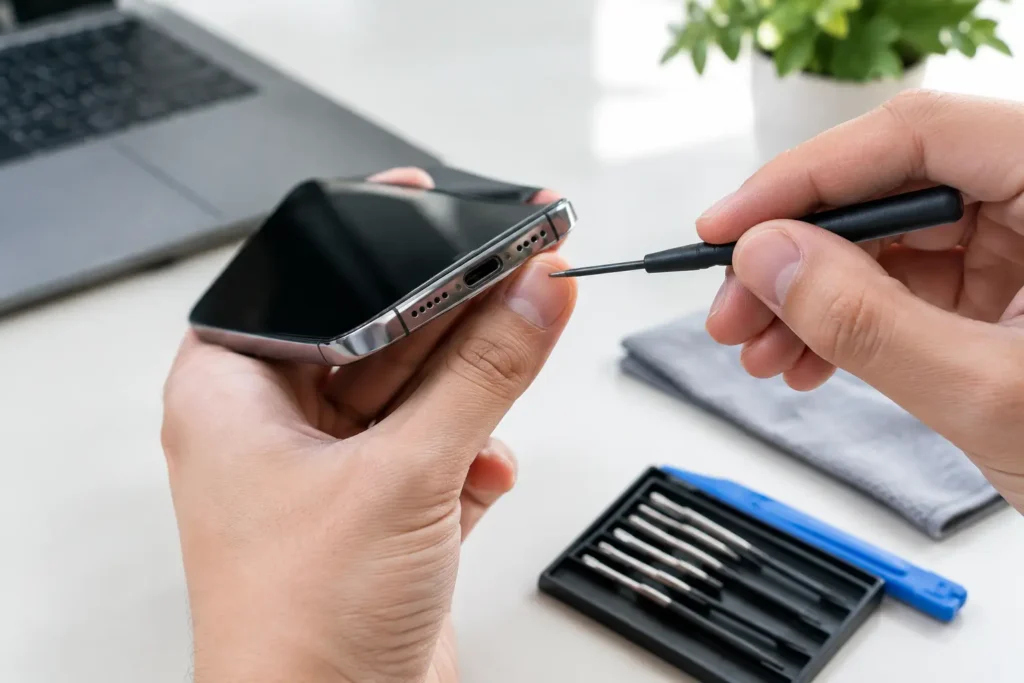
Learn how to fix charging port issues safely, spot the cause, protect your data and decide when professional repair is the smarter choice for your device.
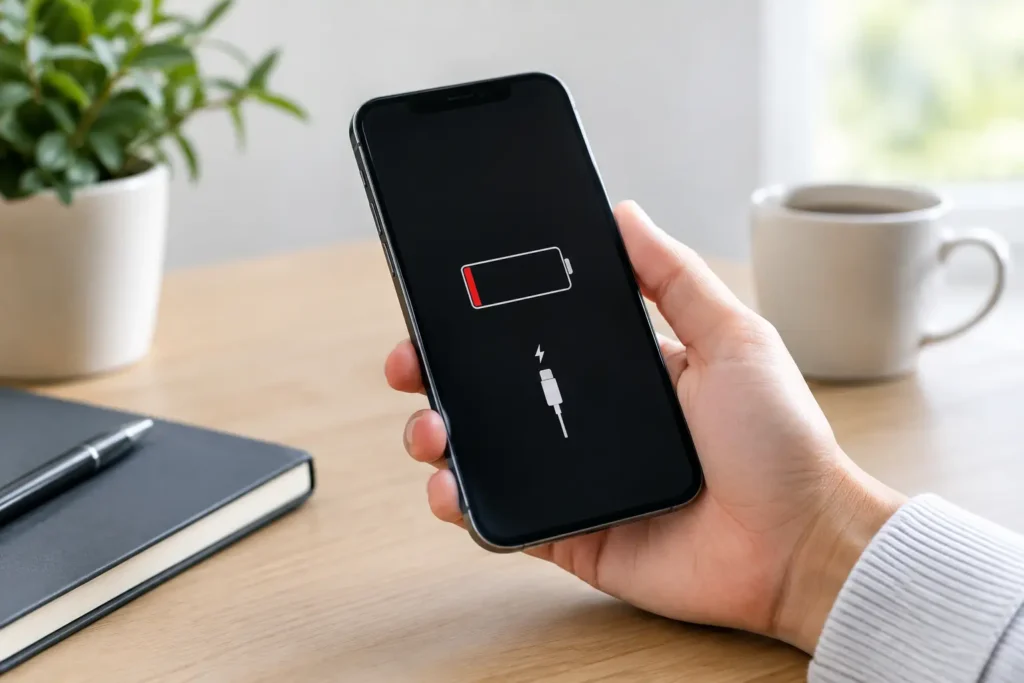
What causes iPhone battery drain? Learn how settings, apps, signal and battery age affect power, plus when a repair can help restore daily reliability.
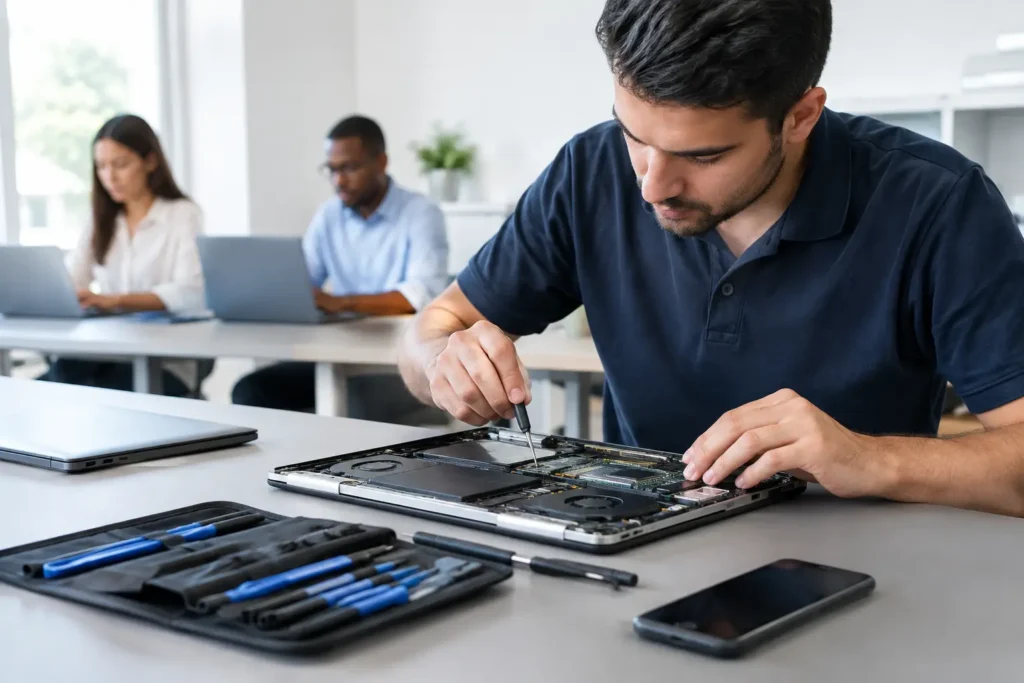
Corporate device repairs that reduce downtime, protect business data and keep your staff’s phones, laptops and tablets ready for work across Cumbria now.
