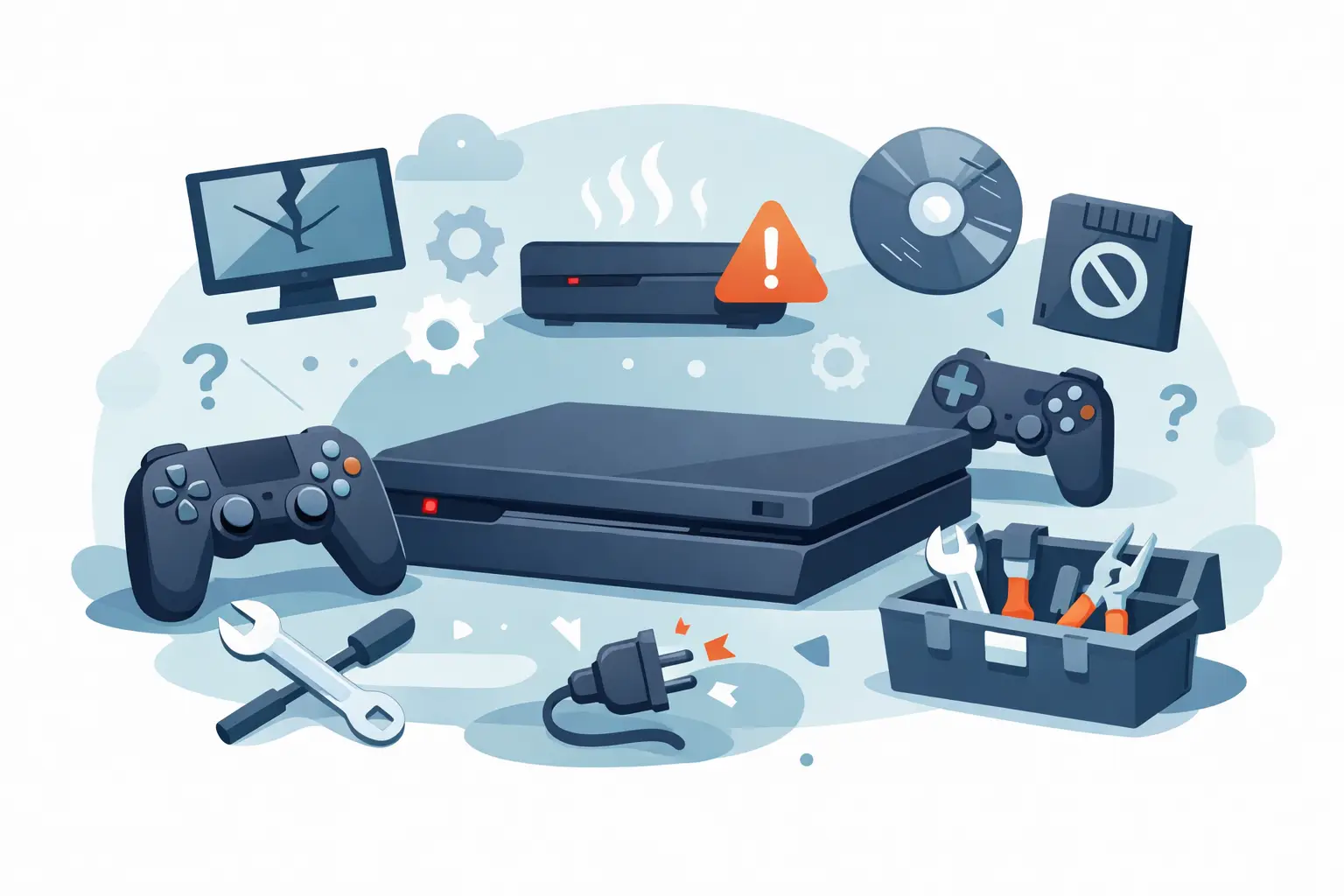
That moment when your game freezes mid-match, the screen cuts out, or the console refuses to power on at all is rarely a one-off. In many cases, the top signs your console needs repair show up gradually, then suddenly turn into a fault you can no longer ignore. Spotting them early can save you time, money and the frustration of a complete breakdown.
For most people, a console is not just a toy sitting under the telly. It is how you unwind after work, how the kids spend rainy afternoons, and how you keep up with friends online. When it starts acting up, the real question is not simply whether it still works – it is whether it is getting worse.
Top signs your console needs repair before it fails completely
Some faults are obvious. Others are easy to brush off because the console still turns on, still loads a game, or only misbehaves now and then. The trouble is that intermittent issues often point to wear, overheating, internal damage or failing components. Waiting too long can turn a repairable problem into a more expensive one.
1. It keeps overheating
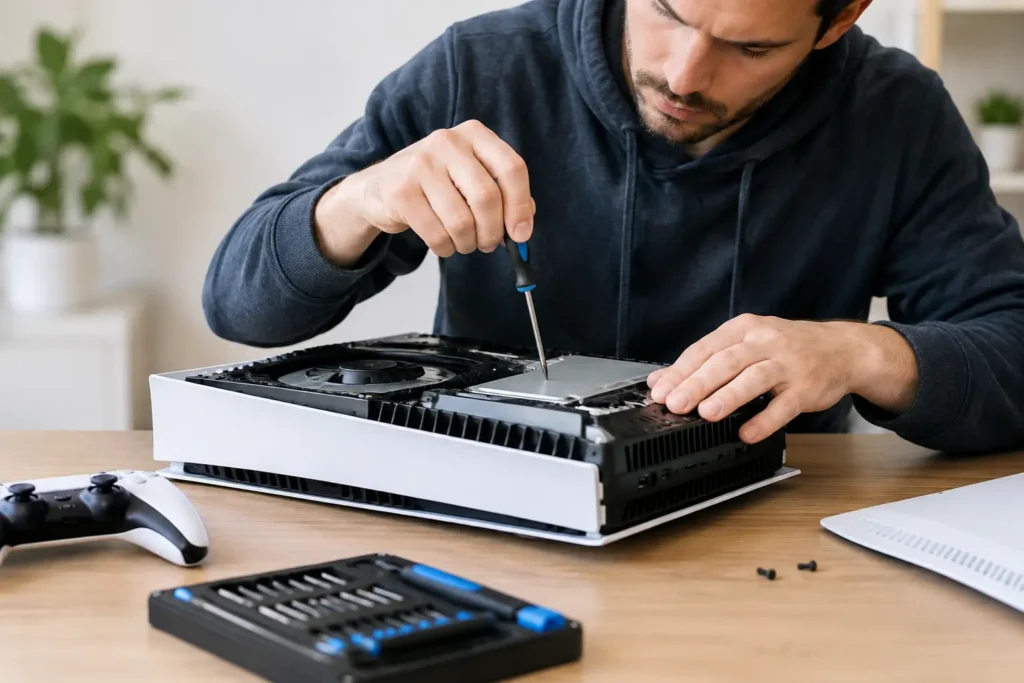
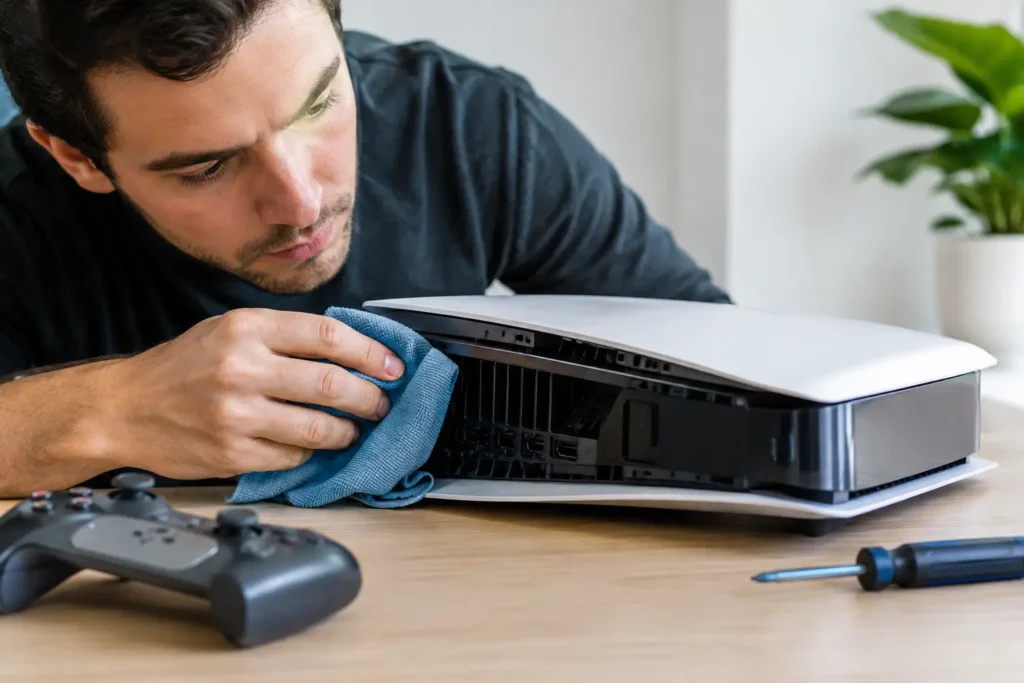
A hot console after a long gaming session is normal. A console that becomes unusually hot within a short period, shuts itself down, or gives overheating warnings is not. Excessive heat usually means poor ventilation, heavy dust build-up, failing fans or internal thermal issues.
If the casing feels far hotter than usual, the fan sounds like it is struggling, or the system powers off without warning, it is worth taking seriously. Heat does not just affect performance – it can shorten the life of internal components. In some cases, what starts as a cooling problem can lead to board-level faults if ignored.
2. The fan is suddenly very loud
Consoles do make noise, especially during demanding games. But if the fan starts roaring the moment you switch on, sounds rough, or gets louder than it used to during simple tasks, that often points to a problem rather than normal operation.
Sometimes it is a dust issue. Sometimes the fan itself is wearing out. Sometimes the console is running hot because another internal component is under strain. The key thing is change. If your console sounds noticeably different from a few weeks ago, pay attention.
A loud fan on its own does not always mean a major repair is needed, but it is one of the clearest warning signs that the system is working harder than it should.
3. Games keep crashing or freezing
The odd crash can happen with software updates, buggy games or online services. Repeated freezing across different games is another matter. If the console locks up often, returns to the home screen unexpectedly, or struggles to load saved data, the fault may be deeper than the game itself.
Storage problems, overheating, corrupted system files and hardware wear can all cause this kind of behaviour. It depends on when the crashes happen. If it is always with one title after an update, software may be to blame. If it happens across multiple games, while downloading, or even on the main menu, a repair check is sensible.
This is one of those symptoms people tend to live with for too long. The console still works, just badly. But unstable performance often gets worse rather than better.
Common hardware faults that should not be ignored
A lot of console issues come down to stress on physical parts. Ports loosen, solder joints weaken, power components fail and internal drives wear out. These are not glamorous faults, but they are common and often fixable when dealt with promptly.
4. There is no picture on the TV
If your console powers on but nothing appears on screen, the HDMI port is a likely culprit. This is especially common if cables have been forced in, knocked sideways, or swapped regularly. A damaged HDMI port can lead to no signal, flickering output, distorted display, or a connection that only works if the cable is held in a certain position.
People often assume the telly or lead is at fault first, and that is fair enough. It is worth trying another HDMI cable and another screen. But if the issue stays with the console, the port or related display circuitry may need repair.
Leaving it can make things worse. A loose or damaged connection can put more strain on the port over time, especially if the cable is being adjusted constantly just to get a picture.
5. It struggles to turn on
Power faults can start subtly. You might press the button and nothing happens for a few seconds. The console may beep but not boot, turn on then off straight away, or only work after several attempts. These are not quirks to ignore.
Power-related issues can involve the power supply, internal components, overheating protection, damaged ports or motherboard faults. The exact cause varies by model and symptom, so this is not an area where guesswork helps much. What matters is that inconsistent power is usually a warning sign, not random behaviour.
If your console is becoming unreliable to start, there is a decent chance it is heading towards complete failure.
6. The disc drive is not working properly
For players who still use physical games, a faulty disc drive quickly becomes a major nuisance. Maybe the console will not accept a disc, spits it back out, makes unusual grinding noises, or reads some discs but not others. While damaged or dirty discs can cause issues, repeated problems usually point to the drive itself.
In some cases, the fault is mechanical. In others, the laser is failing. Either way, forcing discs in or repeatedly trying to load them is not a fix. It can actually add more wear. If the drive is noisy, inconsistent or completely unresponsive, it is worth getting it checked.
Digital-only players can skip this one, of course, but for disc-based consoles it remains one of the clearer repair signs.
Performance issues that often mean internal trouble
Not every console fault is dramatic. Some simply make the system feel slow, unreliable or temperamental. These problems are easy to tolerate at first because the console still feels half-usable. That is often when early repair makes the most sense.
7. Downloads, menus or load times are unusually slow
If your internet is fine but updates crawl, menus lag, or games take far longer than they used to, the problem may not be your broadband. Failing storage, overheating, software corruption and system errors can all slow a console down.
There is a bit of nuance here. Some slowness can be fixed with maintenance, updates or storage management. If your drive is almost full, for example, clearing space may help. But if the console remains sluggish after basic troubleshooting, there could be an underlying hardware issue.
A healthy console should feel reasonably consistent. When everyday tasks start dragging, it is often a sign something inside is not working as it should.
8. Controllers keep disconnecting or wireless features fail
If multiple controllers drop out, refuse to pair properly, or only connect at very short range, the issue may be with the console rather than the controller. Bluetooth and wireless faults can stem from internal antenna problems, board issues or damage from previous drops or liquid exposure.
Again, context matters. One old controller with a tired battery is one thing. Several accessories suddenly losing connection with the same console is another. The same goes for Wi-Fi problems that persist even when the rest of the house is online without issue.
Wireless faults are frustrating because they often feel random. In reality, they can point to a hardware fault that needs proper diagnosis.
When to stop troubleshooting and book a repair
A bit of basic checking at home makes sense. Try another cable, test another plug socket, make sure vents are not blocked, and rule out obvious software glitches. But if the same fault keeps returning, or if the console shows more than one of these symptoms at the same time, continuing to push it can do more harm than good.
That is especially true with overheating, power faults and HDMI issues. These rarely sort themselves out. They tend to worsen, usually at the most inconvenient moment.
For local gamers, families and anyone who does not want to send their device off for weeks, a nearby repair specialist can make the process a lot less stressful. At TechLab Repairs, console faults such as HDMI port damage, power problems and hardware issues are diagnosed with the same straightforward approach people expect from a trusted local repair shop – clear advice, practical fixes and no unnecessary jargon.
If your console is making odd noises, crashing more often, running too hot or struggling to display properly, do not wait for total failure to make the decision for you. Catching the problem early gives you more repair options, less downtime and a better chance of getting back to gaming without the cost of a full replacement.