A device that only charges if you hold the cable at a strange angle is usually giving you a warning before it stops charging altogether. If you are wondering how to test faulty charging port problems properly, the key is not to guess. A charging fault can come from the cable, the plug, the battery, the software, or the port itself, and mixing those up often leads to wasted money and a bigger repair bill later.
The good news is that you can narrow it down quite quickly with a few sensible checks. The aim is simple – work out whether the port is genuinely faulty, just blocked with debris, or whether something else in the charging chain is causing the issue.
How to test a faulty charging port without making it worse
Start with the safest rule first. Do not force the charger in, do not jab metal tools into the port, and do not keep plugging and unplugging aggressively to see if it suddenly comes back to life. Ports are small, delicate components. A loose pin or damaged solder joint can turn a minor issue into a full board-level repair if it is handled roughly.
Begin by checking the charger and cable on another compatible device. If the same cable fails on two devices, the port might not be the problem at all. Cables commonly break near the ends, and mains adaptors can also fail or deliver unstable power. If another charger works normally on your device, that points away from the port and towards an accessory fault.
Next, try charging from a different power source. A wall plug, laptop USB port, docking station and power bank can all behave differently. Some faults only show up when the power supply is weak, while others appear to be charging but not at the correct speed. If your phone only charges from one source and not another, that does not always mean the port is damaged. It can mean the charging negotiation is failing, especially on newer USB-C devices.
Signs the charging port may be faulty
A genuinely faulty port usually gives one or more consistent symptoms. The charger may feel loose and wobble in the socket. The device may start and stop charging with the slightest movement. You may see no charging response at all even with known good accessories. On some phones and tablets, the cable will only work when pushed upwards or held to one side.
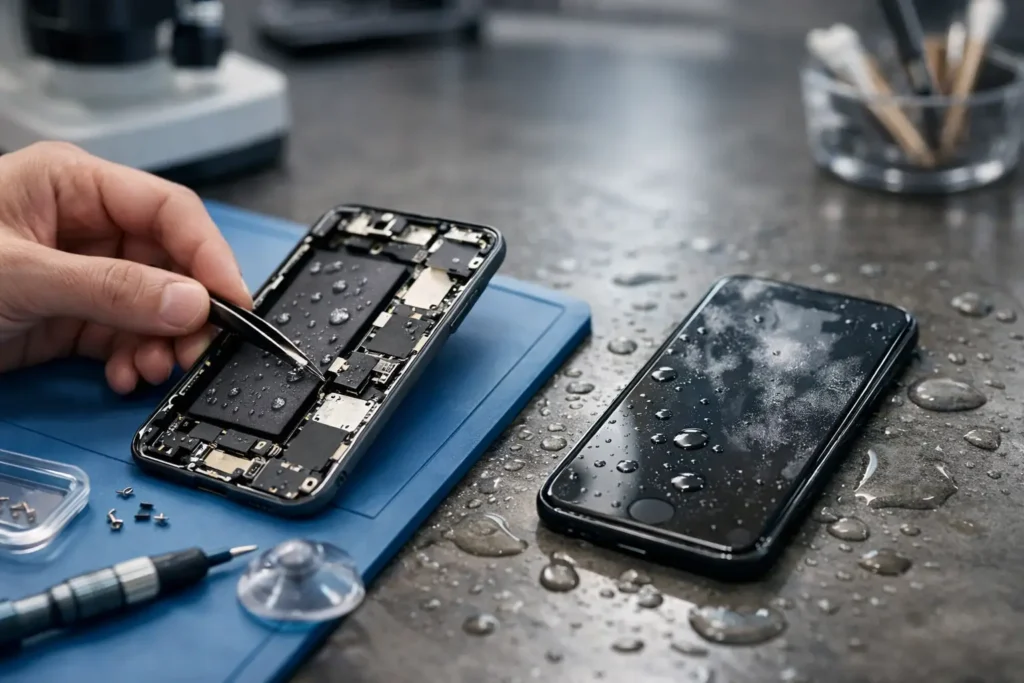
There are also less obvious signs. Slow charging, overheating around the port, a burning smell, visible bent pins, or corrosion inside the socket all suggest hardware trouble. If the device recently had liquid exposure, even a small amount, the port can corrode without looking dramatic from the outside.
With laptops, the symptom can be different. A DC jack may feel physically loose, or the battery icon may switch between charging and not charging while the plug stays still. That can be the jack itself, but on some models it can also be a failing charging circuit or battery. In other words, the symptom tells you where to look first, not always the exact failed part.
Check for dirt before you assume the port has failed
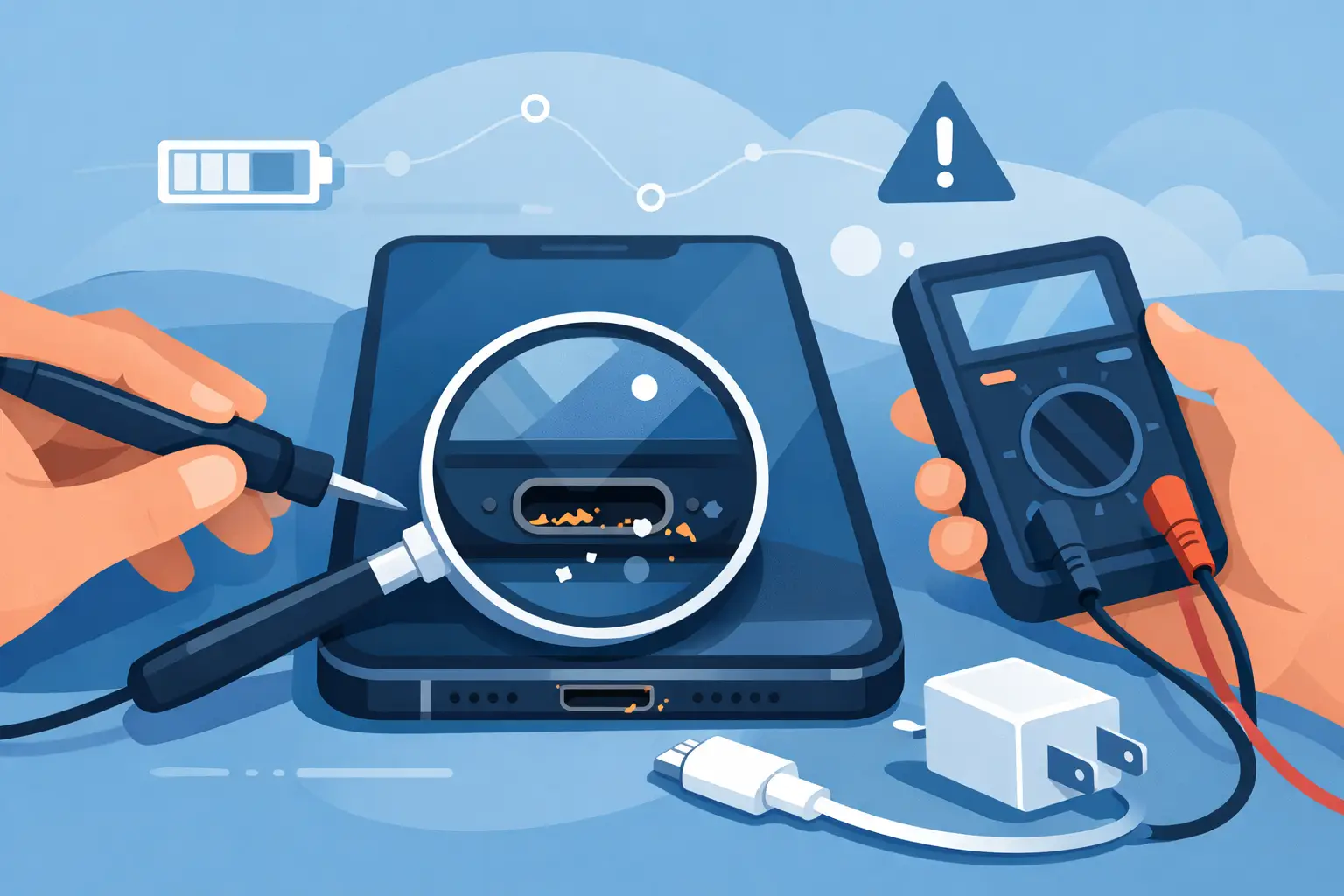
Pocket fluff is one of the most common reasons a phone stops charging properly. This is especially true for iPhones and Android handsets carried in jeans, workwear or bags. Debris gets compacted at the back of the port and stops the connector seating fully. The result is a charger that feels plugged in but is not making a solid contact.
Use a torch and inspect the port carefully. If you can see lint, dust or compacted dirt, that needs clearing before you assume the socket is broken. A non-metal tool such as a wooden toothpick or a soft plastic pick is safer than anything conductive. Work gently and avoid scraping the centre pins. Compressed air can help, but only in short controlled bursts.
If cleaning the port makes the cable click in more firmly and charging becomes stable again, you were dealing with contamination rather than a failed component. If the fit is still loose or the issue returns immediately, the port may be worn or physically damaged.
Test the device behaviour, not just the port
A proper fault test looks at the whole charging system. Once you have ruled out the cable, plug and obvious debris, watch how the device behaves when connected.
Does it show the charging symbol but lose battery percentage while in use? That can point to a weak charger, battery degradation or a charging board issue. Does it repeatedly connect and disconnect from a computer? That may suggest a damaged data pin inside the port, not just a power problem. Does wireless charging work while cable charging does not? On compatible phones, that is a useful clue that the battery may still be fine and the issue is more likely around the port or charging circuit.
It is also worth restarting the device and checking for software messages. Some phones will alert you to moisture detection, unsupported accessories, liquid in the USB port, or power surges. These warnings should not be ignored. Sometimes they are triggered falsely, but often they point to the real source of the problem.
How to test faulty charging port issues on different devices
Phones and tablets are the most common cases because their ports take constant wear. USB-C ports can loosen over time, while older Micro-USB ports are particularly prone to bent internal tabs. Lightning ports often suffer from compacted lint that mimics hardware failure.
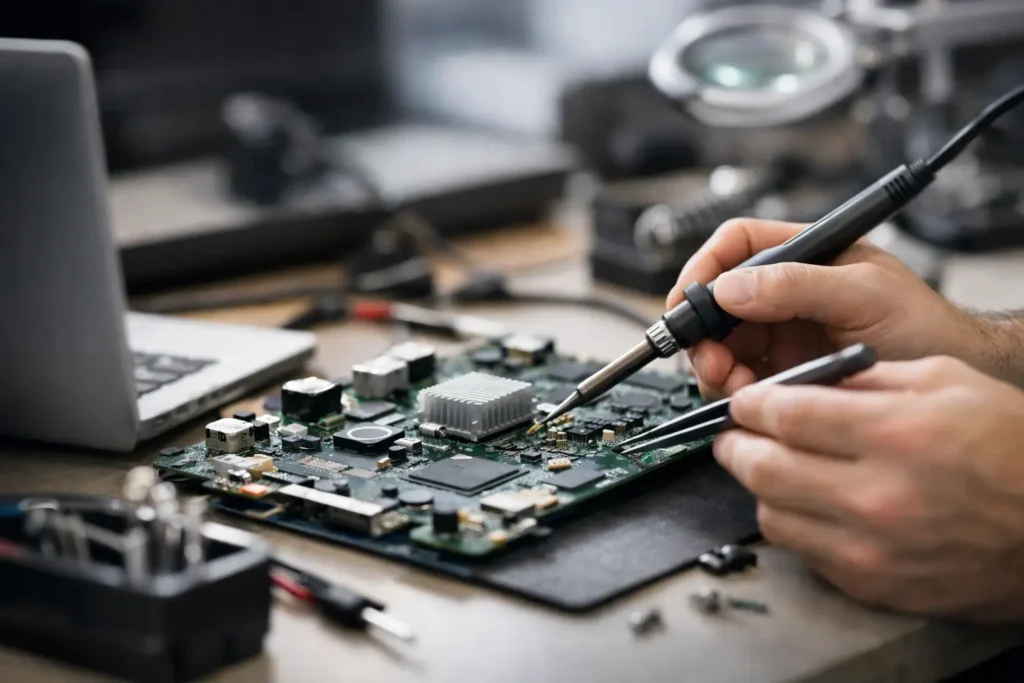
Laptops are a bit different. Some have replaceable charging jacks on a cable, while others have the port soldered to the board. USB-C charging on laptops adds another layer because the same port may handle power, data and display output. A charging problem there can be the port, the charger, the power delivery controller or the mainboard.
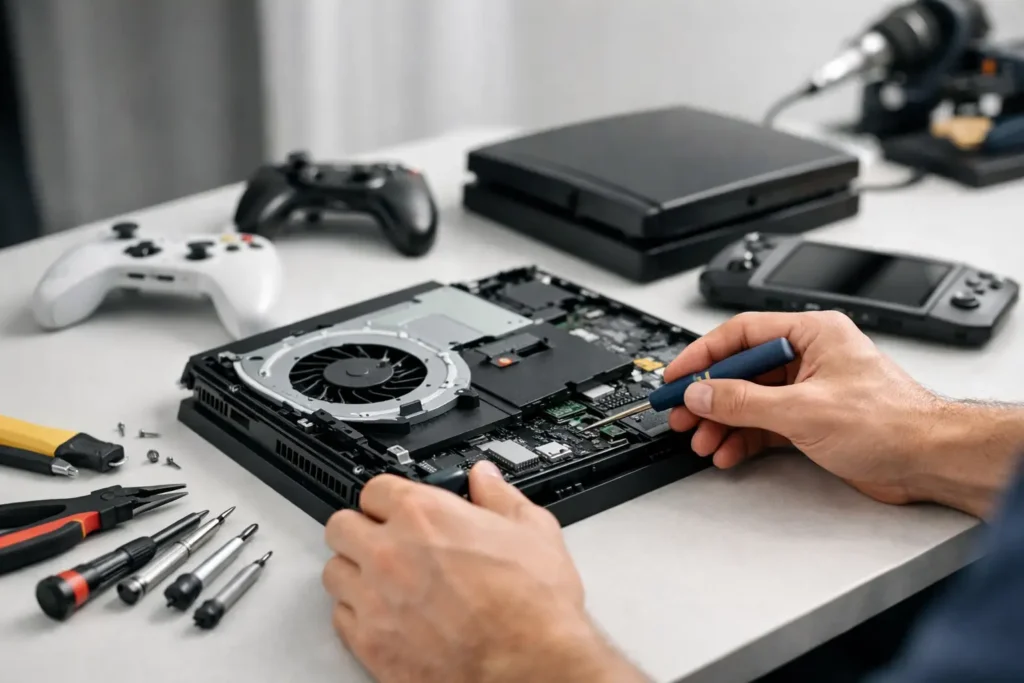
Gaming consoles and handheld devices can also develop charging port faults, particularly where cables are strained during use. If the port has been knocked or the cable has been yanked out, mechanical damage becomes more likely than a software issue.
This is why a quick visual check matters, but a proper diagnosis matters more. Two devices can show the same symptom and need completely different repairs.
When a home test is enough – and when it is not
If you have tried a known good charger, checked multiple power sources, cleaned visible debris carefully, restarted the device and still have unreliable charging, you have done the useful home checks. Beyond that point, more poking around rarely helps.
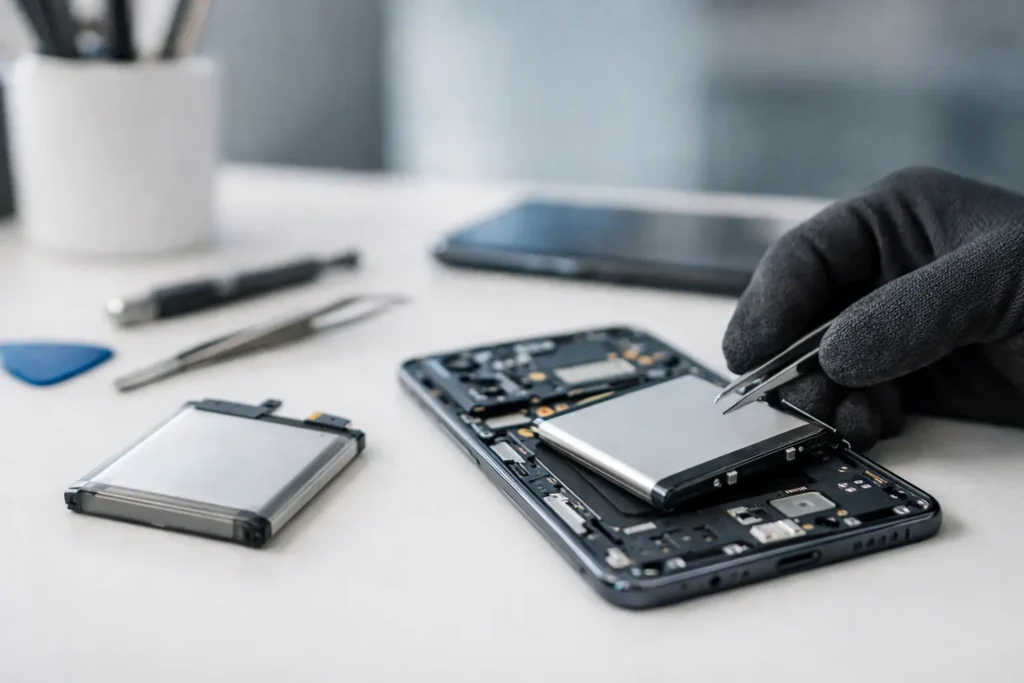
The moment you see bent pins, signs of burning, liquid damage, green or white corrosion, or the port starts working only when pressure is applied, it is sensible to stop testing and get it assessed properly. The same applies if the battery is swollen, the device gets hot while charging, or it has stopped turning on altogether. Those are not jobs for guesswork.
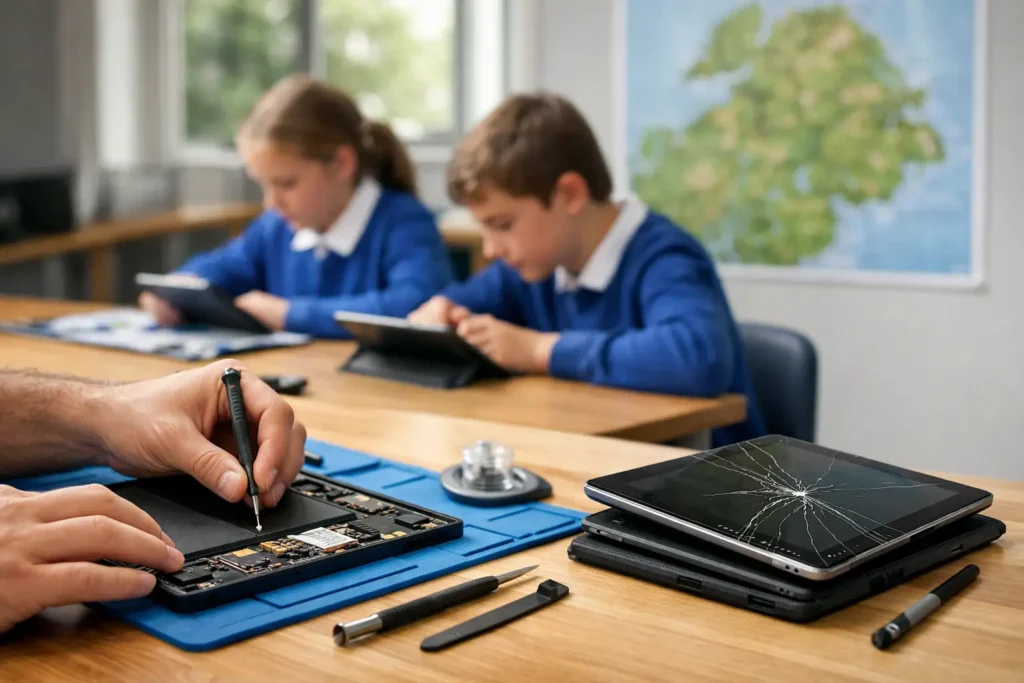
For business users, schools and anyone relying on a device for work or study, downtime matters just as much as repair cost. Waiting until the port fails completely can mean being without the device at the worst possible moment. Early diagnosis is usually cheaper and less disruptive than a last-minute emergency repair.
What a repair shop will usually test
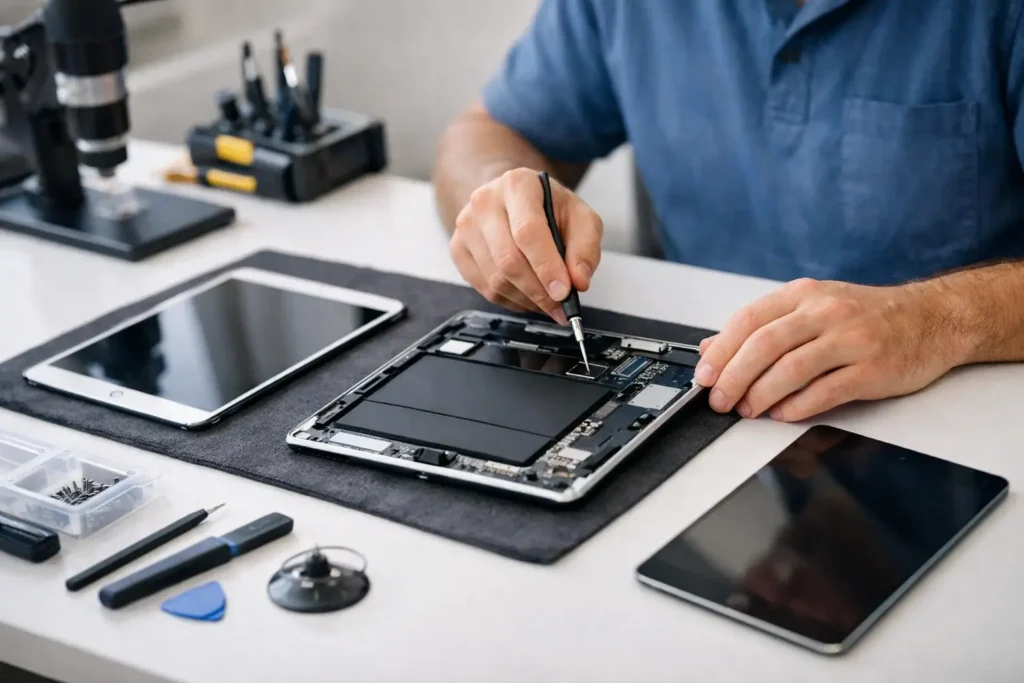
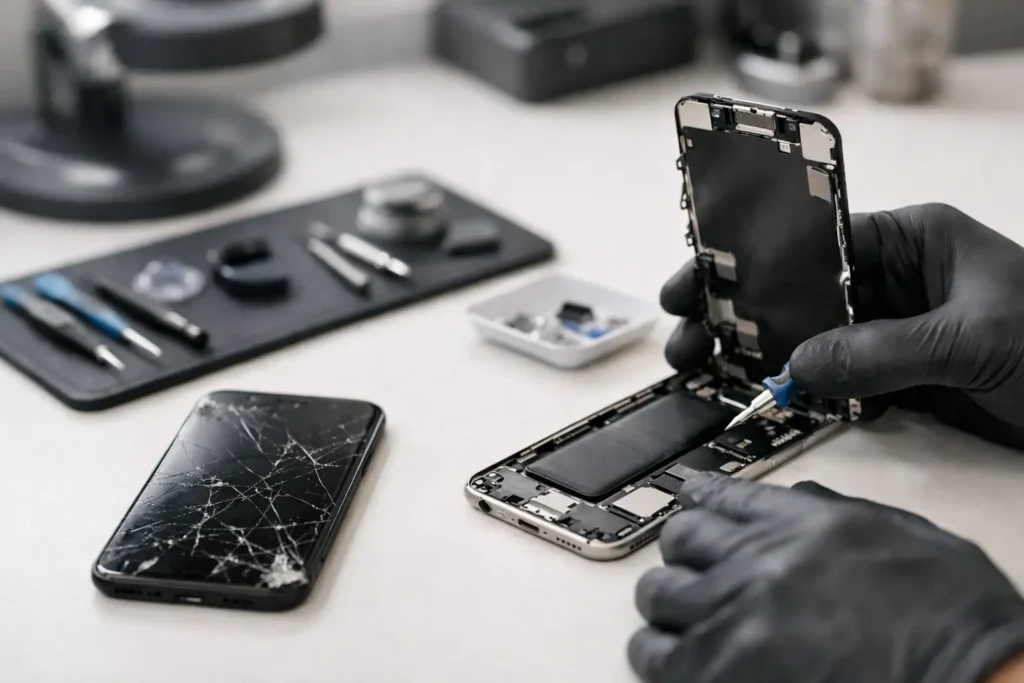
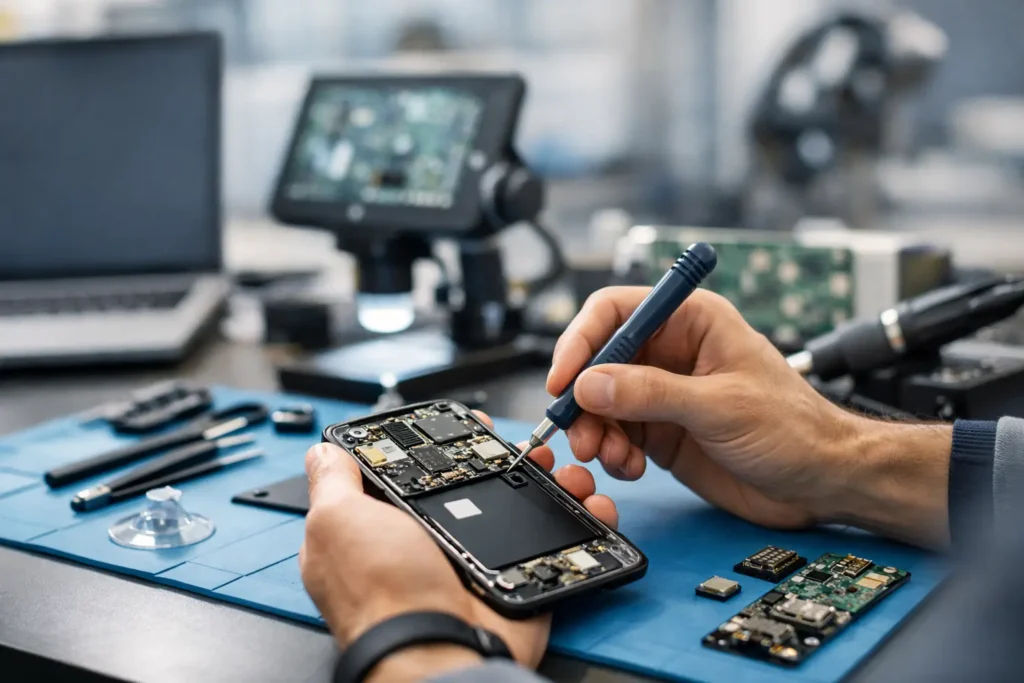
A technician will normally test with known good chargers and cables, inspect the port under magnification, and measure whether power is reaching the board correctly. On some devices they may check battery health, charging current, dock connectors, sub-boards and mainboard connections as part of the diagnosis.
That matters because charging faults are sometimes misdiagnosed as simple port replacements. In reality, the port can be fine while the issue sits on a charging IC, flex cable, battery line or power management circuit. Equally, what looks like a dead phone can be a blocked or damaged port that is relatively straightforward to fix.
At TechLab Repairs, this is where a proper local diagnosis saves time. Rather than sending a device away and hoping for the best, you can usually get a clear answer on whether it needs a clean, a port repair, a charging board replacement or deeper fault finding.
If your device has started playing up at the charging socket, trust the pattern rather than the occasional lucky charge. A cable held at an angle is not a fix – it is your chance to catch the problem before it becomes a bigger one.