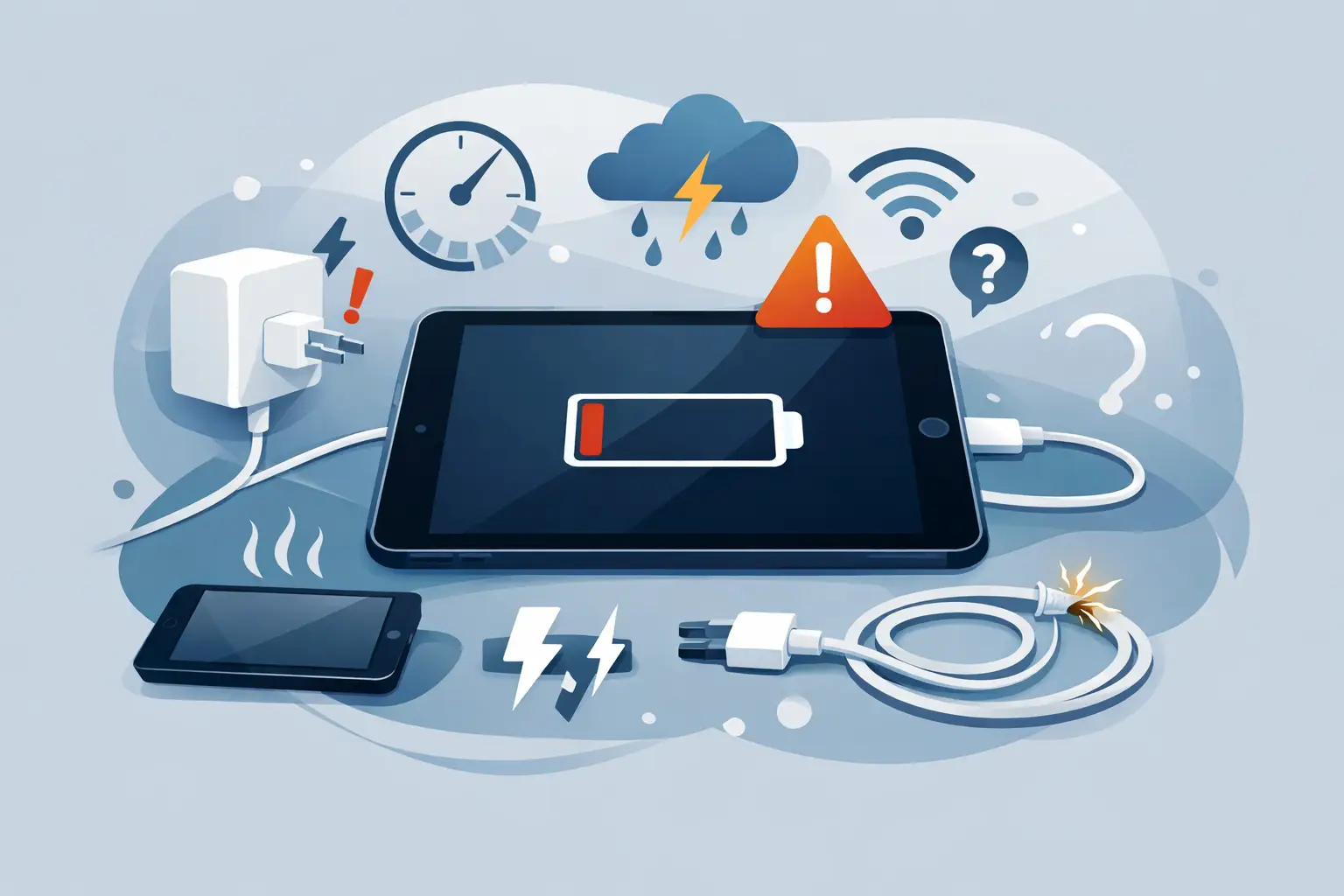
You plug your iPad in before bed, expect 100% by morning, and wake up to 17% and a growing sense of annoyance. Common iPad charging problems rarely appear out of nowhere. In most cases, there is a clear fault behind them – and the sooner you spot which one it is, the easier it is to avoid bigger damage or an unnecessary replacement.
Some charging faults are simple. A worn cable, a weak plug adaptor or a blocked charging port can all stop an iPad from charging properly. Others point to something more serious, such as battery wear, liquid damage or a fault on the charging circuit. The trick is knowing the difference between a quick fix and a device that needs proper diagnosis.
The most common iPad charging problems
Charging issues do not always look the same. One iPad may charge very slowly, another may only charge when the cable is held at a certain angle, and another may show the charging symbol but gain no battery at all. Those are different symptoms, and they usually point to different causes.
A slow-charging iPad is often dealing with a low-power charger, a tired battery or heavy background use while plugged in. If the battery percentage barely moves when the screen is on, the charger may not be supplying enough power to keep up. This is especially common when people use cheap replacement plugs or older USB adaptors that were never really suitable for a tablet.
Intermittent charging usually suggests a poor physical connection. Dust and fluff inside the port can stop the cable seating properly. So can bent pins, wear inside the port itself or damage to the end of the cable. If the iPad starts and stops charging with the slightest movement, that is a strong sign the connection is unstable.
An iPad that will not charge at all can be more complicated. It may simply have a dead cable or failed plug, but it can also mean battery failure, charging port damage, software issues or an internal board fault. If the device has had a knock, has been exposed to moisture or has been left flat for a long time, that changes the picture.
Start with the charging accessories
Before assuming the iPad itself is faulty, check the obvious parts first. Chargers and cables fail far more often than people realise. A cable can look fine on the outside but still have internal damage near the connector, especially if it has been tightly wound, bent repeatedly or used while the iPad is resting awkwardly.
Try a known good cable and plug that are suitable for iPad charging. This matters more than many people think. Not every USB plug provides enough output for a tablet, and a charger that works perfectly on a phone may charge an iPad painfully slowly or not at all.
It is also worth checking the power source. Wall sockets, extension leads and USB ports on laptops can all produce different results. If an iPad charges from the wall but not from a computer, the issue may simply be insufficient power rather than a device fault.
A blocked charging port is more common than you think
One of the most overlooked common iPad charging problems is a blocked port. Tablets spend their lives in bags, on sofas, in kitchens, in classrooms and on desks. Over time, lint, dust and compacted debris build up inside the charging port and stop the cable from making a proper connection.
The giveaway is usually a cable that feels loose or does not click in properly. In some cases, the iPad will charge only if pressure is applied in a certain direction. That often means the connector is not reaching the contacts cleanly.
Be careful here. People often make things worse by poking metal objects into the port or forcing the cable in repeatedly. If debris is packed tightly, or if the port has already been damaged, rough handling can bend internal pins and turn a simple clean-out into a repair job.
Battery wear changes how an iPad behaves
All rechargeable batteries wear down over time. If your iPad is several years old, charges inconsistently, drains quickly or gets unusually warm while charging, the battery itself may be the real issue.
Battery faults do not always mean the iPad will refuse to charge completely. Sometimes it charges to a certain point and then stalls. Sometimes it powers on only when connected to the charger. Sometimes it shuts down at 20% or 30% because the battery can no longer report its condition accurately.
This is where guesswork can get expensive. A weak battery and a charging port fault can look similar from the outside. Proper testing helps separate the two, which is why it often makes more sense to get the device assessed rather than buying random accessories and hoping for the best.
Software can confuse the symptoms
Not every charging issue is purely hardware. iPadOS glitches, failed updates and background processes can all affect how charging appears. An iPad may show the charging icon but seem stuck on the same percentage for ages, particularly if the battery is heavily drained and the system is trying to recover in the background.
A forced restart can sometimes clear temporary software issues. If the iPad begins charging normally afterwards, the fault may have been system-related rather than physical. Even so, software should be treated as one possibility, not the default answer. If the problem keeps returning, there is usually an underlying hardware cause somewhere in the chain.
Heat, liquid and impact damage
If an iPad has been dropped, overheated or exposed to liquid, charging problems can start straight away or appear days later. That delay catches people out. A tablet may seem fine after a spill, only to develop slow charging, battery drain or complete power failure once corrosion begins affecting the port or board.
Heat is another factor. iPads have built-in protections to reduce charging when temperatures are too high. If the device is left in direct sun, used heavily while charging or kept inside a thick case that traps heat, charging may pause or slow down to protect the battery.
Impact damage can be less obvious. A charging port may loosen from the board after a drop, even if the screen and housing look intact. In those cases, the cable may connect physically but fail electrically. That is not something a new charger will fix.
When slow charging is actually normal
There are times when an iPad is charging slowly for perfectly understandable reasons. If you are using the device while streaming, gaming, updating apps or running video calls, a charger can spend most of its power feeding the workload rather than refilling the battery. The percentage may rise very slowly, or not at all, even though charging is technically happening.
Large-capacity iPads also take longer to recharge than many people expect. Charging from nearly empty to full is not the same as topping up from 70% to 90%. The final stretch often slows down by design to protect battery health.
That said, there is a difference between normal slow charging and a genuine fault. If an iPad takes many hours to gain a small amount of charge while idle, or loses battery while connected to a suitable charger, it is time to investigate further.
Signs the charging port may need repair
A worn or damaged charging port is one of the most frequent workshop faults we see on tablets. The symptoms tend to be fairly consistent. The cable feels loose, charging cuts in and out, the connector has to be held at an angle, or the iPad only responds to one specific cable after rejecting several others.
Sometimes the port is simply dirty. Sometimes the internal contacts are bent or worn. In more serious cases, the port has separated from the board or the solder joints underneath have failed. That can happen gradually through repeated strain, especially if the device is used while plugged in.
This is also where local repair support matters. For customers in Barrow-in-Furness and across the wider Cumbria area, getting a proper diagnosis nearby is usually quicker and more practical than posting a device away and waiting to hear what might be wrong.
What you can safely try before booking a repair
There is no harm in ruling out the simple stuff first. Test with another good-quality cable and plug. Try a different wall socket. Remove any case that may be obstructing the connector. Check whether the charging port is visibly blocked. Restart the iPad and see whether charging improves when the screen is off.
What you should not do is keep forcing the connection, keep using a damaged cable, or ignore signs of heat or liquid exposure. If the iPad smells odd, gets hot around the charging area, or has visible corrosion, stop charging it and get it checked. Those symptoms can point to faults that get worse the longer power is applied.
When professional diagnosis is the sensible move
The biggest mistake people make with common iPad charging problems is assuming they all have the same solution. They do not. A blocked port, a dead battery and a board-level charging fault can all produce similar symptoms, but the right repair is very different in each case.
A proper diagnosis saves time and often saves money as well. Instead of buying three cables, two chargers and a battery case you never needed, you find the actual fault and deal with it properly. That is especially important if the iPad is used for school, work or day-to-day family life, where downtime quickly becomes a headache.
If your iPad is charging unpredictably, the best approach is simple: rule out the basics, stop forcing it, and act before a small fault turns into a bigger one.