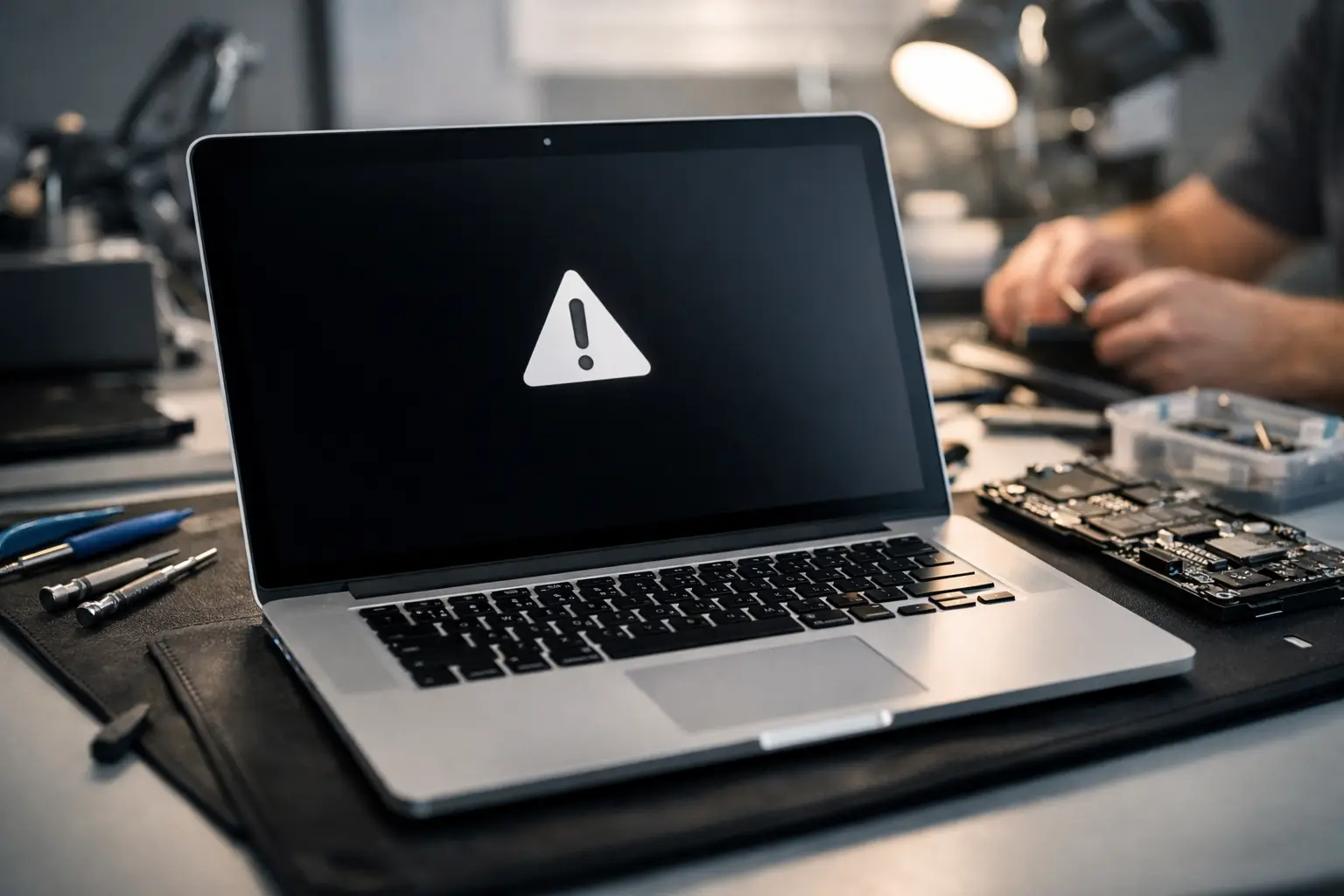
A MacBook that starts beeping instead of loading properly tends to stop your whole day in its tracks. If you are searching for MacBook beep on startup repair Barrow, the good news is that the sound usually points to a hardware issue that can be diagnosed properly, rather than a mystery fault you just have to live with.
The key thing is not to panic and not to keep forcing restart after restart. A startup beep on a MacBook can be linked to memory faults, power issues, logic board trouble, or problems triggered after a knock, liquid exposure, or a failed repair attempt. Sometimes the machine still powers on with a black screen. Sometimes it loops, chirps, or gives a repeating tone pattern. That pattern matters.
What a beeping MacBook on startup usually means
When a MacBook beeps during startup, it is often the device telling you it cannot complete its normal hardware checks. Before macOS loads, the machine runs through a basic test of essential components. If something critical is not responding as expected, the Mac may stop and warn you with beeps rather than a normal boot.
In older MacBook models, startup beeps were commonly associated with RAM problems. That could mean failed memory, memory that is not seated properly, or a logic board issue affecting how the machine communicates with it. On newer models, where memory is soldered to the board, the same symptom can point to deeper board-level faults rather than something simple you can remove and refit.
It is not always memory, though. A MacBook can also beep or appear to chime abnormally because of battery faults, charging circuit problems, corrupted firmware, or damage around the logic board. That is why proper testing matters. Two devices with the same sound can need completely different repairs.
MacBook beep on startup repair Barrow – the common causes
In local repair work, the most common cause behind a beeping MacBook is hardware failure rather than software. That is an important distinction because reinstalling macOS, resetting settings, or watching generic online tutorials will not fix a board fault.
Memory and board communication faults
On older MacBooks with removable RAM, one bad module can stop the machine from starting correctly. Corrosion on contacts, failed memory sticks, or damage in the RAM slot can all trigger beeping. On newer MacBooks, memory is integrated into the logic board, so a memory-related startup fault can mean the repair is more specialist.
That does not automatically mean the laptop is beyond repair. In many cases, the fault sits in a specific board area rather than the whole board being unusable. A proper component-level diagnosis can often tell the difference.
Liquid damage
A MacBook does not need to be drenched for startup problems to begin. A small spill near the keyboard, trackpad area, or vents can lead to corrosion that spreads over time. You may not see the damage from the outside, but internally it can affect startup lines, memory rails, or power management circuits.
This is one of those situations where timing matters. The longer corrosion is left inside the machine, the more repair work may be needed later.
Battery and power faults
A failing battery does more than shorten runtime. In some models, unstable battery behaviour or charging circuit faults can interrupt the startup process. If the MacBook only beeps on battery, only with the charger connected, or behaves differently with different chargers, that helps narrow the fault down.
Power issues can be deceptive because they do not always look like classic power failure. The machine may light up, make sound, and still fail to boot properly.
Previous repair attempts or physical damage
Dropped MacBooks, bent chassis, damaged connectors, and incomplete previous repairs can all cause startup beeps. If the issue started after someone replaced a battery, changed a screen, or opened the machine for cleaning, that is worth mentioning during diagnosis. It can save time and help identify whether the fault is with a cable, connector, or damaged board trace.
Can you fix it yourself?
There are a few safe checks you can try before booking a repair, but there is a line between basic troubleshooting and making the fault worse.
Start by disconnecting any external accessories. Remove USB devices, SD cards, docks, and external displays. A simple peripheral conflict is not the most likely cause of startup beeping, but it is easy to rule out. You can also try a different genuine or high-quality compatible charger if you have one available.
If your MacBook model supports it, a reset of the SMC or NVRAM may sometimes help with odd startup behaviour. That said, if the machine is giving repeated beeps and no normal boot, these resets are often not the cure. They are just checks, not repairs.
What you should avoid is repeatedly forcing power cycles, opening the device without the right tools, or using heat, rice, compressed air, or cleaning sprays after suspected liquid damage. Those shortcuts cause more trouble than they solve.
When to stop troubleshooting and book a repair
If the MacBook keeps beeping, shows a black screen, fails to boot after basic checks, or has any history of spill damage, it is time for proper testing. The same applies if the unit gets hot quickly, the fan spins hard with no startup, or the beeping began after impact.
For students, home users, and business customers in Barrow-in-Furness, the biggest mistake is often delay. People leave the machine for weeks hoping it will suddenly behave. Meanwhile, corrosion worsens, the battery deteriorates further, or repeated restart attempts stress other components.
A proper repair starts with diagnosis, not guesswork. That means checking power rails, inspecting for board damage, testing memory behaviour where possible, and confirming whether the problem is isolated or part of a wider hardware fault.
What happens during a MacBook startup beep diagnosis
With MacBook beep on startup repair Barrow, the goal is to identify the exact cause before recommending any work. That matters for cost, turnaround, and whether your data is at risk.
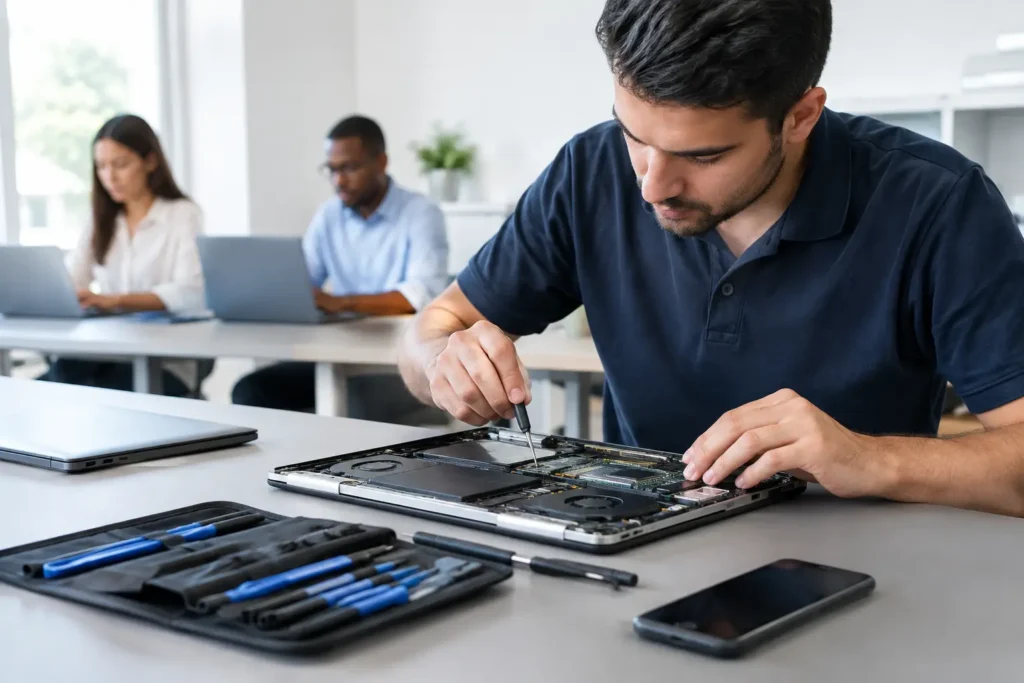
A technician will usually begin with external checks, charger verification, and startup response testing. From there, internal inspection can reveal liquid residue, burnt components, disconnected parts, board damage, or failed battery signs. Depending on the model, further testing may focus on memory circuits, power delivery, storage detection, or logic board behaviour.
Sometimes the answer is straightforward. A faulty battery, damaged RAM module in an older machine, or obvious liquid damage path can explain the symptom quickly. Other times, the issue needs board-level work and more detailed diagnostics. The important part is honesty. Not every MacBook beep fault is a fast fix, but many are repairable and still make financial sense compared with replacement.
Repair or replace – what makes sense?
This depends on the model, the age of the device, and what the MacBook is worth to you. A relatively recent MacBook with a startup beep is often well worth repairing, especially if the fault is limited to a specific board area or battery-related issue. If the machine holds important files, project work, or business data, repair can also be the most practical route simply because replacing the laptop does not automatically recover what is on it.
For older models, it becomes more case-by-case. If the repair cost climbs close to the value of the machine, you may decide replacement is smarter. But that decision should be based on diagnosis, not assumption. Plenty of customers expect the worst when they hear startup beeps, only to find the actual repair is more manageable than they feared.
Why local repair matters for MacBook faults
Sending a MacBook away can mean long waits, limited communication, and added worry about your data. For many people in Barrow and the wider Furness area, local repair is simpler. You can explain exactly what happened, get a clear diagnosis, and make a decision without your laptop disappearing into a distant service queue.
That local approach matters even more when the issue is intermittent. If the MacBook sometimes boots, sometimes beeps, and sometimes shows nothing at all, being able to describe the pattern directly to a repair specialist helps. A nearby repair service can also advise realistically on turnaround and whether urgent data recovery should be prioritised.
TechLab Repairs works with these kinds of hardware faults every day, so the focus is on getting to the cause quickly and giving you a practical next step rather than drowning you in jargon.
If your MacBook is beeping on startup, treat it as an early warning, not background noise. The sooner it is checked, the better your chances of a straightforward repair and a laptop that gets back to doing its job.