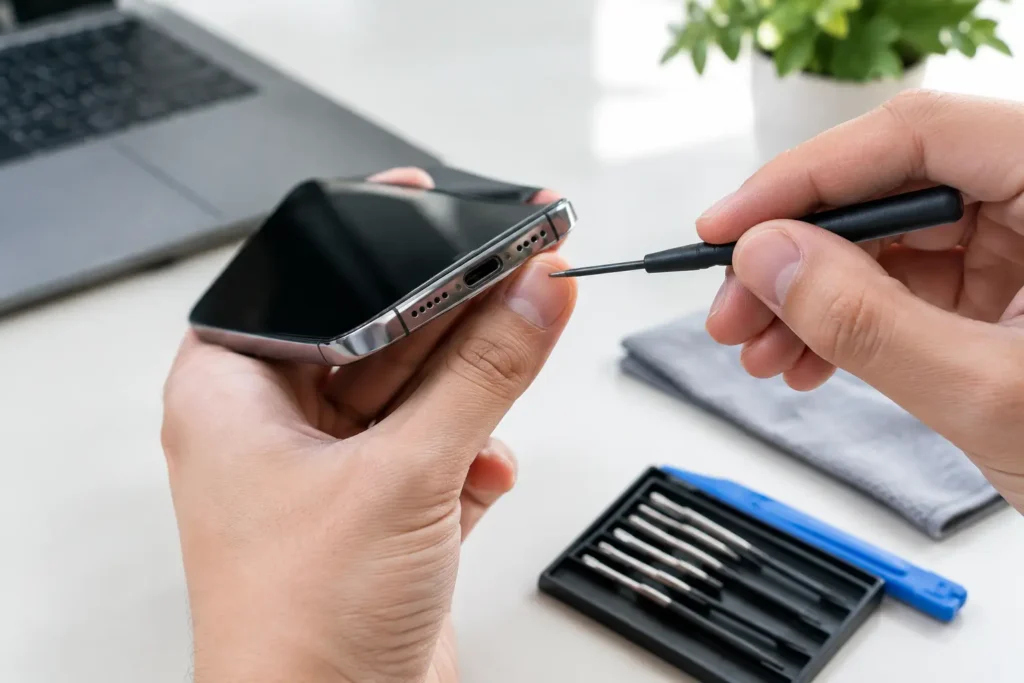
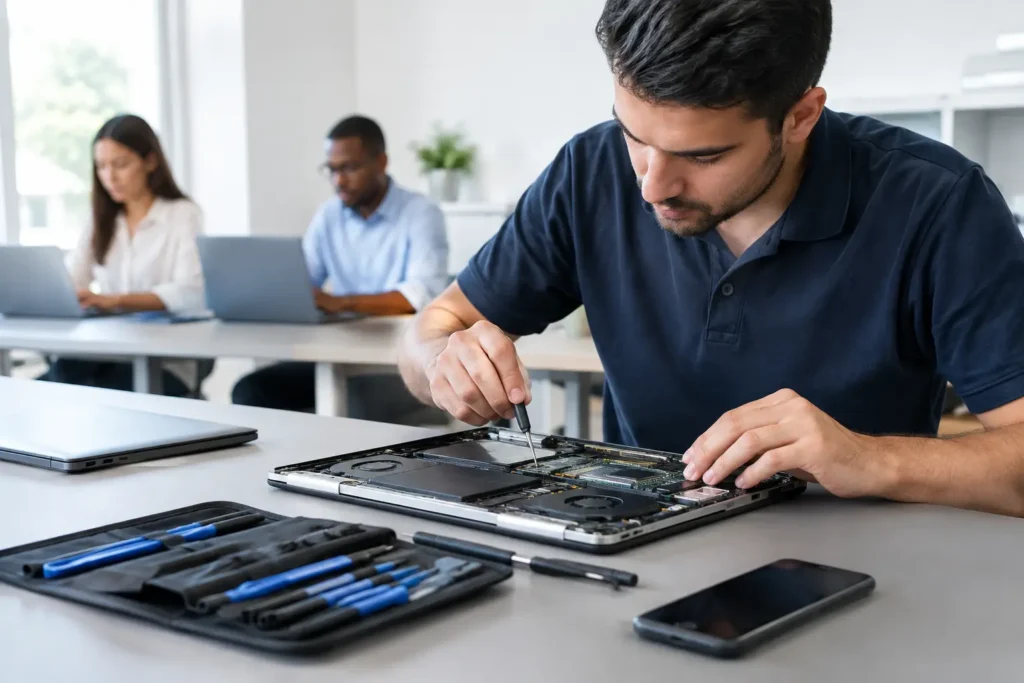
Handing over a phone or laptop for repair can feel more stressful than the fault itself. A cracked screen is obvious. A failing battery is annoying. But data security during device repair is the part most people worry about quietly – family photos, banking apps, work emails, saved passwords and private messages all sit on that one device.
That concern is completely reasonable. Whether you are bringing in an iPhone with a smashed display, a Samsung that will not charge, a MacBook with liquid damage or a business laptop that keeps crashing, you need to know your device is being handled properly. Good repair work is not only about fixing the hardware. It is also about protecting the information on it.
Why data security during device repair matters so much
Most devices now carry far more than contacts and a few pictures. They hold account access, payment details, school documents, work files, browser history, saved logins and sometimes two-factor authentication codes for your other accounts. If that data is exposed, the problem can quickly become bigger than the original repair.
The level of risk depends on the fault. A straightforward screen replacement on a working phone usually does not require access to your personal files. A logic board issue, software fault or data recovery attempt may involve more diagnostic work. That is why a trustworthy repair process should be clear about what access is needed, what is not, and how your information is protected at each stage.
For business and school devices, the stakes are often even higher. A damaged laptop might contain sensitive emails, internal documents, pupil information or customer records. In those cases, secure handling is not a nice extra. It is part of the service.
What a secure repair process should look like
If a repair shop takes data security seriously, you should notice it in how they speak to you before the device even reaches the bench. They should explain the repair, ask sensible questions, and avoid requesting unnecessary passwords or account access.
For many hardware repairs, a technician does not need to look through your content at all. They may only need enough access to test basic functions such as charging, touch response, cameras, speakers or Wi-Fi. If deeper testing is required, that should be explained clearly first.
A secure process usually includes careful check-in, controlled storage of devices, limited access by trained staff and clear separation between repair tasks and personal data. It also means not keeping customer details or device access information longer than necessary. If a technician needs your passcode for a specific test, there should be a legitimate reason, not a vague “just in case”.
That point matters. Good security is often about reducing access, not simply promising to behave well.
What you can do before handing over your device
Customers are not expected to be security experts, but a few sensible steps can make a big difference. If your device still powers on and works well enough, back it up first. That protects you if the existing fault gets worse, and it also gives you options if the repair later requires a reset.
After that, log out of apps you do not need active during repair, especially banking apps, business tools and anything that gives direct access to sensitive records. You can also remove saved cards from digital wallets temporarily. For some customers, particularly on phones, enabling repair mode or a similar restricted access feature is the best option where available.
If the issue is purely hardware, consider whether you really need to leave the SIM card or external storage inserted. In some cases you do. In others, you do not. It depends on the fault and the testing required.
Finally, ask questions. A reputable repairer should not be offended if you ask how your data will be handled. In fact, they should be ready with a clear answer.
When passcodes are needed – and when they are not
This is where customers often feel unsure. Some repairs can be completed without any passcode at all. If a laptop needs a charging port replaced or a games console needs an HDMI repair, physical access to the internals may be enough. In those cases, asking for full login details may be unnecessary.
On the other hand, certain faults are impossible to confirm properly without unlocking the device. A touchscreen issue might need full testing across the display. A camera repair may need the camera app opened. A boot issue may require account access to confirm the system is stable after repair.
The key difference is whether access is proportionate. A trustworthy repair shop should tell you exactly why they need it and what they are going to test. If there is an alternative, such as entering the code yourself at collection for final checks, that can sometimes be arranged. The right approach depends on the device, the fault and the urgency of the job.
Repair mode, guest accounts and other practical protections
Modern devices increasingly offer ways to protect privacy during repair. Some Android devices support maintenance or repair modes that hide personal data while still allowing function testing. On laptops and desktops, a guest account can sometimes be created so the technician can test hardware without opening personal files.
These options are useful, but they are not universal. Older devices may not support them, and severe faults may stop them from being enabled. A phone with no display output, for example, does not give you many setup choices. That is why the repair provider’s own procedures still matter just as much as the device’s built-in security features.
If you are not sure whether your device has a secure repair mode, ask. A good local repair specialist should be able to tell you what is possible before work starts.
Choosing a repair shop you can trust
Price matters, and fast turnaround matters too. But when your personal or business data is on the line, trust should carry real weight in the decision.
Look for straightforward communication, not sales talk. A dependable repair shop should be able to explain the likely repair, the risks, whether your data is expected to remain intact, and what security steps are taken while the device is in their care. If they are vague about all of that, it is a warning sign.
It also helps to choose a local repair specialist with an established reputation rather than sending devices away with limited visibility over who handles them and where they go. For many customers across Barrow-in-Furness and the wider Cumbria area, local support offers more than convenience. It means clearer accountability, quicker answers and less chance of your device disappearing into a long chain of third-party handling.
At TechLab Repairs, that local trust matters because customers are not just dropping off hardware. They are handing over part of daily life – work, family, study and everything in between.
Business and school repairs need extra care
For organisations, data security during device repair should be treated as part of operational risk, not simply a customer service detail. A damaged staff laptop or student tablet may contain sensitive information even if it belongs to the organisation rather than an individual user.
That means repairs should be handled with proper authorisation, clear records of who submitted the device, and sensible limits on account access. In some cases, an IT contact may prefer to remove drives, disable accounts or provide temporary credentials before the repair. In other cases, speed is more critical and a secure handover process is the practical answer.
There is always a balance between security and downtime. The right repair partner understands both sides. Fixing the device quickly matters, but not at the cost of careless data handling.
The trade-off between saving data and fixing the fault
Sometimes customers want two things at once – the fastest possible repair and a guarantee that no data is touched. Realistically, that is not always possible.
A device with liquid damage may need urgent internal work to prevent further corrosion, and there may be no time for a clean backup first. A failing SSD may need immediate attention if data recovery is the priority, which can affect the standard repair route. In these cases, the best repair advice is honest advice. You should be told what can be done, what risks remain and where the priorities sit.
That honesty builds trust. It is far better than promising a perfect outcome when the device itself is already unstable.
When you need a repair, you should never have to choose between fixing the hardware and protecting your privacy. Ask the awkward questions, back up what you can, and work with a repair team that treats your data with the same care as the device itself.