A laptop lid that suddenly feels stiff, loose or uneven is more than an annoyance. Hinge faults can pull apart the casing, crack a screen and damage the cables that keep your display working. This guide to laptop hinge damage explains what to look for, why you should avoid forcing the lid, and how to make the right repair decision before a small fault becomes a costly one.
What laptop hinge damage looks like
Laptop hinges are the small but hard-working mechanisms joining the display assembly to the base. They are designed to hold the screen at a useful angle while allowing it to open and close thousands of times. When the hinge itself, its mounting points or the surrounding plastic starts to fail, the force has to go somewhere. Often, that means the bezel separates, the bottom case flexes, or the screen panel twists as you move the lid.
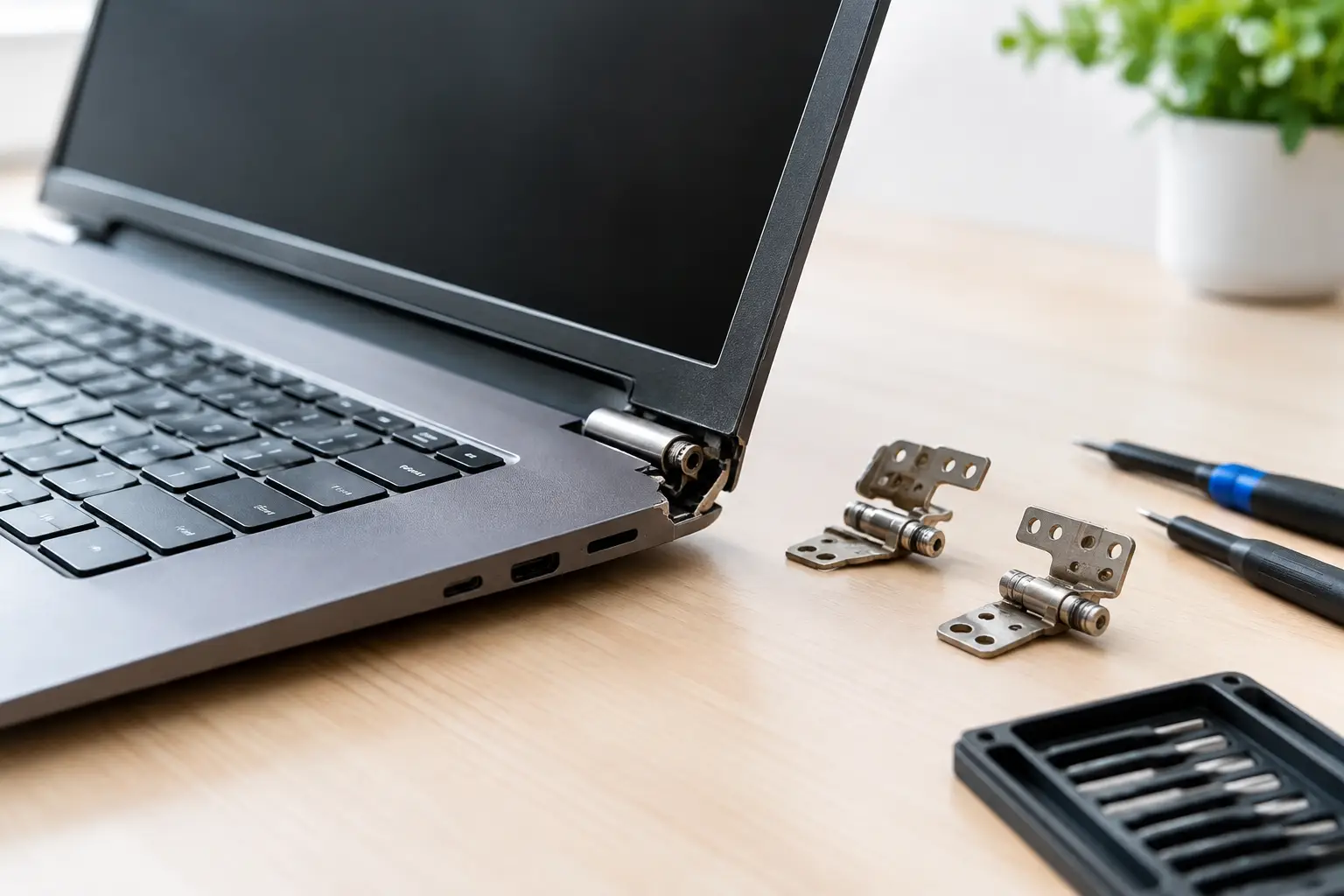
The first warning sign is usually a change in resistance. The lid may feel unusually tight, make a crunching or clicking sound, or require two hands to open. In other cases, it becomes floppy and will not stay in position. You may notice a gap forming around one corner of the screen, a lifted bezel, a screw working loose, or plastic around the hinge area beginning to split.
A damaged hinge can also cause faults that appear unrelated. Display cables commonly run through the hinge area, so repeated strain may lead to screen flickering, coloured lines, a black display at certain angles, a webcam fault or unreliable Wi-Fi on some models. If your laptop only works properly with the lid held in one position, stop treating it as a minor inconvenience.
Why laptop hinges fail
Hinges do wear over time, particularly on laptops used every day for work, study or travel. However, the metal hinge is not always the only failed part. Many modern laptops use small threaded mounts fixed into plastic casing. If a hinge becomes too tight or the casing has taken a knock, those mounts can break free. Opening the lid then pulls the case apart instead of rotating smoothly.
Accidental pressure is another common cause. Carrying a laptop by the screen, lifting it one-handed from a corner, forcing open a lid that is stuck, or placing a heavy bag on top can all put uneven stress on the assembly. Heat can make older plastics more brittle, while a previous low-quality repair can leave missing screws or weakened mountings.
It is not always possible to prevent a hinge fault. A well-used laptop can develop one simply because its components have reached the end of their working life. What matters is catching the issue early, when the repair may be limited to the hinge and casing rather than a replacement display as well.
A guide to laptop hinge damage: what to do first
Do not keep opening and closing the laptop to test it. Every movement can worsen a cracked mounting point or pinch the display cable. If the lid is becoming difficult to move, open it only as far as necessary on a flat, stable surface. Support the screen from the centre with one hand and the base with the other. Never pull it up from one corner.
If the case is separating, the screen bezel is lifting or you can see exposed wires, switch the laptop off and avoid using it until it has been checked. Do not try to push the plastic back into place or glue the hinge area shut. Glue rarely restores the structural strength needed for a moving part, and it can make a proper repair more difficult. It may also seep into the hinge or display panel.
Back up your files as soon as you safely can. If the laptop still starts and the screen works, copy essential documents to secure storage or another device. For a screen that only works at certain angles, an external monitor may allow you to access your files without repeatedly moving the lid. If your device is a business or school laptop, follow your organisation’s data policy before transferring anything.
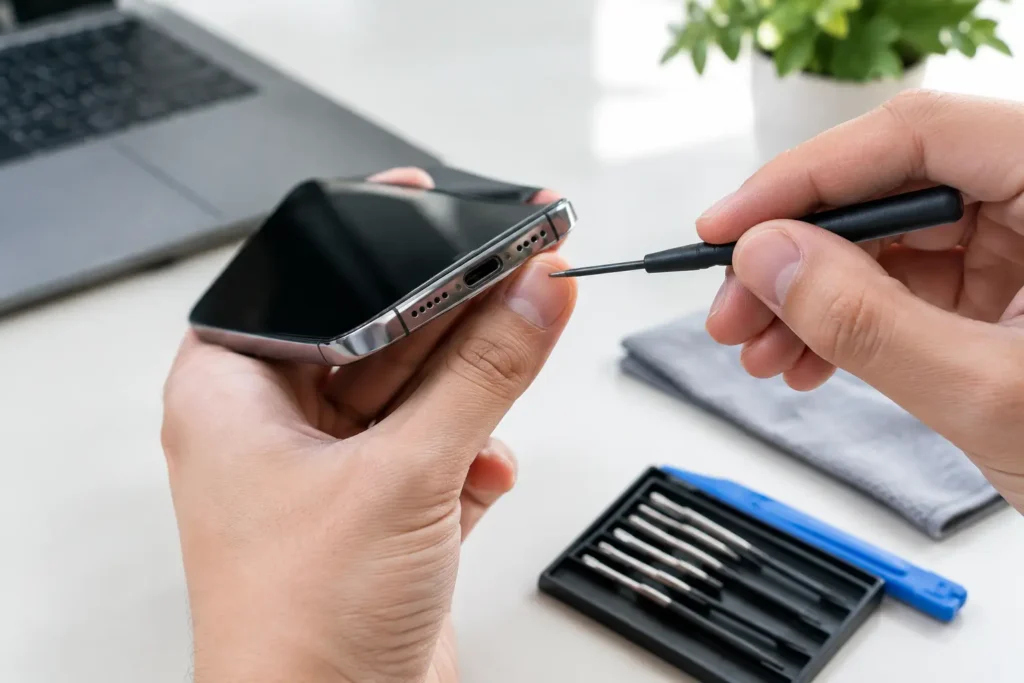
Avoid taking the base apart unless you have the right tools and experience for the exact model. Hinge repairs often involve delicate screen cables, tiny screws of different lengths and, on some machines, an internal battery that must be disconnected before work begins. A screw in the wrong place can damage the motherboard or pierce the display from behind.
What a proper laptop hinge repair involves
A professional repair begins with diagnosis, because the visible gap does not always reveal the full extent of the damage. The technician checks whether the hinge is seized, loose or bent, whether its mounting points are intact, and whether the display, bezel, cables and lower casing have been affected.
Depending on the model and the condition of the device, the repair may involve replacing one or both hinges, fitting a new lid or base casing, rebuilding damaged mounting points where appropriate, and securing the assembly with the correct screws. If the screen has developed lines, pressure marks or intermittent faults, a replacement panel or cable may also be needed.
This is why hinge damage should not be priced as a one-size-fits-all job. A straightforward repair on a laptop with accessible parts can be relatively quick. A slim model with a bonded display assembly, hidden fasteners or widespread casing damage requires more labour and may need additional components. A clear diagnosis before work starts helps avoid surprises.
At TechLab Repairs, hinge faults are assessed as part of the whole laptop, not just the visible break. That means checking that the lid opens smoothly after repair and that the display, webcam, Wi-Fi and charging functions have not been affected by the original strain.
Is repair worth it?
For many laptops, repairing the hinge is a sensible alternative to replacement. This is especially true when the device is otherwise reliable, has a healthy battery, enough storage and the performance you need for work, homework or home use. Replacing a hinge or casing can protect a good screen and extend the life of the machine significantly.
The calculation changes when the laptop is already very old, has several major faults, or needs an expensive display assembly alongside the hinge repair. In that situation, compare the repair cost with the value of a suitable replacement, but include the cost and inconvenience of moving files, software and settings. A repair is not automatically the cheapest option, and replacement is not automatically the best value.
If you are unsure, ask for an honest assessment of the damage, available parts and likely repair outcome. The useful question is not simply whether a hinge can be fixed. It is whether the completed repair will give you a dependable laptop for long enough to justify the spend.
Preventing future hinge problems
Open your laptop from the middle of the lid rather than one side. This distributes pressure across both hinges and reduces twisting. Close it gently before putting it in a bag, and use a padded sleeve that does not allow heavy items to press directly on the screen.
Keep the hinge area clean and do not ignore increasing stiffness. A hinge that starts to resist movement is asking for attention. Continuing to force it can turn a small mechanical issue into a cracked casing or damaged display cable. Likewise, if a screw falls out of the casing or a corner begins to lift, arrange an inspection before daily use makes the fault worse.
For shared devices in schools and workplaces, simple handling guidance makes a real difference. Staff and students should lift laptops by the base, avoid carrying them by the screen, and report stiff lids early. Those small habits reduce downtime and help protect devices that are relied on every day.
A failing hinge will not fix itself, but prompt action can keep the damage contained. If your laptop lid is stiff, loose or pulling apart, protect your files, stop forcing the screen and have it assessed before the next opening causes the repair to grow.