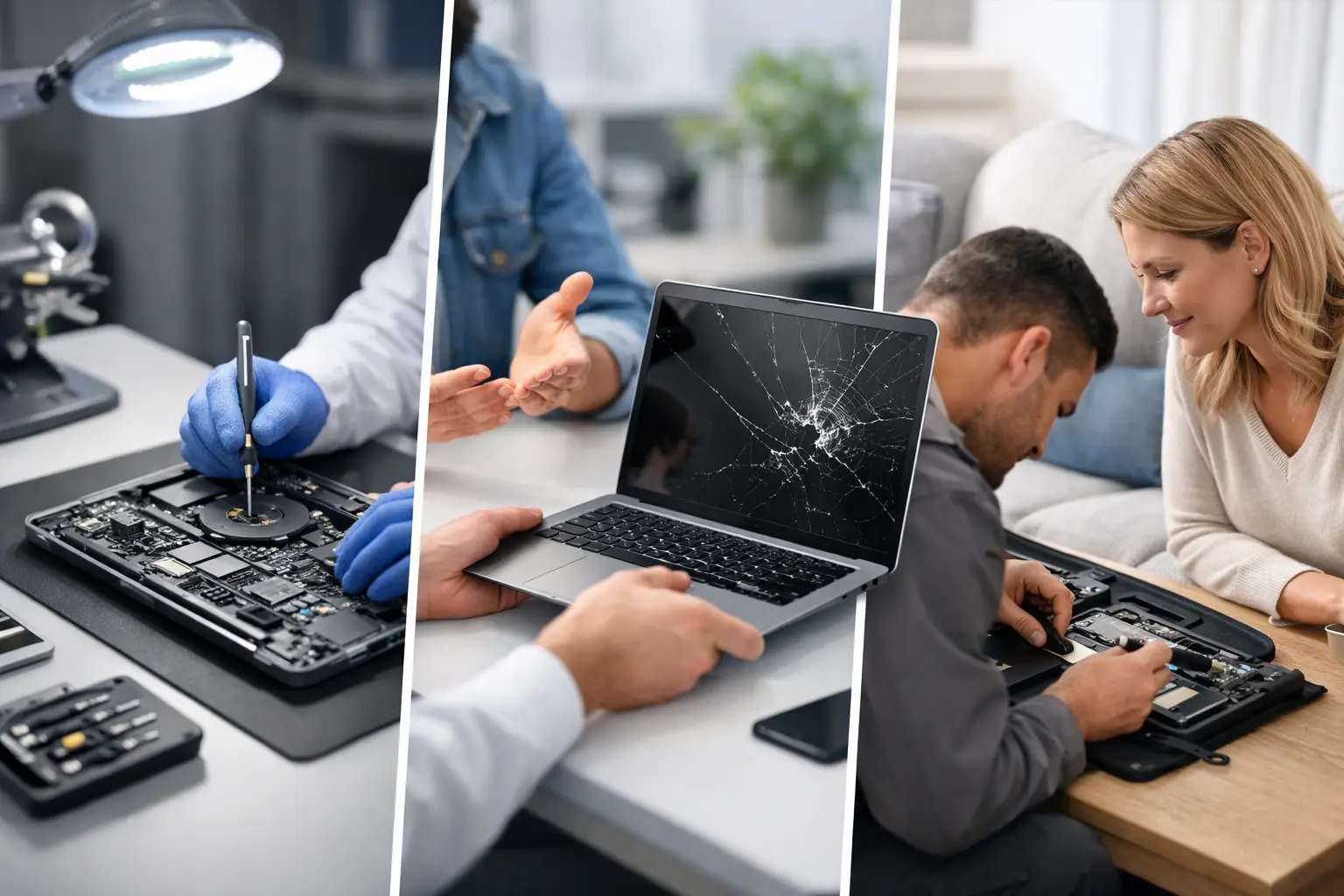
A laptop that will not charge before a deadline, a screen that has cracked in a school bag, or a keyboard damaged by a spilled brew can bring the whole day to a stop. The best laptop repair options are not always the most obvious or the cheapest at first glance. The right choice depends on the fault, the age and value of the machine, how quickly you need it back, and whether the files stored on it are irreplaceable.
For households, students and businesses across Barrow-in-Furness, Cumbria and the Lake District, a proper repair can often save a perfectly capable laptop from being replaced too soon. The key is knowing when to use a local specialist, when warranty support makes sense, and when replacement is genuinely the better financial decision.
Best laptop repair options by fault
Not every problem needs the same route. A reliable repairer should diagnose the actual fault before quoting for a part, because symptoms can be misleading. A laptop that will not power on may have a failed charger, a worn charging port, a battery issue, or a fault on the motherboard. Replacing the battery without testing the charging circuit first can be money wasted.
Cracked, flickering or black screens
A damaged display is one of the clearest cases for repair. If the laptop starts normally, produces sounds, or works when connected to an external monitor, the screen or display cable may be at fault rather than the whole device. Screen replacement is usually far more affordable than buying a new laptop, particularly on models that are otherwise fast enough for work, study or home use.
There are trade-offs. Premium ultrabooks, touchscreen models and some MacBooks use bonded display assemblies that cost more than standard panels. Even then, repair can remain worthwhile if the laptop is only a few years old and meets your needs. Ask whether the quote includes the panel, fitting, testing and a workmanship guarantee, rather than comparing a parts-only price with a full repair service.
Batteries that drain too quickly
Laptop batteries wear down gradually. If your machine only lasts an hour off the charger, shuts down unexpectedly, or shows a battery warning, a replacement battery may give it several more useful years. This is often one of the best-value repairs for a device that still performs well.
Do not assume every power problem is the battery. A faulty charger, damaged DC jack, USB-C charging issue, overheating or software setting can create similar symptoms. A technician should check charging behaviour and battery health before recommending a replacement. Good-quality compatible parts can be suitable for many models, but for high-performance laptops and some Apple devices, the best option may be an original-specification part.
Charging ports and power faults
A charger that has to be held at a particular angle is a warning sign. Continued use can damage the port further or put strain on the motherboard. Charging-port repair is usually a sensible choice where the laptop is otherwise in good condition, and it is often less expensive than people expect.
USB-C has made charging more convenient, but diagnosis matters. Some USB-C ports also handle data and video, while faults can involve the port itself, the charging controller or the charger. Bringing the charger with you helps a repair shop test the full setup rather than guessing.
Liquid damage
Spills need fast action. Switch the laptop off, unplug it, and avoid repeatedly trying to turn it back on. Do not use a hairdryer or put it in rice. Heat can cause further damage, while rice does not remove residue from inside the device.
Liquid damage treatment is time-sensitive because corrosion can continue after the laptop appears to dry out. A specialist can open the machine, assess affected components, clean the board where appropriate and identify what needs replacing. Results vary depending on the liquid, how much entered the laptop, and how long it was left powered on. Still, swift professional attention gives you the best chance of saving the device and its data.
Keyboard, trackpad and hinge damage
Missing keys, a non-responsive trackpad or a loose hinge can make a usable laptop frustrating or unsafe to use. On some models, the keyboard can be changed separately. On others, it is part of the top case, which increases the cost but may also include a new trackpad or palm rest.
Hinges deserve attention sooner rather than later. A stiff or broken hinge can pull against the screen casing and display cable each time the lid moves. What starts as a mechanical repair can become a screen repair if it is ignored.
Local repair, manufacturer service or DIY?
The best laptop repair option is often a local independent repair specialist when you need clear advice, a quick turnaround and a repair that makes financial sense. A good local shop can diagnose a wide range of Windows laptops, MacBooks and other devices, explain the likely cause in plain English, and give you a realistic quote before work starts. It also gives you a real person to speak to if the issue changes or you have questions about your data.
Manufacturer repair is worth considering if the laptop is still under warranty, covered by accidental-damage protection, or needs a specialist part that is not readily available. The downside is that devices may need to be posted away, turnaround can be longer, and out-of-warranty pricing can be high. Manufacturers may also favour full module replacement where an independent technician can repair a smaller failed component.
Retailer protection plans can help if you have one, but check the excess, exclusions and repair process. A claim is not automatically the cheapest or fastest route for a cracked screen or battery fault.
DIY repair can be sensible for confident users replacing an external battery, fitting more storage or changing a clearly removable component. It is a riskier option for modern slim laptops, where batteries are glued in place, screws are easily stripped and opening the casing can damage delicate cables. DIY work can also affect remaining warranty cover. If you are unsure, diagnosis first is usually cheaper than turning one fault into several.
When repair is better than replacement
A repair is normally worth serious consideration when the laptop is under five or six years old, still handles your regular tasks, and the repair cost is a modest proportion of an equivalent replacement. A battery, screen, keyboard, storage upgrade or charging-port repair can make a big difference without the cost and inconvenience of moving to a new machine.
Replacement may be wiser if there are multiple expensive faults, the motherboard has failed on an older entry-level laptop, or the device is already too slow for current software. It can also make sense when the repair cost approaches half the price of a suitable new replacement, especially if the laptop has limited memory, ageing storage and poor battery life at the same time.
Do not compare the repair quote only with the cheapest laptop available. Compare it with a machine that will genuinely meet the same needs. A budget replacement may have a lower-resolution screen, less storage, weaker build quality or performance that is no better than your repaired device.
Protect your files before any laptop repair
Your files matter as much as the hardware. If the laptop still starts, back up documents, photos, coursework and business files before handing it over. Use an external drive or a secure cloud backup, and make sure you can access the accounts you need afterwards.
If the device will not start, tell the technician which files are most important. Data recovery is different from a standard repair, and the safest route may be to preserve the existing drive before other work begins. For business laptops, check whether there are company security policies, encryption keys or administrator details required for testing.
A trustworthy repair service should treat personal and commercial data carefully. You may be asked for a login password only if it is needed to test the repaired device. Remove sensitive files where possible, sign out of accounts you do not need, and ask how the shop handles customer data and devices while they are in its care.
Questions to ask before you approve a repair
Before agreeing to work, ask for a diagnosis rather than just a price for a guessed part. Find out whether the quote includes labour and VAT, whether the part is original-specification or compatible, how long the repair is likely to take, and what guarantee applies to the repair. It is also sensible to ask what happens if a hidden fault is found after the laptop is opened.
For a liquid-damaged laptop or motherboard issue, no honest technician can promise a result before inspection. What they can promise is a clear assessment, straightforward options and no pressure to proceed if the repair is not worthwhile. That transparency matters more than an unrealistically cheap headline price.
TechLab Repairs can assess laptops with screen, battery, charging, liquid-damage and hardware faults, helping local customers choose a practical repair rather than replacing a device by default. Whether the laptop is for university work, family photos, a home office or a busy business, the aim should be the same: get it working reliably again without spending more than you need to.
A broken laptop is disruptive, but it does not have to become e-waste or an unplanned expense. Get the fault checked early, protect your data, and choose the repair route that gives your device the best chance of a useful second life.