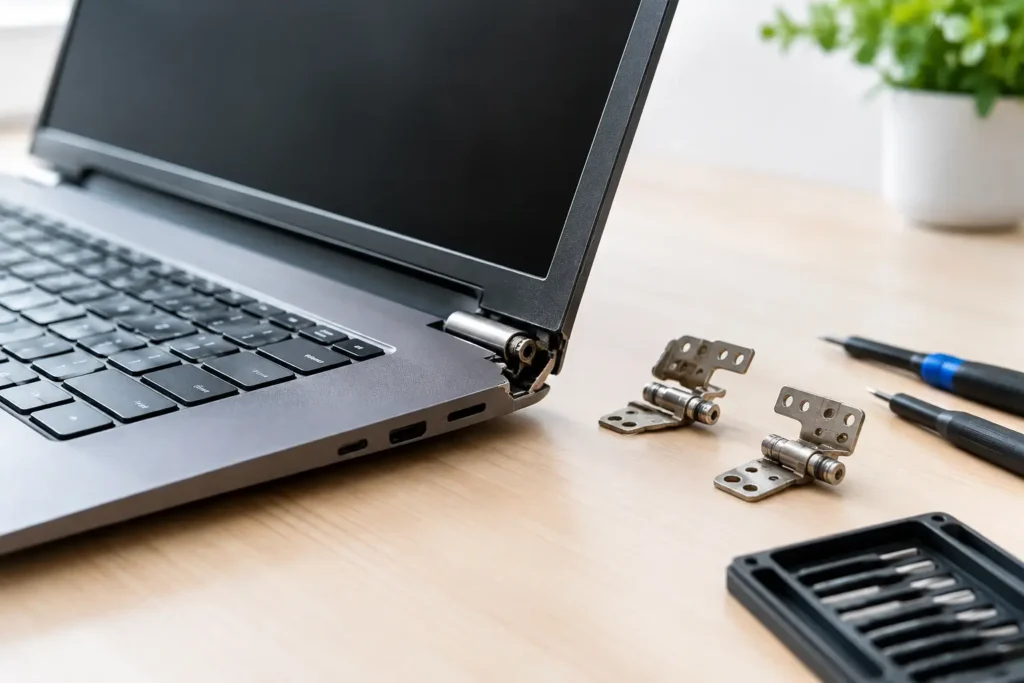
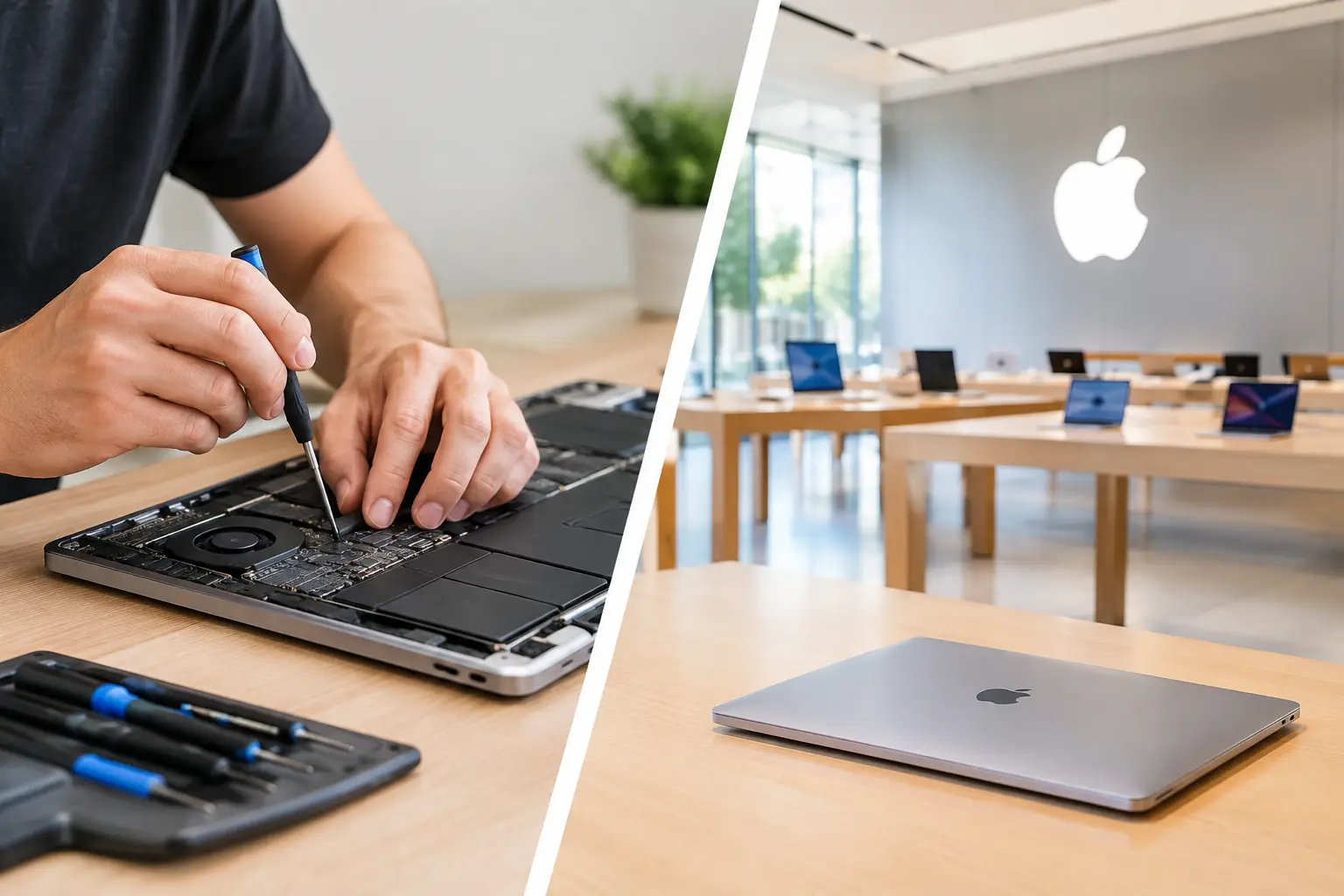
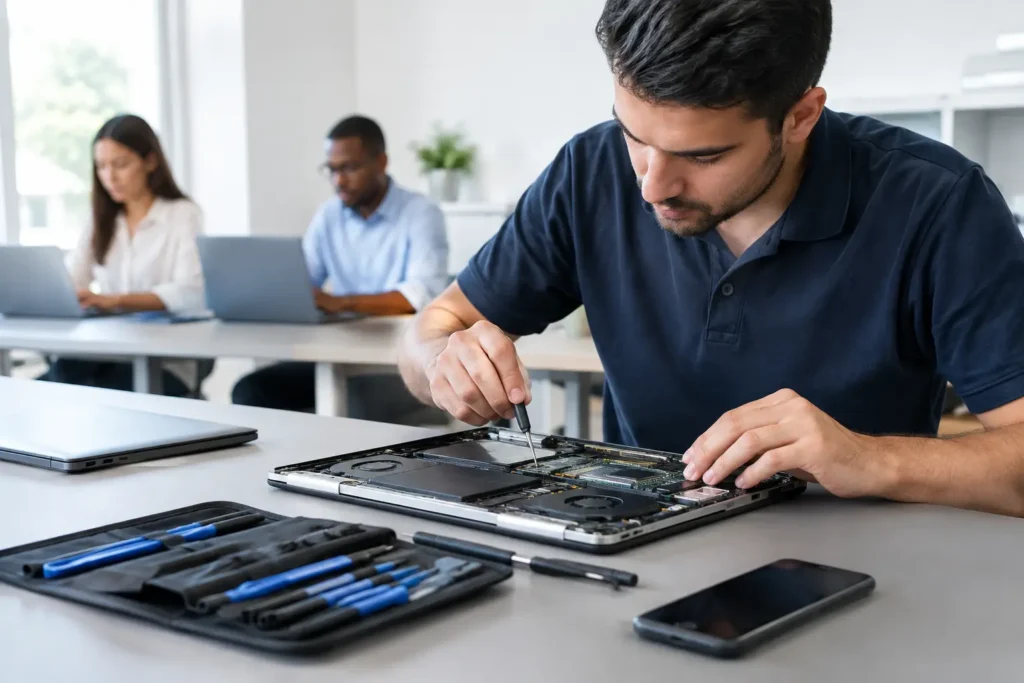
A MacBook that will not charge the night before a deadline, a coffee spill on a work machine, or a screen covered in lines can stop far more than your laptop. When comparing macbook repair versus apple store, the right choice usually comes down to the fault, your cover, the age of the Mac, and how quickly you need it back in your hands.
For Mac users across Barrow-in-Furness, Cumbria and the Lake District, sending a device away or travelling to an Apple Store may not always be the most practical route. Equally, there are situations where Apple support is exactly the right call. The key is knowing what you are paying for, what is included, and what happens to your data before you hand over your MacBook.
MacBook repair versus Apple Store: the key difference
Apple Stores and Apple Authorised Service Providers work within Apple’s official repair system. For eligible devices, they can carry out warranty repairs, process AppleCare+ claims, run official diagnostics and fit Apple parts under Apple’s procedures. That is particularly useful when your MacBook has a manufacturing fault, remains within warranty, or has AppleCare+ cover that makes accidental-damage repair more affordable.
An independent local repair specialist takes a different approach. Rather than treating every issue as a full-module replacement, a skilled technician may be able to diagnose the specific component causing the problem. This can matter for issues such as charging faults, liquid damage, failed ports, keyboard damage, battery problems or logic board faults. The available repair route will depend on the model and condition of the device, but targeted work can sometimes avoid the cost of replacing a much larger assembly.
Neither route wins every time. Apple offers a clear official path for covered repairs. Independent repair offers flexibility, local convenience and, in many cases, a more cost-conscious solution for Macs outside cover.
Cost: fixed Apple pricing or a tailored repair?
Apple’s out-of-warranty prices can be straightforward for common faults, especially if a repair falls into a defined category. The downside is that a small fault can lead to a larger quoted repair if the official solution involves replacing an entire part rather than repairing the individual failed element.
For example, a damaged USB-C charging port, a backlight fault or corrosion after liquid exposure may be linked to a specific area of the board. If the issue can be safely identified and repaired at component level, the cost may be substantially different from replacing the logic board. However, component-level repair is not appropriate for every fault, and no reputable repairer should promise a price before proper inspection.
Ask for a diagnosis and a clear quote before authorising work. A good repair shop should explain what has failed, what repair is proposed, whether there are risks from prior liquid damage or impact damage, and whether a replacement is more sensible than repair. Cheap is not automatically good value if the fault has not been diagnosed properly or the work is not backed by a warranty.
Turnaround matters when your MacBook is essential
A MacBook is often a work computer, university lifeline, family photo library and banking device all at once. Being without it for several days can cause real disruption.
Apple turnaround times vary by appointment availability, parts stock, model and the repair needed. Some repairs are completed quickly, while others require the device to be sent to a central repair facility. That can be frustrating if you live in Furness or further into Cumbria and your nearest Apple Store is not around the corner.
A local specialist can be more convenient for initial diagnosis and many everyday faults. You can speak to the person assessing the machine, ask questions in plain English and arrange collection when the repair is complete. For urgent issues, that local contact can make a real difference.
Speed should not mean shortcuts. Liquid-damaged MacBooks, intermittent power faults and logic board issues need careful assessment. A fast, honest diagnosis is more useful than a rushed repair that fails again a week later.
Warranty and AppleCare+: check this before choosing
If your MacBook is still covered by Apple’s limited warranty, consumer rights, or AppleCare+, check your eligibility before booking an independent repair. A manufacturing issue may be covered at no cost, and AppleCare+ can reduce the price of accidental-damage repairs subject to its terms and service fee.
Independent repair is often most attractive when the MacBook is out of warranty, AppleCare+ has expired, or Apple’s quote does not make financial sense for the age and value of the device. Many people own Macs for years beyond their original cover, and a battery, screen, charging or board repair can give a capable machine a useful second life.
Be aware that unauthorised work can affect remaining Apple warranty or AppleCare+ coverage for the repaired area or device. Policies and outcomes can vary, so if cover is still active, ask Apple directly before proceeding. It is also worth checking whether a repairer uses genuine Apple parts where available, compatible quality parts, or recovered parts, and what that means for functionality and warranty.
Data security is not an afterthought
Before any MacBook repair, back up your data if the machine still turns on. Time Machine, cloud storage and a second external copy are sensible safeguards. Repairs involving a display or battery may not require access to your files, but board-level faults, operating system problems and data recovery are different situations.
Apple may require you to back up your Mac and erase it before service, particularly where a device could be replaced or sent away. That is a sensible security measure, but it can be difficult when the MacBook will not power on or your files are not backed up.
A trusted local repair business should treat customer data as private, explain when a password is genuinely needed and avoid asking for it when it is not. Ask how your device will be stored, whether diagnostic access is required, and what happens if the repair cannot be completed. For business and school devices, this conversation should include asset records, user accounts, encryption and any required data-handling procedures.
When an Apple Store is the better choice
Choose Apple or an Apple Authorised Service Provider when your MacBook has an active warranty or AppleCare+ claim, when you need an official repair history, or when Apple has identified a service programme that applies to your model. It is also the sensible option if your organisation has a support agreement tied to Apple service.
Official service can be particularly reassuring for a newer MacBook with no previous repairs, especially where the fault involves a major assembly and the quoted repair is covered. You are following Apple’s documented process and using its support network.
That said, an official route is not always the quickest or lowest-cost answer once a Mac has aged beyond cover. If the quote approaches the value of the laptop, it is reasonable to seek a second opinion before deciding whether to repair, replace or recover your data.
When local MacBook repair makes more sense
A local repair specialist is often the practical choice for an older MacBook, a time-sensitive issue, or a fault that needs investigation rather than a standard replacement. It is also valuable when you want to discuss options face to face instead of posting away a device containing years of personal or business information.
At TechLab Repairs, the focus is on diagnosing the fault first and giving customers a clear, realistic route forward. That may mean a battery replacement, screen repair, charging repair, liquid-damage treatment or more detailed board work. If repair is not economical, you should be told that plainly rather than encouraged to spend money on a poor-value fix.
For schools and businesses, local support can also reduce downtime across multiple devices. A cracked screen or failed charging port should not have to leave a member of staff or student without a working machine for longer than necessary.
Questions to ask before handing over your MacBook
Whether you choose Apple or an independent repairer, ask what the fault appears to be, how long the work is likely to take, what the total cost includes and what warranty comes with the repair. Confirm whether your data needs to be backed up or erased, and ask what happens if additional faults are found once the machine is opened.
It also helps to provide the exact MacBook model and year, alongside a description of what happened. “It will not turn on” is useful, but “it stopped charging after liquid entered the left USB-C port” gives a technician a far better starting point.
A broken MacBook is stressful enough without being pushed into a decision you do not understand. Choose the repair route that protects your cover where it exists, respects your data, fits your budget and gets you back to work, study or home life with confidence.