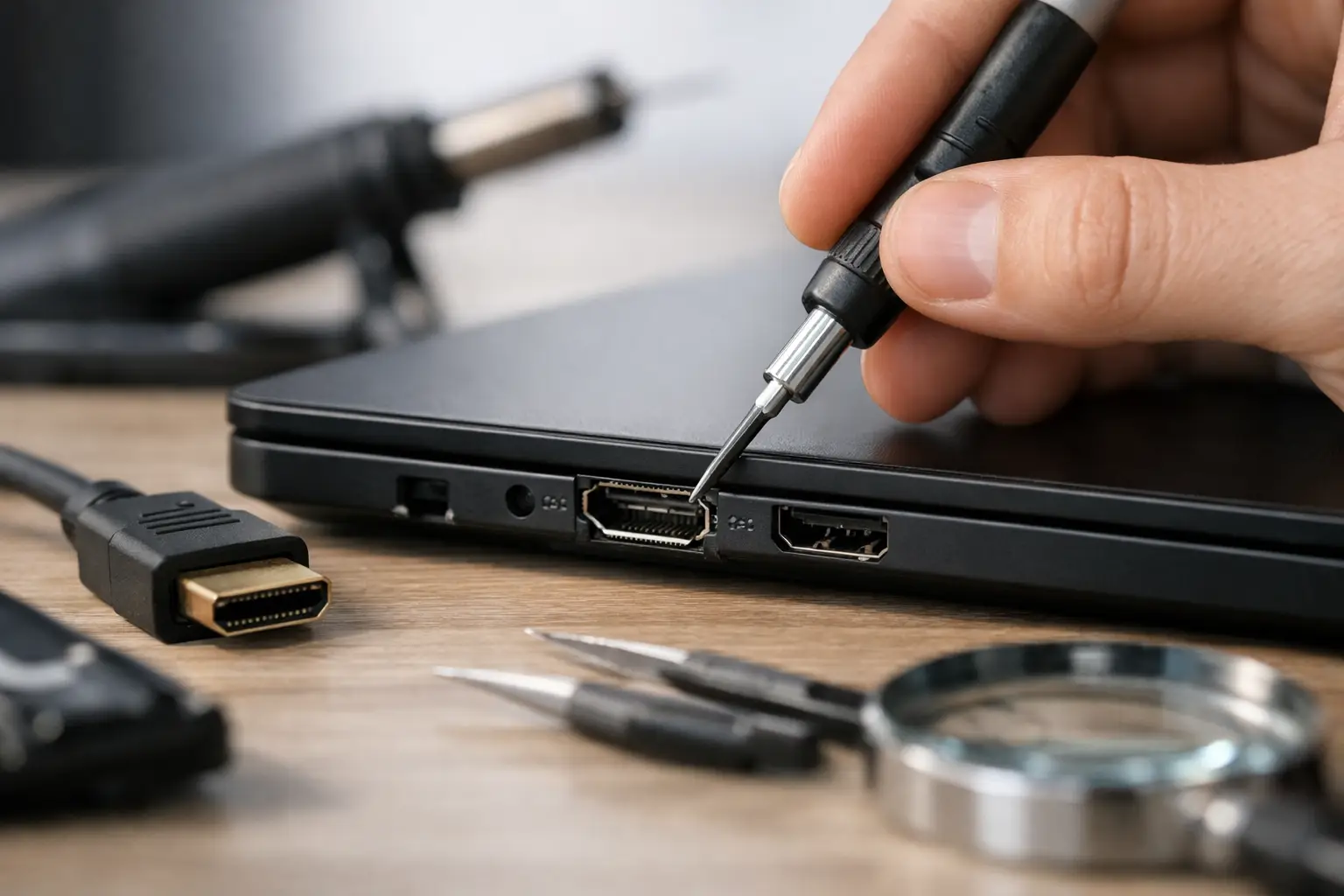
One day your screen is working fine, the next you have no picture, flickering signal, or a cable that only works if you hold it at a strange angle. If you are searching for how to fix broken HDMI port issues, the first thing to know is this: not every HDMI fault means the port itself has failed, but a genuinely damaged port usually will not sort itself out.
HDMI problems are common on games consoles, laptops, desktop PCs, monitors and TVs because the port takes regular wear. Cables get pushed in at an angle, devices are moved while still plugged in, and sometimes the solder joints underneath the port crack without any obvious damage on the outside. The good news is that some faults are simple. The less good news is that a true hardware break normally needs a proper repair rather than a home remedy.
How to fix broken HDMI port faults – start with the basics
Before assuming the port is broken, rule out the easy causes. A faulty cable is far more common than people think, especially with older leads that have been bent, twisted or trapped behind furniture. Try a different HDMI cable first, then test the device on a different screen if you can.
If you are using a console or laptop, switch to another HDMI input on the TV or monitor. It sounds obvious, but many call-outs turn out to be a dead input on the display rather than a damaged output on the device itself. If the picture appears on another input, your device may be fine.
It is also worth checking the display settings. Laptops and PCs can output at resolutions or refresh rates that a screen does not like, which can look like a port problem when the port is actually working. Consoles can do something similar after an update or after being moved from one display to another.
Power cycling can help too. Turn everything off fully, unplug from the mains for a minute, reconnect the cable carefully, then power up the screen first and the source device second. This can reset the HDMI handshake, which is the communication that tells both devices how to send and receive the signal.
Signs your HDMI port is actually damaged
A broken HDMI port tends to leave clues. The cable may feel loose instead of clicking in securely. You might notice bent pins inside the port, or the metal housing may look pushed back or out of shape. In some cases, the cable goes in but there is still no signal at all, even with multiple known-good cables and displays.
Intermittent output is another strong sign. If the image cuts in and out when the cable is touched, the port may have cracked solder joints or internal pin damage. On consoles in particular, this often happens after the machine has been knocked with the cable still inserted.
There is a difference between dirt and damage, though. Dust, fluff or even a small bit of debris can stop the cable seating properly. Shine a light into the port and look carefully. If you can see compacted debris near the opening, that may be part of the problem.
Can you repair a broken HDMI port yourself?
Sometimes, but it depends on what has gone wrong and what device you are dealing with.
If the issue is only dirt or debris, you may be able to clean the port carefully. Switch the device off, disconnect power, and use a gentle burst of air or a soft plastic tool to remove visible fluff. Avoid anything metal. HDMI pins are delicate, and one slip can turn a simple clean into a full repair job.
If the port is loose, bent, pushed in, or has damaged pins, DIY becomes much riskier. The HDMI port on a laptop, console or motherboard is usually soldered directly to the board. Replacing it properly means disassembling the device, removing the damaged port with the right equipment, cleaning the pads, fitting a new port and soldering it accurately. On top of that, some HDMI faults are not just the port. Impact damage can also affect filters, traces or the HDMI control circuit nearby.
That is why home fixes such as forcing the cable, wedging it in place, or trying glue are a bad idea. They may hold the connection for a short time, but they often make the board damage worse and the final repair more complicated.
How to fix broken HDMI port issues on different devices
Games consoles
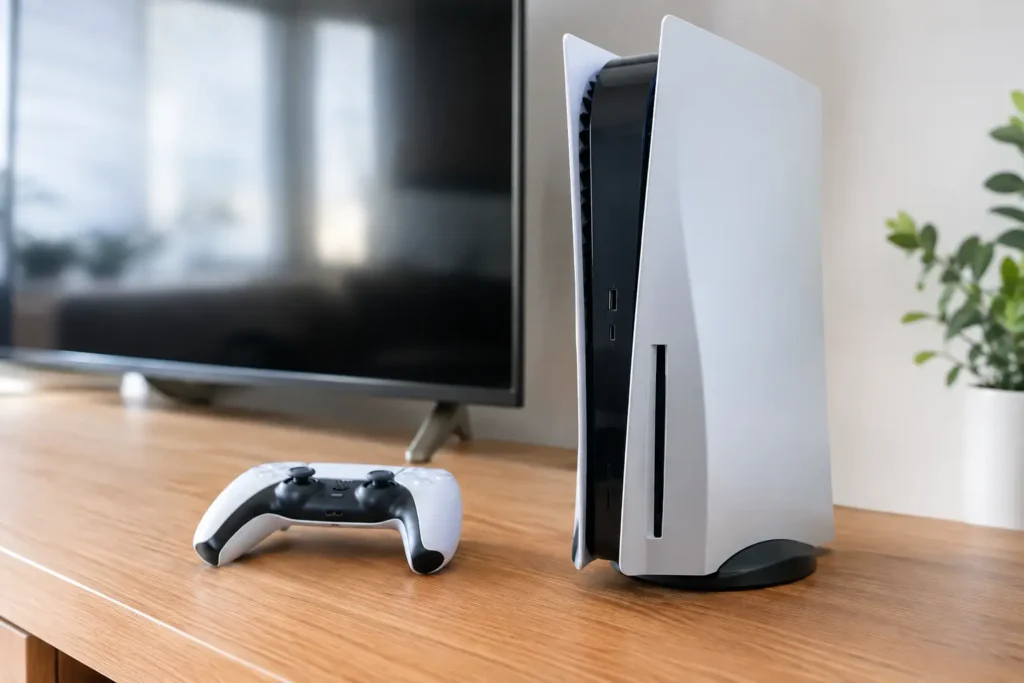
Consoles are among the most common devices for HDMI damage. PlayStation and Xbox units get moved between rooms, packed away after use, and reconnected often. If there is no display but the console still powers on, the HDMI port is one of the first things to inspect.
Start with the cable, the TV input, and a safe mode or low-resolution boot if your console supports it. If nothing changes and the port looks loose or bent, the fix is usually a hardware replacement. This is not a screw-in part. It is a board-level repair.
Laptops and desktop PCs
Laptop HDMI ports can fail through wear, accidental knocks or strain on the cable. On a desktop PC, the problem may be the graphics card output rather than the motherboard. Test with another monitor and, if possible, another output type such as DisplayPort to confirm whether the machine is still producing video.
If the HDMI port itself is physically damaged, the repair approach depends on the board design. Some ports are straightforward to replace. Others sit close to sensitive components and need careful microsoldering. With laptops, there is also the question of value – older, lower-cost machines may not always justify extensive board work.
TVs and monitors
On TVs and monitors, repeated cable changes and pressure at the rear panel can crack ports or damage the input board. Before assuming the HDMI socket has failed, test all inputs and reset the display if that option is available. If only one HDMI input has stopped working and the others are fine, the fault may be limited to that specific port or board.
Repairs on displays can be worthwhile, but they need proper diagnosis because HDMI faults can overlap with main board faults, power issues or display processing problems.
When professional repair is the better choice
If you have visible port damage, no signal after basic checks, or a connection that drops out whenever the cable moves, a professional repair is usually the sensible route. It is faster, safer and often cheaper than replacing the whole device.
A proper technician will not just swap the port and hope for the best. They should inspect the surrounding board for lifted pads, damaged traces and related HDMI circuit faults, then test the device fully once the repair is complete. That matters because some failed ports are only part of the problem.
For local customers, this is where a nearby repair specialist makes life easier. Instead of sending a console or laptop away and waiting weeks, you can usually get a clear diagnosis, straightforward pricing and a quicker turnaround. TechLab Repairs handles HDMI port faults as part of its wider hardware repair work, which is especially useful when the issue turns out to be more than a simple socket replacement.
How to avoid damaging an HDMI port again
Once repaired, a bit of care goes a long way. Do not move devices with the HDMI cable still connected. Support the plug when removing it rather than pulling on the cable itself. If the cable route is tight behind a TV unit or desk, give it more slack so the connector is not under constant sideways pressure.
It is also worth using the right cable length. A lead that is too short tends to sit under tension, and that tension is transferred straight into the port. On frequently moved devices such as consoles, reconnect slowly and make sure the plug is level before inserting it.
If children use the setup, or if devices are in a busy family room, port damage is even more likely simply because cables get knocked. In those cases, prevention matters as much as repair.
A broken HDMI port feels like a major failure because it can leave an otherwise good device unusable. Often, though, the device itself is absolutely worth saving. If the basics do not solve it, getting the port checked properly is usually the quickest way back to work, study or game time without buying a whole new machine.