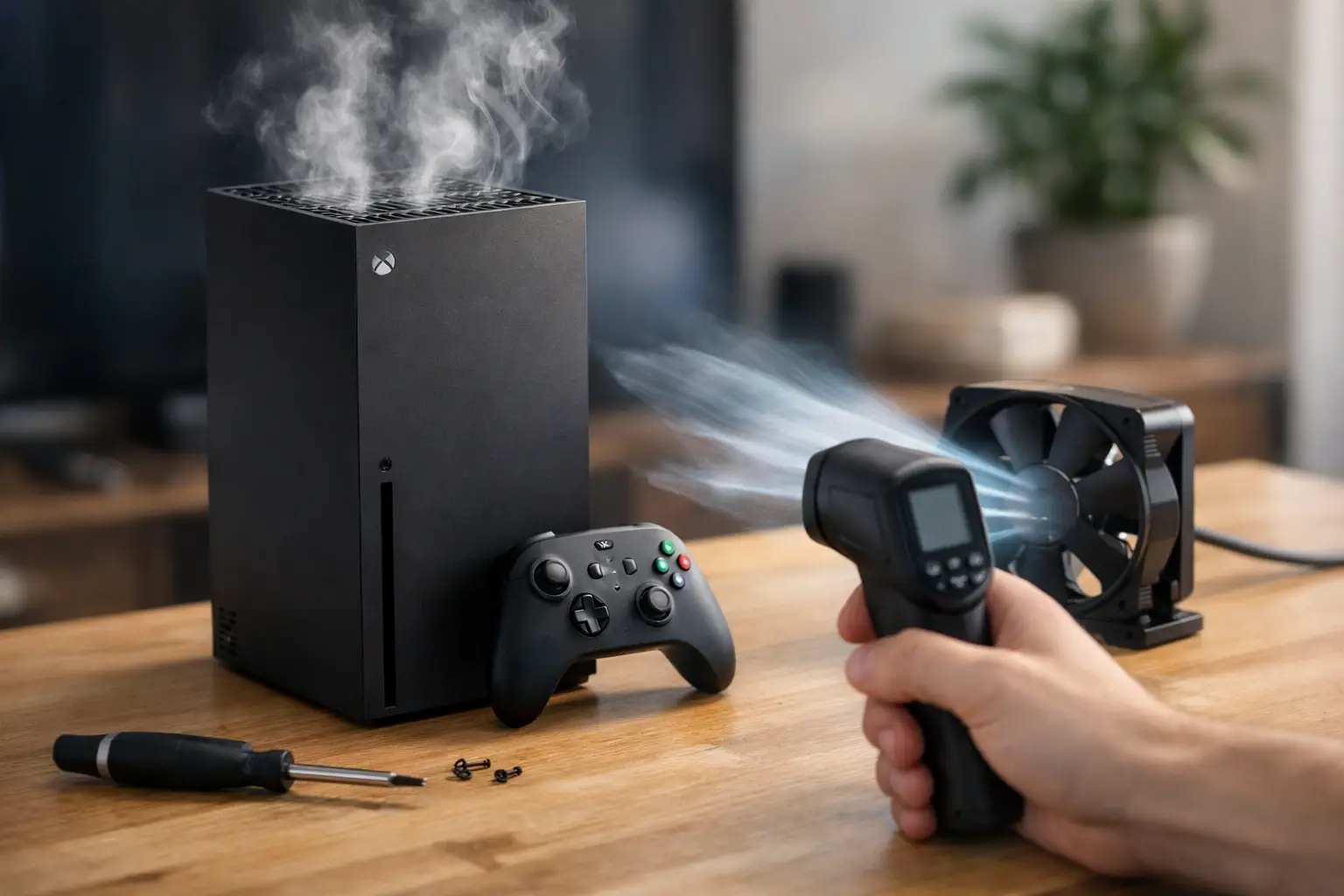
One minute you are mid-match, the next your console is roaring, throwing up a heat warning, or shutting itself down. If you are looking for an xbox series x overheating fix, the good news is that some causes are simple. The less good news is that repeated overheating can point to dust build-up, poor airflow, fan trouble, or failing internal components that will not sort themselves out.
The Xbox Series X is designed to run warm. That large top vent pushes out a noticeable amount of heat, and under heavy gaming that is completely normal. What is not normal is sudden power-off behaviour, warning messages, crashing during longer sessions, or a fan that sounds like it is constantly struggling. The trick is knowing the difference between a console doing its job and a console asking for help.
What overheating actually looks like on a Series X
A lot of people assume any warmth means there is a fault. In reality, the Series X moves heat through the chassis and out of the top vent, so warm air alone is not a problem. Concern starts when the console becomes unstable.
Typical signs include the system shutting down on its own, games freezing after 20 to 40 minutes, the fan staying unusually loud even on lighter titles, or the console feeling hotter than usual around the exhaust area while performance drops. If the issue appears only during demanding games, that can still be a warning sign rather than just bad luck.
There is also a difference between a one-off event and a pattern. A single thermal shutdown after the console has been stuffed into a cabinet all day is different from repeated overheating in a well-ventilated room. If it keeps happening, there is usually an underlying cause.
Xbox Series X overheating fix checks you can try first
Before assuming there is a hardware failure, start with the basics. These checks are safe, sensible, and often enough to solve the problem if the console is otherwise healthy.
Check the console’s position and airflow
The Series X needs breathing room. If it is pushed tight against a wall, boxed into a TV unit, or surrounded by other heat-producing kit, it cannot shift hot air properly. Move it to a hard, flat surface with clear space around all vents. Soft furnishings, carpet, or stacking devices nearby can trap heat far more than people realise.
Vertical or horizontal can both work, but only if the vents are not obstructed. If you use it horizontally, make sure nothing is covering the side vents and that dust has not collected around them.
Clean the outside vents properly
Dust on the outer venting is one of the most common reasons a console starts running hotter over time. Use a soft brush or a can of compressed air carefully around the external vents. Keep the bursts short and controlled. You are trying to lift dust away, not blast it deeper inside.
Avoid anything wet, avoid vacuum nozzles pressed directly onto the vents, and definitely avoid opening the console if you are not confident. It is very easy to turn a minor cleaning job into damaged fan blades or snapped plastic clips.
Power cycle the console
It sounds basic, but a full shutdown can help rule out software oddities or a system process that has not cleared correctly. Turn the console off fully, unplug it for a minute or two, then reconnect and restart. If the fan behaviour immediately returns to normal, the issue may not be purely thermal.
Check for system and game updates
Performance bugs and firmware issues can sometimes cause unusual fan activity or crashes that feel like overheating. Make sure the console software is current, and update any game that consistently triggers the issue. This will not fix a clogged heatsink or a weak fan, but it can help you separate software problems from hardware ones.
When home fixes are not enough
If the console still overheats after improving airflow and cleaning the exterior, the problem may be inside. This is where the conversation changes from simple maintenance to repair.
The most common internal cause is dust packed into the heatsink. From the outside, the vents may look fine. Inside, though, the cooling path can be lined with compacted dust that restricts airflow and traps heat where it matters most. The fan then works harder, temperatures rise, and shutdowns become more likely.
Another possibility is fan failure. Sometimes the fan still spins but not at the correct speed. Sometimes bearings wear out and the fan becomes noisy or inconsistent. In both cases, the console may cool poorly even though it appears to be trying.
There is also thermal compound to consider. Over time, the material that helps transfer heat away from the processor can dry out or lose effectiveness. That is not always the first culprit on a newer machine, but it can absolutely be part of the problem on a heavily used console.
Signs you may need a professional xbox series x overheating fix
There are a few situations where professional repair is the safer and more cost-effective route.
If your Series X shuts down repeatedly even in a cool, open space, that points to more than simple placement. If the fan makes grinding, rattling, or whining noises, it may be worn or obstructed. If you notice overheating after a liquid spill, after a drop, or after the console has already been opened by someone else, internal inspection becomes much more important.
The same applies if the console powers off without warning and then struggles to power back on. Heat can sometimes be the symptom, while the underlying issue sits elsewhere on the power side or the main board.
At that stage, guessing is where costs start to rise. A proper diagnostic can tell you whether the fix is a deep clean, fan replacement, thermal work, or a more advanced board-level fault.
Why DIY repair can go wrong
Online videos make console repair look faster and simpler than it really is. The Series X is repairable, but it is not a device to take apart casually on the kitchen table.
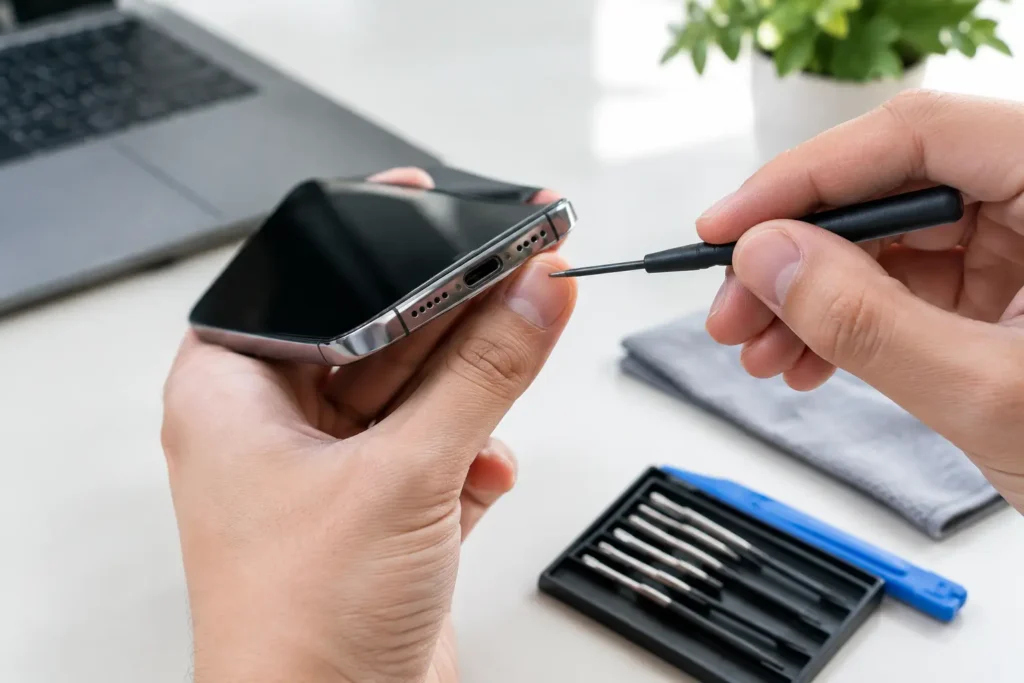
Opening the console without the right tools can damage casing clips, connectors, or shielding. Compressed air used too aggressively can force debris into places it was not before. Replacing thermal paste without cleaning and reassembly done properly can actually worsen temperatures. Even a fan swap is only straightforward if the diagnosis is correct to begin with.
There is also the hidden issue of partial fixes. A console may appear better for a week after a basic clean, only to start overheating again because the real cause was never addressed. That is frustrating enough for home users, but for households where the Xbox is the main entertainment hub, it quickly becomes a nuisance.
What a proper repair should include
A good overheating repair is not just a quick blast of air and a hope for the best. It should start with diagnosis. The technician needs to confirm whether the issue is airflow restriction, fan performance, heat transfer, or another hardware fault presenting as overheating.
From there, the repair may involve internal cleaning, heatsink cleaning, thermal compound replacement, fan testing or replacement, and checks for power-related problems. The aim is stable operation under load, not just a console that turns on and seems fine for five minutes.
That matters because overheating left unresolved can shorten component life. Repeated heat stress is not kind to electronics. Sorting the issue early usually gives you a better outcome than waiting for the console to fail completely.
For local customers in Barrow-in-Furness and across Cumbria, this is exactly the sort of fault where a nearby specialist can save time compared with shipping a console away and waiting without clear answers.
How to stop the problem coming back
Once the xbox series x overheating fix is sorted, a little maintenance goes a long way. Keep the console on a hard surface, leave space around the vents, and avoid closed cabinets unless airflow is genuinely good. If your home is dusty or you have pets, check the vents more often.
Long gaming sessions are fine, but room temperature still matters. In hotter weather, a tight entertainment unit that was passable in winter may suddenly become a problem. That does not mean babying the console. It just means giving it a fair chance to cool itself as designed.
It is also worth paying attention to changes in noise. Consoles rarely jump from healthy to faulty overnight. More often, they get gradually louder, warmer, or less stable. Spotting that early gives you a better chance of fixing a minor issue before it turns into a bigger repair.
If your Series X is overheating, shutting down, or sounding wrong, do not keep pushing it and hoping it clears. A simple check today can prevent a more expensive fault tomorrow, and that is always the better outcome for your console and your wallet.