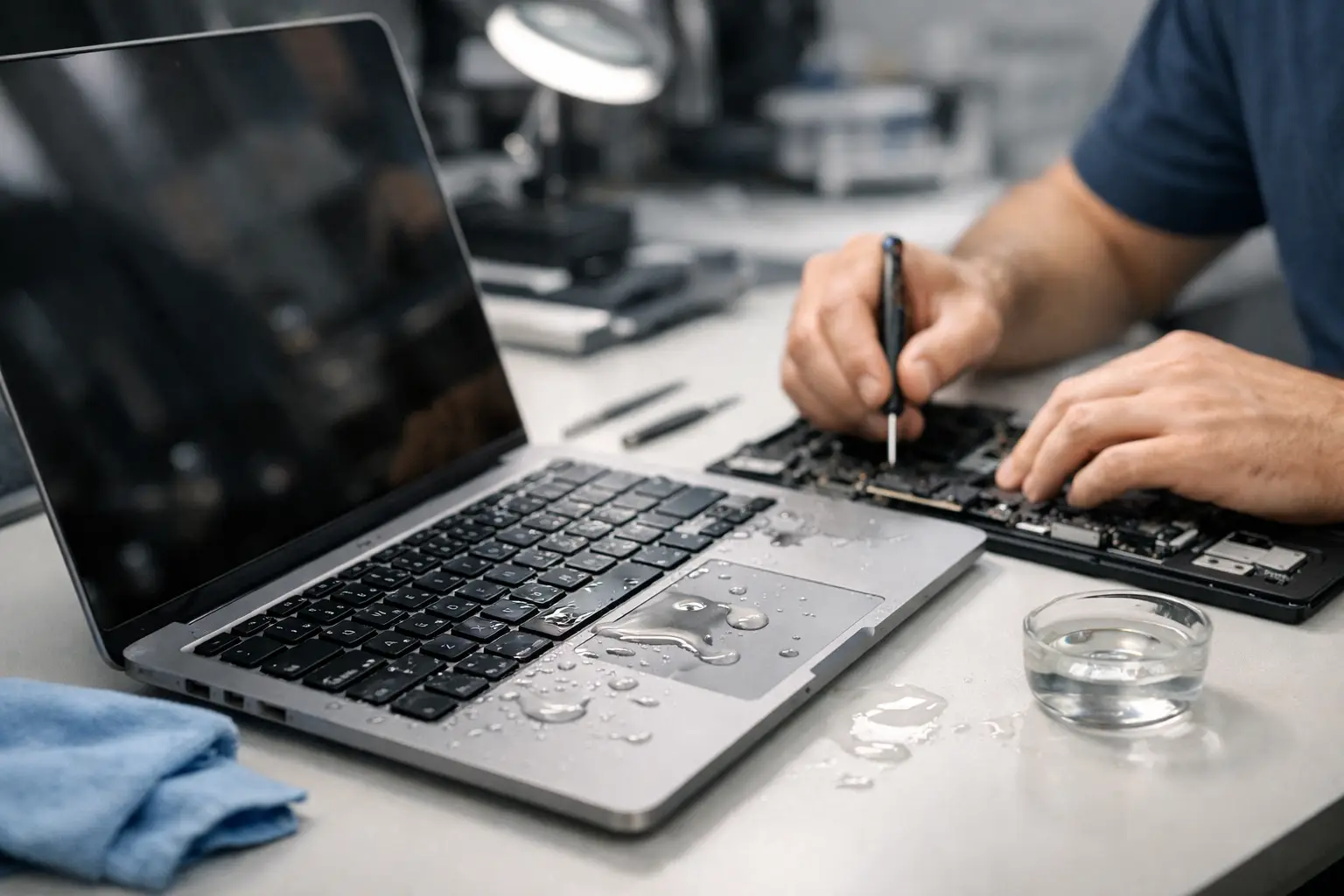
The worst part of a spill is not the moment the coffee lands on the keyboard. It is the next ten minutes, when you are wondering whether your MacBook is about to die, whether your files are safe, and whether a repair is even worth paying for. That is exactly why a proper MacBook liquid damage repair review matters – because the difference between a recoverable fault and a dead logic board often comes down to speed, diagnosis and honesty.
If you are weighing up repair versus replacement, the short answer is this: liquid damage is serious, but it is not always the end of the machine. Some MacBooks only need cleaning, a few replacement components and careful testing. Others have corrosion spread across the logic board, keyboard, battery area and display connectors, which pushes the cost and risk up quickly. A good repair review should not pretend every water-damaged MacBook is an easy save.
What a MacBook liquid damage repair review should actually cover
Too many repair write-ups reduce the whole issue to a simple yes or no. In reality, liquid damage sits in a grey area. Two MacBooks can take a similar spill and end up with very different outcomes depending on where the liquid entered, how long the device stayed powered, and whether someone tried to charge it afterwards.
A useful review looks at four things: the chance of recovery, the likely repair path, the long-term reliability after repair, and whether the cost still makes sense against the age and value of the MacBook. That last point matters more than people expect. Spending heavily on an older Intel MacBook may not be the best move, while a newer MacBook Air or MacBook Pro can be well worth saving if the core board damage is limited.
First impressions – why liquid damage repairs vary so much
Liquid damage is not one fault. It is a chain reaction. Water, tea, juice or wine can bridge circuits, trigger shorting and start corrosion. Sugary drinks are especially awkward because even after drying, sticky residue can keep causing trouble around the keyboard, trackpad and board components.
This is why the common advice to leave it in rice does not really solve anything. Drying the outside does not remove corrosion inside. In some cases, the MacBook seems fine for a day or two, then starts showing odd symptoms such as random shutdowns, battery not charging, no backlight, fan spin with no image, or keys that stop responding. By then, the damage has moved from a clean-up job to board-level fault finding.
Common signs after a spill
Some symptoms show up immediately. The MacBook may switch off, fail to turn on, or boot with a black screen. Other signs are slower and more deceptive. You might notice the trackpad clicking oddly, the battery draining too fast, USB-C charging on one side only, or the machine overheating during simple tasks.
Those delayed faults are one reason people get frustrated with liquid damage repairs. They assume the machine was fine after the spill, so the later fault must be unrelated. Often it is related. Corrosion does not work to a neat timetable.
The real repair process behind a liquid-damaged MacBook
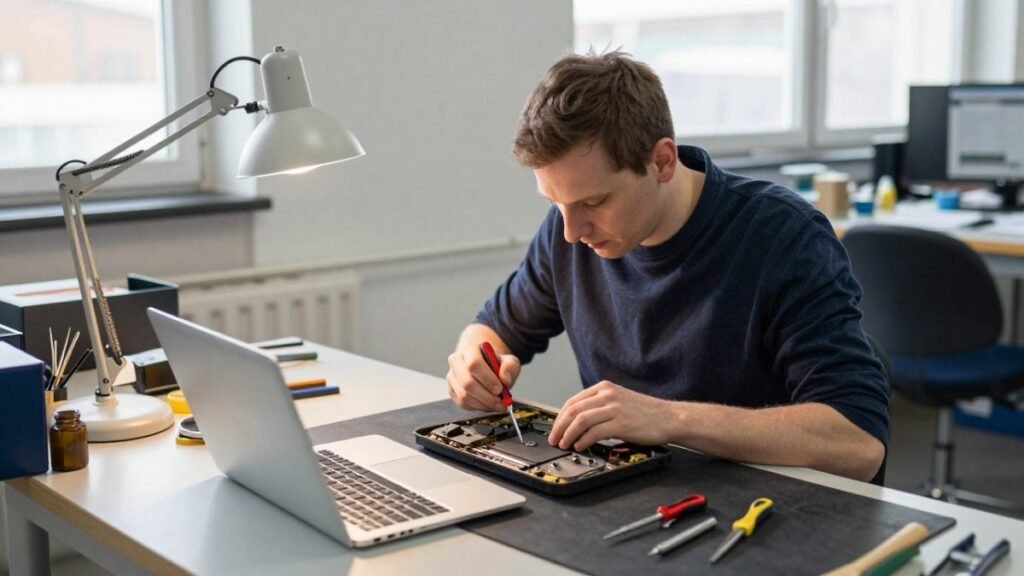
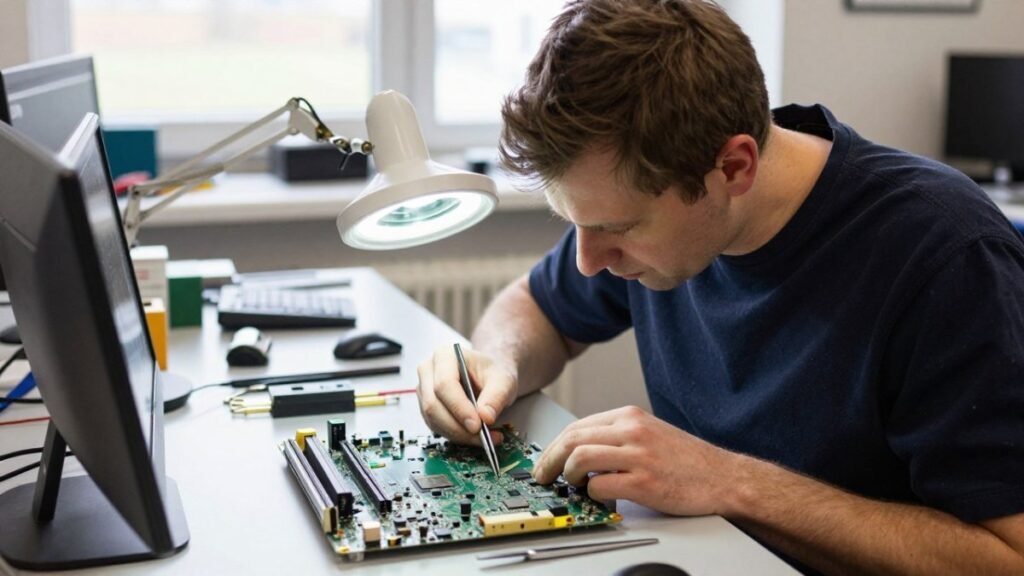
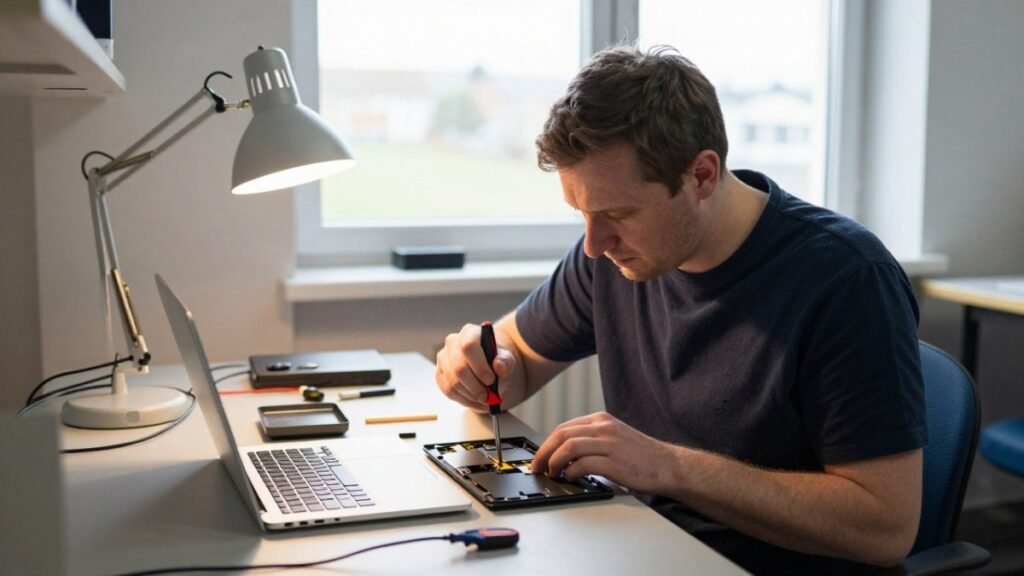
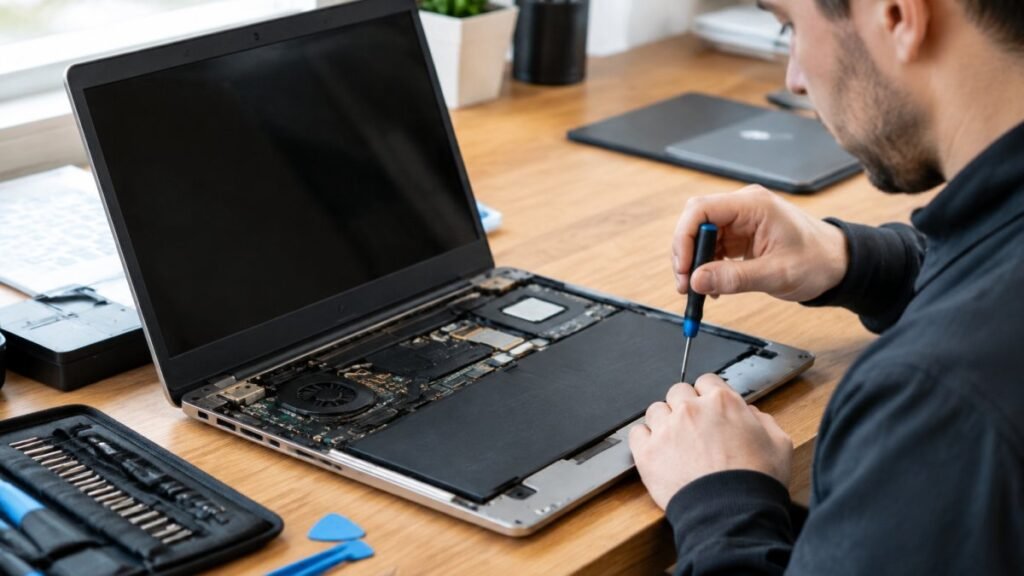
A proper repair is not just a quick dry and a hopeful restart. The machine should be opened, disconnected from power, inspected under magnification and checked for corrosion across the board and connected parts. Cleaning is usually done with specialist solutions and careful board work, not household methods.
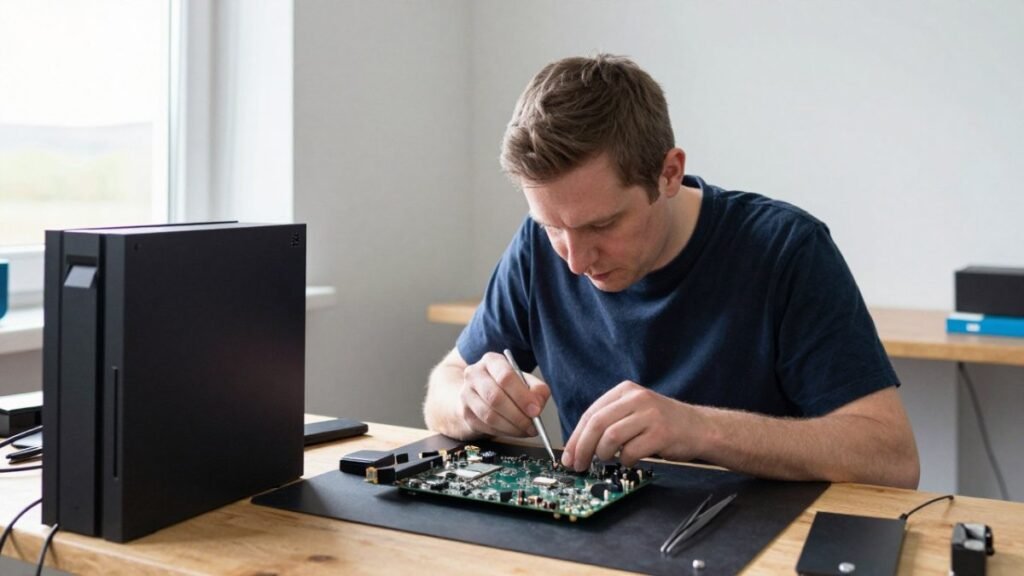
From there, the repair path depends on what is found. In lighter cases, a deep clean and replacement of affected parts such as the keyboard, trackpad, charging flex or battery may be enough. In heavier cases, the logic board needs microsoldering work to replace failed components and restore damaged lines. Sometimes the board can be revived but the keyboard assembly is still beyond saving, which adds labour because many MacBook keyboards are integrated into the top case.
This is where experience matters. A local specialist with board-level capability can often recover machines that a non-specialist would simply write off. For customers around Barrow-in-Furness and across Cumbria, using a nearby repair team also means clearer communication and less risk than posting a valuable device away and waiting.
MacBook liquid damage repair review – is it worth the money?
In review terms, liquid damage repair gets a cautious but positive verdict when the repairer is transparent and the MacBook still has enough value to justify the work. It is rarely the cheapest category of repair, because diagnosis takes time and there may be more than one affected component. Even so, it is often far less expensive than replacing the whole machine, especially if the data on it matters.
The strongest point in favour of repair is that many liquid-damaged MacBooks are recoverable enough to return to daily use. The biggest drawback is uncertainty. Until inspection is complete, nobody trustworthy should promise a fixed outcome. If someone guarantees a full repair before opening the MacBook, that is a red flag.
Cost-effectiveness depends on the model and the extent of spread. A recent MacBook Pro used for business, editing or study is usually worth a serious diagnosis. An older device with broad corrosion, battery swelling and display damage may cross the line where replacement makes more sense.
Where the value really sits
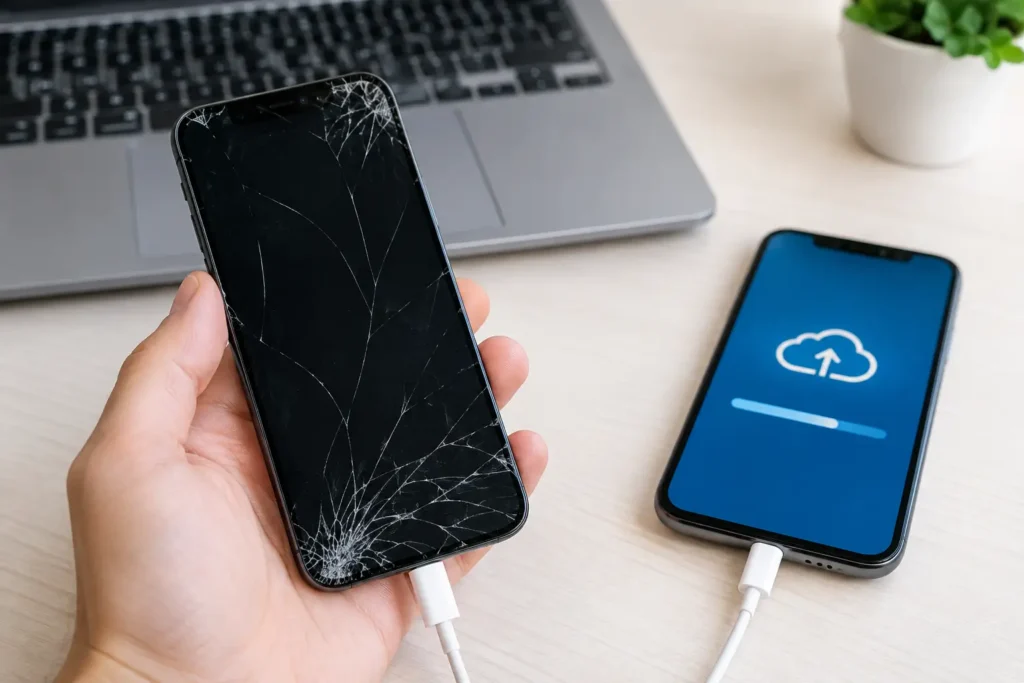
For many customers, the repair is not only about hardware value. It is about getting documents, photos, accounts, coursework or business files back safely. In those cases, even a partial recovery can be worthwhile. Sometimes the first aim is data recovery, with full device repair as the second question.
That is why secure handling matters as much as soldering skill. You are not just handing over a laptop. You are handing over access to your work and personal life.
What customers should expect from a trustworthy repair shop
Good service around liquid damage is built on honesty, not overpromising. You should expect a clear explanation of the initial findings, likely next steps, and the possibility that hidden faults may appear once the MacBook is fully tested. That is normal with liquid damage, not a sign of poor workmanship.
You should also expect sensible turnaround times. Fast service is important, but there is a difference between efficient repair and rushing a machine back out the door before stability testing is complete. A proper repair should include checks for charging, battery behaviour, keyboard input, trackpad operation, speakers, ports, Wi-Fi and sustained running under load.
At TechLab Repairs, this kind of practical, straight-talking approach is exactly what local customers tend to value. If a MacBook is worth saving, you want a solution. If it is not, you want that explained clearly before spending more money.
When repair is a smart move – and when it is not
Repair is usually a smart choice if the spill was recent, the machine was switched off quickly, and the damage is confined to a manageable area. It is also a strong option when the MacBook is fairly new, high-spec or central to work and study.
Repair becomes harder to justify when the liquid has spread widely, corrosion has had time to set in, and multiple expensive assemblies are affected at once. A machine that needs logic board work, a battery, top case and screen can become poor value very quickly. The honest answer is that sometimes the best service a repair shop can offer is helping you avoid throwing good money after bad.
A note on long-term reliability
This is the question most reviews gloss over. Can a repaired liquid-damaged MacBook be trusted long term? Often, yes – if the corrosion has been fully addressed and damaged components have been properly replaced. But there is always more uncertainty here than with a simple screen or battery replacement.
That does not mean you should avoid repair. It means you should go in with realistic expectations. A successful liquid damage repair can give years more life, but the condition of the machine after repair depends heavily on how severe the original spill was.
Final verdict on MacBook liquid damage repairs
If you want an honest MacBook liquid damage repair review, here it is: worthwhile in many cases, poor value in some, and never something to leave to chance. The best results come from acting quickly, avoiding home remedies, and choosing a repairer who can diagnose down to board level rather than swapping obvious parts and hoping for the best.
A spill does not always mean the end of your MacBook. It does mean you need proper advice, fast assessment and a repair decision based on facts rather than panic. If your MacBook has taken a drink, do not let it sit there getting worse – get it looked at while there is still something good to save.