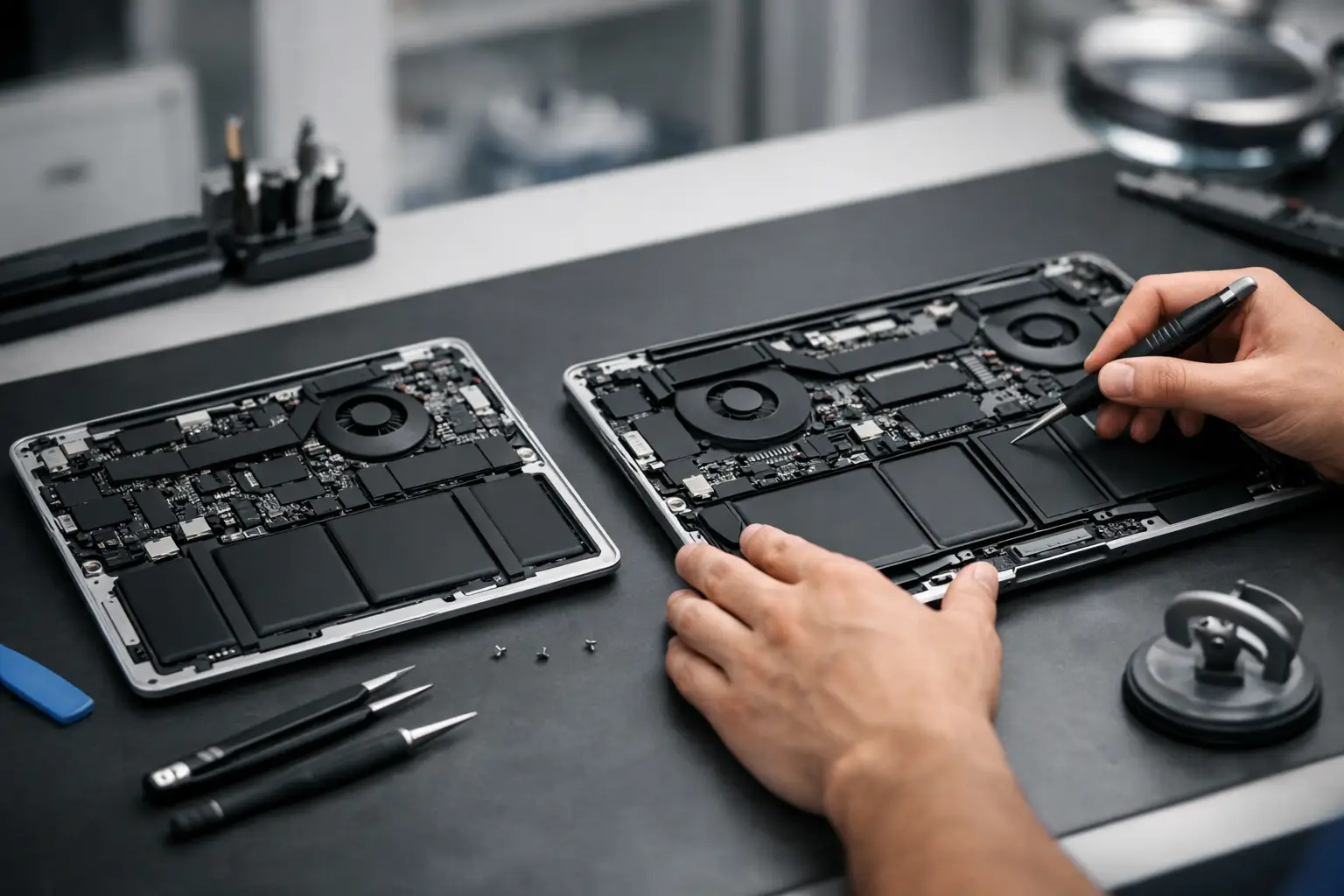
If you are weighing up a Mac purchase with one eye on future repair bills, macbook air vs pro repairability is a far better question than raw speed charts. A machine that is thin, fast and expensive still becomes a headache if a simple fault turns into a full assembly replacement.
For most people, the answer is not as simple as Air equals easier or Pro equals harder. Repairability depends on the model year, the exact fault, and whether you are talking about routine wear like a battery or more serious faults such as liquid damage, charging problems or board-level issues. The newer Apple gets with its design, the more both ranges move towards compact construction, tighter integration and higher repair complexity.
MacBook Air vs Pro repairability – the real difference
The biggest practical difference is not always the logo on the lid. It is the design priorities behind each machine. The MacBook Air has usually been built around portability, low weight and tight internal packaging. The MacBook Pro, especially larger or higher-spec models, often has more power, more thermal management and sometimes slightly more internal room, but that does not automatically make it simpler to repair.
Older Intel-era models are often more forgiving than newer Apple silicon machines across both product lines. On some older MacBook Air and MacBook Pro models, a battery replacement, trackpad repair, speaker replacement or charging port repair can be relatively straightforward compared with modern units where parts are layered tightly together or tied into larger assemblies.
On newer models, both Air and Pro can be challenging because key components are highly integrated. The SSD is generally not removable in modern versions, memory is unified and soldered, and top-case or display-related faults can become expensive because you are replacing more than one thing at a time. That means repairability is often less about Air versus Pro in broad terms and more about old versus new, entry-level fault versus major fault, and wear-and-tear issue versus logic board problem.
Where the MacBook Air is easier – and where it is not
MacBook Air models are often seen as the simpler choice, and in some cases that is fair. They typically have fewer fans or, on some versions, no fan at all, which removes one possible point of failure. Fewer high-performance components can also mean slightly less thermal stress over time, depending on use.
For common jobs such as battery replacement, keyboard issues or trackpad faults, some Air models are no worse than Pro models and occasionally a little more straightforward. If someone uses their laptop for browsing, office work, study and general home use, the Air may also suffer less long-term heat-related wear than a Pro being pushed hard every day for editing, coding or rendering.
But there is a catch. Thinness comes at a cost. The Air is packed tightly, and on newer models that can make access awkward. If liquid gets into the board, or if there is damage around charging circuits, there is nothing inherently easy about an Air. The machine may look simpler from the outside, but board-level work can still be delicate and time-consuming.
Display repairs can also be expensive on the Air. If the screen assembly is damaged, the cost is not small just because it is the lower-tier MacBook. Modern Apple displays are premium parts, and replacing the full assembly is often the sensible route when damage is significant.
Where the MacBook Pro can be better – and where it costs more
The Pro line is usually bought by people who rely on their laptop harder and longer. That can be a positive for repairability in one sense. Some Pro models have slightly more substantial cooling, better battery capacity and internal layouts that, depending on generation, can make certain repairs more manageable than on an ultra-thin Air.
There have been MacBook Pro generations where battery access, speaker replacement or fan replacement was relatively sensible by current Apple standards. On the other hand, there have also been notorious Pro models with keyboard issues, flex cable display faults and heavily integrated internals that made repairs more involved.
The more powerful the MacBook Pro, the more expensive a major repair tends to be. Larger displays cost more. More advanced boards cost more. If a high-spec Pro suffers liquid damage or power rail failure, the diagnosis and repair can be more complex simply because there is more going on. For business users and creative professionals, that repair may still be worth it because replacing the whole machine is far more expensive, but the stakes are higher.
The repairs that matter most in real life
Most customers are not comparing exploded diagrams. They just want to know what tends to fail and what is likely to cost the most. In day-to-day terms, battery wear is one of the most common issues on both Air and Pro. This is normal ageing, not a design disaster. If your MacBook no longer lasts through the day, shuts down unexpectedly or warns that service is recommended, a battery replacement is often a smart way to extend its life.
Keyboard and trackpad issues depend heavily on generation. Some older butterfly keyboard MacBooks, across both Air and Pro ranges, became known for key failures. Newer models moved away from that design, which helped, but spill damage and wear still happen.
Screen damage is one of the most expensive routine repairs for both lines. A cracked panel, backlight issue or failed flex cable can quickly turn a cheap-looking problem into a significant repair bill. Charging faults also sit high on the list. Sometimes it is just the USB-C port area, but sometimes the fault is on the logic board, and that is where proper diagnostics matter.
Liquid damage remains the great equaliser. Tea, coffee and water do not care whether you bought an Air or a Pro. What matters is how quickly the device is switched off, whether power is disconnected, and how much corrosion has already set in. A repairable liquid-damaged MacBook can become a write-off if it is left powered on or cleaned incorrectly.
Which is cheaper to keep going?
If you want the simplest answer on macbook air vs pro repairability, the MacBook Air is often cheaper to keep going overall, but only by degree and not in every case. The lower purchase price usually means repair decisions feel easier to justify. Spending on a battery or charging repair for an Air often makes financial sense for a typical home or student user.
MacBook Pros can still be very repair-worthy, especially if they are high-spec machines used for work. A repair that looks expensive in isolation may still be far cheaper than replacing a professional setup, reinstalling software and losing downtime. For businesses, that calculation matters just as much as the repair itself.
Where the Pro can become painful is when the machine is older but the fault is major. A costly display or board repair on a mid-range older Pro may not stack up if the rest of the device is already showing its age. The same logic applies to the Air, but the numbers are often lower.
What buyers should look at before choosing
If repairability matters to you, check the exact model before buying rather than assuming the range tells the whole story. Model year matters. Common faults matter. Battery cycle count matters if you are buying used. So does whether the machine has had previous liquid damage, third-party parts fitted or signs of impact.
It is also worth thinking about your own use. If you mainly need email, browsing, documents and streaming, an Air may be the more sensible long-term option because it is generally cheaper to buy and easier to justify repairing. If your work depends on sustained performance, extra ports, larger displays or more processing headroom, a Pro may still be the right tool even if some repairs cost more.
The best buying decision is often the one that gives you enough performance without pushing you into an over-specced machine that becomes expensive to repair later.
The best repairability choice is the one that gets proper support
Repairability is not only about screws and soldered parts. It is also about whether the machine can be diagnosed properly, repaired quickly and handled securely when something goes wrong. That is where a local specialist makes a real difference. At TechLab Repairs, we see both MacBook Air and MacBook Pro faults that range from tired batteries to complex board issues, and the right answer is nearly always based on the exact model and fault rather than the marketing category.
If you are deciding between an Air and a Pro, think beyond launch-day specs. Think about how long you want to keep it, what happens when the battery fades, and whether a repair would still make sense two or three years from now. A MacBook is easier to live with when it can be kept running without turning every fault into a replacement decision.