A camera that suddenly opens to a black screen can make a phone feel far less useful. From capturing family photos and scanning documents to video calls for work or school, phone camera faults are frustrating because they tend to appear when you need the camera most. The good news is that many faults have a clear cause, and not every camera problem means replacing the handset.
What phone camera faults look like
Camera problems do not all behave in the same way. Some are caused by a setting or software conflict, while others point to damage inside the phone. Knowing the difference helps you avoid paying for the wrong repair – or losing time trying fixes that cannot solve a hardware fault.
A common symptom is a black preview screen when the Camera app opens. The app may freeze, close straight away or show an error message instead. You might also find that the rear camera works but the front-facing camera does not, or that switching between cameras causes the app to crash.
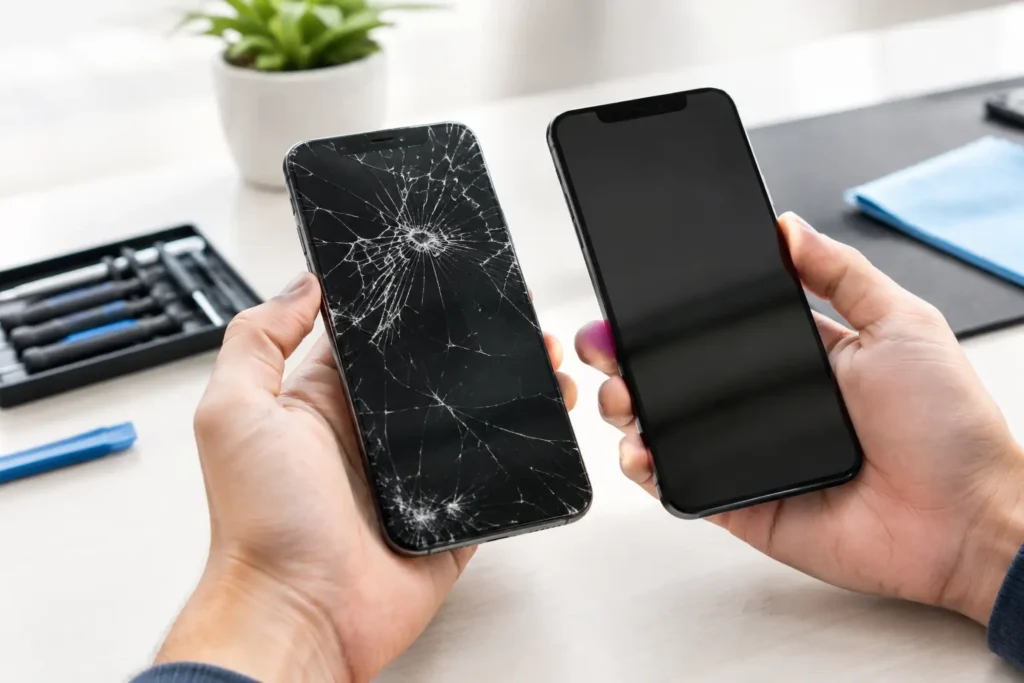
Image quality issues are another major warning sign. Photos may be permanently blurry, full of dark spots, unable to focus, unusually shaky or affected by a strange haze. If the lens glass is cracked or scratched, light can scatter before it reaches the sensor, leaving every photo soft or marked.
Video problems can be just as noticeable. Footage may judder because image stabilisation is not working, refuse to record, or have no sound if the fault is being mistaken for a camera issue. On modern iPhones and Samsung handsets, several components work together when recording video, so proper diagnosis matters.
Start with the simple checks
Before assuming the camera itself has failed, try a few safe checks. Close the Camera app completely, then restart the phone. This clears temporary software errors and can restore a camera that has stopped responding after an update or app crash.
Check whether the fault happens in more than one app. For example, try the standard Camera app and then a video calling or messaging app that uses the camera. If only one app is affected, review its camera permissions and update it. If every app shows the same black screen or blurry image, the issue is more likely to be system-wide or hardware-related.
Remove any case, lens protector or magnetic accessory around the camera area. A poorly fitted lens protector can cause glare, focus issues and cloudy photos. Strong magnetic accessories can occasionally interfere with optical image stabilisation, particularly on some larger camera modules. Clean the lens gently with a clean, dry microfibre cloth – avoid household cleaners, abrasive materials and anything sharp.
It is also worth checking available storage. A phone with very little free space may struggle to save photos or record video, even though the camera preview appears normal. Back up important files before deleting anything, especially if the phone has suffered a drop or liquid exposure.
When the problem is likely to be hardware
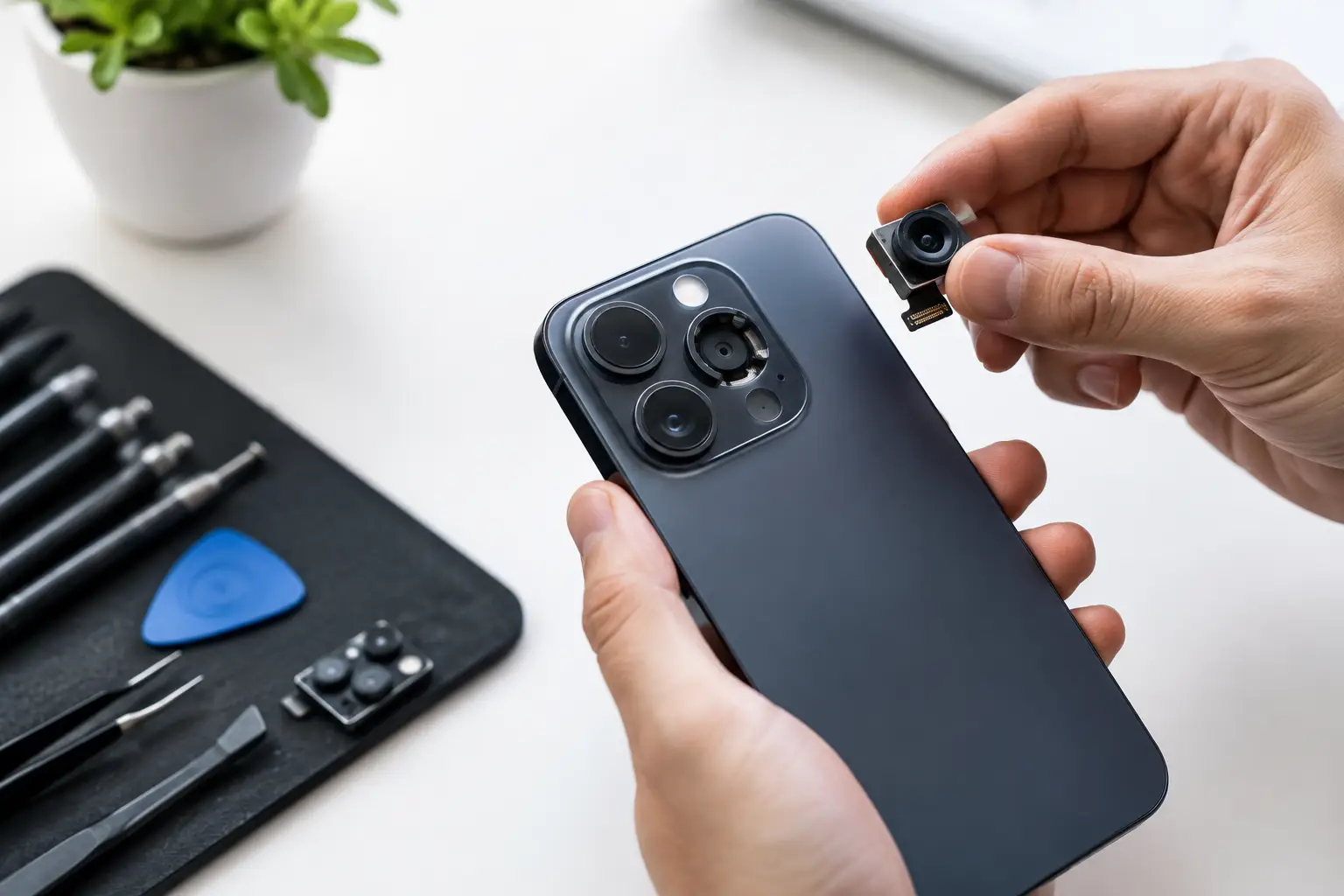
A camera fault is more likely to need professional repair if it began immediately after an impact, water exposure or a previous screen replacement. Camera modules are small but delicate. A drop can damage the module, loosen a connector or affect the autofocus and stabilisation mechanisms without leaving obvious marks on the outside of the phone.
Damaged lens glass versus a damaged camera module
The outer camera lens glass and the camera module are different parts. If only the glass is cracked but photos remain clear, replacing the lens glass may be enough. However, if fragments or moisture have reached the camera beneath, the module may also need attention.
A rattling sound, failure to focus or persistent blur can indicate damage to autofocus or optical image stabilisation. Cleaning the outside lens will not resolve that type of fault. Continuing to use a cracked lens cover can also allow dust and moisture into the phone, turning a smaller repair into a more involved one.
Front camera and Face ID issues
Front camera faults deserve extra care on certain iPhone models. The front camera assembly is close to components used for Face ID, including specialised sensors. A basic camera replacement is not always appropriate, and poorly handled repairs can affect related functions.
If the selfie camera is black, Face ID has stopped working or the earpiece area has been damaged, the phone should be assessed by a technician who understands the model-specific risks. The aim is to restore the fault without compromising features that are tied to the original hardware.
Water and condensation damage
Phones described as water resistant are not waterproof, and seals can weaken with age, wear or impact. Steam from a bathroom, rain, a spill or a drop in water can leave condensation behind the lens. You may notice foggy photos, camera errors or a fault that appears days after the incident.
Do not charge a wet phone or heat it on a radiator. Heat can worsen internal damage, while charging can cause a short circuit. Switch it off if possible, keep it dry and arrange an inspection promptly. Early liquid damage treatment gives the best chance of preventing corrosion around camera connectors and the logic board.
Why a software update can trigger a camera issue
If the fault started just after an operating system update, it may be software-related – but timing alone does not prove it. Updates can expose an existing weakness in a camera module, battery or storage system because the phone is working differently during and after installation.
First, install any follow-up update available for the phone and update affected apps. Check camera permissions and reset camera-related settings only if you understand what will be changed. A full factory reset should be a last resort, completed only after a secure backup, because it erases personal data and may not fix a physical fault.
A technician can test the camera hardware before you take that disruptive step. This is particularly useful when a phone contains work files, school accounts, family photos or business authentication apps that make a reset inconvenient.
Choosing the right repair for camera faults
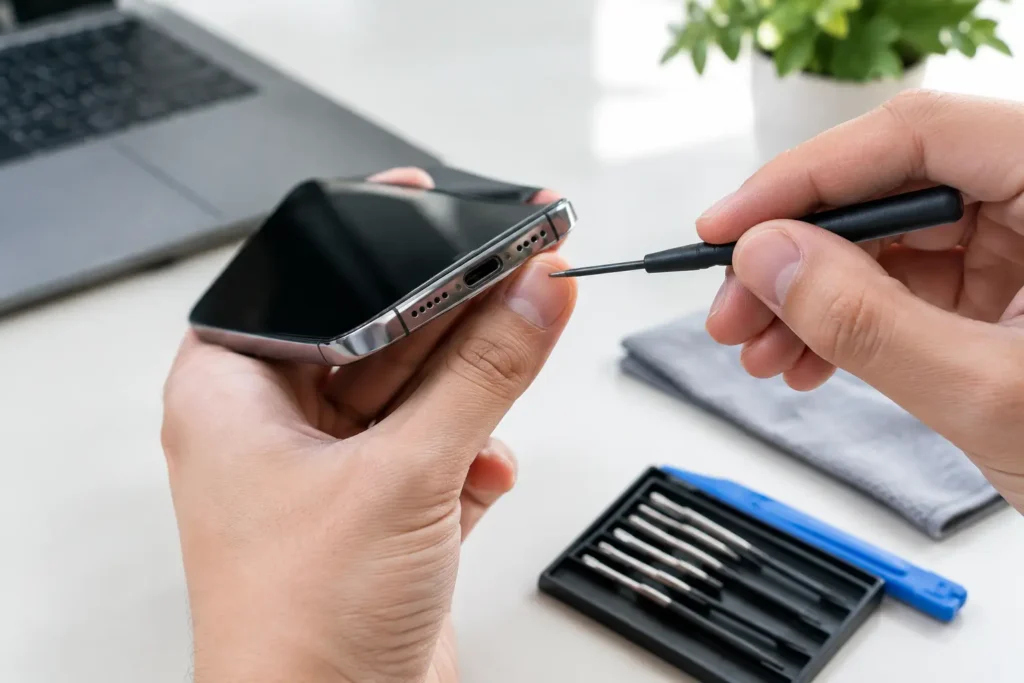
The right repair depends on the phone model, the symptom and the condition of the rest of the device. A straightforward rear camera module replacement can be the most sensible option when diagnostics confirm a failed module. If the lens glass alone is damaged, that may be a smaller repair. Where the issue traces back to corrosion, connector damage or a logic board fault, the repair needs more detailed assessment.
Price should not be the only deciding factor. Ask whether the repair includes testing of focusing, flash, front and rear cameras, video recording and related features after the work is complete. On devices with multiple rear lenses, each lens should be checked rather than assuming the main camera tells the whole story.
For customers in Barrow-in-Furness and across Cumbria, TechLab Repairs can assess camera problems across popular iPhone, Samsung and other smartphone models, explain the likely fault clearly and recommend a practical repair route. You should know what is wrong, what needs replacing and what your options are before work begins.
Protect your photos and data before a repair
A camera repair does not normally require data removal, but backing up your phone remains sensible whenever it has a fault. Use your preferred secure cloud backup or copy important photos and files to another device if the phone is still stable enough to do so.
Do not share passcodes unless they are genuinely needed for testing, and remove sensitive payment cards or business information where possible. A reputable repair service should treat privacy seriously and only ask for the access needed to confirm that the repair has worked.
A faulty camera does not have to mean missed moments, awkward video calls or the cost of a new handset. Get the phone checked while the symptoms are clear, protect your data first, and you will have the best chance of a quick, cost-effective fix.