A MacBook screen rarely breaks at a convenient moment. It happens before a deadline, before a lecture, before a meeting, or just when you need to reply to one message quickly. If you are searching for MacBook screen repair Barrow, the main thing you probably want to know is simple – can it be fixed properly, how long will it take, and is it worth repairing rather than replacing?
In many cases, the answer is yes. A damaged MacBook display can often be repaired far more cost-effectively than buying a new device, especially if the laptop still runs well in every other way. The key is getting the fault diagnosed properly, because not every screen problem is the same and not every issue needs the same repair.
MacBook screen repair in Barrow starts with the right diagnosis
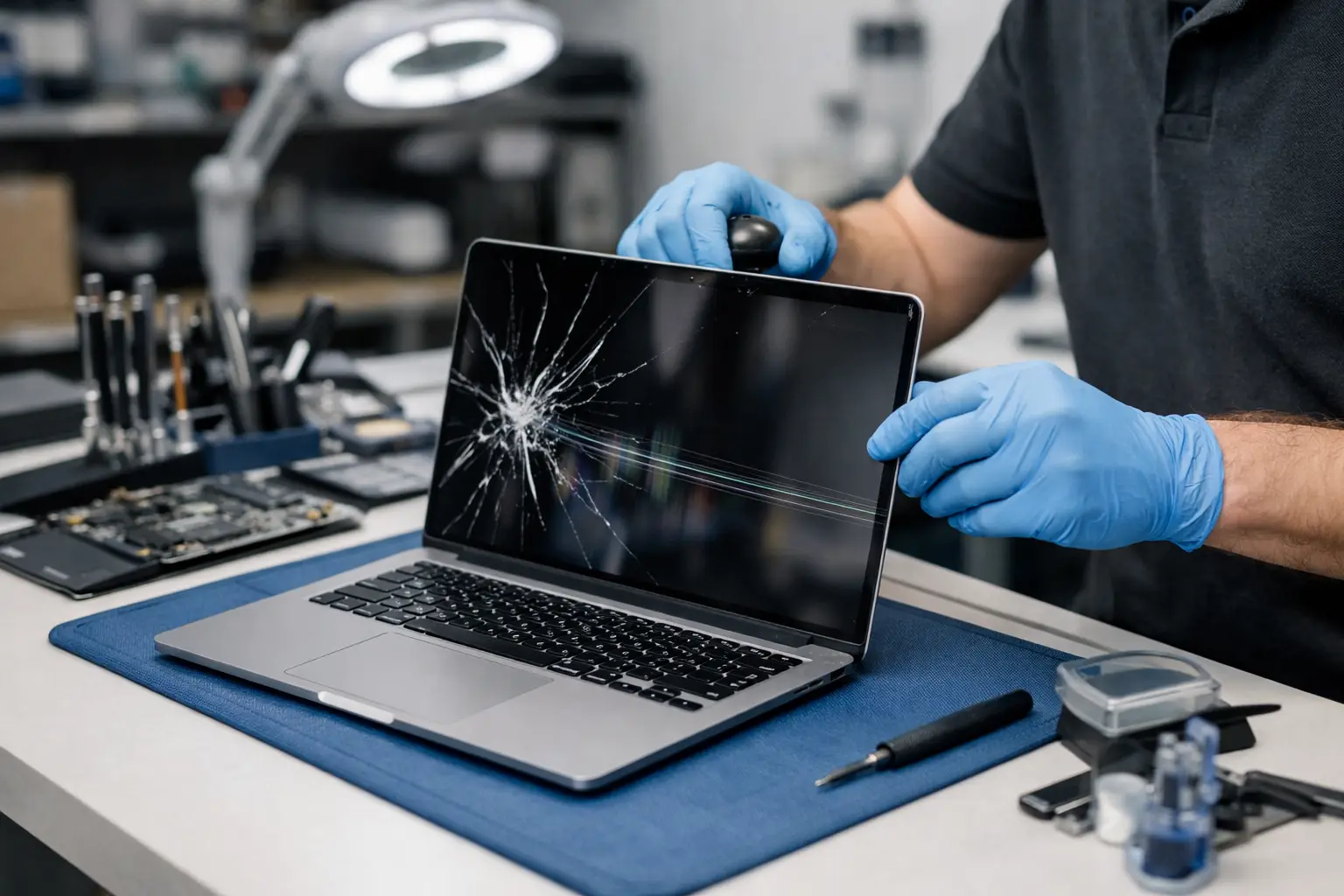
People often describe every display fault as a cracked screen, but there are several different failures that can look similar at first glance. You might have visible impact damage with black blotches or coloured lines spreading across the panel. You might have a screen that lights up but flickers. In other cases, the image disappears at certain angles, the backlight fails, or the MacBook works perfectly through an external monitor while the built-in display stays dark.
That difference matters because the repair route changes depending on the cause. A physically cracked panel usually means screen replacement. A backlight issue may point to a different hardware fault. A flex cable or logic board issue can mimic a screen failure, even though the display itself is not always the root problem.
This is where a local repair specialist earns their keep. Proper testing helps avoid paying for the wrong part and gives you a clearer idea of what the job actually involves.
What usually causes MacBook screen damage?
Some causes are obvious. Drops, knocks and pressure damage are the most common, particularly when a MacBook is carried in a packed bag with chargers, notebooks or other hard items pressing against the lid. Even something as small as closing the laptop with debris on the keyboard can cause trouble.
Liquid damage is another big one. Spills do not always destroy a screen directly, but they can affect the display circuitry, connectors or internal components that control the image and backlight. Then there is wear over time. Hinges, cables and internal connections can weaken after years of regular opening and closing.
Newer MacBook models can be especially frustrating because their displays are slim, high-resolution and integrated tightly into the lid assembly. That is great for image quality and portability, but it can make repair work more precise and parts more model-specific.
Is repair worth it, or should you replace the MacBook?
It depends on the age of the device, its overall condition and how you use it.
If your MacBook is otherwise fast, reliable and meeting your needs, a screen repair is often the sensible option. Replacing a whole laptop costs far more than replacing one damaged part, and setting up a new machine takes time many people do not have. For students, home users and small businesses, repair can be the quickest route back to normal.
If the MacBook already has multiple faults – perhaps poor battery health, liquid damage, keyboard issues and a failing screen – then the decision needs more thought. Sometimes repair is still worthwhile, especially for higher-spec models. Sometimes the total spend starts getting too close to the value of replacement.
That is why honest advice matters. A good repair service should not push a repair that makes no sense financially. It should tell you clearly when fixing the device is the smart move and when it is probably time to move on.
What the repair process usually looks like
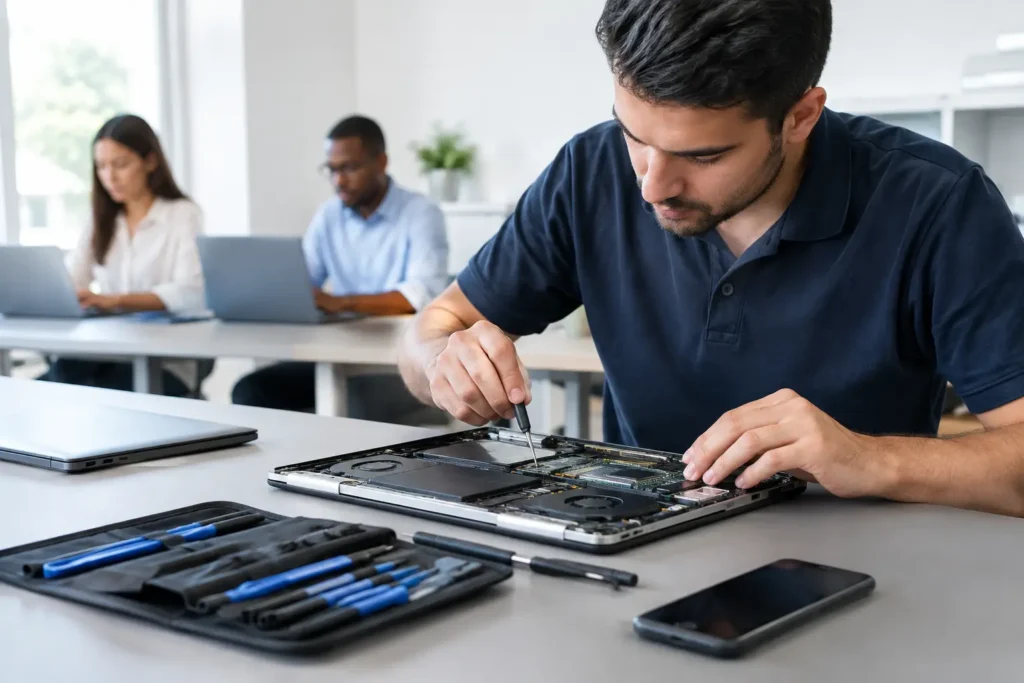
For most MacBook screen jobs, the first step is confirming the exact model and fault. Apple has released many MacBook Air and MacBook Pro versions over the years, and even models that look nearly identical can require different parts.
Once the device is assessed, the technician can tell whether the repair needs a full screen assembly replacement or a more specific internal fix. On many modern models, replacing the complete display assembly is the most reliable route. It tends to restore the panel, backlight, housing alignment and camera area together, rather than piecing together a partial solution.
After fitting, the MacBook should be tested properly. That means more than checking whether the screen turns on. Brightness, colour consistency, hinge movement, camera function and general display stability all need attention. The goal is not simply to get an image back on screen. It is to return the laptop in a condition you can trust for daily use.
Turnaround times for MacBook screen repair Barrow
One of the biggest reasons people choose a local repair service is speed. Sending a MacBook away can leave you without it for days or even longer, and that delay is a real problem if the device is tied to work, coursework or business operations.
Turnaround time depends on the model and part availability. Some common repairs can be completed quickly when parts are in stock. Others may take longer if the MacBook uses a less common display assembly or if additional faults are discovered during testing.
The useful thing about dealing locally is transparency. You can usually get a realistic timeframe rather than a vague estimate, and you have a clear point of contact if you need an update. For many customers across Barrow-in-Furness and the wider area, that peace of mind matters almost as much as the repair itself.
How much does MacBook screen repair cost?
There is no single price that fits every model. Screen costs vary widely between MacBook Air and MacBook Pro ranges, and newer Retina or Liquid Retina displays are generally more expensive than older panels.
The total cost normally reflects three things: the exact replacement part needed, the complexity of the repair, and whether any related damage is present. For example, a straightforward cracked screen replacement is different from a machine that has also suffered impact to the casing or internal display connectors.
Cheap quotes can be tempting, but they are not always the bargain they appear to be. Lower-quality parts, rushed fitting or incomplete testing can lead to more expense later. With a device as valuable as a MacBook, reliability matters. You want a repair that lasts, not one that merely gets the laptop through another week.
Data security matters more than most people realise
A broken screen does not usually mean your files are gone, but handing over any laptop can feel personal. Your photos, documents, passwords, business files and messages may all be on that device.
That is why secure handling should never be treated as a bonus. It should be part of the service from the start. Whether the MacBook belongs to a student, a family, a remote worker or a local business, the repair process needs to respect the data on it. In many screen-only repairs, there is no reason to access personal files at all. Clear communication around this helps customers feel far more comfortable leaving the device in for work.
Why local support makes a difference
Choosing local MacBook screen repair in Barrow is not just about geography. It is about convenience, accountability and getting proper help from people who understand how disruptive a broken device can be.
If you can speak to a real repair team, ask questions, get an honest diagnosis and know where your device is, the whole process feels less stressful. That matters when you rely on your MacBook every day. A nearby specialist can also help with follow-up issues faster if you need advice after the repair.
For households, students and businesses around Furness and Cumbria, local service often beats the uncertainty of posting a valuable laptop away and waiting. TechLab Repairs fits that need by focusing on straightforward advice, dependable workmanship and fast local support when people need it most.
Signs you should stop using the MacBook and get it checked
If the screen is visibly cracked, showing ink-like bleed, flashing, or cutting in and out, it is worth stopping before the problem gets worse. Continued use can sometimes put extra strain on damaged components, especially if the hinge area has been affected.
The same goes for any MacBook that has had a recent knock or liquid spill, even if the display issue seems minor at first. A faint flicker today can turn into a full failure later. Early assessment often gives you more repair options and may help prevent secondary damage.
If your MacBook screen has failed, the best next step is not guessing from symptoms online or hoping it sorts itself out. Get a proper diagnosis, ask clear questions about cost and turnaround, and choose a repair that gets you back up and running without unnecessary delay.