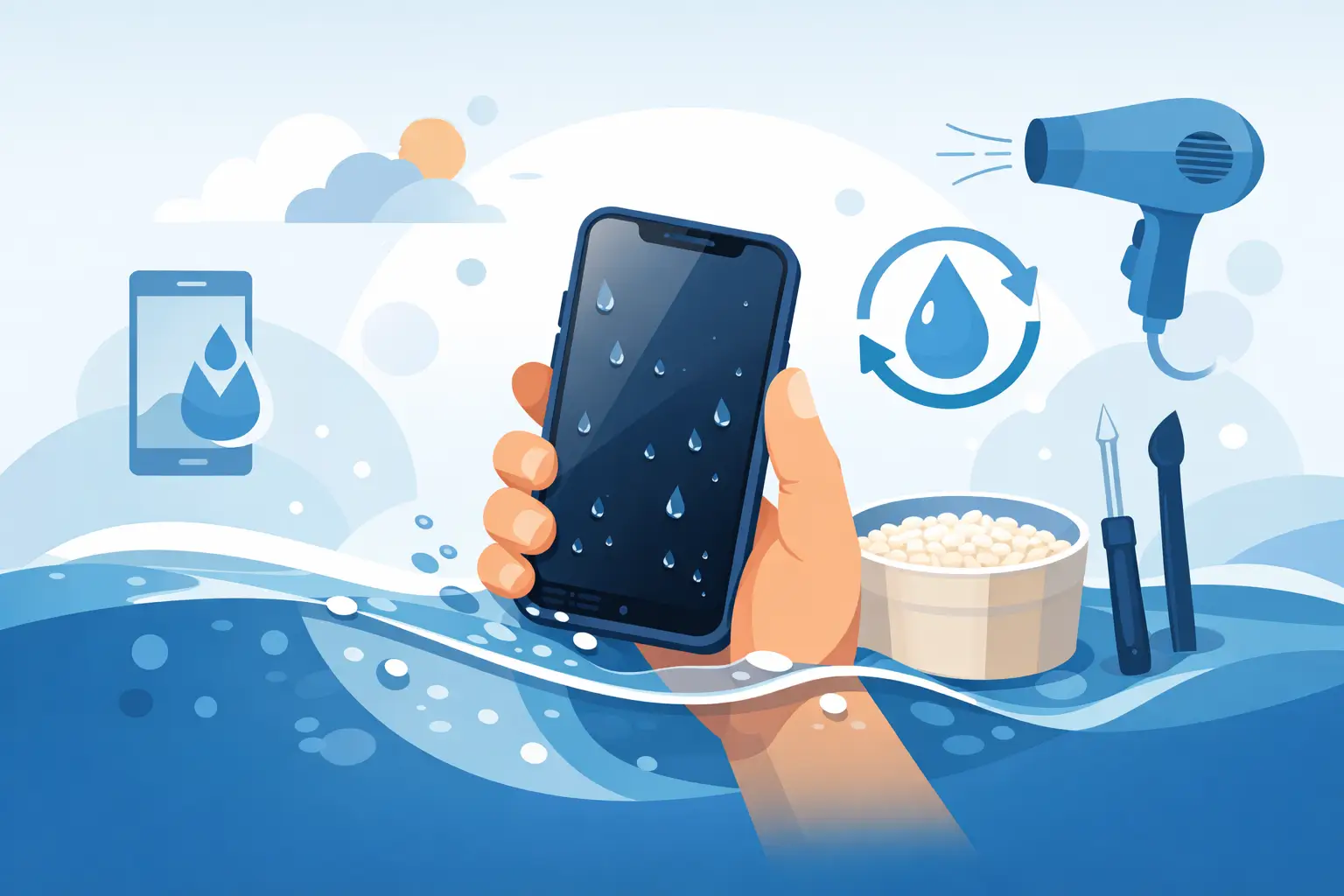
Dropped your phone in the sink? Fished it out of a puddle? If you are searching for how to recover water damaged phone issues fast, the first few minutes matter far more than any trick you have seen online. The good news is that a wet phone is not always a dead phone. The bad news is that the wrong response can turn a repairable device into a write-off.
Water damage is one of those faults that feels instant, but the real damage often keeps developing after the phone has been removed from the water. Moisture can creep under chips, corrode connectors, short components and affect the battery. That is why speed helps, but proper handling matters just as much.
How to recover water damaged phone problems safely
Start by taking the phone out of the water immediately. If it is still switched on, power it down as soon as you can. Do not test it by opening apps, tapping the screen or plugging it in “just to see if it still works”. Electricity and moisture are a bad mix, and a phone that survived the initial splash can fail when current moves through wet components.
If your phone is in a case, remove it. Take off any screen protector that has lifted and dry the outside with a clean, absorbent cloth. If the model allows it, remove the SIM tray. On older devices with removable backs, take out the battery too. Most modern phones are sealed, so do not force anything open if it is not designed to come apart.
Once the outside is dry, place the handset upright or at a slight angle so gravity can help any trapped moisture move away from critical areas. Then leave it alone. That last bit is harder than it sounds, because most people want to keep checking whether it has come back to life.
What not to do with a wet phone
A lot of online advice makes the situation worse. Rice is the best-known example. It is popular because it sounds simple, but it does very little for moisture trapped inside a phone. In some cases, dust or starch from rice can get into charging ports and make cleaning harder.
Heat is another common mistake. Do not use a hairdryer, place the phone on a radiator or leave it in strong direct sunlight. Too much heat can warp seals, damage the battery and push moisture deeper into the device rather than helping it escape.
It is also worth avoiding vigorous shaking. A quick wipe is fine, but flinging the phone around to “get the water out” can spread liquid further across the logic board. Compressed air can create the same problem if used too aggressively.
Most importantly, do not charge the phone until you are confident it is dry and stable, or better still, until it has been checked professionally. Charging a liquid-damaged phone is one of the quickest ways to turn a manageable repair into a more serious board fault.
Fresh water, salt water and sugary drinks are not the same
This is where a lot of advice becomes too general. Not all liquid damage behaves in the same way. Fresh water is usually the least harmful, though it can still cause shorts and corrosion. Salt water is much more aggressive because it speeds up corrosion and leaves conductive residue behind. Tea, coffee, juice and fizzy drinks bring another problem – sticky deposits that continue affecting buttons, ports, speakers and board-level components even after the liquid appears to have dried.
So if your phone went into a lake, the sea, a pint, or a child’s juice carton, the urgency is even higher. In those cases, drying time alone is rarely enough. The contamination left behind is often what causes delayed failure.
How long should you leave it before trying it?
People want a neat answer here, but it depends on the device, the liquid, how much entered the phone and where it reached. A light splash on a newer water-resistant model is very different from full submersion in a sink or toilet. Water resistance also has limits. Gaskets wear down with age, impact damage can weaken seals, and manufacturer ratings apply to controlled conditions, not real life.
As a rough rule, the phone should be externally dry and left undisturbed for a decent period before any attempt to power it on. Even then, there is a risk that hidden moisture remains. If the phone contains valuable photos, messages, work apps or two-factor authentication tools, guessing is not the best plan. A proper internal inspection is safer than hoping for the best.
Signs your phone may still have internal water damage
Sometimes a water-damaged phone seems fine at first, then develops problems days later. That delayed pattern is common because corrosion takes time. You might notice the screen flickering, ghost touches, distorted audio, poor charging, overheating, rapid battery drain, camera fogging or Face ID and fingerprint faults. On some devices, the speakers sound muffled long before anything else fails.
If the phone switches on but behaves strangely, do not assume the issue will clear by itself. Intermittent faults usually mean moisture or corrosion is already affecting key components. Acting early can stop a smaller repair becoming a logic board rebuild or data recovery job.
Can you recover data from a water damaged phone?
Often, yes – but the approach matters. If the phone still powers on and the screen responds, back up your data as soon as possible. That means photos, contacts, notes, documents and app data where possible. If charging is unstable, use the shortest safe window to secure what matters first.
If the device will not turn on, data recovery may still be possible through repair of the charging circuit, power line or other affected components. This is one reason not to keep forcing the phone on. Repeated attempts can worsen damage and reduce the chances of a clean recovery.
For business users, schools and anyone storing sensitive information, secure handling matters just as much as technical skill. You want the repair done locally, quickly and with clear care around the data on the device.
When home care is enough – and when it is not
If the phone only caught a few drops, never lost function and shows no warning signs after careful drying, you may get away without further work. Even then, keep an eye on it over the next several days. Check charging, microphones, cameras, speakers and mobile signal.
If the phone was submerged, exposed to anything other than clean water, switched off suddenly, became hot, will not charge or is showing unusual behaviour, professional treatment is the smarter route. Liquid damage is one of those faults where early cleaning and inspection can make a big difference. Waiting too long gives corrosion more time to spread.
At a repair bench, the process is more than “letting it dry”. The handset can be opened, disconnected safely, inspected under magnification, cleaned properly and tested for board-level damage. In many cases, targeted repair is enough to restore the phone without replacing the whole device. That is usually faster and more affordable than people expect.
Why quick local repair makes a difference
Sending a wet phone away for days while corrosion continues is not ideal. A local specialist can assess it quickly, explain whether the fault is limited to the charging port, battery, screen or board, and tell you honestly if repair is worthwhile. That matters when you need your phone for work, school runs, banking, maps or simply staying reachable.
For customers across Barrow-in-Furness and the wider Cumbria area, that local speed is often the difference between saving the phone and replacing it. At TechLab Repairs, liquid-damaged devices are assessed with that urgency in mind, because the longer moisture and residue stay inside, the fewer good options remain.
A sensible recovery plan after water exposure
If you want a straightforward way to think about it, keep it simple. Remove the phone from the liquid, switch it off, dry the exterior, remove accessible parts like the SIM tray, do not charge it, and do not rely on rice or heat. If there has been more than a minor splash, get it inspected rather than gambling on luck.
That approach is not dramatic, but it works. Water damage is rarely about one big moment. It is usually about what happens in the minutes, hours and days afterwards.
A wet phone can still be saved, and sometimes so can the data on it. The key is not panicking, not following bad internet myths, and not waiting until corrosion has had time to do the real damage. If your phone matters to your day, treat water exposure like the urgent repair issue it is – because often, that is exactly what it is.