
5 Steps to Arrange a Phone Screen Repair Without the Stress
Need a phone screen repair? Follow our 5-step checklist covering data back up, turnaround times and complaints, then book a call with TechLab Repairs.

Quick Summary
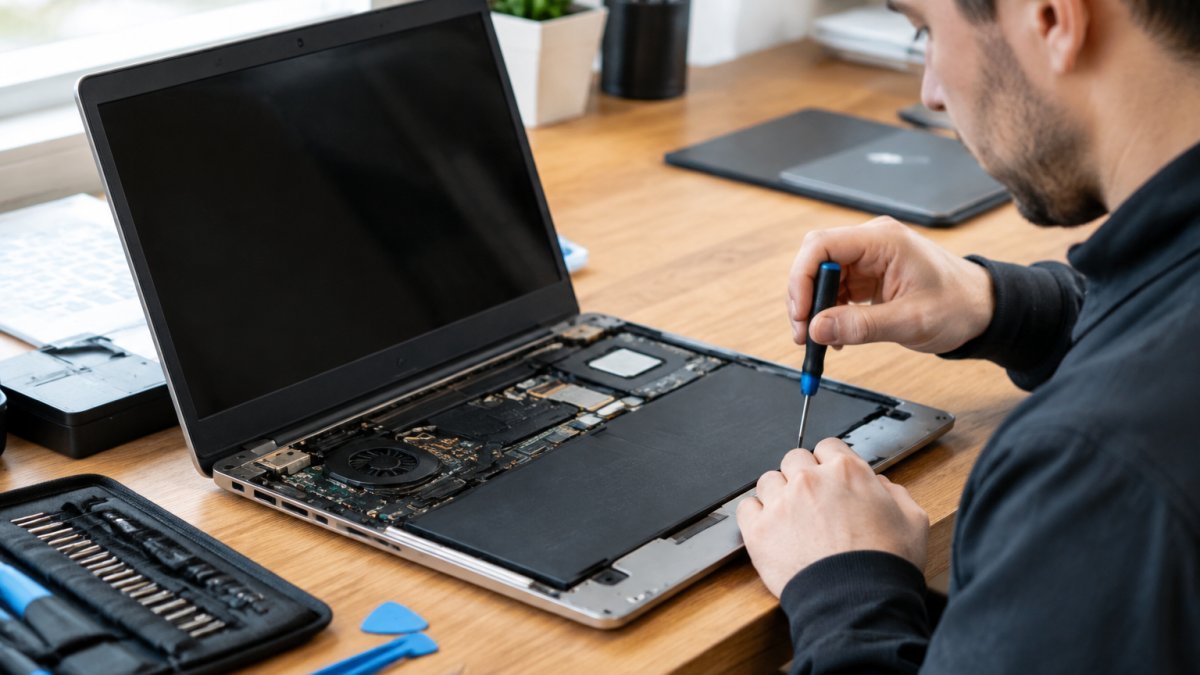
A reliable laptop repair service diagnoses the actual fault before quoting, uses sound replacement parts, protects your files during the work and stands behind its workmanship in writing. Check each of these before you book, and ask for an itemised quote.
A laptop with a cracked hinge or a failing battery can stop work dead, and the person you hand it to decides whether it comes back fixed or simply comes back. Choosing a repair service is a decision about your data, your money and your time, so it deserves more thought than a quick search.
A reliable laptop repair service is one that diagnoses the actual fault, uses sound replacement parts, protects your files during the work and stands behind its workmanship in writing. Each of those four elements can be checked before you book, which is what this guide sets out to do.
There is also a financial reason to get it right first time. A poor repair that fails and needs redoing can end up costing more than the original job, so getting it right first time is usually the more economical route.
Laptop repair providers fall into three broad groups, and each suits a different kind of problem. The right choice depends on how old the device is, whether it is still under warranty and how much you value speed and local access.
| Shop type | Typical strength | Typical limitation | Best for |
|---|---|---|---|
| Authorised service provider | Manufacturer-approved parts and procedures | Often slower and sometimes pricier | Devices still under manufacturer warranty |
| Independent local repairer | Faster turnaround and direct access to the technician | Quality varies widely, so check credentials | Out-of-warranty faults and urgent repairs |
| National chain | Standardised processes and wide availability | Parts and staff may change between branches | Simple, high-volume fixes like screen swaps |
Authorised providers are generally the most suitable option while a warranty is live, as repairs outside the manufacturer’s process can affect cover. Once a warranty has lapsed, a skilled independent technician often offers the best balance of speed and value. Chains can be convenient, but ask which branch will actually handle your device.
Whichever type you choose, the real test is component-level competence rather than the badge on the door. Ask who does the work and what they have done before.
A short phone call or form enquiry will tell you a great deal. The answers below are the ones that separate a dependable provider from one that will leave you frustrated.
Pay attention to vagueness. A provider that cannot answer these questions clearly is telling you something useful.
Price is the first thing most people compare, but a single headline figure rarely tells you much. A trustworthy quote breaks the job into parts, labour and any diagnostic charge, so you can see exactly what you are paying for.
An itemised quote should list the replacement components, the labour involved, any diagnostic or handling fee and whether VAT is included. This transparency lets you compare providers on like-for-like terms rather than on the lowest number alone.
Be cautious of a suspiciously low quote for a complex fault, since it often means parts of the job have been left out or will appear later as extras. Ask what could change the price once the device is opened up, and request that any additional costs are approved by you first. Pricing depends on the device and the fault, so it is worth contacting TechLab Repairs directly for a quote specific to your laptop.
Speed matters, particularly when a laptop is needed for work or study. The honest answer is that turnaround depends on the fault and on whether parts are in stock.
Be wary of any provider that promises the same fast timescale for every fault, and of one that never gives an estimate at all. A realistic service will tell you the likely timeframe for your specific problem, explain what could delay it and keep you updated if the schedule shifts. You can see what to expect from a local fast repair service in Fast Laptop Repair in Barrow-in-Furness: What to Expect.
Ask whether they can provide a loan device or a clear collection date, and whether they will confirm progress along the way. Clear communication is often a better indicator of reliability than the headline turnaround figure.
Your files are usually worth more than the hardware, so data protection has to be part of the repair decision rather than an afterthought. Treat the backup as your responsibility, not the repairer’s.

Ask how customer data is handled during the repair, who can access it and whether the technician will avoid opening personal files unless it is necessary for diagnosis. For anyone holding client, student or health records, get a clear written answer before you proceed. A dependable provider will confirm:
Some repairs, such as a motherboard or drive replacement, can make later data recovery harder, so a verified backup taken in advance is the safer approach. If the device will not boot at all, mention this when booking so the options can be discussed.
A repair is only as good as the warranty and testing behind it, and this is where a cheap job usually shows its weakness. Ask three things before you book: what the warranty covers, what parts will be used, and how the finished repair will be tested.
A warranty that covers only the replacement component leaves you paying for any workmanship fault, which is often the more expensive half. To see how the two compare, read Repair Warranty Versus Manufacturer Warranty. Confirm whether the cover is provided by the repairer or the parts supplier, whether it is transferable if you sell the device, and what evidence you need to claim, most providers require the original invoice. Keep the itemised quote and receipt together.
Ask whether components are new, refurbished or aftermarket, and whether they meet a reasonable standard for the device. Cheap parts can fail early and cause secondary damage, so quality is worth paying for. For batteries in particular, ask whether the replacement is a genuine manufacturer part or a compatible equivalent, because battery quality affects both runtime and safety. A straight answer here tells you a lot about how the shop operates.
Before you leave the shop or accept a courier return, verify the repair yourself rather than taking it on trust:
Watch out: if the fault returns within the warranty period, report it in writing straight away and keep a record of dates and responses. A provider that honours its warranty without argument is the clearest sign you chose well; one that stalls or blames you is telling you something useful before the cover expires.
Unfortunately, not every repairer acts in good faith. Watch for providers who demand payment before any diagnosis, who quote a vague price that rises sharply on collection, who pressure you into an urgent decision or who refuse to explain what was replaced. Any of these should prompt you to walk away.
If the cost of fixing an older laptop approaches or exceeds the value of a comparable replacement, a frank assessment is the right advice. Weigh the repair cost against the device’s age, its remaining performance and how much you rely on it. Our guide on when fixing a computer is worth it can help you decide. A sensible provider will set those trade-offs out honestly rather than simply selling you the most expensive option.
Both points come back to transparency. A provider that explains the fault, shows you the quote and respects your decision is almost always the one worth trusting.
If you are ready to act, the process is straightforward. Start by backing up your data, then gather the details of the fault, the laptop model and any warranty information. Contact us, describe what is happening and we will explain the likely cause, the options and an itemised quote before any work begins. Compare the best laptop repair options for every fault before you book.
TechLab Repairs works on a wide range of devices, including Apple products and major laptop brands. Our repairs are backed by a 12-month warranty, we use high-quality replacement parts and we use advanced diagnostic tools.
Ready to get your laptop back in working order? Get in touch with TechLab Repairs to book a diagnosis, and let us show you what a dependable repair looks like. Book a call today.
Look for clear, written diagnostic and repair estimates, a stated warranty on both parts and labour, and evidence of technician expertise such as manufacturer certification or authorised service provider status where it applies. Check customer feedback across several independent sources rather than relying on a single glowing review. A reliable shop will explain what is wrong with your laptop in plain language, tell you what the fix involves, and be willing to answer questions before you commit. Vague answers or pressure to decide immediately are warning signs worth taking seriously.
Ask whether the diagnosis is free or carries a diagnostic fee, whether you will receive an itemised quote before work begins, and what warranty covers parts and labour. Confirm the expected turnaround time and how you will be updated on progress. Ask how your data is handled, whether technicians need your password, and what happens if the repair causes further damage. Finally, ask whether the work is done on site or sent elsewhere. Clear answers to these questions indicate a transparent service.
Pricing depends on the make and model of your laptop, the specific fault, and whether the repair needs component-level work or a full part replacement. Because costs vary this widely, the most reliable approach is to request an itemised quote showing parts, labour and any diagnostic charge. For current prices on repairs we offer, please visit the TechLab Repairs website or contact us for a quote tailored to your device. Be cautious of any shop that will not provide a written estimate before starting work.
Turnaround time depends on whether the part is in stock, the complexity of the fault and the shop’s current workload. Simpler repairs may be quicker, while jobs requiring specialist parts may take longer. A reliable provider will give you an estimated timeframe at the outset and tell you promptly if that changes. Ask for the expected timescale in writing and clarify what counts as the start of the repair, so you can judge any delay fairly.
Yes. Before handing over any laptop, back up important files to an external drive or secure cloud storage, and make sure you have the details of any accounts linked to the device. Repairs can occasionally involve reinstalling software or replacing storage, and data loss is always possible. Remove sensitive material where you can, and sign out of accounts you do not need access to. Keeping your own backup means a repair problem will be an inconvenience rather than a permanent loss.
Many repairs, particularly hardware diagnostics, can be carried out without access to your personal account. Where a technician does need to test the system, they should ask your permission for that specific purpose. Consider changing your passwords after the repair as a precaution, and ask the shop how login credentials are handled and deleted. A trustworthy service will be open about this and will not ask for access that the repair does not require.
Reputable providers offer a warranty covering both the replacement parts and the workmanship, so that a fault linked to the repair can be put right. TechLab Repairs offers a 12-month warranty on repairs, which gives you a defined period of cover. Always check whether the warranty covers parts only or labour as well, what it excludes, and what you need to do to make a claim. Keep your receipt and written repair record in case you need to return the device.
It depends on the cost of the repair compared with the current value of the machine, how well it still performs, and whether it is still supported with updates. A repair that costs a large share of the laptop’s value may not be sensible, while a modest fix on a device that still meets your needs often is. Ask a technician for an honest assessment, including whether an affordable refurbished laptop might serve you better than an expensive repair.
Need a phone screen repair? Follow our 5-step checklist covering data back up, turnaround times and complaints, then book a call with TechLab Repairs.
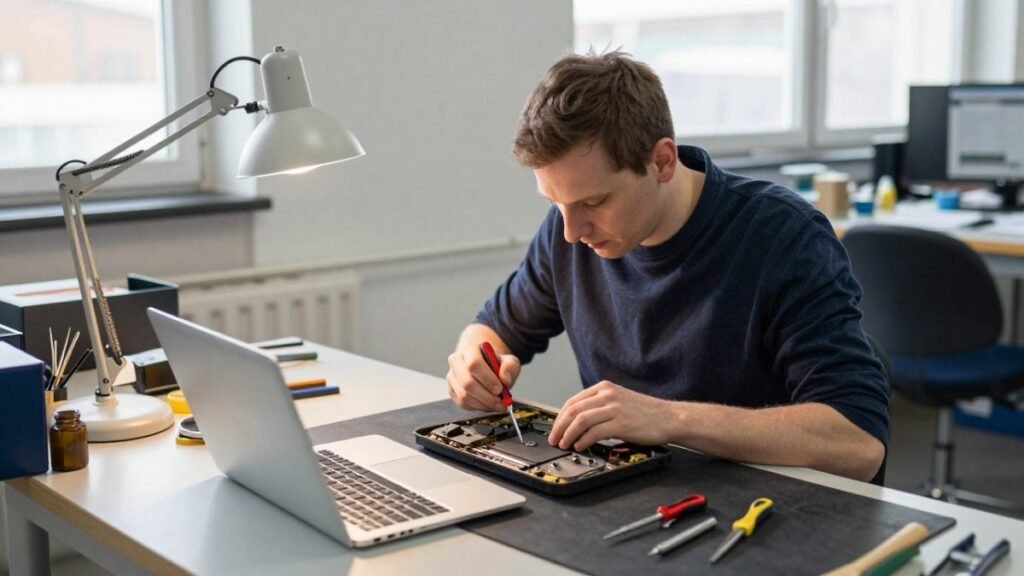
MacBook screen flicker can come from software updates, graphics settings or hardware faults. Learn how to diagnose the cause and what to do next.

A phone repair warranty should protect the work done, not create confusion. Learn what to check before booking a repair in Cumbria with confidence now.

A laptop repair turnaround can range from a same-day fix to a week or more. Learn what causes delays and how to check your repair status.
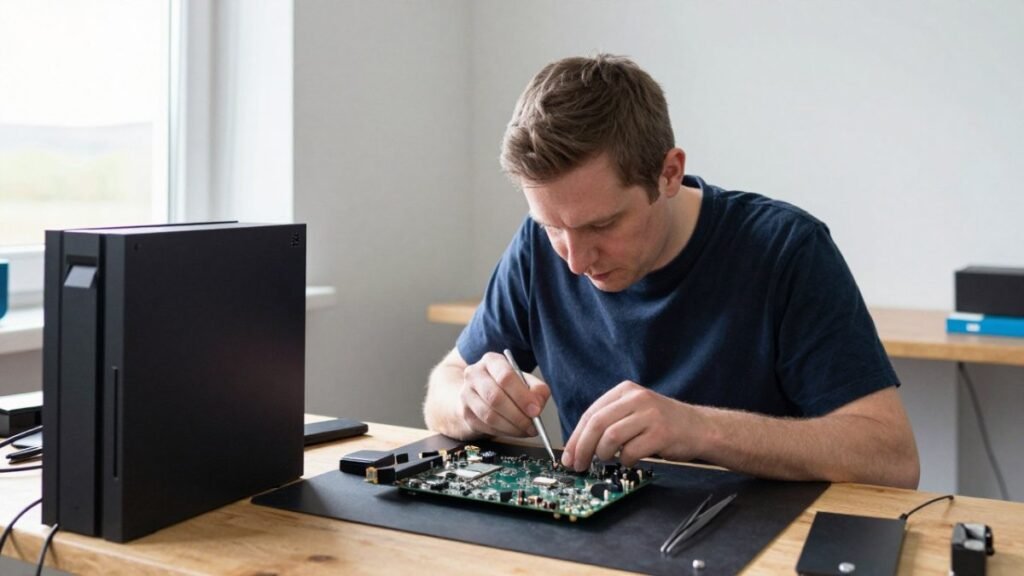
Start with gaming console hardware basics: diagnose overheating, safely open the case and spot faults you can fix at home.

Learn how to backup cracked phone data when the screen will not respond. Safe steps for Android and iPhone before a repair, reset or replacement safely.
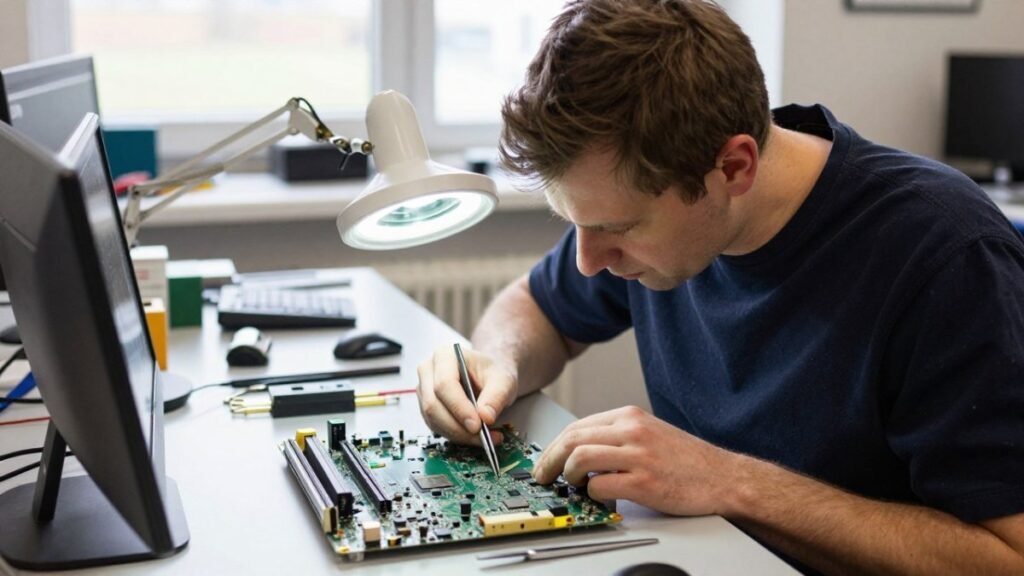
Before you pay for data recovery, find out what it will likely cost, what your files are worth to you, and whether a DIY attempt could make things worse.
Learn the signs of a failing laptop hard drive, from clicking noises to missing files, and the steps to check drive health and protect your data.

Compare safe data recovery options for phones, laptops and drives. Know what to do first, when to stop and how professional recovery protects files well.