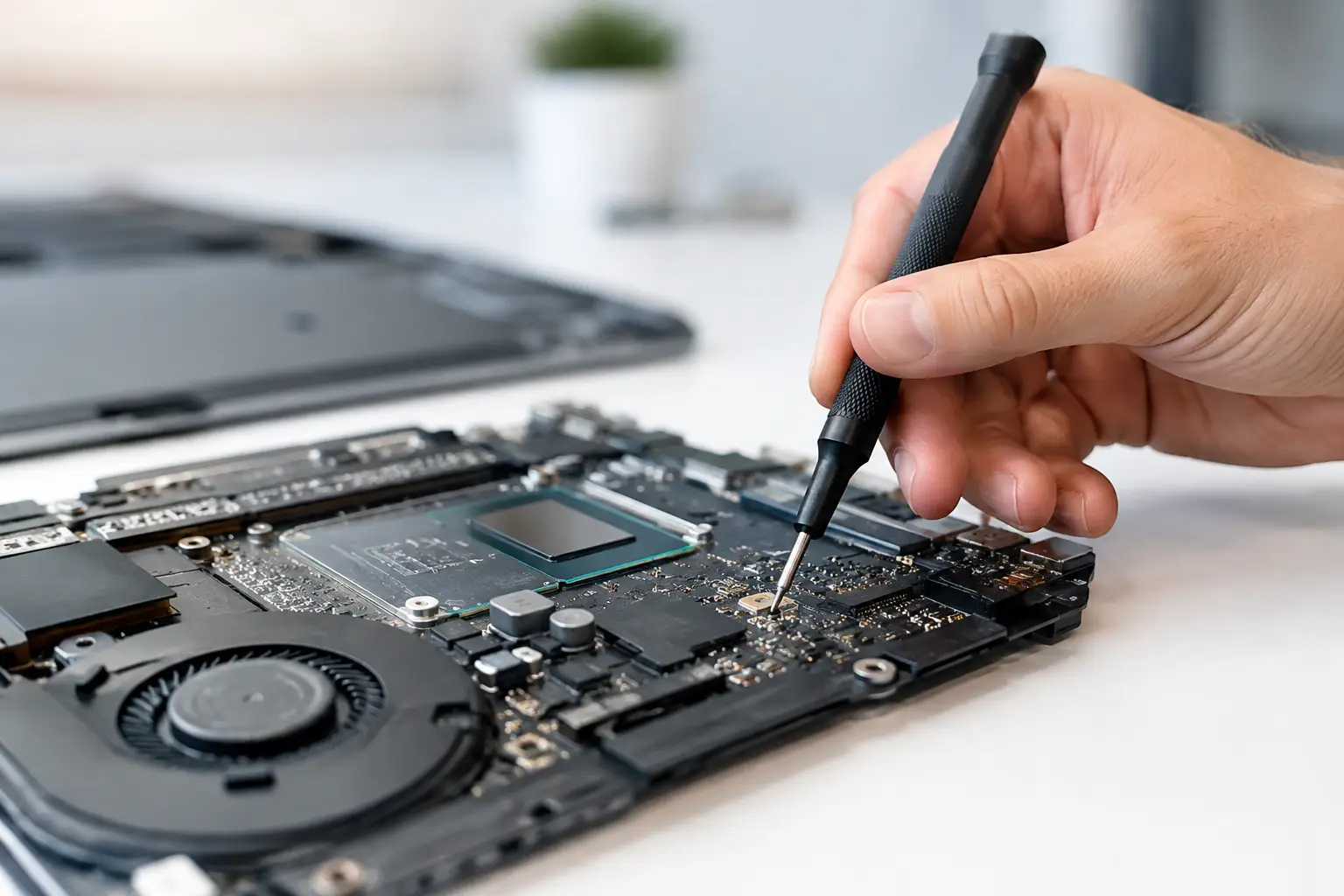
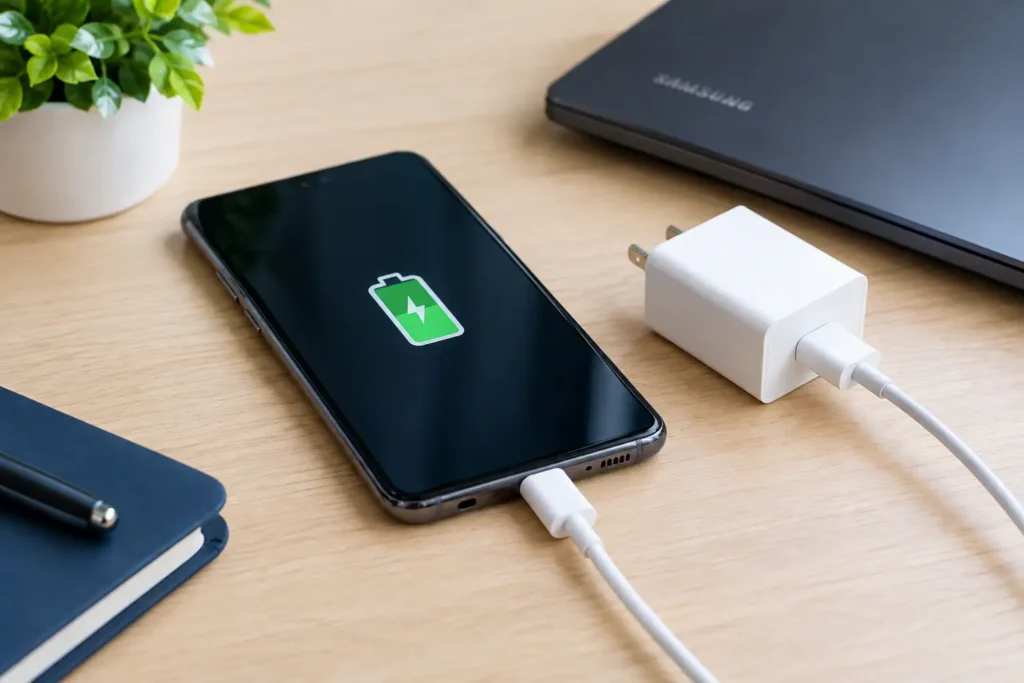
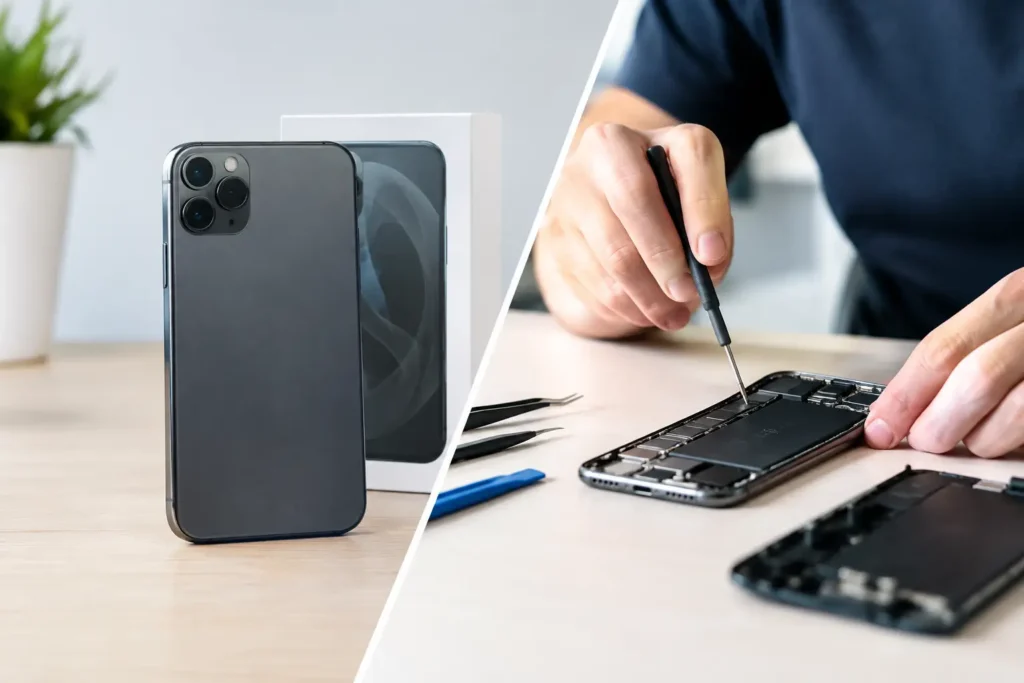
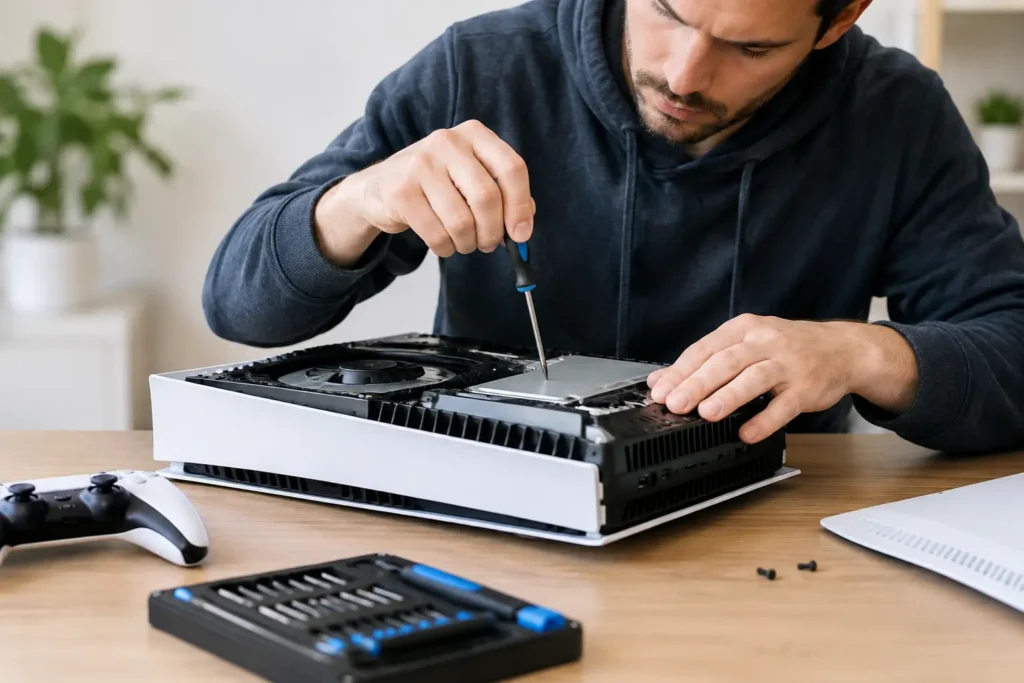
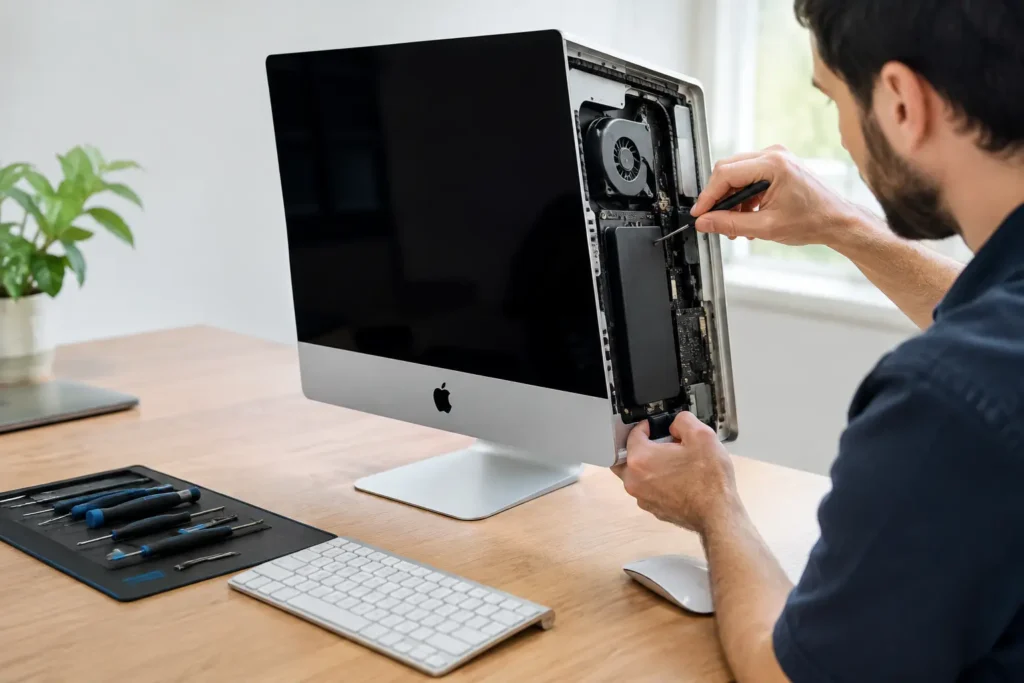
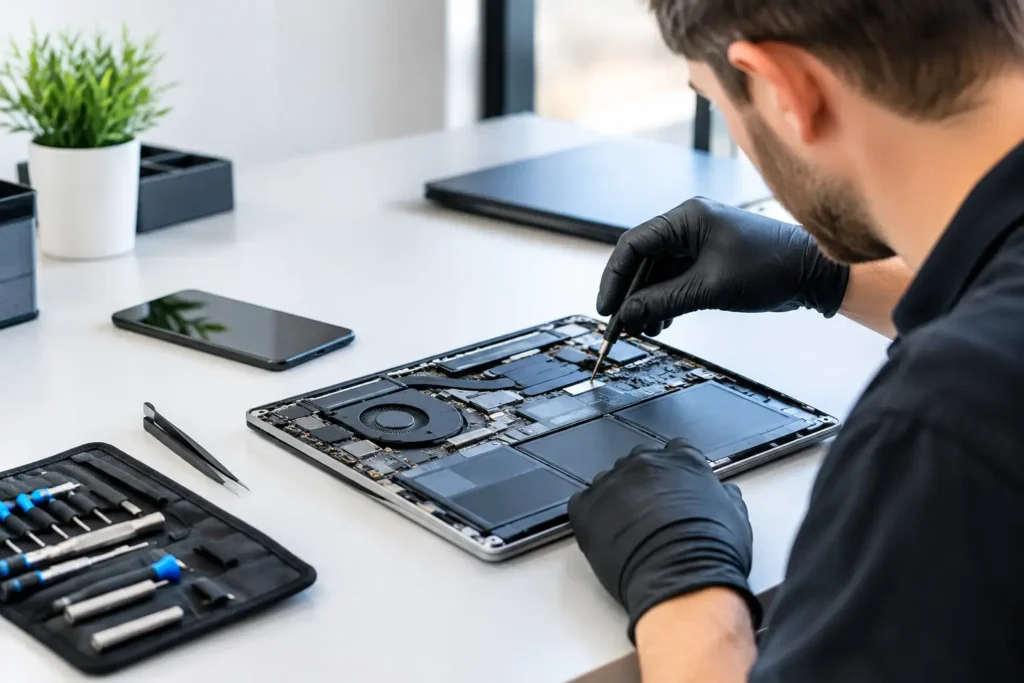
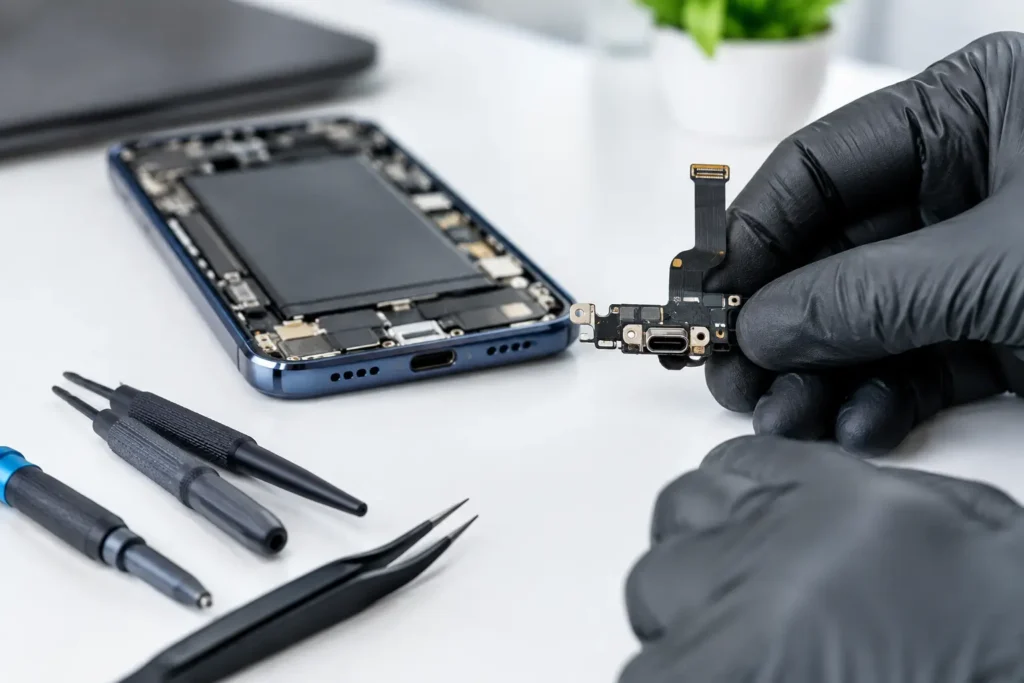
A mobile phone that restarts halfway through a call, a MacBook that refuses to charge despite a new charger, or a games console that powers on with no picture can feel like separate problems. Sometimes they are. But these can also be among the best signs of logic board failure – a fault affecting the central circuit board that allows your device’s parts to communicate.
Logic board faults are rarely as obvious as a cracked screen or worn battery. They can imitate charging, display, software and network issues, which is why a proper diagnosis matters before spending money on parts that will not fix the real problem. Don’t let a broken device slow you down: recognising the warning signs early can improve the chance of a successful repair and, in some cases, protect important data.
What does a logic board do?
A logic board is the main circuit board inside a device. In iPhones and iPads, it is often called the logic board; in Android phones, laptops, desktops and consoles, you may hear motherboard or mainboard instead. The name changes, but its job is similar.
It connects and controls the processor, memory, storage, charging circuit, display, cameras, Wi-Fi, audio, ports and many other components. A fault can therefore produce a surprisingly wide range of symptoms. One damaged chip, corroded connection or short circuit may affect only one feature at first, then become more disruptive over time.
The best signs of logic board failure
No single symptom proves that the board has failed. A damaged cable, tired battery, blocked charging port or software fault can cause similar behaviour. However, the following patterns are strong reasons to have your device professionally assessed.
1. The device will not power on, or only starts intermittently
A completely dead device is the symptom most people associate with a board fault. You press the power button, connect a known-working charger and see no vibration, logo, charging symbol or screen backlight.
Intermittent power can be just as telling. Your mobile phone may start only after several attempts, your laptop may switch on for a few seconds and shut down, or your console may work one day and appear lifeless the next. Before assuming the worst, a technician should test the charger, battery and power button circuit. If these are healthy, the power-management section of the board may be at fault.
2. It charges inconsistently or gets unusually hot
A device that will not charge is not automatically a logic board problem. Fluff in the port, a damaged cable or a worn battery are much more common and often simpler to repair.
The warning sign is inconsistent charging combined with other faults. For example, the battery percentage may jump around, charging may repeatedly connect and disconnect, or the device may become hot around the board area while plugged in. Excessive heat can point to a short circuit or failing charging component. Stop using it if it is becoming very hot, smells burnt or shows signs of battery swelling. Continuing to charge it could make the damage worse.
3. Random restarts, freezing or a boot loop
Software glitches can cause an occasional crash. A logic board issue becomes more likely when restarts are frequent, happen during simple tasks, or continue after an update, reset or fresh operating system installation.
You might see an iPhone stuck on the Apple logo, a laptop that freezes before reaching the login screen, or a tablet that reboots whenever you open the camera. This can happen when the board cannot reliably communicate with storage, memory or a connected component. The exact cause needs testing, as a failing battery can also trigger sudden shutdowns under load.
4. Features fail together for no clear reason
One non-working feature can be a local repair. A silent speaker may be the speaker itself; a poor camera may be a damaged camera module. Several unrelated features failing at once is more suspicious.
Common examples include Wi-Fi and Bluetooth both refusing to switch on, mobile signal dropping permanently, cameras showing a black screen, Face ID or fingerprint recognition failing after a drop, and microphone or speaker problems paired with restarting. These functions are controlled through different areas of the board, so a cluster of faults can indicate a damaged circuit, connector or chip rather than several separate failed parts.
5. No display or no image on an external screen
A black display does not always mean the screen is broken. If the device vibrates, rings, makes notification sounds or is recognised by a computer, it may be running with no visible image. That could be a display fault, but it may also be a board-level issue affecting display power or image processing.
The same applies to consoles and laptops with HDMI faults. A damaged HDMI port is often repairable on its own. If a replacement port does not restore a picture, or the device shows other power and performance issues, the fault may sit deeper on the mainboard.
6. Liquid damage causes problems days or weeks later
Liquid damage is one of the most common causes of logic board corrosion. A device may appear fine after being splashed, then begin showing odd faults days later as moisture and residue affect tiny components and connections.
Typical signs include unreliable charging, ghost touches, weak signal, a non-working camera, distorted sound or gradual power failure. Rice is not a repair method and heat can cause further damage. Switch the device off, avoid charging it and arrange an assessment as soon as possible. Fast treatment gives the best chance of limiting corrosion.
7. The fault started after a drop, bend or previous repair
A hard impact can crack solder joints or damage microscopic components even when the outer case looks nearly perfect. Laptops may develop board faults after a heavy knock to a corner; phones can suffer after bending in a pocket or being dropped repeatedly.
Previous repair work can also be relevant, particularly if the issue began immediately afterwards. This does not automatically mean the repair was poor. A pre-existing weakness may only become obvious once the device is opened or reassembled. Still, details such as the device model, what happened and when the symptoms began help a technician narrow down the cause.
Why guessing can make a logic board fault more expensive
Replacing parts one by one is tempting when a device is unreliable. A new battery, charging port or screen may seem like a quick fix, but it can become costly if the underlying issue is on the board. It may also delay treatment after liquid damage, when corrosion is continuing beneath shields and connectors.
Board-level diagnosis involves checking power lines, current draw, charging behaviour, connectors and individual circuits. Depending on the device and fault, repair may involve microsoldering, replacing a damaged component, repairing a trace or addressing corrosion. Not every board fault is economical to fix. The age and value of the device, availability of parts, likelihood of success and importance of the data all need to be considered honestly.
What to do before bringing your device in
If the device still works, back it up straight away. A fault that is intermittent today can become a no-power issue tomorrow. Do not keep force-restarting it, repeatedly charging it with random cables or attempting to open it without the right tools.
Make a note of what you have noticed: whether it was dropped or exposed to liquid, whether it charges, how long it stays powered on and which features have stopped working. Bring the usual charger if charging is part of the problem. For business devices, make sure the person arranging the repair has the authority to share any required passcodes or recovery information, but only when needed for testing.
At TechLab Repairs, the aim is to identify the actual fault before recommending a repair. That means you can make a clear decision between repair, data recovery options or replacement rather than paying for guesswork.
A logic board issue sounds serious, and sometimes it is. But a dead-looking phone, laptop or console is not automatically beyond saving. Acting early, avoiding further damage and getting a proper diagnosis gives your device the best chance of getting back to the work, messages, schoolwork or gaming you rely on.