One day your laptop is quietly getting on with the job, and the next it sounds like it is about to take off from Walney. If you are asking, why is my laptop fan loud, the short answer is that your machine is working harder than it should, struggling to stay cool, or both. The good news is that a noisy fan does not always mean a major fault. The bad news is that ignoring it can turn a small issue into overheating, poor performance, or sudden shutdowns.
Why is my laptop fan loud all of a sudden?
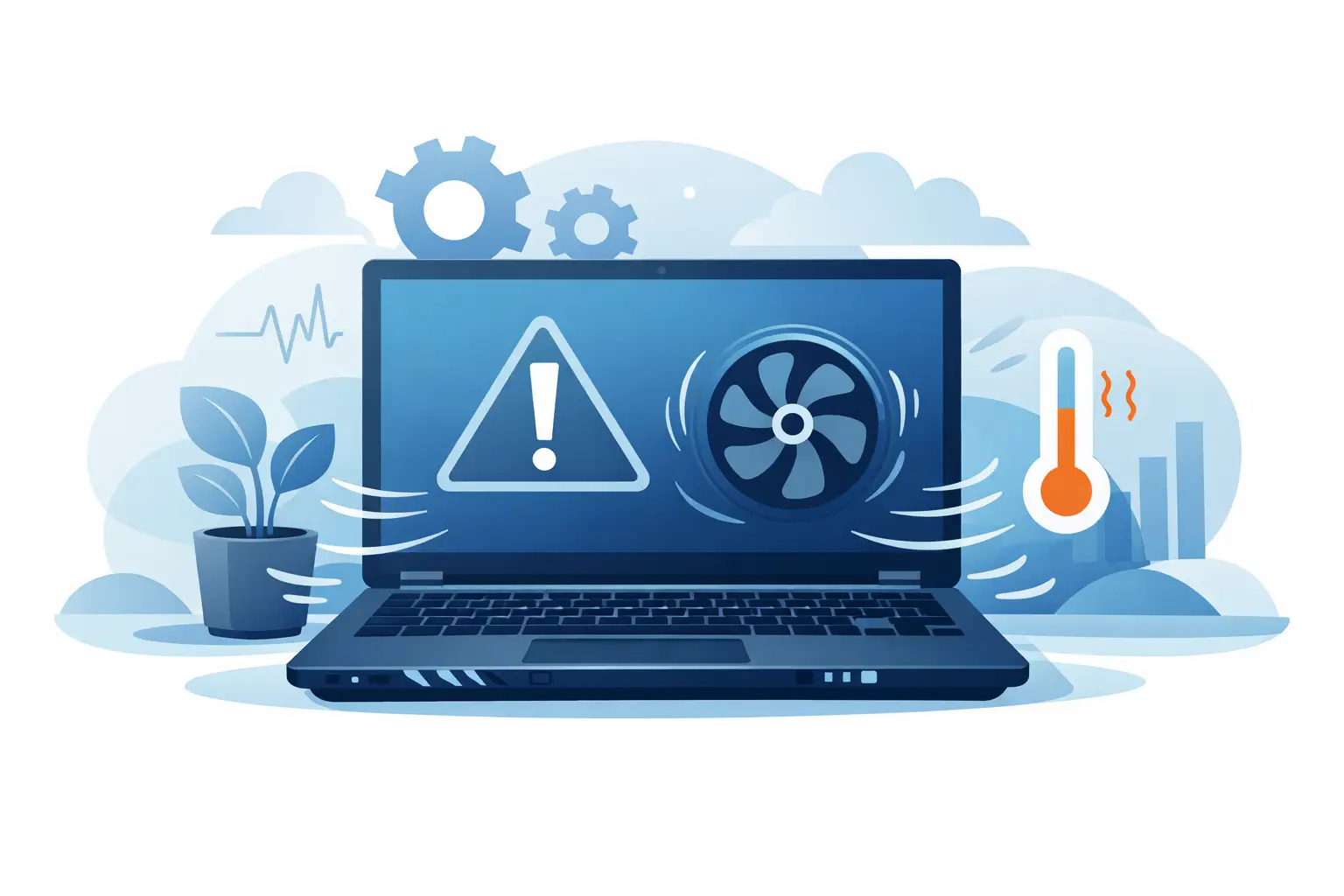
A laptop fan only has one real job – moving heat away from the parts that generate it. When the fan gets louder, it is usually reacting to rising temperatures inside the machine. That can happen for a few different reasons, and sometimes more than one is involved at the same time.
The most common cause is dust build-up. Over time, fluff, pet hair and general household dust collect inside the vents and around the fan blades. That blocks airflow, so the fan has to spin faster to do the same amount of cooling. In homes, offices and classrooms, this is far more common than people think.
Another frequent cause is heavy background activity. Your laptop might look idle on the surface while updates, cloud syncing, antivirus scans or too many browser tabs are pushing the processor hard in the background. Gaming, video editing and video calls can also make the fan noticeably louder, especially on thinner laptops where cooling systems are smaller.
Then there is the age of the machine itself. Thermal paste, which helps transfer heat away from the processor, can dry out over time. When that happens, the heat does not move as efficiently, so temperatures climb faster and the fan has to compensate. On older laptops, a worn fan bearing can also create a harsher grinding or rattling noise rather than a simple rushing-air sound.
A loud laptop fan is not always a fault
There is a difference between a fan being active and a fan being problematic. If your laptop fan gets louder while you are gaming, exporting a video, joining a long Teams meeting or running multiple applications, that can be completely normal. Modern laptops often prioritise slim design over large cooling systems, so they have less room to dissipate heat quietly.
What matters is the pattern. A fan that speeds up under load and settles down afterwards is usually behaving as expected. A fan that stays loud all the time, even when the laptop is doing very little, is the one worth investigating.
Heat from the environment can play a part too. If you are using the laptop on a duvet, sofa, carpet or even your lap for long periods, the air vents may be partly blocked. On a warm day, or in a room with poor airflow, the system has to work harder to keep temperatures under control.
What you can check at home first
Before assuming the worst, there are a few sensible checks you can make yourself. Start with where and how you use the laptop. Put it on a hard, flat surface and make sure the side or bottom vents are clear. It sounds basic, but this alone can make a real difference.
Next, look at what is running. If the fan is loud while the machine feels slow, open Task Manager on Windows or Activity Monitor on a Mac and see which apps are using the most CPU. Sometimes one browser tab, a stuck update or a runaway background process is the whole problem.
It is also worth restarting the laptop if you have not done so in a while. Sleep mode is convenient, but some machines build up background processes over time. A proper restart can clear temporary software issues and reduce fan activity straight away.
Check for software and operating system updates too. Manufacturers often release updates that improve power management and fan control. If the noise started after a recent update, however, it may be linked to indexing, syncing or post-update tasks that settle after a day or two.
Signs dust is the likely cause
If your laptop is a few years old and has never been cleaned internally, dust should be high on the list. Common clues include warm air coming out of the vent, the underside feeling unusually hot, fan noise that ramps up quickly, and performance dropping during everyday tasks.
You might also notice the noise is worse after the laptop has been on for a while. That is often because the heat keeps building inside a restricted cooling system. In some cases the laptop may shut down unexpectedly to protect itself from overheating.
Compressed air is often suggested online, but this is where a bit of caution helps. Blasting air into the vents without opening the machine can push dust deeper inside or make the fan spin too fast. On some models, that creates more problems than it solves. If you are confident working on electronics, internal cleaning can be done carefully. If not, it is safer to have it cleaned properly.
When the fan noise points to a hardware issue
Not every loud fan is just dust or heavy usage. Sometimes the sound itself gives the problem away. A smooth whooshing sound usually means the fan is simply spinning fast. A rattling, clicking, grinding or buzzing noise often points to wear in the fan assembly or something physically obstructing it.
A failing fan should not be ignored. If the fan slows down, sticks or stops altogether, your laptop can overheat very quickly. That can affect the battery, processor, graphics chip and motherboard over time. What begins as an annoying noise can end up as a much more expensive repair.
Battery problems can occasionally add to the confusion as well. A failing battery can generate excess heat, which causes the cooling system to work harder. If your laptop fan is loud and the battery life has suddenly dropped, the casing looks swollen, or the keyboard area feels unusually hot, stop using it and get it checked.
Why is my laptop fan loud when I am not doing anything?
This is one of the most frustrating versions of the problem. If the laptop is making plenty of noise while sitting on the desktop with very little open, there are a few likely explanations.
Background software is the first. Automatic backups, cloud storage syncing, antivirus scans and pending updates can all run without much warning. Malware is another possibility, especially if performance has changed suddenly and you cannot identify what is using the system resources.
The second possibility is a cooling problem that has built up slowly. Even light tasks produce some heat, and if the airflow is poor enough, the fan can stay loud constantly because the machine never properly cools down.
The third is faulty sensors or fan control behaviour. This is less common, but it does happen. If the laptop believes temperatures are higher than they really are, it may keep the fan running aggressively. That is the kind of issue that normally needs proper diagnosis rather than guesswork.
Can a loud laptop fan damage the laptop?
The noise itself is not the danger. The reason behind it is. A fan running hard is usually a warning that the laptop is under thermal stress, and prolonged heat is bad news for electronics.
High temperatures can throttle performance, shorten battery lifespan and put strain on internal components. Solder joints, storage drives and graphics chips do not enjoy running hot for extended periods. If the fan is loud because it is compensating for a blocked or failing cooling system, then yes, leaving it alone can lead to damage.
That is why it is worth acting early. A clean-out, fan replacement or thermal service is usually far simpler than dealing with a board-level failure later on.
When to stop troubleshooting and get it looked at
If the fan noise is new, persistent and not explained by heavy use, it is sensible to get the laptop checked. The same applies if the machine is overheating, shutting down, becoming painfully slow, or making rattling or grinding sounds.
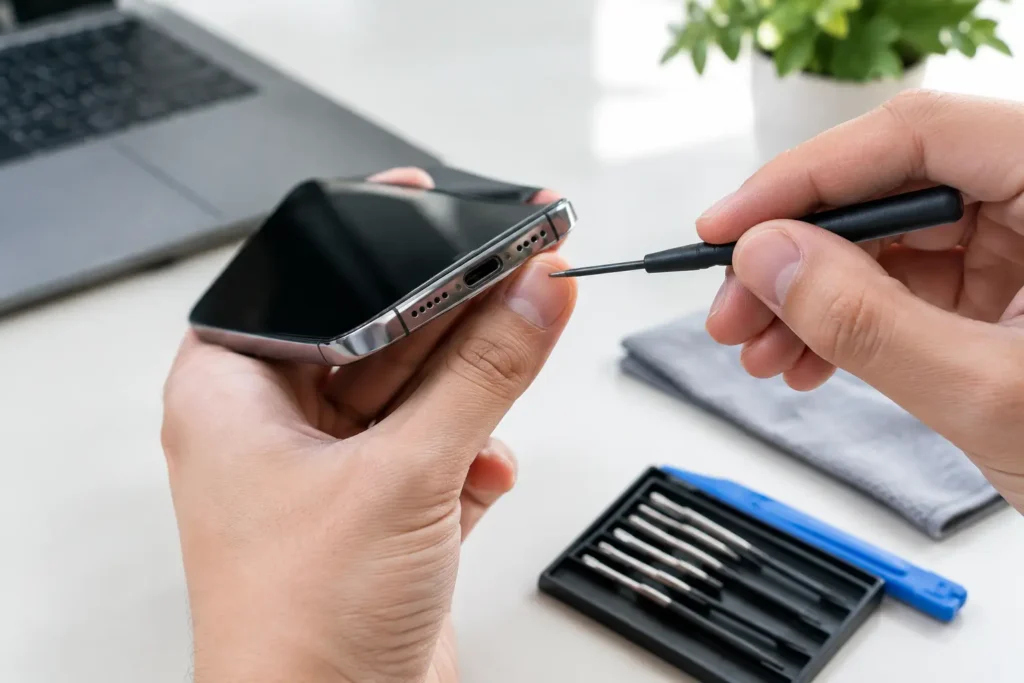
For many people, opening a laptop at home is not worth the risk. Modern devices can be fiddly, fragile and packed with hidden clips, delicate connectors and batteries that should be handled carefully. One wrong move can turn a cooling issue into a broken keyboard, damaged casing or disconnected screen.
A proper inspection can confirm whether the issue is dust, a worn fan, dried thermal paste, software load or something deeper on the board. At TechLab Repairs, this is exactly the sort of fault we see regularly – and catching it early usually gives you more options and a lower bill.
A loud laptop fan is your machine asking for attention. Sometimes it just needs a clear vent and a restart. Sometimes it needs a proper clean or a replacement part. Either way, do not wait for the noise to become a shutdown.