A cracked tablet never happens at a convenient moment. One drop from the sofa arm, one knock in the kitchen, and suddenly you are staring at a spiderweb of glass that makes every tap feel risky. If you are searching for how to fix cracked tablet glass, the first thing to know is this – not every cracked screen should be handled the same way.
Sometimes the damage is mostly cosmetic and the tablet still works fine underneath. In other cases, the crack is only the visible part of a deeper issue involving the touch layer or the display panel itself. Getting the next step right can save you money, protect your data, and stop a straightforward repair turning into a much more expensive one.
How to fix cracked tablet glass without making it worse
Before you do anything else, stop using pressure on the damaged area. It is tempting to keep pressing harder when touch response becomes patchy, but that can spread the crack and push loose shards further into the screen assembly.
Switch the tablet off if the crack is severe, especially if you can feel raised edges or tiny splinters. Then inspect the damage in good light. If the image on screen still looks normal and the touch works across the full display, you may only have broken outer glass. If the screen shows black spots, flickering lines, dead areas, or no picture at all, the damage likely goes beyond the glass.
A temporary measure is to apply a screen protector over the cracked area. This does not fix the tablet, but it can hold the broken surface together well enough to make handling safer until it is properly repaired. Clear packing tape can also help in a pinch, though it is very much a short-term option and not something you would want to live with.
What you should not do is try to glue the crack, polish it out, or press the glass flat. Household adhesives can seep into the screen edges, damage internal layers, and make a later repair more difficult. Likewise, those online hacks involving toothpaste, heat guns, or improvised prying tools are far more likely to ruin the display than rescue it.
Is it just the glass, or the full screen?
This is where many tablet owners get caught out. On some models, the front glass and touch digitiser are separate from the LCD or OLED panel underneath. On others, the whole screen is laminated together as a single unit. That means the answer to how to fix cracked tablet glass depends heavily on the tablet model.
If your tablet still displays a perfect image but the front is cracked, you might only need a glass or digitiser replacement. That can be a cheaper repair on certain devices. However, many modern tablets are built so tightly that replacing only the glass is specialist work with high risk. In those cases, replacing the full screen assembly is often the safer and more reliable route.
There is also a practical point here. A cheaper part-only approach is not always the best value if the repair is less durable or more likely to fail. Good repair work is not just about getting the crack gone. It is about restoring proper touch response, clean fitment, and long-term reliability.
When DIY repair makes sense
If you are confident with electronics, have the correct tools, and are working on an older or lower-value tablet, a DIY repair may be worth considering. The best-case scenario is a model with readily available parts, a separate digitiser, and a repair process that does not involve excessive heat, delicate flex cables, or heavy adhesive removal.
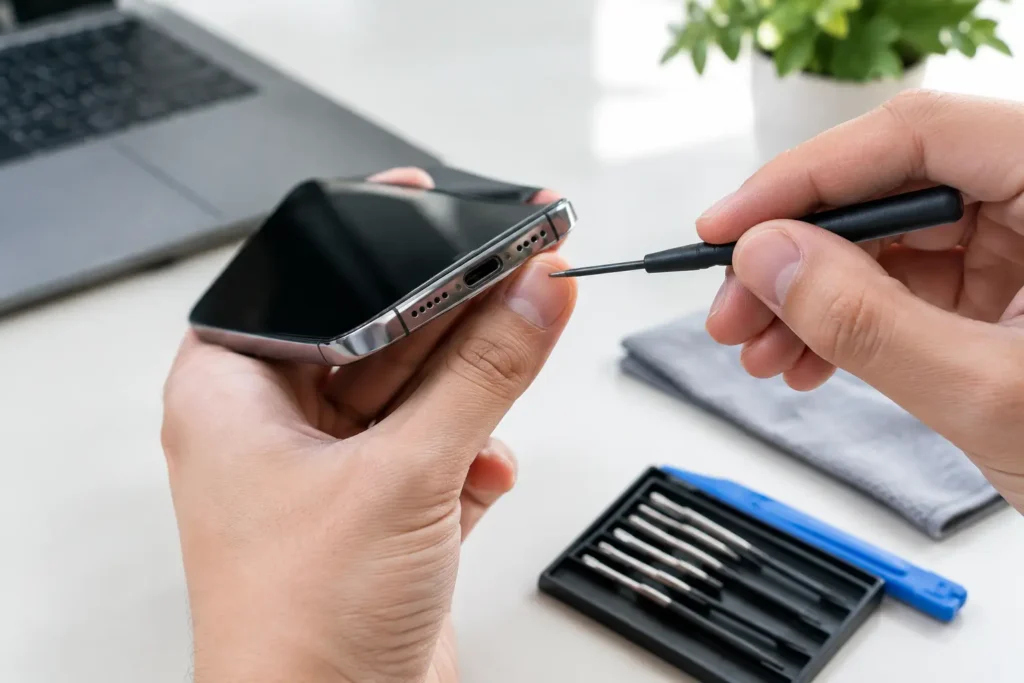
Even then, you need to be realistic. Tablet repairs are usually more fiddly than phone repairs because of larger screens, stronger adhesive, thinner frames, and the awkward placement of internal cables. A repair can go wrong very quickly if the battery is accidentally punctured, the LCD is damaged during removal, or the home button and front camera assemblies are disturbed.
If the tablet stores important work files, school documents, family photos, or business data, DIY becomes less appealing. Saving a bit on labour is not much of a win if the device ends up unusable or your data becomes harder to recover.
When professional repair is the better call
Professional repair is usually the smart option when the tablet is newer, more expensive, or still heavily relied on day to day. It is also the better route if the crack has affected touch input, there is display damage underneath, or the tablet frame itself looks bent after the drop.
A bent housing matters more than many people think. Even a slight twist in the frame can stop a new screen fitting correctly. If that is ignored, the replacement may sit under tension and fail again much sooner. A proper repair checks the full condition of the device, not just the obvious broken part.
For local customers around Barrow-in-Furness and the wider Cumbria area, this is where using a specialist repair shop can make life easier. Fast turnaround, clear pricing, and secure handling matter, especially when the tablet is used for work, study, or keeping the kids occupied on a long journey.
What a proper tablet glass repair involves
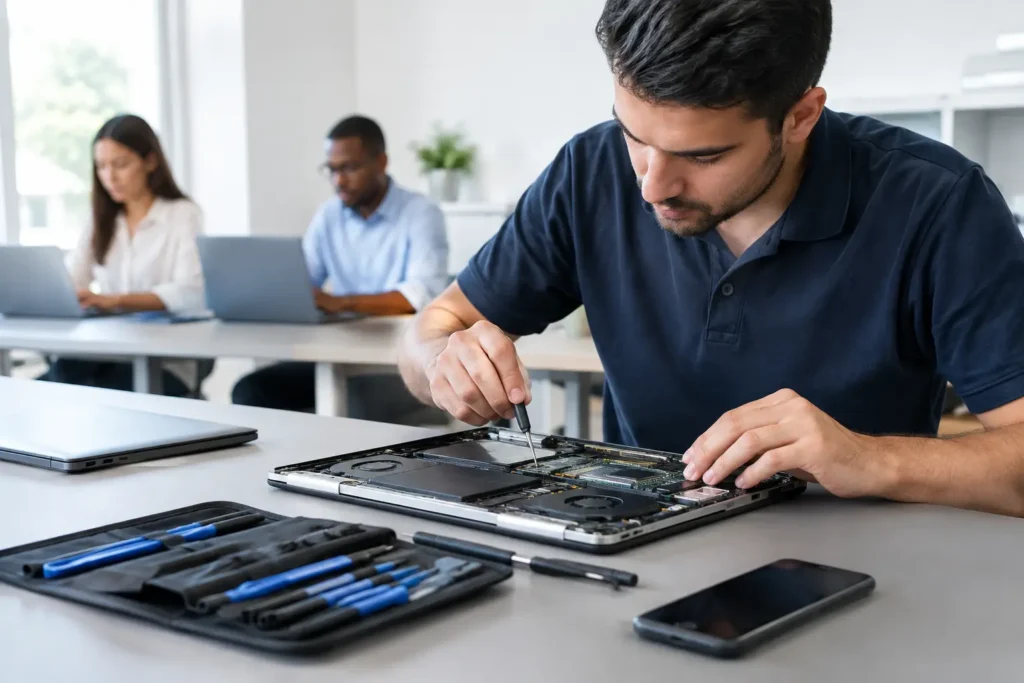
Good screen repair is part technical job, part risk management. The process usually starts with testing the tablet before disassembly, checking whether the screen image, touch function, charging, cameras, and buttons are all working as they should.
After that, the damaged screen is removed carefully using the right heat control and tools. This is the stage where rushed work causes extra damage. Flex cables can tear, home button assemblies can be damaged, and lower-quality tools can mark the frame.
Once the broken part is off, the technician cleans away old adhesive, checks for hidden damage, and fits the replacement screen or glass assembly. Then the tablet is tested again before final sealing. A reliable repair should leave the screen properly aligned, touch response consistent, and the tablet safe to use without sharp edges or lifting corners.
That is also why repair quality varies so much from place to place. Two shops can both say they replace screens, but the result depends on the quality of parts used, the care taken during fitting, and whether the device is fully tested afterwards.
The cost question – repair or replace?
For most people, the decision comes down to cost. If the tablet is older and the repair price is close to the value of the device, replacement may be the sensible option. But if it is a recent iPad, Samsung Galaxy Tab, or a business tablet with important setup and accounts already configured, repair is often far better value than starting again.
There is also the hidden cost of replacement to think about. Buying a new tablet is not just the purchase price. It can mean reinstalling apps, recovering passwords, reconfiguring email, transferring files, setting up parental controls, and replacing accessories if the model has changed.
A straightforward screen repair can often be the more convenient solution, particularly when the rest of the tablet is still in good condition.
How to protect a cracked tablet until it is repaired
If you cannot get the device repaired immediately, handle it carefully. Keep it in a sleeve or case, avoid putting pressure on the screen, and do not leave it loose in a bag where keys or chargers can press into the crack.
If children use the tablet, it is best to take it out of circulation until it is repaired. Even a small crack can worsen quickly with repeated taps, and fine glass splinters are not something you want on small hands.
Back up the device if you still can. That is a simple step that gives you more options if the screen fails completely before repair.
How to avoid another cracked tablet screen
The honest answer is that accidents still happen, even with a case fitted. But a good shock-absorbing case and a decent screen protector reduce the odds of serious damage. For tablets used by children, a rugged case with corner protection is usually worth every penny.
It also helps to think about where the tablet gets used most. Kitchen counters, bed edges, car seats, and sofa arms are common drop zones. A lot of cracked screens come from habits rather than major accidents.
If your tablet has already been dropped once, pay attention to any slight frame bend or lifting corner. Those weak points can make the next impact much more damaging.
A cracked tablet screen is frustrating, but it does not always mean the device is finished. The key is not rushing into the wrong fix. Some tablets can be repaired simply, some need a full screen assembly, and some are better replaced than patched up. If you are unsure, getting the damage assessed properly is often the quickest way back to a safe, reliable device without the guesswork.