Dropped your phone in the sink? Fished it out of the bath? Spotted rainwater sitting inside the camera lens? The best ways to save wet phone damage all come down to speed, restraint and not making a bad situation worse. What you do in the first few minutes can be the difference between a simple clean-up and a full board-level repair.
Water damage is awkward because the phone may seem fine at first. It might switch on, charge normally and let you send a few messages. Then hours later the screen flickers, the speaker crackles, Face ID stops working or it dies completely. That delay catches people out. Moisture keeps moving inside the handset, and corrosion can start long after the splash itself.
The best ways to save wet phone damage in the first 10 minutes
The first job is simple – get the phone out of the water and switch it off. If it is already off, leave it off. If it is plugged in, disconnect it carefully. Electricity and liquid are a bad mix, and continuing to use the device gives that moisture more opportunity to short sensitive components.
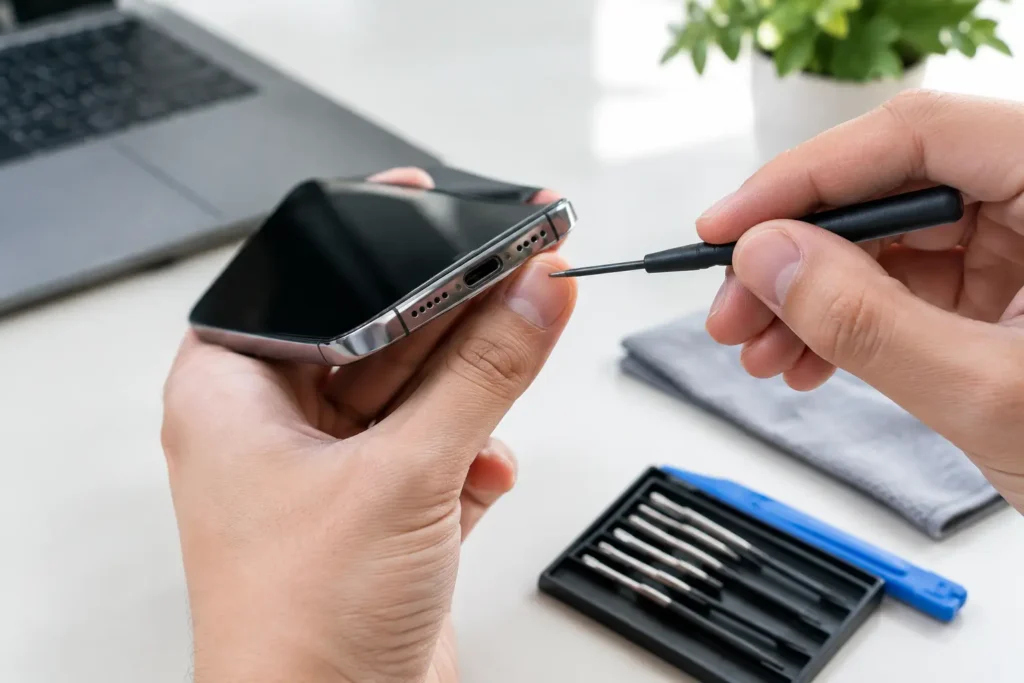
Next, remove anything you can without forcing it. Take off the case. Remove the SIM tray if possible. If your model has any removable accessories or attachments, take those away too. This helps trapped moisture escape and stops water sitting in hidden gaps around the frame.
Dry the outside gently with a clean, absorbent cloth or paper towel. Pat rather than rub. You are not trying to polish it – you are trying to stop more liquid from being pushed into speaker grilles, charging ports and button openings.
If the phone has fallen into fresh water, that is one thing. If it has been dropped into tea, coffee, fizzy drink, seawater or anything sugary, the risk is higher. Those liquids leave residue behind, and residue can be just as damaging as the moisture itself. Even if the phone starts working again, sticky contamination can cause longer-term faults.
What not to do if you want to save a wet phone
A lot of people damage their handset further while trying to rescue it. The old rice trick is the best-known example. Rice is not a proper fix. It does not pull moisture out of sealed internal layers quickly enough, and it does nothing about mineral deposits or corrosion already forming on the board. Worse, rice dust can get into ports and make matters messier.
You should also avoid using a hairdryer or placing the phone on a radiator. Heat can warp adhesives, damage the battery and push moisture deeper into the device. The same applies to ovens, microwaves and any other desperate ideas that sound clever at the time and expensive afterwards.
Do not keep pressing buttons to see if it still works. Do not test the speakers with music. Do not plug in a charger “just to check”. If the liquid has reached the charging circuit or main board, that test can be the moment a repairable fault becomes a dead phone.
Shaking the handset vigorously is another mistake. It feels logical, but it often drives droplets further inside. A careful tilt to encourage draining is fine. A full-arm swing over the kitchen floor is not.
How to dry a wet phone safely
Once the phone is switched off and dried externally, place it somewhere dry and well ventilated. A room with steady airflow is better than a hot surface. Stand it upright or at a slight angle so gravity can help, especially if water has entered through the charging port or speaker area.
Silica gel packets can help more than rice if you happen to have them, because they are designed to absorb moisture. Even then, they are only a supporting step. They do not replace proper internal inspection if liquid has got past the seals.
How long should you leave it? That depends on the level of exposure. A light splash that only touched the outside is very different from full immersion in water for several minutes. As a cautious rule, give it at least 24 hours before even thinking about powering it back on. For heavy exposure, waiting longer may be sensible, but waiting alone is not always enough.
This is where waterproof ratings confuse people. A water-resistant phone is not a waterproof phone, and the protection does not last forever. Age, drops, previous repairs and normal wear can weaken seals. We see phones with a decent IP rating that still suffer liquid damage from a quick dunk, especially around charging ports, speaker mesh and damaged screen edges.
Signs your phone has internal water damage
Sometimes the warnings are obvious. The display may go dark, show lines or develop blotches. The touch screen may stop responding properly. Cameras can fog up from the inside. The charging port might refuse to recognise the cable, or the battery may drain unusually fast.
Other signs are subtler. You may notice muffled sound, random restarts, overheating, weak signal or a torch that no longer works. On some models, the liquid contact indicator changes colour, which gives a clue that moisture has entered the device. Not every phone makes this easy to check without opening it, and opening it yourself can create more risk than it solves.
A phone that works normally after getting wet is not automatically safe. Corrosion can begin quietly on connectors and chips, then show up days or weeks later. That is why quick action matters even when the handset appears to have survived.
When home drying is enough and when it is not
If the phone took a very minor splash and never lost function, careful drying and observation may be enough. For example, a few raindrops on the casing or a brief splash near the edge is usually less serious than dropping it into a sink full of water.
If the device was submerged, exposed to anything other than clean water, or started showing odd behaviour afterwards, professional treatment is the safer route. Internal cleaning is often the key step. Liquid damage repairs are not always about replacing one part. Sometimes the real job is stopping corrosion before it spreads across the board and affects multiple circuits.
There is also a data angle here. Many people keep using a wet phone because they are worried about photos, messages, work apps or banking access. That is understandable, but continued use can reduce the chances of both repair and data recovery. Turning it off early gives the device a better shot.
Best ways to save wet phone problems with professional repair
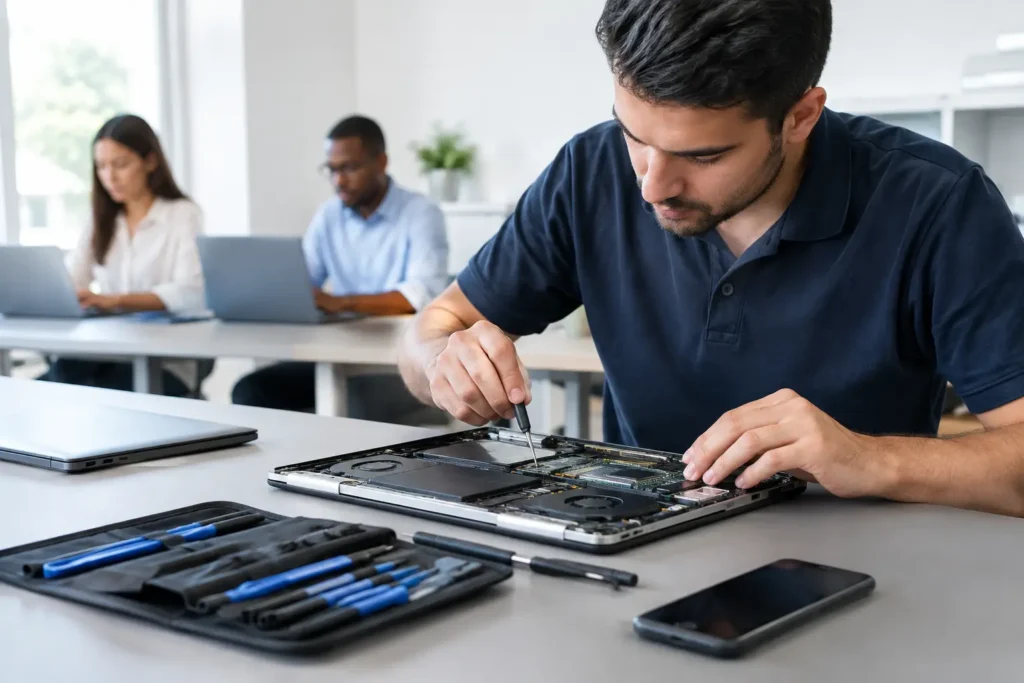
The best ways to save wet phone faults after serious exposure usually involve a proper internal inspection. A technician can open the handset safely, disconnect the battery, inspect for corrosion, clean affected areas and test whether parts such as the screen, battery, charging port or cameras have been compromised.
That matters because liquid damage is rarely uniform. One phone may only need a charging port clean and battery check. Another may have damage on the logic board while the screen and battery are still fine. A good repair approach is targeted, not guesswork.
Fast treatment is important. The longer residue stays inside, the more chance there is of corrosion eating into connectors and tiny board components. If your phone has gone into seawater or a sugary drink, speed matters even more because salt and sugar leave behind aggressive contamination.
At TechLab Repairs, this is exactly the sort of problem we help local customers with – quickly, clearly and without sending you away with vague advice. If your phone has been wet, getting it assessed early gives you the best chance of saving the handset and the data on it.
A few situation-specific tips
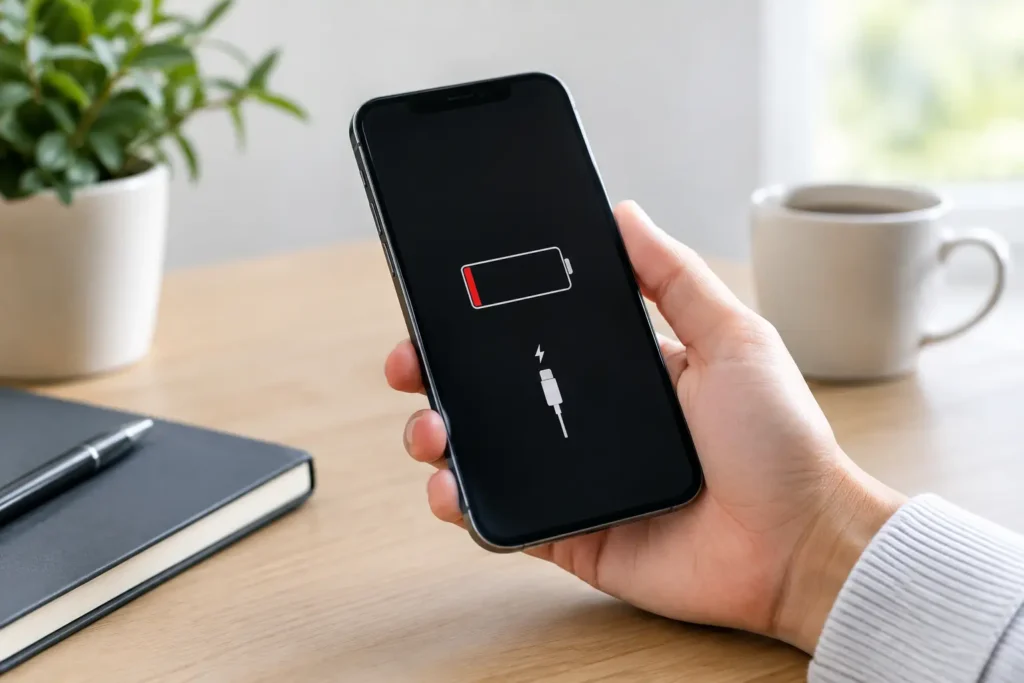
If an iPhone shows a liquid detection warning when charging, take it seriously. Do not keep trying the cable until the alert disappears. Let the port dry fully first. If it still will not charge later, the issue may be residue or internal damage rather than moisture alone.
If a Samsung or other Android phone has a removable SIM tray, taking that tray out can help airflow, but do not go hunting for screws and trying to dismantle the rest at home unless you know exactly what you are doing. Modern phones are tightly sealed, and accidental puncture damage to the battery is the last thing you need.
If the device got wet while on a business trip, at school or during work, think beyond the hardware. If there is any chance the phone contains sensitive business data, stop using it and get it checked professionally. A failing wet handset is unpredictable, and secure handling matters as much as the repair itself.
A wet phone can be salvageable, even when it looks bad at first. The trick is not panicking into the wrong fix. Switch it off, dry the outside, keep heat and chargers well away, and get proper help if there is any sign liquid has made it inside. A calm first response gives your phone its best chance.