
5 Steps to Arrange a Phone Screen Repair Without the Stress
Need a phone screen repair? Follow our 5-step checklist covering data back up, turnaround times and complaints, then book a call with TechLab Repairs.


Last Updated: November 10, 2026
Quick Summary
Before buying a refurbished laptop, check what testing and repairs the seller did, the cosmetic grade, and the battery health. Then inspect the machine on delivery day and confirm your consumer rights and returns terms. These checks catch most of the risk before the returns window closes.
Buying a refurbished laptop can save a real amount of money, but it also means trusting a machine someone else has used. Most of the risk sits in a handful of checks you can make on the day it arrives. This guide walks through what to look for, so you can judge a refurbished laptop before the returns window closes.
A refurbished laptop is a used machine that has been tested, repaired where needed, and returned to sale by a seller. That responsibility is worth confirming in writing, and checking return policies can show what recourse you have if a refurbished machine does not work as expected.
Ask what testing was done, what parts were replaced, and whether the battery was swapped. Vague answers are a warning sign.
Watch out: a “refurbished” label alone proves nothing. Ask for the process, not just the word.
Sellers rarely use the same grading scale, so read the definitions carefully. In general, grades describe cosmetic condition rather than how well the machine performs.
Cosmetic wear is usually harmless. A scratched lid does not mean a weak processor. What you should care about is whether the grade mentions the screen, the hinges and the keyboard, since those affect daily use.
Battery health is one of the most common reasons a refurbished laptop disappoints. A worn battery can cut a full day’s use down to a couple of hours, and replacing one later costs money. Most listings mention battery condition only vaguely, so the practical skill is knowing where to find the number, what to accept and how to tell whether the battery has been swapped.
The metric you want is the ratio of full charge capacity to design capacity. Design capacity is the figure the manufacturer built the battery to hold when new; full charge capacity is what it can actually hold now. A battery at 80% health holds four-fifths of its original charge.
powercfg /batteryreport. The report saves as an HTML file and lists Design Capacity and Full Charge Capacity side by side, plus a cycle count on most machines.There is no single right number. As a buyer, treat a battery reading of 85% or better as strong for a refurbished machine, 80-85% as acceptable if the price reflects it, and anything below 80% as a negotiating point or a reason to walk away unless a replacement is documented.
Cycle count matters as much as the percentage. A battery with a high percentage but a very high cycle count may be near the end of its useful life even if the figure looks healthy. Ask the seller for the cycle count if it is not stated.
A replaced battery is a good sign, but only if it is documented. Look for a replacement note in the listing, a service record, or a battery with a recent manufacture date printed on the label.
Watch out: a seller who says the battery was “tested” but cannot say whether it was replaced is telling you it is the original, price it accordingly.
A short test proves little. Run the laptop on battery for at least an hour with normal work open, a browser with several tabs, a video call or a document, and note how much charge is used.
The table below summarises the battery health thresholds and where to find each reading, so you can check a refurbished laptop quickly.
| Platform | Where to check | What to look for |
|---|---|---|
| Windows | Command Prompt: powercfg /batteryreport | Design vs full charge capacity, cycle count |
| macOS | System Information: Power | Cycle Count and Condition fields |
| ChromeOS | Diagnostics app: battery section | Current capacity and cycle count |
| 85% or better | Battery health reading | Strong for a refurbished machine |
| 80-85% | Battery health reading | Acceptable if the price reflects it |
| Below 80% | Battery health reading | Negotiating point, or walk away unless replacement is documented |
Set aside 15 minutes when the parcel arrives and work through a short checklist before you accept it.

Keep the packaging and take photos of any damage before you sign for the delivery. Most returns problems start with damage that was never recorded.
Refurbished goods sold by a business come with consumer rights under the Consumer Rights Act 2015. The goods must match their description, be of satisfactory quality and be fit for purpose. That protection applies whether the laptop is new or refurbished, so you do not have to accept a faulty machine, but it is not the same thing as a warranty, and knowing how the two fit together is what stops a seller fobbing you off.
Your statutory rights come from the Act and exist regardless of what the seller’s terms say. A warranty is a separate, voluntary promise from the seller or manufacturer, and it can add to your rights but cannot take them away.
The Act gives you a short-term right to reject within 30 days of delivery, during which you can return the laptop and get a full refund if it is faulty (Consumer Rights Act 2015).
If you bought online, by phone or by mail order, the Consumer Contracts Regulations 2013 give you 14 days from delivery to cancel for any reason, not just a fault (Online and distance selling : Distance selling).
Watch out: a seller who says “no returns” on an online sale is usually wrong for consumers, but the 14-day right is a cancellation right, so you may be asked to cover the cost of return postage unless the terms say otherwise.
Read three things before you pay: how long the warranty lasts, what it covers, and who honours it. A 12-month warranty from the seller is common; some manufacturers offer their own refurbished warranty. Check whether the warranty covers the battery, the screen and accidental damage, because those are the parts most likely to fail and most often excluded. A warranty that excludes the battery is worth less than one that includes it.
Compare the warranty period with your statutory rights rather than assuming a longer number is better. A one-year warranty sounds generous until you realise your statutory rights under the Act last longer for faults that were present at delivery.
Read the returns policy before you pay. A short window with no free return postage can make an unreliable machine expensive to send back.
Keep the packaging, take photos of any damage before you sign for delivery, and keep the order confirmation and any correspondence. Being able to show the condition of the device at delivery is often important in returns disputes.
If you have already bought a refurbished laptop and want an expert to look it over, TechLab Repairs can check the battery, screen, keyboard and ports and advise whether it is worth keeping.
Pricing depends on the device and the work needed, so contact us for a quote. Call us to book a check and we will tell you what we find.
Start with the condition grade and the seller’s description of any cosmetic wear. Check the battery health reading, the cycle count if it is shown, and the screen for dead pixels or backlight bleed. Test the keyboard, trackpad, ports, Wi-Fi and webcam, and confirm the device is fully functional and not locked to a previous owner’s account. Ask whether the laptop has been professionally refurbished and tested, and whether it comes with a written warranty. Keep the original packaging and receipt in case you need to make a return.
A properly refurbished laptop from a reputable seller can be reliable for everyday work, provided it has been tested, has a clear condition grade and comes with a warranty. Reliability depends heavily on the refurbishment process, the battery condition and whether the device has been wiped and reset. For business use, check that the laptop meets your software requirements and that the seller can support it if something fails.
Look for a warranty that covers hardware faults for at least 12 months, which is a common benchmark among UK sellers. Check whether the warranty covers the battery, screen and logic board, and whether repairs are carried out by the seller or a third party. Read the small print on exclusions, such as accidental damage or liquid exposure. A refurbished laptop warranty should be in writing, and you should keep proof of purchase so you can claim easily.
On many laptops you can check the battery condition through the operating system or manufacturer tools, which report the maximum capacity compared with the original design capacity. A battery retaining around 80% or more of its original capacity is generally a good sign for a refurbished machine. Also note the cycle count if it is available, and ask the seller to confirm whether the battery was replaced during refurbishment. TechLab Repairs can assess battery condition for you; visit the website for current details.
Need a phone screen repair? Follow our 5-step checklist covering data back up, turnaround times and complaints, then book a call with TechLab Repairs.

MacBook screen flicker can come from software updates, graphics settings or hardware faults. Learn how to diagnose the cause and what to do next.

A phone repair warranty should protect the work done, not create confusion. Learn what to check before booking a repair in Cumbria with confidence now.

A laptop repair turnaround can range from a same-day fix to a week or more. Learn what causes delays and how to check your repair status.

Start with gaming console hardware basics: diagnose overheating, safely open the case and spot faults you can fix at home.

Learn how to backup cracked phone data when the screen will not respond. Safe steps for Android and iPhone before a repair, reset or replacement safely.

Before you pay for data recovery, find out what it will likely cost, what your files are worth to you, and whether a DIY attempt could make things worse.

Learn the signs of a failing laptop hard drive, from clicking noises to missing files, and the steps to check drive health and protect your data.

Compare safe data recovery options for phones, laptops and drives. Know what to do first, when to stop and how professional recovery protects files well.
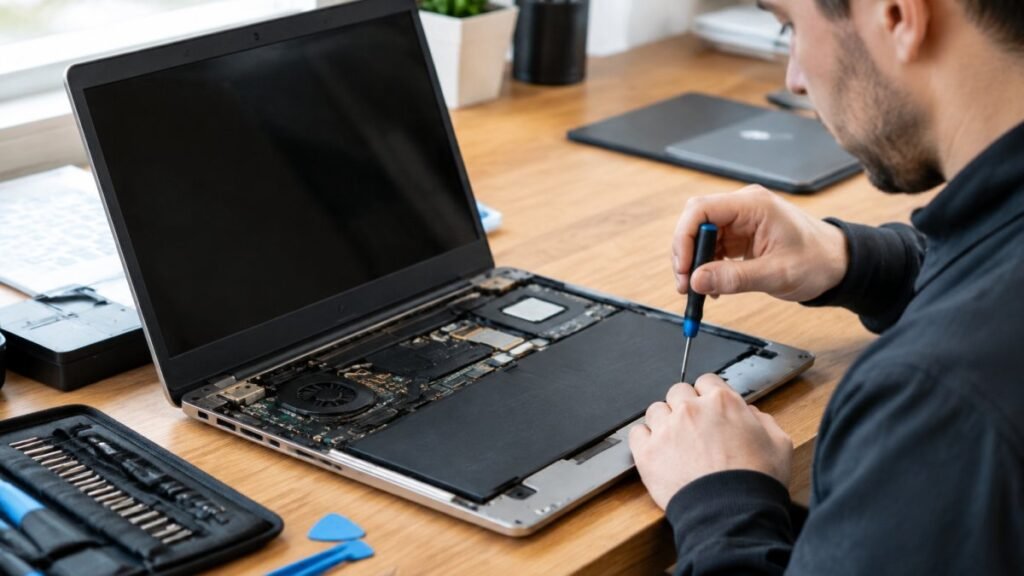
Before you hand over your laptop, learn how to vet a laptop repair shop, from diagnosis-first quotes to warranties that cover labour.