5 Steps to Arrange a Phone Screen Repair Without the Stress
Need a phone screen repair? Follow our 5-step checklist covering data back up, turnaround times and complaints, then book a call with TechLab Repairs.

Quick Summary
Most gaming console hardware faults start with simple causes, such as a dusty fan, a loose power cable or a tired power supply, and these are worth checking first because they cost nothing to test. Try a different cable and socket, clear dust from the vents, test with a clean disc and try a second controller and USB cable before opening the case.
Last Updated: November 15, 2026
Most faults start simple: a dusty fan, loose power cable or tired power supply can mimic a dead motherboard. The easy causes are worth checking first because they cost nothing to test.
Note exactly what the console does: a light then shutdown, spin-up with no picture, or a disc drive that fails to read. Try a different cable and socket, check for dust blocking the vents, test with a clean disc, and try a second controller and USB cable.
Check iFixit’s guidance on console repairability before attempting anything beyond these checks.
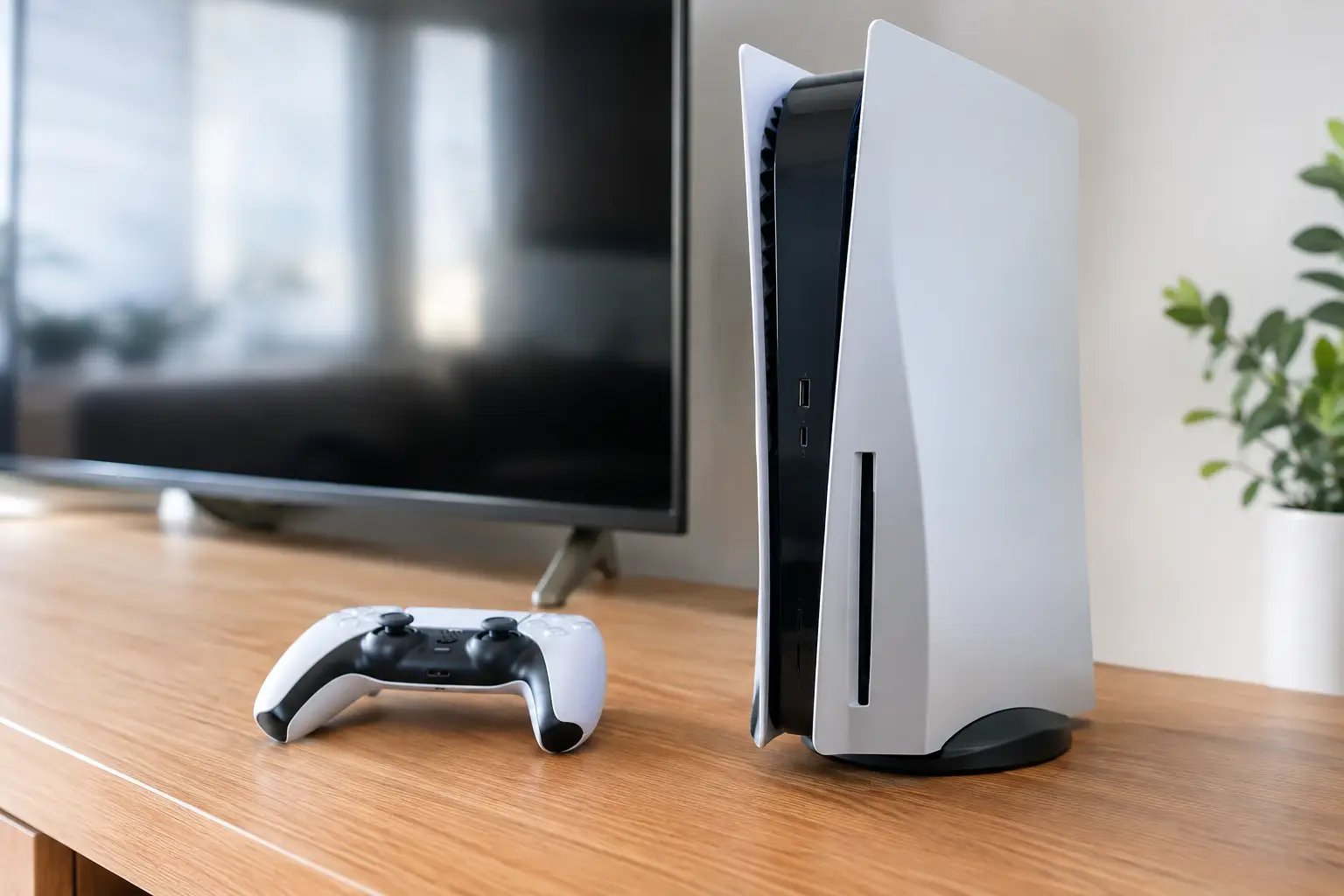
Before opening the case, these checks cover the most common causes, and each can be tested at no cost.
| Check | What to look for | Cost |
|---|---|---|
| Power cable and socket | Try a different cable and socket | Free |
| Vents | Dust blocking the vents | Free |
| Disc | Test with a clean disc | Free |
| Controller and USB cable | Try a second controller and USB cable | Free |
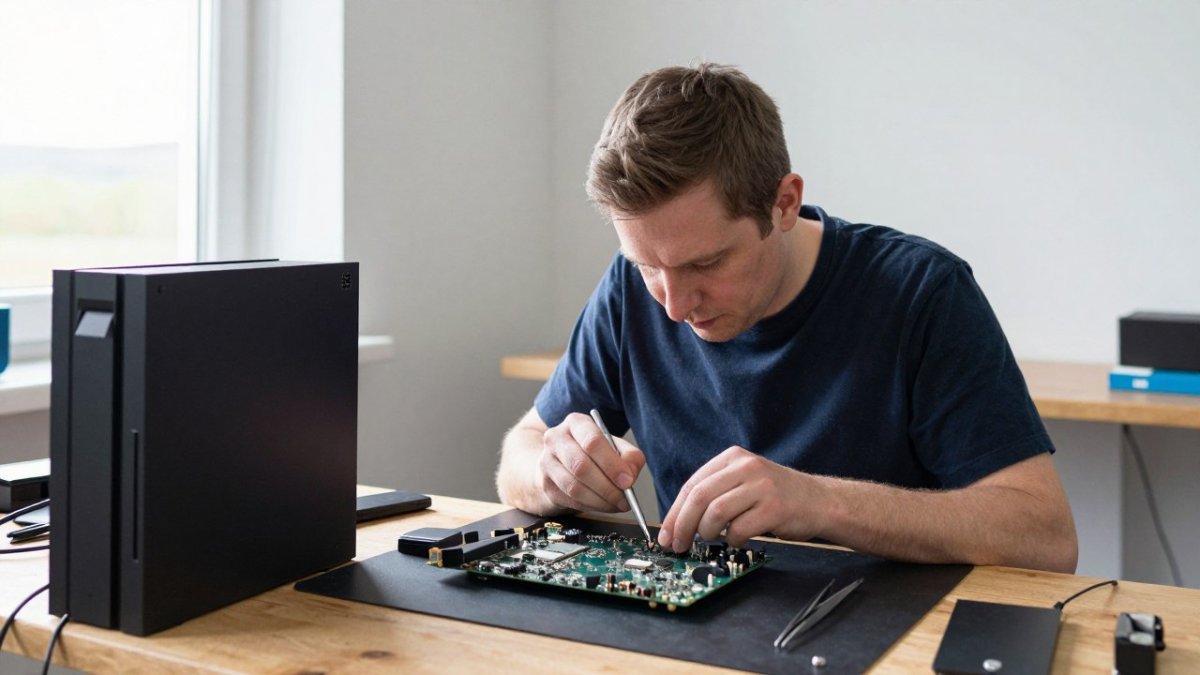
Opening a console is where most damage happens. Work on a clean, well-lit table with an anti-static mat, precision screwdrivers, plastic opening tools and a container for screws.
Unplug the console and let it sit for at least 15 minutes before touching internal parts. Opening the casing can affect warranty, so check your terms first.
Watch out: Never touch the motherboard with bare hands or metal tools while powered, as static can destroy it.
Some faults need specialist equipment. Motherboard faults, damaged HDMI or Ethernet ports and power supply failures often need micro-soldering, and the BCG’s 2026 Video Gaming Report notes that platforms are becoming more connected, which makes these faults harder to diagnose at home.
If your console shows a light then powers off, a motherboard or power supply fault is likely. TechLab Repairs can help with motherboard faults on gaming consoles, and our technicians can advise on the right repair for your model.
Disc drive faults are another common problem, and you can enquire with TechLab Repairs about them. Our PlayStation drive repair page explains the signs of disc and storage faults and when a local technician can help.
Best for: Owners whose console still shows no power after basic checks.
Skip if: You are comfortable soldering and have a warranty you do not mind losing.
To book a visit with TechLab Repairs, book a call with our technicians.
BUTTON: Book a Console Repair Call
CARD_TITLE: Is your console dead for good?
CARD_TEXT: TechLab Repairs diagnoses and repairs console faults with a 12-month warranty.
Often yes, if the fault is limited to a single component such as a fan, power supply or disc drive. Replacing these parts costs far less than buying a new console, and a repair shop can give you a quote before any work starts. Where the damage is extensive, such as a failed motherboard, the repair cost may approach the price of a replacement, so compare the two before deciding. Your console’s warranty status and age also matter, so check these first.
In many cases, yes. Start by making sure the console has clear space around its vents and is not placed inside a cabinet. Then switch it off, unplug it and clean the vents and fan with compressed air. If shutdowns continue, the fan or thermal paste may need attention, which is a job for a professional if you are not confident opening the case.
Seek professional help if the console still shuts down after cleaning, if you notice burning smells or visible damage to the board, or if the fault involves the HDMI port or other micro-soldered components. Professional technicians have the diagnostic tools and micro-soldering equipment needed for these repairs. Ask any repair service about its warranty before booking, and contact TechLab Repairs for current prices or a quote.
Need a phone screen repair? Follow our 5-step checklist covering data back up, turnaround times and complaints, then book a call with TechLab Repairs.
MacBook screen flicker can come from software updates, graphics settings or hardware faults. Learn how to diagnose the cause and what to do next.
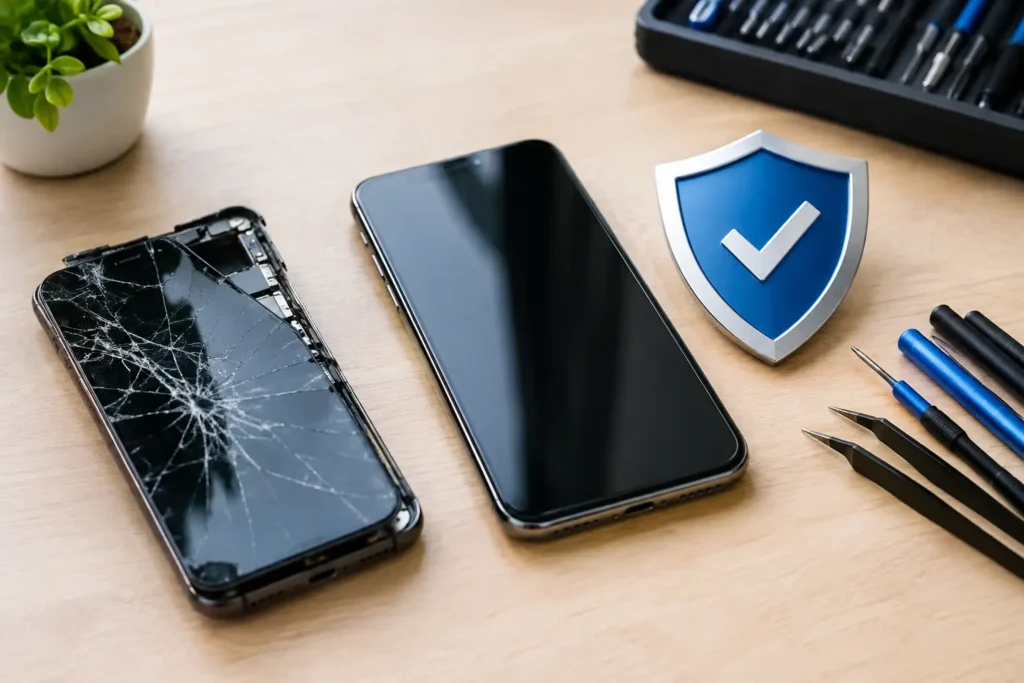
A phone repair warranty should protect the work done, not create confusion. Learn what to check before booking a repair in Cumbria with confidence now.
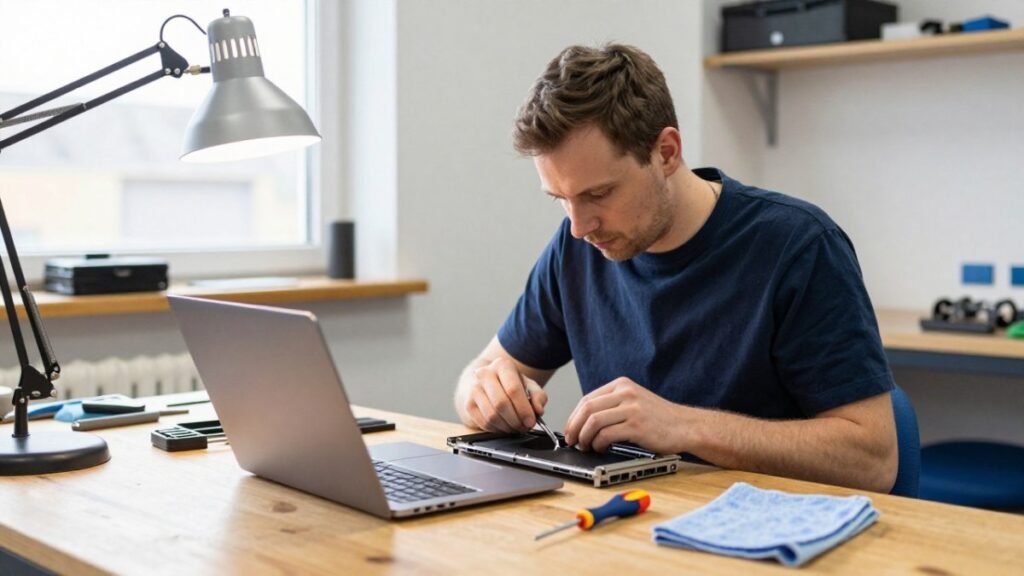
A laptop repair turnaround can range from a same-day fix to a week or more. Learn what causes delays and how to check your repair status.

Learn how to backup cracked phone data when the screen will not respond. Safe steps for Android and iPhone before a repair, reset or replacement safely.
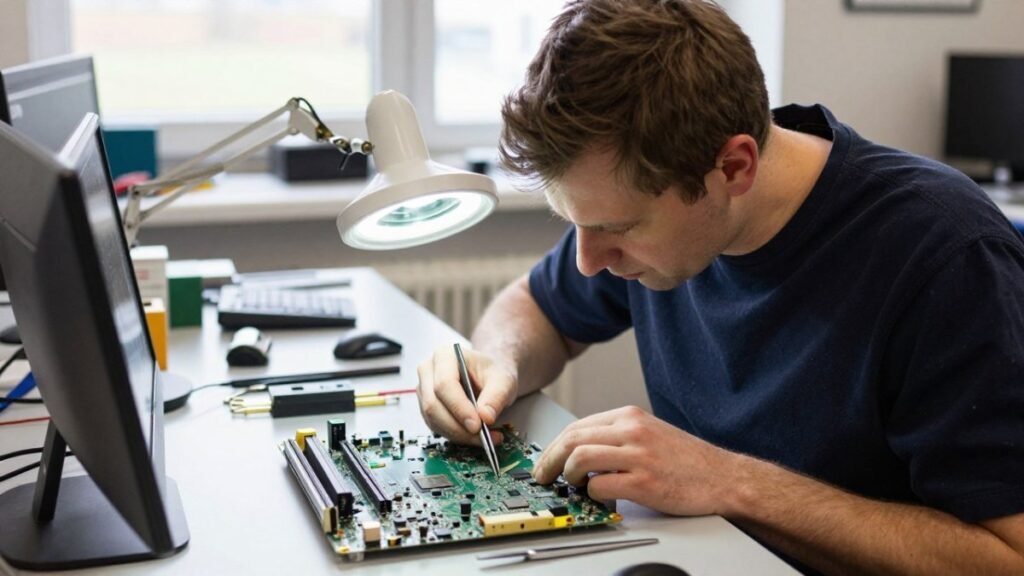
Before you pay for data recovery, find out what it will likely cost, what your files are worth to you, and whether a DIY attempt could make things worse.
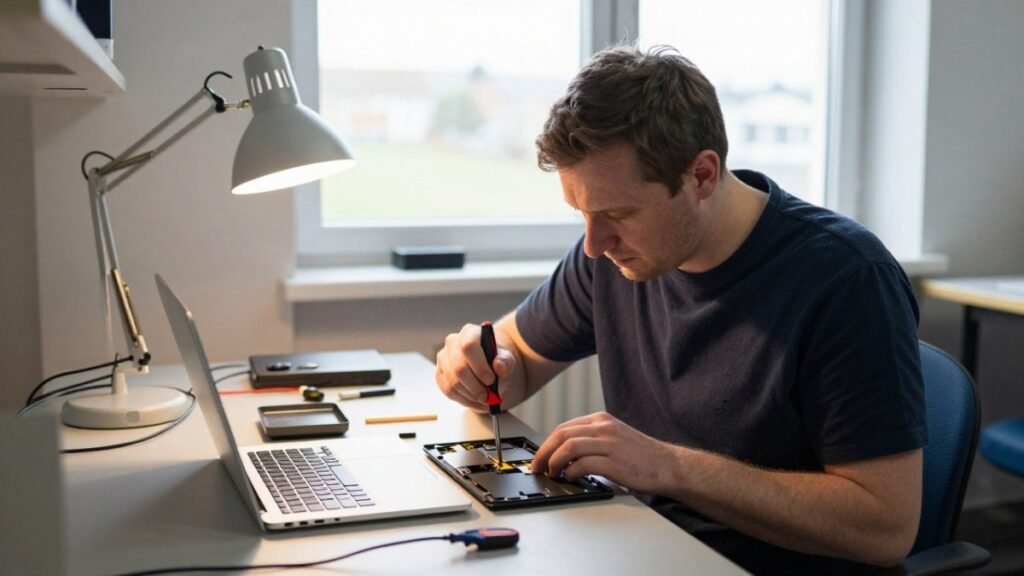
Learn the signs of a failing laptop hard drive, from clicking noises to missing files, and the steps to check drive health and protect your data.
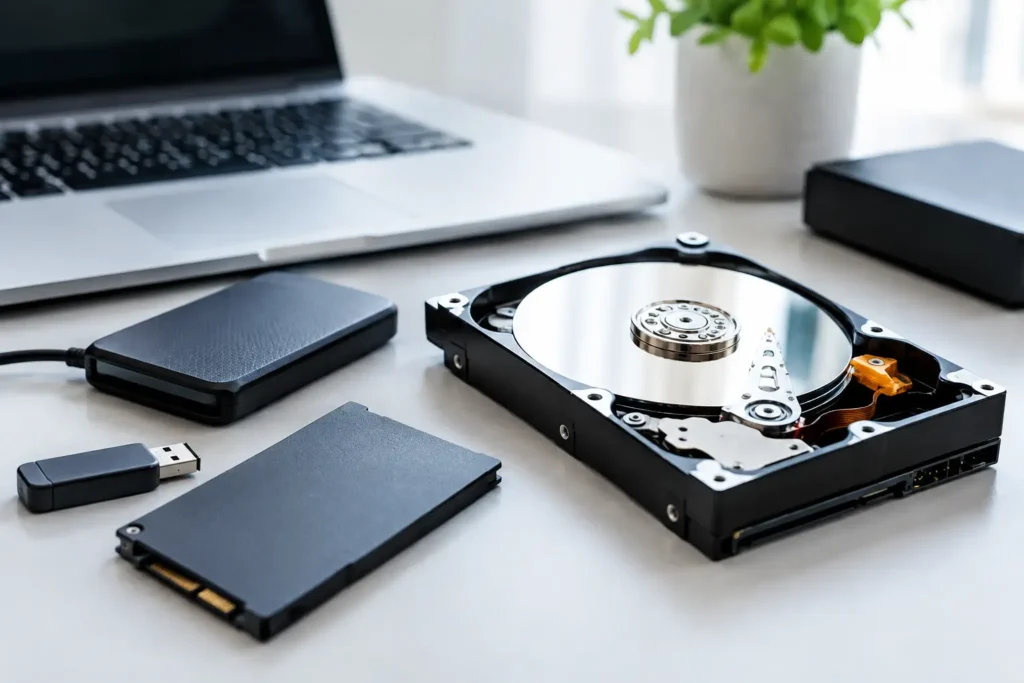
Compare safe data recovery options for phones, laptops and drives. Know what to do first, when to stop and how professional recovery protects files well.
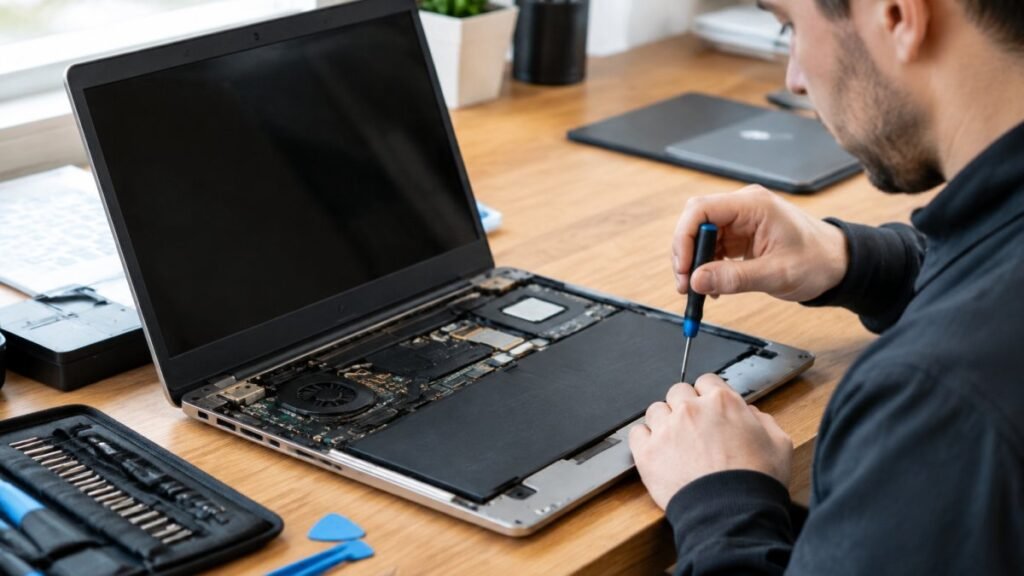
Before you hand over your laptop, learn how to vet a laptop repair shop, from diagnosis-first quotes to warranties that cover labour.