A cracked pupil iPad, a teacher laptop that will not charge, or a classroom display with no HDMI signal can quickly turn a planned lesson into a workaround. Effective school technology repair support gives schools a practical route back to normal – without automatically replacing devices, losing valuable data, or waiting weeks for manufacturer returns.
For schools across Barrow-in-Furness, Furness, Cumbria and the Lake District, the aim is not simply to fix a fault. It is to keep teaching, administration and safeguarding systems working with as little disruption as possible. That means clear diagnosis, sensible repair advice, secure handling and turnaround times that reflect the real impact of a device being out of action.
Why school devices need a different repair approach
School technology works hard. Laptops move between classrooms and homes, tablets pass through many pairs of hands, charging leads get bent, and devices are used throughout a full school day. Even well-managed fleets will experience accidental damage, worn batteries, failed ports and software issues.
The challenge is that a single fault can affect far more than one user. A damaged teacher device may hold lesson resources, access to the whiteboard, attendance systems or assessment tools. A batch of faulty tablets can leave a class sharing equipment and force staff to change their plans at short notice. For office teams, a desktop fault can delay communication with parents, finance tasks or records management.
This is why repair decisions need context. The cheapest option is not always the best one if it creates repeat faults or long downtime. Equally, replacing every damaged device is rarely a sensible use of a school budget when a screen, battery, charging port or HDMI socket can be repaired reliably.
What school technology repair support should cover
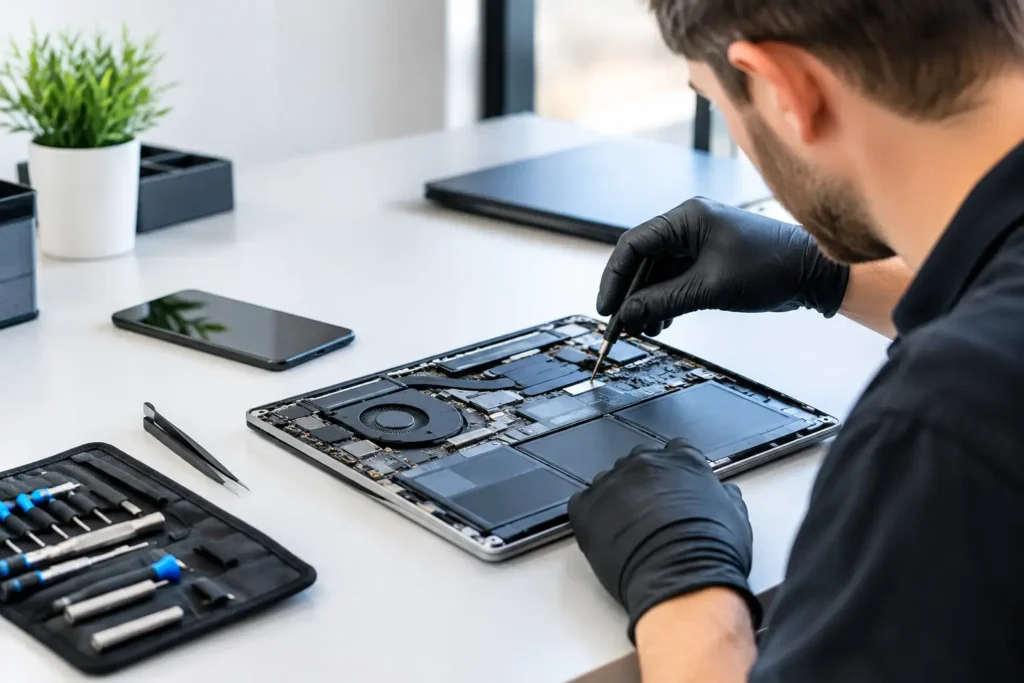
A useful support service should be able to assess a broad range of equipment rather than treating every problem as a specialist case. Schools commonly rely on Windows laptops and desktops, Chromebooks, iPads, Android tablets, MacBooks, iMacs, staff phones, gaming equipment used in clubs, and accessories that connect it all together.
Common repairs that stop lessons in their tracks
Screen damage is the obvious issue, particularly on tablets and laptops used by pupils. A cracked screen can be distracting, unsafe or simply impossible to use properly. Screen replacement may be the right answer where the device otherwise performs well, but it is worth checking the frame and touch function too. A screen fitted to a bent housing may not last as it should.
Battery problems are another frequent cause of downtime. Devices that drain before lunchtime, switch off unexpectedly or only work when plugged in are difficult to rely on in a classroom. Replacing a degraded battery can extend a device’s useful life at a fraction of the cost of replacement, provided the device still receives the security updates and software support the school requires.
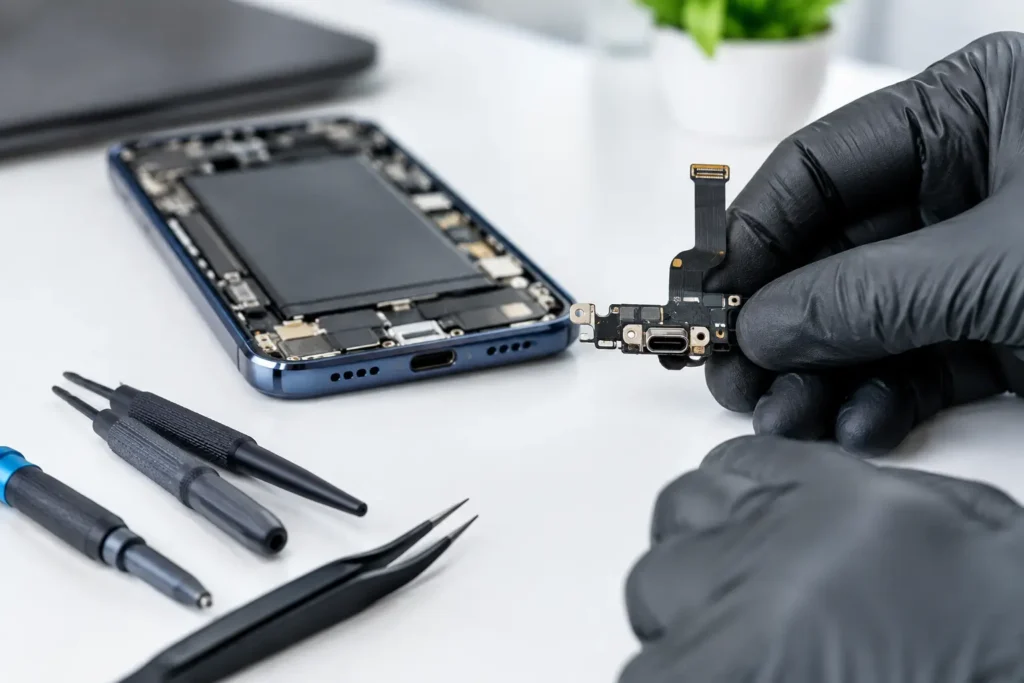
Charging faults are often blamed on the battery when the real issue is a damaged charging cable, debris in the port or a worn USB-C, Lightning or power socket. Proper diagnosis matters here. Replacing parts unnecessarily wastes budget, while continuing to force a loose connection can cause further board damage.
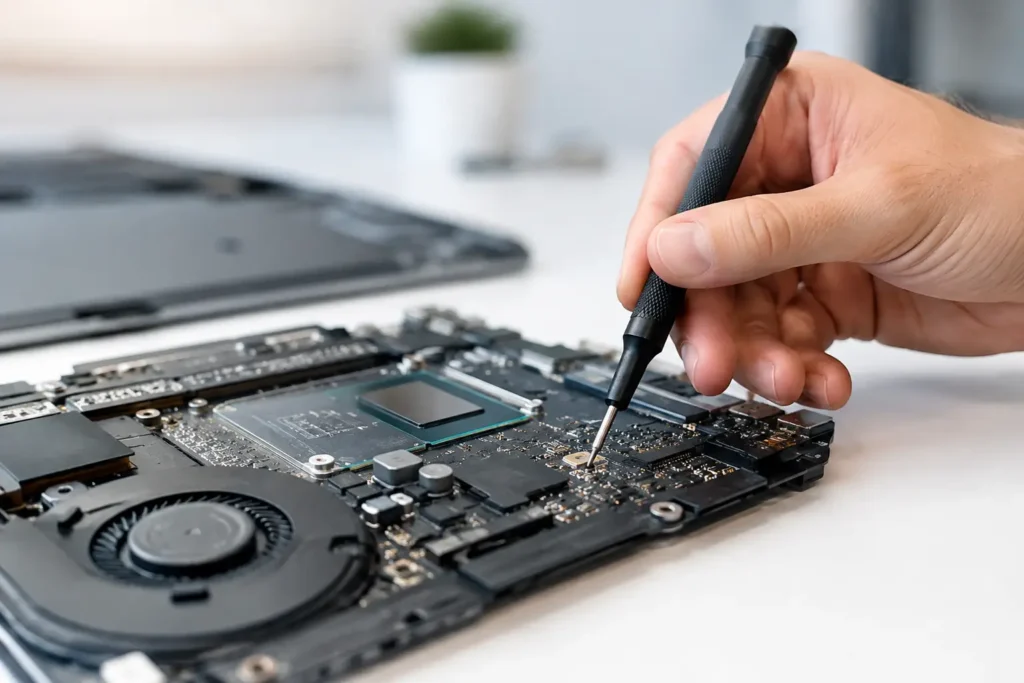
Display and connection faults matter just as much. HDMI port repairs, power fault diagnosis and repairs to laptop hinges or charging circuits can restore equipment that would otherwise be written off. On Macs, PCs and consoles, logic board work may be worthwhile for higher-value devices, although this depends on the fault, the device age and the cost against a suitable replacement.
A sensible process for reporting faults
The quickest repairs usually begin with good information. Schools do not need to diagnose the hardware themselves, but a few basic details help a repair team prioritise and assess the job correctly. Record the device make and model, asset number, fault description, when the issue started and whether the device has been dropped, exposed to liquid or showing an error message.
It also helps to say who relies on the device. A spare pupil Chromebook and the only laptop used by a SENCO to access essential resources should not necessarily sit in the same queue. A repair partner can then recommend the most appropriate route, whether that is a same-day repair where parts are available, a booked repair, or a replacement recommendation.
Before handing over a device, schools should follow their own IT and safeguarding procedures. Where possible, ensure recent backups are available, remove devices from management systems only if required by policy, and provide any necessary test login through an approved process. Never share more access than is needed for diagnosis.
Data security is part of the repair
A broken device may contain pupil information, staff documents, photographs, email access or saved passwords. That makes secure handling essential, not an optional extra. A professional repair service should understand that school devices must be treated with care from the moment they are received.
For some hardware repairs, a technician does not need access to files at all. For others, testing the camera, microphone, Wi-Fi or operating system after a repair may be necessary. The right balance depends on the work being carried out. Schools should ask how devices are stored, who handles them, what testing is needed and whether personal data is accessed during the repair.
Liquid damage deserves particular attention. It can affect a device long after the initial spill, and turning it on repeatedly may make the damage worse. Switch the device off if it is safe to do so, disconnect power and arrange assessment promptly. Do not rely on rice or a radiator – neither addresses corrosion inside the device.
Repair or replace? Make the decision on total value
There is no single rule for every device. A three-year-old laptop with a failed charging port may be an excellent repair candidate if its performance, battery health and software support remain suitable. An older device with a damaged screen, weak battery, slow storage and no remaining manufacturer support may be approaching the point where replacement is better value.
Consider the total cost, not just the repair quote. Replacement may involve purchasing, set-up, enrolment into management software, cases, licences and staff time. Repair may bring a device back quickly but does not erase its wider limitations. A straightforward recommendation should explain both sides rather than pushing one option by default.
For larger fleets, tracking repeat repairs also helps. If a particular model regularly develops loose hinges, broken ports or swollen batteries, that information can guide future purchasing and case choices. The best repair support provides useful evidence, not just a one-off fix.
Building a repair plan that works during term time
Schools benefit from having an agreed process before equipment fails. Decide who can approve repairs, where devices should be dropped off or collected, how urgent jobs are identified and what information accompanies each device. A simple fault-reporting template can prevent delays and makes asset tracking easier.
A practical plan should cover these four areas:
- a named contact for authorising work and receiving updates;
- clear priority levels for classroom-critical, staff-critical and routine repairs;
- a record of device models, serial numbers and known recurring faults;
- a budget route for small repairs versus larger replacement decisions.
It is also sensible to keep a small pool of ready-to-use loan devices where budgets allow. Repair support and spare equipment work well together: one limits the time a device is out of service, while the other reduces the immediate pressure on teachers and pupils.
Local support makes a real difference
Sending devices away can be necessary for some warranty cases, but it often adds packaging, collection delays and uncertainty. A local repair partner gives schools a more direct route to diagnosis, updates and collection. It can also make batch repairs more manageable when several tablets or laptops need attention at once.
TechLab Repairs supports schools with repairs across a wide range of phones, tablets, laptops, desktops, Macs, consoles and connected hardware. The focus is on straightforward advice, secure device handling and repairs that make financial sense for the school, rather than encouraging replacement where a reliable fix is available.
A broken device should not dictate the pace of a school day. With a clear repair process and a trusted local team on hand, staff can spend less time chasing faults and more time supporting the people in front of them.