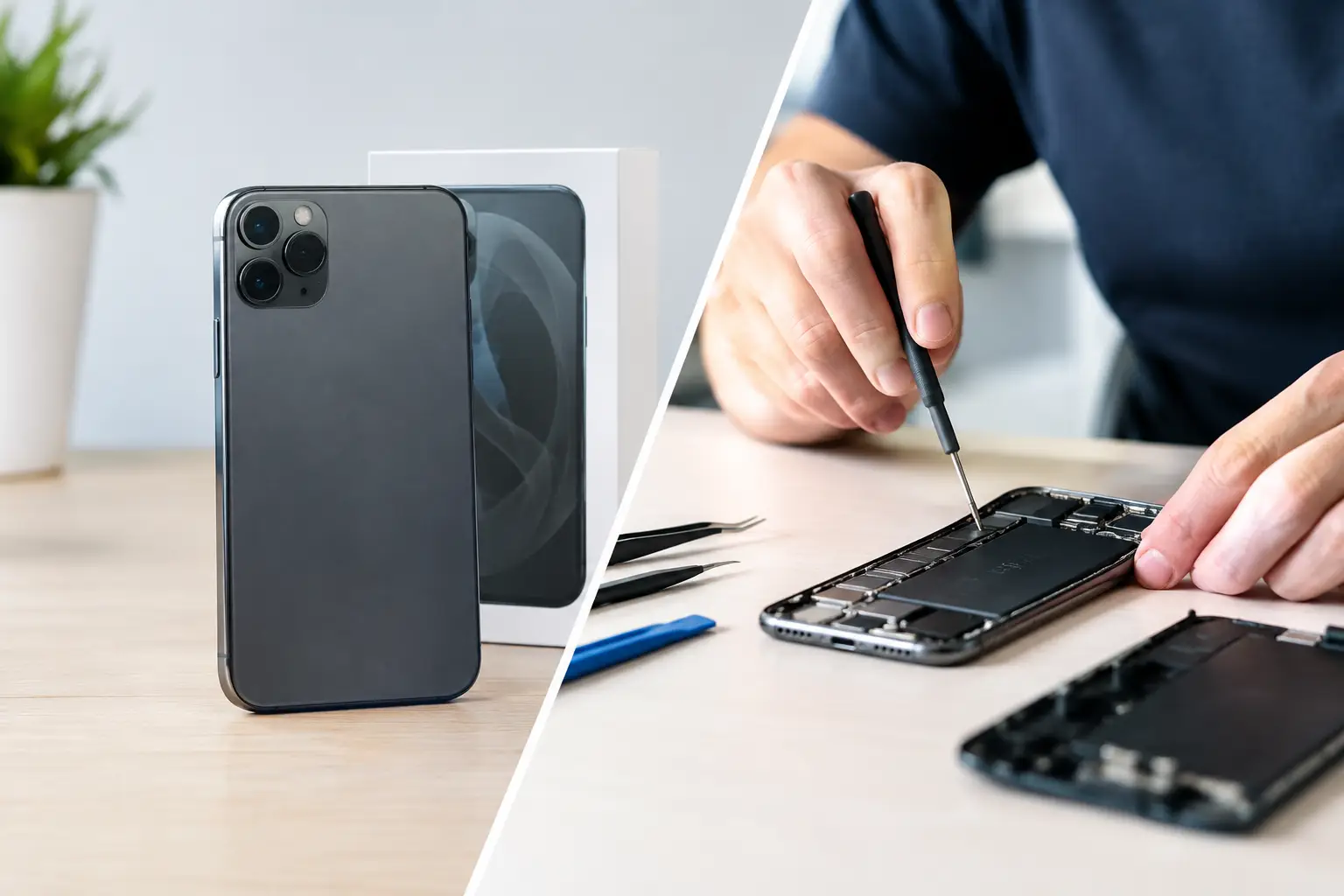
A phone with a cracked screen can still hold your banking apps, family photos, work logins and the contacts you need every day. When weighing a refurbished device versus repair service, the cheapest price on the day is not always the best value. The right choice depends on what has failed, how old the device is, what condition the rest of it is in, and how urgently you need it back in your hands.
For many people across Barrow-in-Furness and Cumbria, a repair is the quickest route back to normal. For others, especially where several faults are building up, a properly refurbished replacement can be the more sensible move. Here is how to make the call without guessing.
Refurbished device versus repair service: start with the fault
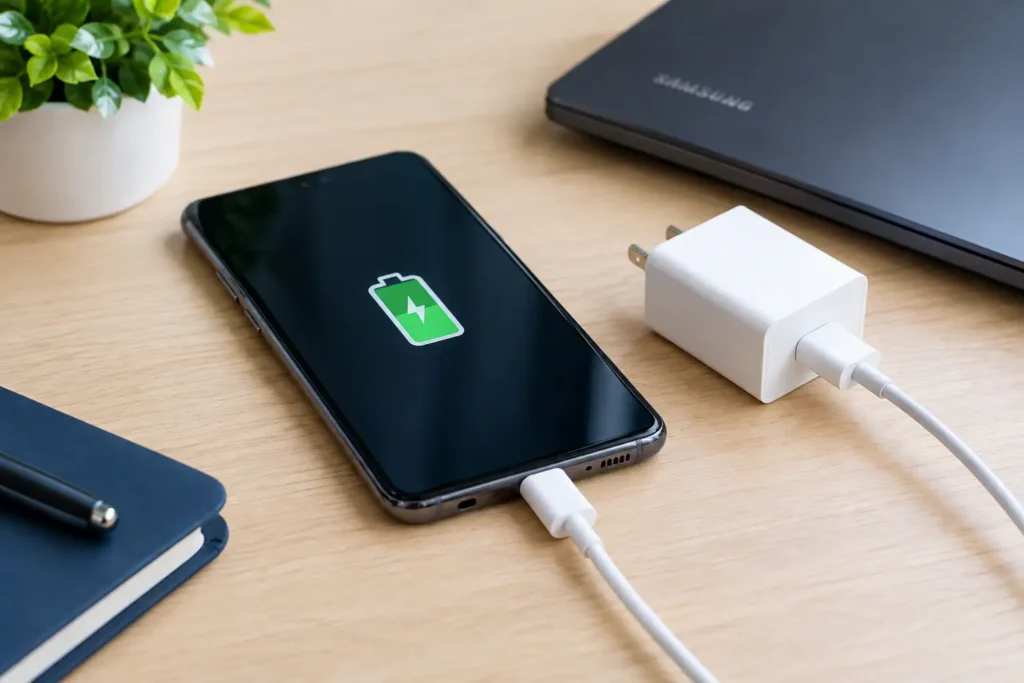
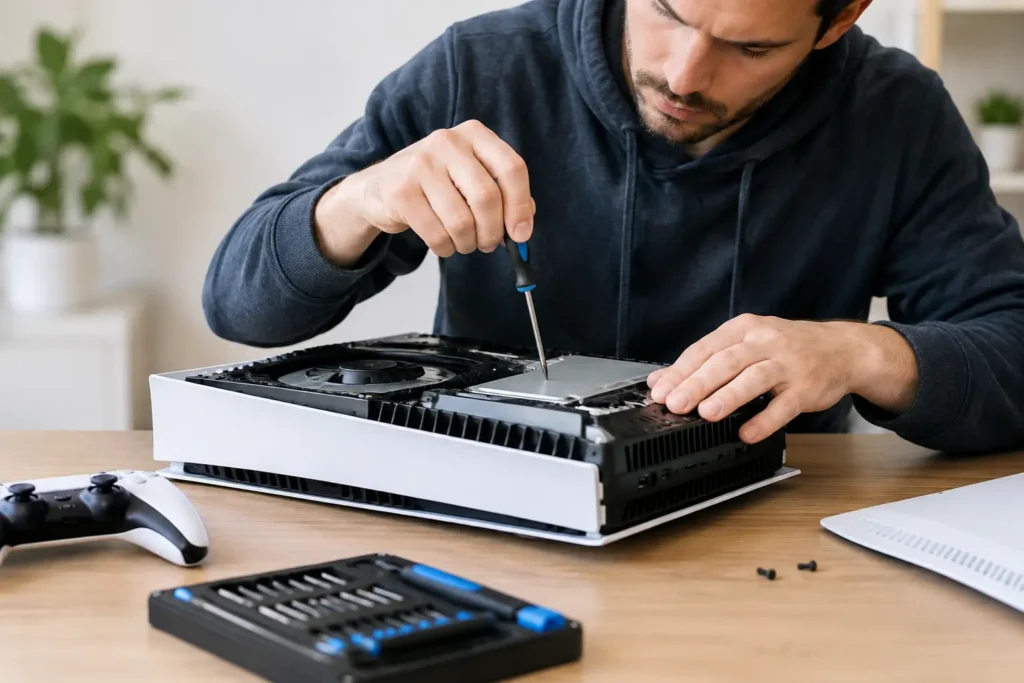
A single, clear fault usually points towards repair. A smashed iPhone display, tired Samsung battery, broken charging port or damaged HDMI port on a games console does not automatically mean the whole device has reached the end of its life. If the handset, laptop or console is otherwise performing well, replacing the failed part can give it plenty more useful years.
Repairs are particularly good value when the device is still receiving software updates, has enough storage for your needs and has no major performance issues. A new screen or battery costs far less than replacing a recent model, while keeping you on the device you already know and have set up.
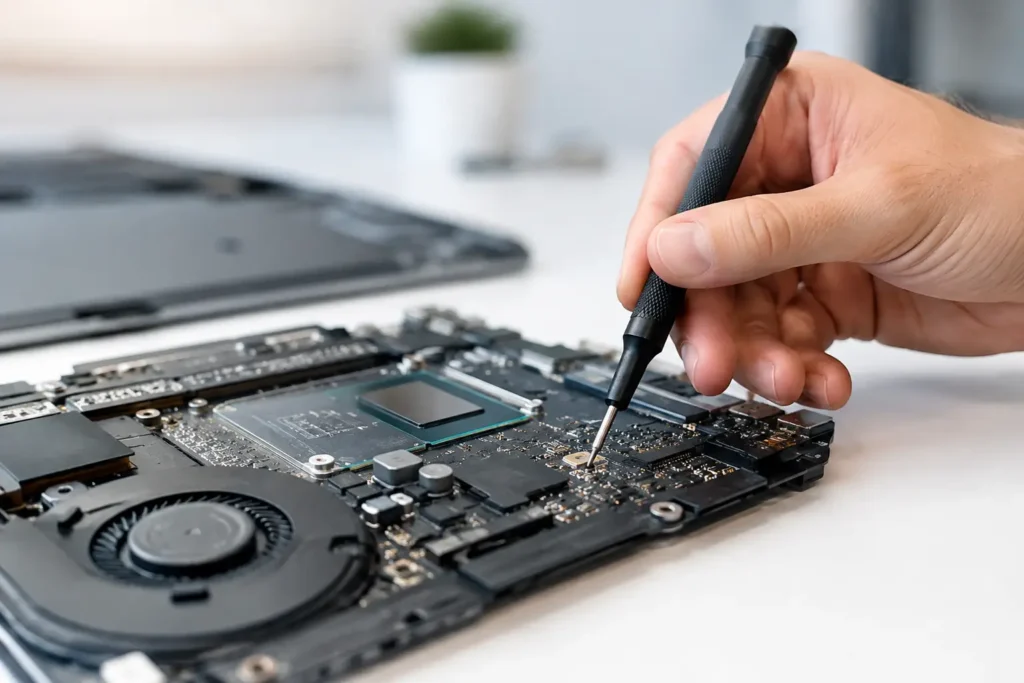
The calculation changes when there is more than one serious problem. For example, an older phone may have a damaged screen, poor battery health, unreliable charging and very limited storage. A laptop with liquid damage, intermittent power faults and an ageing hard drive may need a fuller diagnosis before anyone can say whether repair represents good value. Multiple issues do not rule repair out, but they do deserve an honest comparison against replacement.
Ask what caused the problem
Accidental damage is often contained. A drop may crack a display while leaving the logic board, cameras, battery and charging system in good working order. In that case, a screen replacement is normally the practical option.
Liquid damage is less predictable. Even if a device powers on after being dropped in water, corrosion can develop later and cause charging, display or motherboard faults. Fast professional treatment gives the best chance of saving it, but the final recommendation should follow a proper inspection.
An unexplained fault is another reason to avoid rushing into a purchase. A device that will not charge could need a port replacement, but it could also have a battery, cable, software or board-level issue. Diagnosis first prevents you from spending money on the wrong solution.
When repair usually makes better sense
Repair is worth strong consideration when your device is relatively modern and the fault is limited. This applies to common jobs such as iPhone and Samsung screen replacements, battery replacements, charging faults, laptop keyboard repairs and console HDMI port repairs.
It also makes sense when convenience matters. Moving to another phone involves choosing a model, checking its condition, transferring data, setting up security apps, signing back into accounts and hoping nothing important gets missed. A successful repair lets you carry on with the same photos, apps, settings and accessories.
For business users and schools, keeping existing devices in service can be especially valuable. Replacing a batch of tablets or laptops is not just a hardware cost. It creates administration work, user disruption and data-handling considerations. Repairing devices with isolated faults can stretch budgets without compromising day-to-day work.
There is an environmental benefit too. Extending the life of a device means fewer electronics are discarded and fewer resources are used to manufacture a replacement. It is a sensible outcome, but only when the repair is reliable and proportionate to the device’s remaining life.
When a refurbished device may be the smarter choice
A refurbished device can be a sensible step up when repair costs are high compared with the value of your current model. This is most common with older phones that no longer receive useful software support, laptops that struggle with modern applications, or devices with extensive motherboard damage.
It can also solve a problem that repair cannot. A repaired 64GB phone will still be a 64GB phone. If storage is constantly full, the camera no longer meets your needs or your work now requires faster performance, replacing it with a newer refurbished model may improve your daily experience rather than simply restore the old one.
The word “refurbished” covers a wide range of conditions, so check what it actually means. A dependable refurbished device should be tested, have its functions checked and be sold with clear information about cosmetic condition, battery health where relevant, warranty cover and return arrangements. A low price means little if the handset has an unknown repair history, weak battery or hidden faults.
Be wary of confusing “used” with “refurbished”. A used device may simply have changed hands. A refurbished device should have been inspected and prepared for resale. Ask about the grade, whether parts have been replaced, whether the device is network unlocked, and what happens if an issue appears after purchase.
Compare the full cost, not just the headline price
The honest comparison is repair cost against the total cost of switching devices. A refurbished phone may look affordable, but you may also need a case, screen protector, charging cable or different accessories. If you are buying from a private seller, there may be little protection if the battery fails a week later.
On the repair side, ask what work is included and whether the repair is backed by a guarantee. The least expensive quote is not automatically the best choice if it uses poor-quality parts or skips the checks needed to identify the real fault. Clear pricing and a straightforward explanation of the work help you decide with confidence.
There is also the cost of downtime. If your phone is essential for work, a quick screen or battery repair may be worth more than spending days researching replacements and moving everything over. The same applies to a student’s laptop before coursework is due, or a console that has become the family’s main entertainment during the school holidays.
Data security should influence the decision
Your data is often the most valuable part of the device. Repairing your own handset or computer can reduce the need to copy years of photos, messages and app data onto another machine. However, it is still wise to back up where possible before any repair, especially if the fault involves liquid damage, storage problems or a device that repeatedly restarts.
Buying refurbished means planning a careful transfer. Make sure your current device is backed up, remove accounts only when the transfer is complete, and securely erase the old device before selling, recycling or passing it on. Do not hand over a device that is still signed in to personal accounts.
For businesses and schools, this matters even more. Devices may hold customer details, staff information, coursework or sensitive documents. A repair provider should handle equipment responsibly, communicate clearly and respect the importance of confidential data throughout the process.
Check remaining lifespan before spending
A good decision looks beyond whether a device can be fixed today. Consider how long it is likely to remain useful after the work. A two-year-old smartphone with a broken screen may have years ahead of it. A much older handset with poor battery life, slow performance and limited update support may be better replaced, even if the immediate repair is possible.
For laptops and desktops, upgrades can change the picture. A storage upgrade or battery replacement may transform an otherwise capable machine at a fraction of the cost of replacement. On the other hand, recurring power faults or severe liquid damage can make a newer refurbished computer the safer long-term investment.
This is where local diagnosis is useful. A trustworthy technician should not pressure you towards a repair that makes little financial sense. At TechLab Repairs, the aim is to identify the fault, explain the realistic options and help you choose the route that gets you reliably connected again.
A practical way to decide
Think about four things: the number of faults, the age of the device, the cost of repair compared with replacement, and what you need the device to do over the next year or two. One fault on a capable device normally favours repair. Several faults on an ageing device, especially alongside slow performance or lost software support, may favour refurbished replacement.
Do not let a cracked screen or charging issue make the decision for you. Get the device assessed, protect your data and compare like for like. The best outcome is not necessarily a brand-new gadget or the lowest quote – it is a dependable device that suits your budget, your routine and the life you need from it.