
Laptop Motherboard Repair Cost Estimate 2026 for UK Users
Motherboard repair cost in the UK depends on the fault, the laptop and the quote type. Compare repair with replacement and see what to ask for in writing.

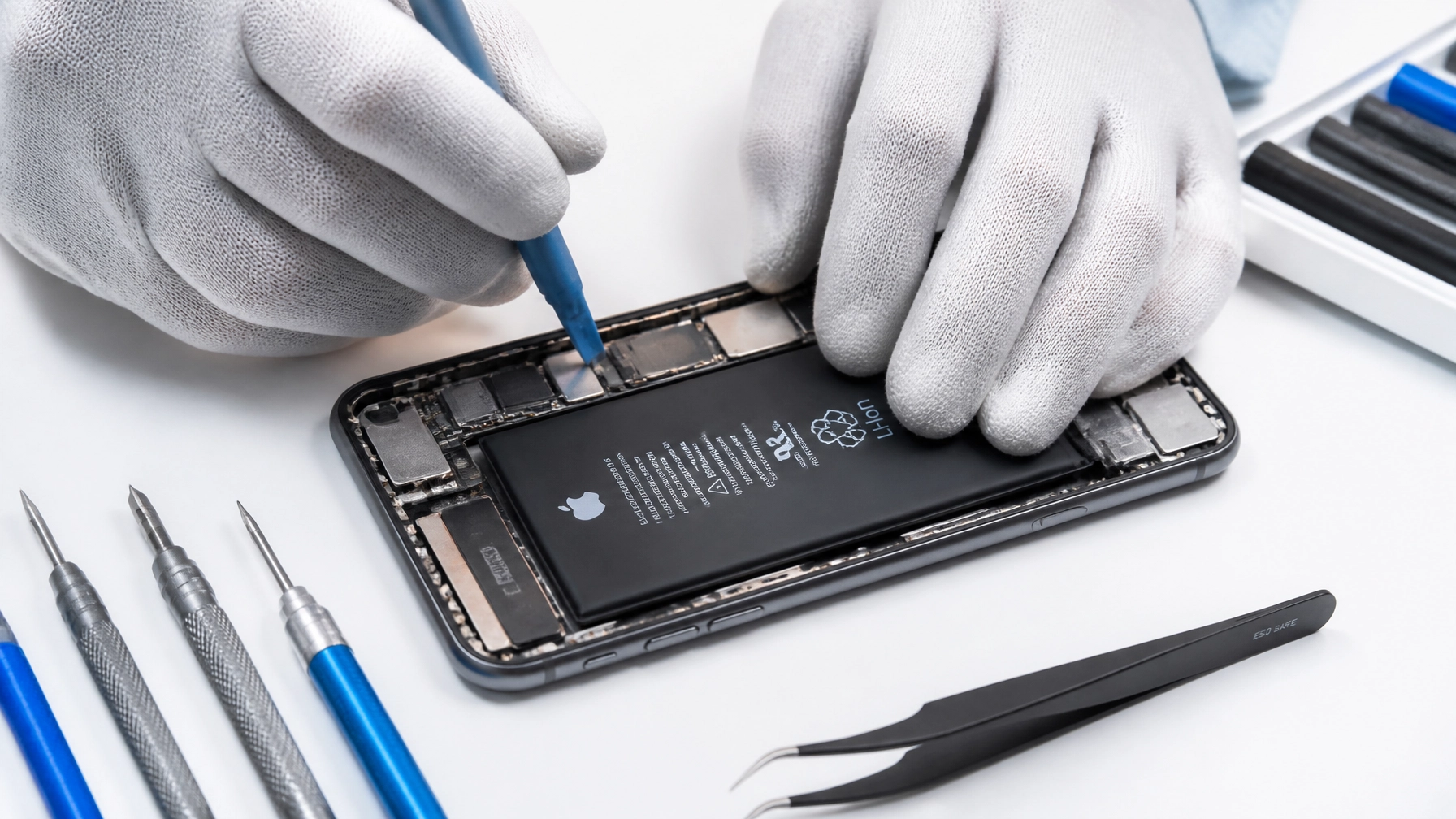
If you’ve recently updated your iPhone to iOS 26.5.2, you might have noticed something frustrating. Your phone, which used to last until bedtime, is now gasping for a charger by 2:00 PM. You aren't alone. Since the latest update rolled out, we’ve seen a steady stream of customers coming into our shop asking why their once-reliable devices are suddenly overheating and draining power like a leaky tap.
At Tech Lab Repairs, we understand how disruptive a failing battery can be. Whether you’re a professional relying on your phone for client calls or a student navigating campus, a device that won’t hold a charge is more than an annoyance, it’s a hurdle.
The good news? You almost certainly don’t need to spend £1,000 on a new iPhone. Most of the time, the solution is either a simple software tweak or a cost-effective, professional phone battery replacement service.
In most cases, the sudden drain following an update is caused by "background indexing." Your iPhone is essentially re-organising its entire database of photos, files, and apps to work with the new software. This process uses a lot of processing power and, consequently, a lot of battery.
Our Verdict: If your battery was already struggling before the update, iOS 26.5.2 has likely pushed it over the edge. If your "Maximum Capacity" is below 80%, software tweaks won't save you, you need a physical battery replacement. However, if your battery health is high, giving the phone 48 hours to "settle" usually solves the issue.
Every time you install a major update like iOS 26.5.2, your iPhone goes into "overdrive" behind the scenes. Even while the screen is off and the phone is sitting in your pocket, the processor is working hard. It is re-indexing your Spotlight search, updating your Photo library's facial recognition, and calibrating new system files.
This process can take anywhere from 24 to 48 hours. During this time, it is perfectly normal for your phone to feel warmer than usual and for the battery percentage to drop rapidly.
Our advice: Before you panic, keep your phone plugged in overnight and connected to Wi-Fi. This allows the background tasks to complete without draining your daily charge. If the drain persists after three days, then we need to look deeper.

Software can be demanding, but hardware has a lifespan. To find out if your battery is the real culprit, follow these steps:
Look at the Maximum Capacity. If this number is 80% or lower, Apple officially considers the battery "consumed." At this stage, the battery can no longer provide the peak power needed by the processor during intensive tasks. This leads to unexpected shutdowns, lag, and, you guessed it, rapid drain.
If you see a message saying "Your battery's health is significantly degraded," no amount of software updates or "low power mode" will fix the underlying issue. This is where a professional electronics repair service becomes essential.
If your battery health is still above 85% but the drain is still driving you mad, there are a few pragmatic steps you can take right now to reclaim some of that lost power:
Go to Settings > Battery and scroll down to the "Battery Usage by App" list. Look for any app that has a high percentage of "Background Activity." If an app like Facebook or Instagram is using 20% of your battery while you aren't even using it, it hasn't been optimised for iOS 26.5.2 yet. Try deleting and reinstalling the app.
This is one of the most effective ways to save power. Go to Settings > General > Background App Refresh and turn it off for apps that don't need it. Do you really need eBay or a random game checking for updates every 30 seconds? Probably not.
Many apps track your location constantly, which drains the battery via GPS and cellular data. Go to Settings > Privacy & Security > Location Services and change "Always" to "While Using" for as many apps as possible.
We often get asked: "Is it worth putting £60 into an old iPhone 12 or 13, or should I just upgrade?"
As a local expert, our answer is almost always yes, it is worth it. Repair is significantly cheaper than replacement. A new iPhone costs upwards of £800-£1,000. A premium battery replacement at Tech Lab Repairs usually costs between £45 and £75, depending on the model.
By replacing the battery, you are effectively resetting the "engine" of your phone. You’ll get another 2-3 years of reliable use out of a device you already know and love, for a fraction of the cost of a new one. It’s better for your wallet and better for the environment.

When you're looking for iphone screen repair near me or a battery service, you want to know your device is in safe hands. We don't believe in "sending devices away" for weeks. We know you need your phone back today.
Don't let a software update force you into a £1,000 purchase you didn't plan for. If your iPhone is struggling after the iOS 26.5.2 update:
If none of that works, it’s time for a hardware refresh. A simple battery swap can make an old phone feel brand new again.

If you’re tired of carrying a power bank everywhere you go, we can help. Check how long our repairs take or simply pop into our shop for a free battery health check. We’ll give you a clear, honest assessment and a fixed price for the repair. No jargon, no hidden fees: just your phone, working the way it should.
Whether it’s a battery issue, a cracked screen, or a charging port that won’t behave, Tech Lab Repairs is your local destination for professional, reliable electronics service.
Motherboard repair cost in the UK depends on the fault, the laptop and the quote type. Compare repair with replacement and see what to ask for in writing.

Need fast laptop repair in Barrow-in-Furness? Learn how diagnostics, turnaround times and same-day fixes work, and how to check your repair progress.

Does screen repair affect warranty cover? Learn when a replacement voids cover, what UK consumer rights still protect, and how to choose a trusted repairer

Find out how a MacBook logic board repair works in Cumbria, from spotting the faults to treating liquid damage and recovering your data.

A console diagnostic in Barrow can pinpoint HDMI, overheating or power faults in minutes. Find out which fault fits your console.

Phone ghost touches can make your screen unusable. Learn the likely causes, safe checks and when a professional repair is the sensible next step today.

Is a refurbished laptop warranty reliable? Learn what cover you actually get, how long it lasts and how to check the terms before you buy with confidence.

Urgent smartphone repair in the Lake District can often be same day, so check these basics, back up your data and call ahead first.

Logic board repair matters because it fixes the root fault rather than symptoms. Learn the warning signs, repair options and what to ask a technician.
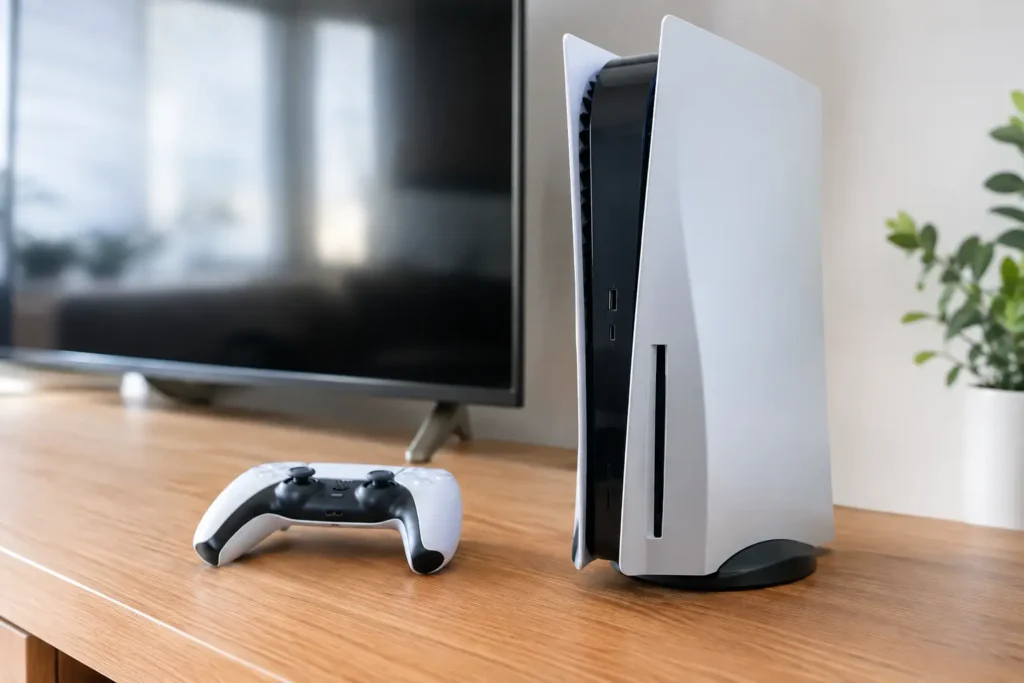
Console power faults can stop gaming without warning. Learn the common causes, safe checks and when a local repair can get your console running again.
