A knocked-over brew beside a laptop, a mobile phone dropped in the sink, or a games console caught in a leaking bag can cause instant panic. The first question is usually, is liquid damage repair worth it, or is the device already beyond saving? The honest answer depends on what was spilled, how quickly the device was switched off, what components have been affected, and how much the device – and the data on it – is worth to you.
Liquid damage is not always an automatic write-off. A fast, professional assessment can often prevent a small spill from becoming a full motherboard failure. Leave it too long, however, and corrosion can continue spreading long after the device appears to have dried out.
What makes liquid damage repair worth it?
Repair is often worthwhile when the device is relatively current, has important data stored locally, or would be expensive to replace. This can include a recent iPhone or Samsung handset, a MacBook used for work or study, a tablet shared by the family, or a console that would cost hundreds of pounds to replace.
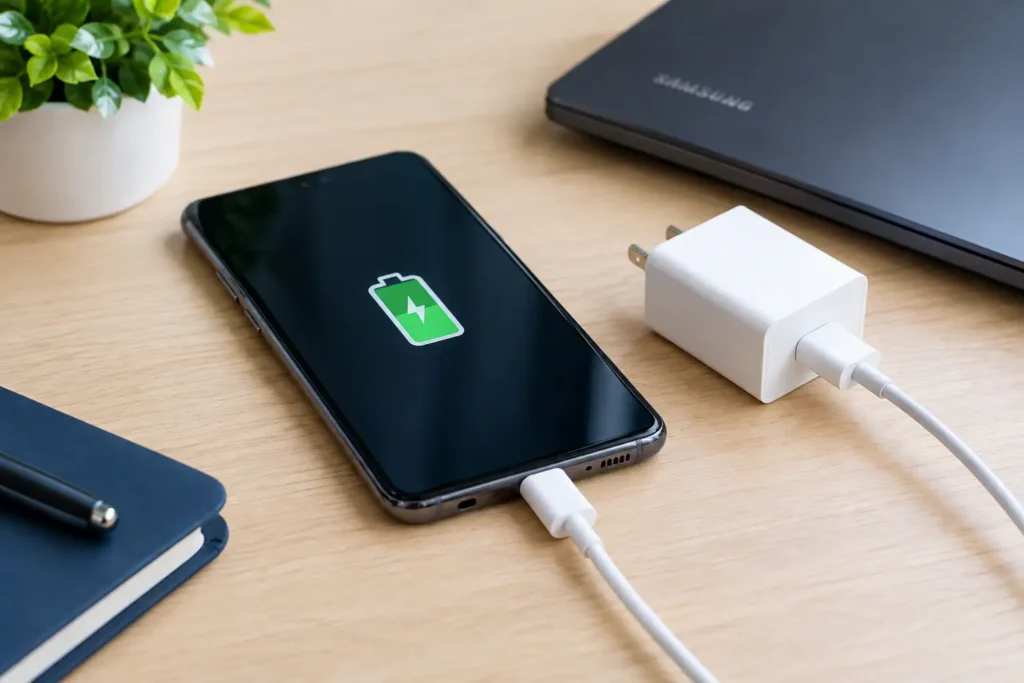
The type of fault matters just as much as the age of the device. If liquid has damaged a charging port, battery connector, screen assembly, keyboard or a small board component, repair may be considerably cheaper than replacement. A device that has stopped charging after a spill, for example, does not necessarily need a new logic board.
Data can change the calculation too. Photos, coursework, business files, customer information and game saves may have more value than the hardware itself. Even where a full repair is not economical, diagnosis and data recovery may still be the right route.
That said, there are occasions when replacement makes better financial sense. An older handset with extensive corrosion, a low resale value and several existing faults may not justify a major board-level repair. A good repair shop should be clear about this before work begins, rather than encouraging a repair that does not offer sensible value.
The biggest factor is how quickly you act
Liquid does not need to be visible on the outside to cause problems. It can move through charging ports, speaker grilles, keyboard gaps, SIM trays and ventilation openings. Once inside, moisture can create short circuits. Over the following days or weeks, residue and corrosion can damage tiny components and tracks on the board.
If your device has been exposed to liquid, switch it off straight away if possible. Do not keep testing it, plug it in, attempt to charge it or press buttons repeatedly to see whether it still works. Power running through wet components is often what turns a recoverable fault into a more serious one.
Avoid hairdryers, radiators and other high heat as well. Heat can push moisture further into the device, weaken adhesives and damage delicate components. Rice is not a dependable fix either. It does not remove residue left by coffee, fizzy drinks, seawater or other contaminated liquids, and it can delay proper treatment while corrosion continues.
Instead, remove any case, unplug accessories and take the device for professional inspection as soon as you can. The sooner it is opened, assessed and cleaned correctly, the better the chance of a successful repair.
Is liquid damage repair worth it for your device?
Mobile phones and tablets
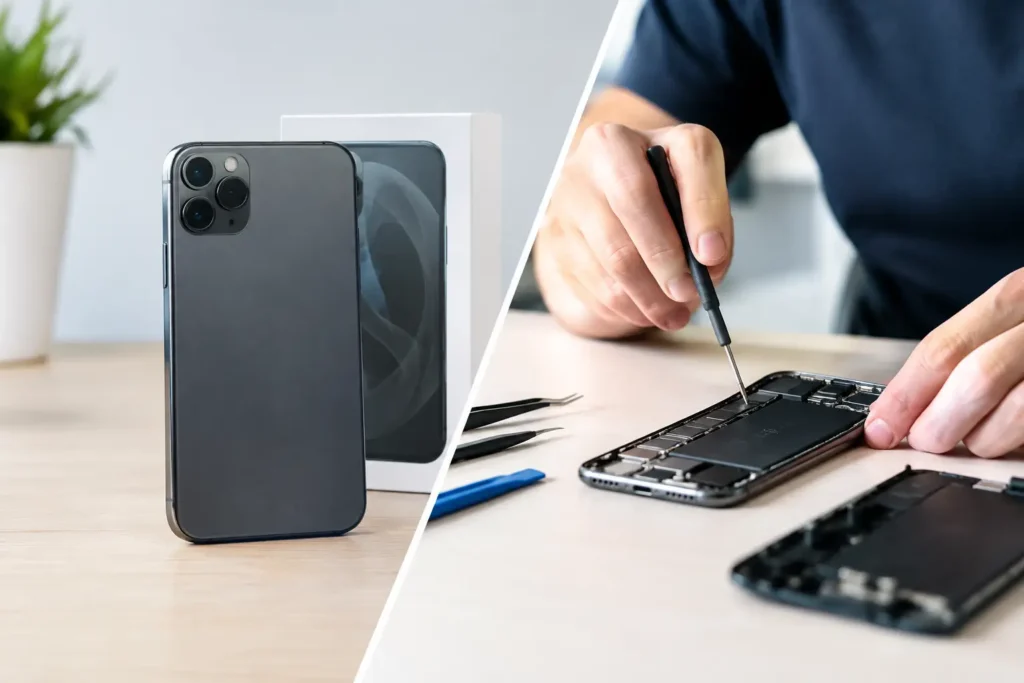
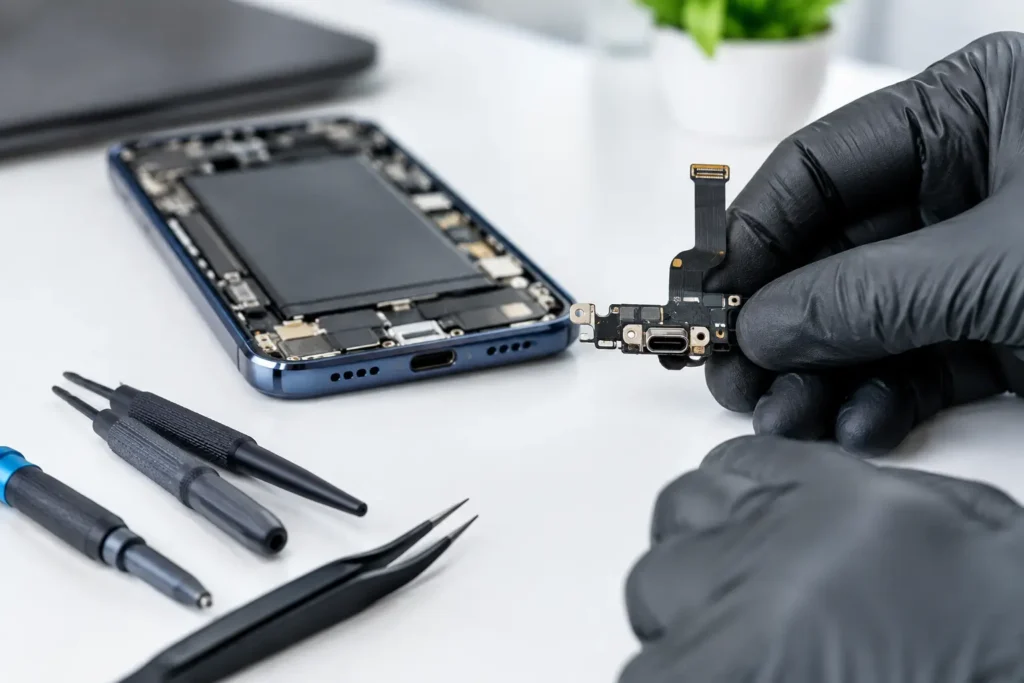
For mobile phones and tablets, liquid damage repair is commonly worth considering because replacement costs can be high and many people keep essential information on their device. A mobile phone may look fine at first but later develop charging issues, poor battery life, face recognition problems, muffled audio, touch faults or random restarts.
Modern phones have water-resistance ratings, but these are not permanent guarantees. Drops, worn seals, previous screen repairs and normal ageing can all reduce resistance. Water resistance also does not mean protection from every liquid. Salt water, alcohol, soap, juice and sugary drinks can be especially damaging because they leave conductive or corrosive residue behind.
A professional inspection can establish whether the issue is limited to a replaceable part or whether corrosion has reached the board. This gives you a clear basis for deciding whether to proceed.
Laptops and MacBooks
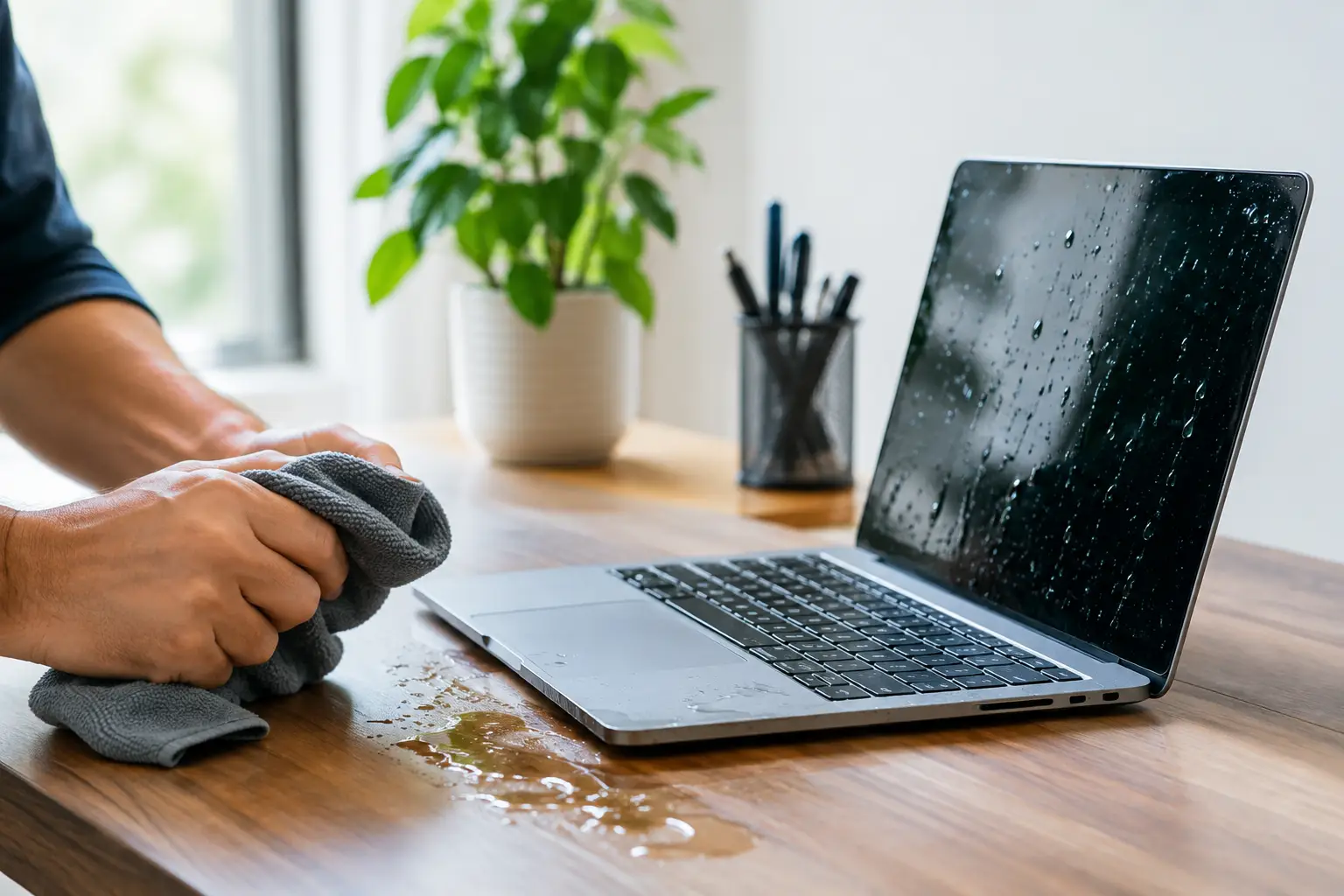
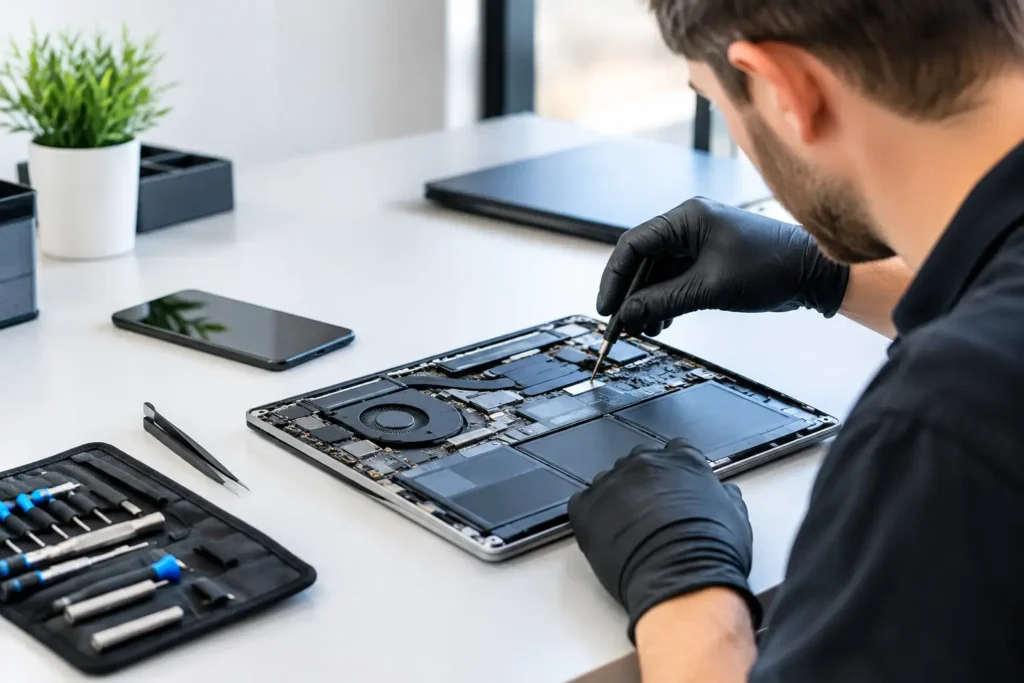
A laptop spill needs prompt attention, particularly if liquid reaches the keyboard. In many models, liquid can travel from the keys to the battery, trackpad, display connections and motherboard. Even a small amount of tea or water can cause problems if the laptop is powered on afterwards.
Repair can be very worthwhile for newer laptops and MacBooks, where the cost of replacement is substantial and local files may be difficult to replace. The repair may involve internal cleaning, component replacement, keyboard work or board-level diagnosis. The exact cost depends on the model and the damage found inside, not simply on how much liquid was spilled.
For business devices, quick action is particularly valuable. Downtime affects work, access to accounts and customer service. Secure handling of the device and its data should be part of the repair process, especially where confidential information is involved.
Gaming consoles and desktops
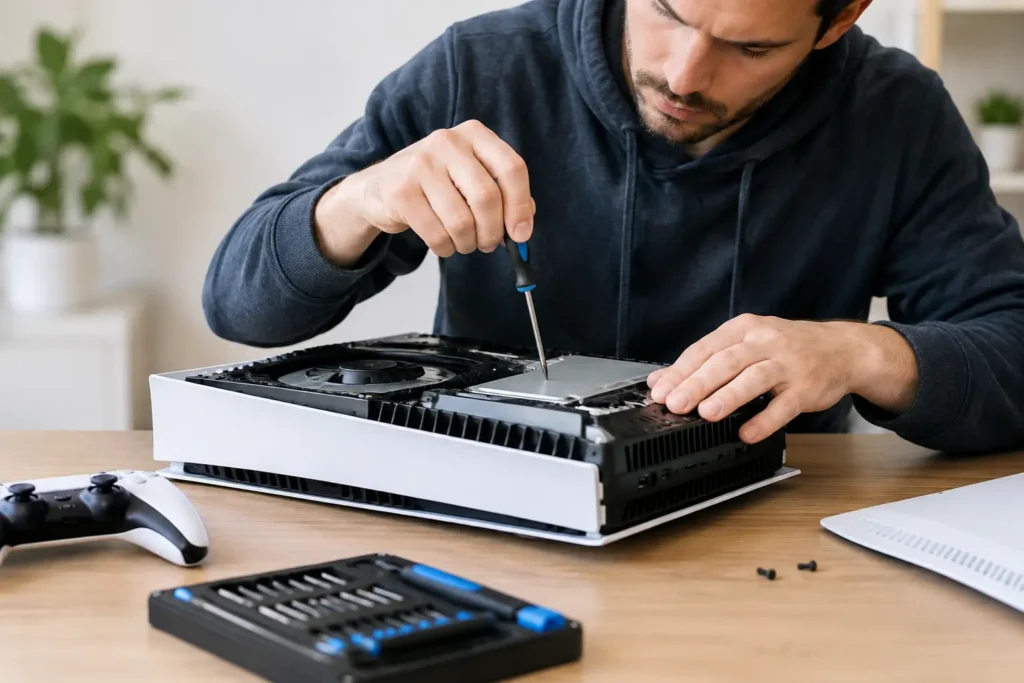
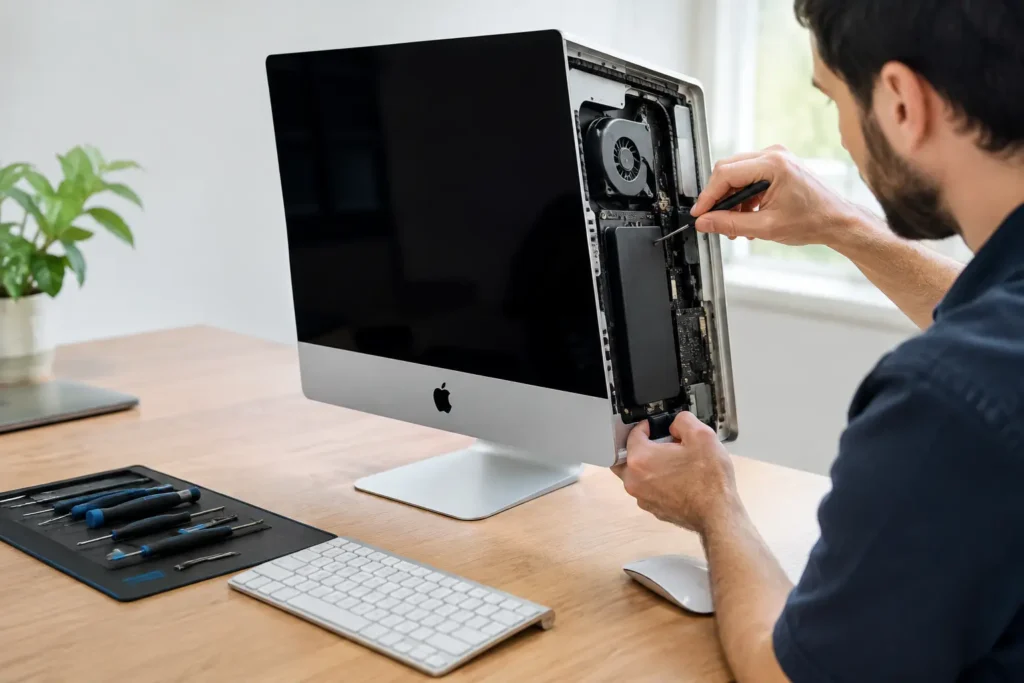
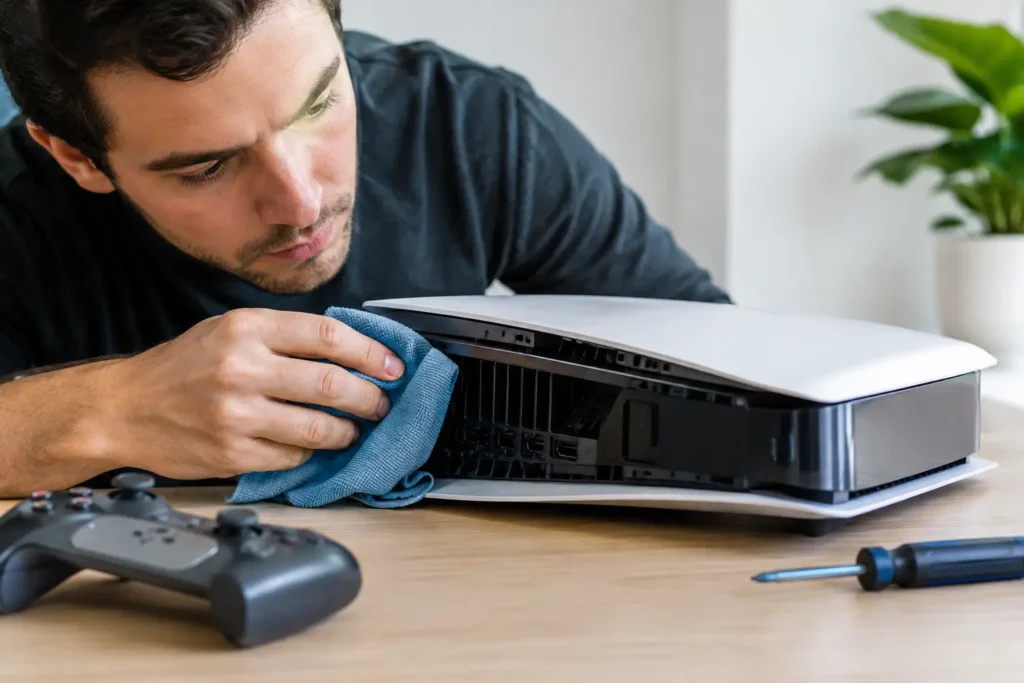
Consoles and desktop PCs are sometimes easier to assess because there is more physical space between components, but liquid near the power supply, HDMI ports or motherboard is still serious. A console that will not power on after a spill may have a damaged power circuit, a shorted component or corrosion around a connector.
Whether repair is worth it will depend on the console generation, the affected part and the cost of replacement. It can make sense where the fault is isolated, particularly when the alternative is replacing a newer console and setting everything up again. For desktops, important files and specialist hardware can make a proper inspection the sensible first step.
What a proper liquid damage assessment should include
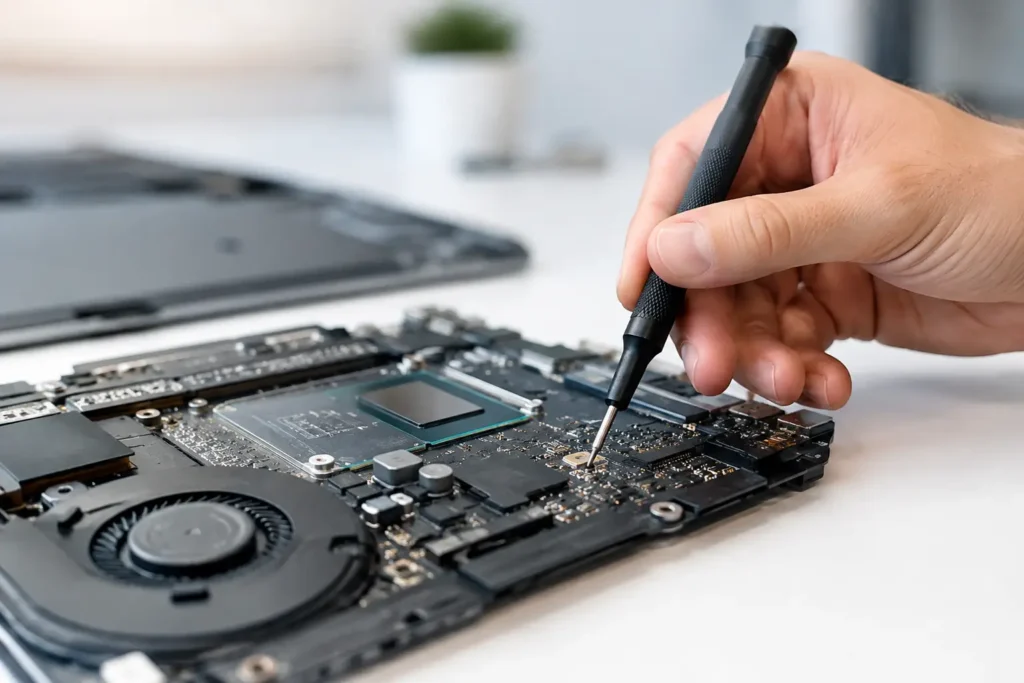
A useful diagnosis goes beyond turning the device on and seeing whether it boots. The device should be inspected internally for moisture, residue and corrosion, with attention to connectors, battery areas, ports and the board. The technician should then test the functions that matter: charging, power, display, touch, cameras, speakers, microphones, Wi-Fi, buttons and ports where relevant.
There are no honest guarantees with severe liquid damage because corrosion can be unpredictable. A device may need more than one component repaired, and latent faults can appear after the first issue has been resolved. But professional cleaning and diagnosis gives the device its best chance, while clear advice allows you to make a cost-effective decision.
At TechLab Repairs, the aim is not to push every liquid-damaged device into a repair. It is to identify the fault, explain the practical options and help you avoid spending money on a repair that does not make sense for your device.
When replacement may be the better option
Replacement is usually the better choice when corrosion is widespread, the main board has suffered extensive damage, and the total repair cost approaches or exceeds the value of a comparable replacement device. It may also be sensible if the device is already old, unsupported, very slow, has a badly worn battery or has multiple unrelated faults.
Insurance can be relevant, but check the excess and any effect on future premiums before making a claim. For a relatively affordable repair, paying directly may be simpler. For a high-value laptop or mobile phone with serious board damage, an insurance claim may be more suitable.
Do not make the decision based only on whether the device turns on. A device that powers up can still have corrosion developing inside. Equally, a device that appears completely dead may only need targeted repair and cleaning. Assessment comes before assumptions.
How to decide without wasting money
Start with the device’s replacement cost, its age and the importance of its data. Then weigh that against the likely scope of repair after a proper inspection. If the repair restores a device you know well, protects valuable files and costs significantly less than a like-for-like replacement, it is often a sensible choice.
If the damage is severe and the device is nearing the end of its useful life, putting the money towards a replacement may be wiser. Either way, acting quickly gives you more options. Do not let a spill sit in a drawer for weeks and hope for the best – a prompt diagnosis can turn an anxious accident into a straightforward repair decision.